360° Product Videos vs. Static Renders: What Actually Converts Better for Jewelry E-commerce?
Compare 360° product videos and static renders to discover which visual format drives more conversions for jewelry e-commerce. Explore how each impacts customer trust, product understanding, engagement, and purchase decisions - and learn when to use each for better results.
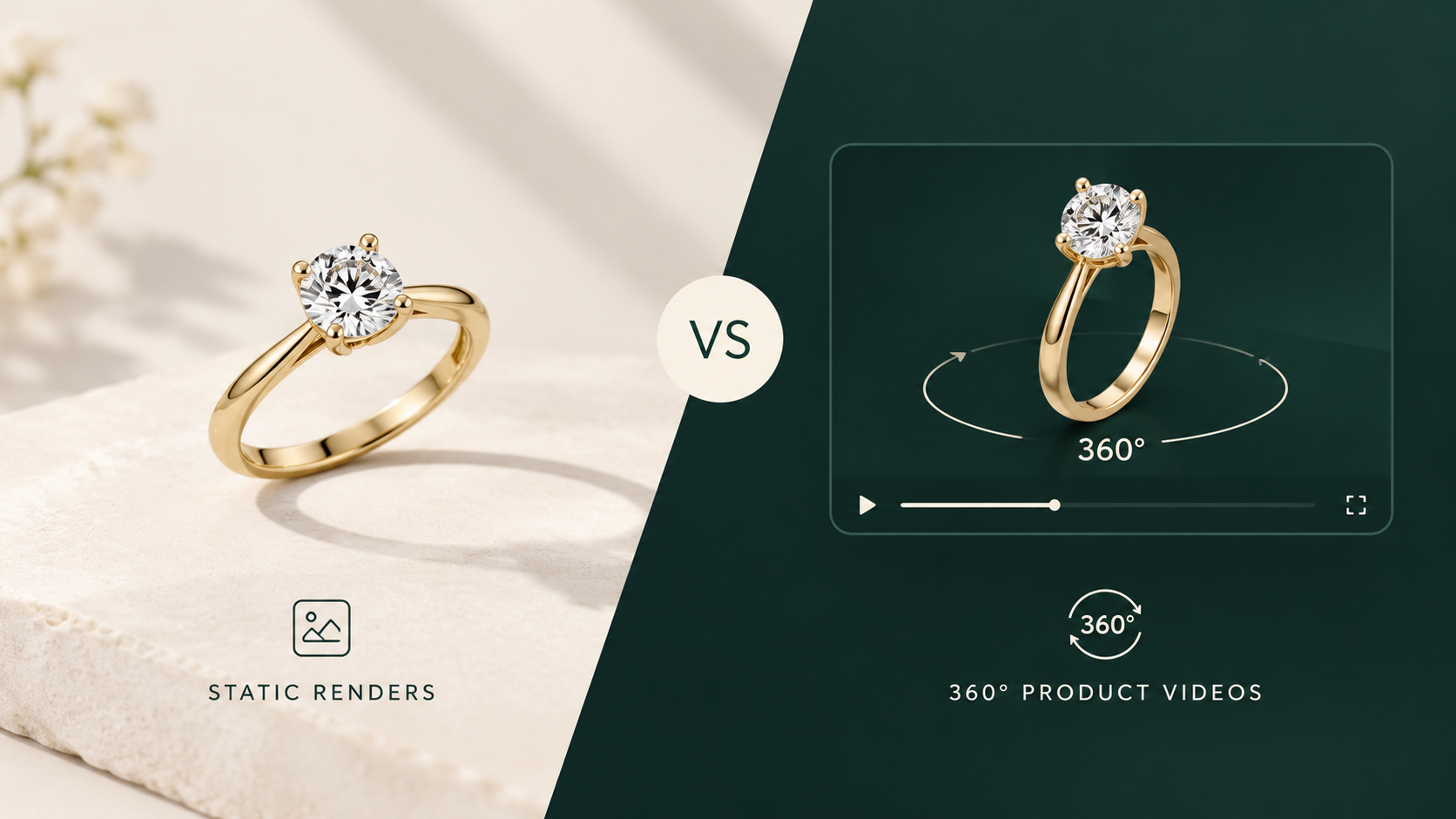
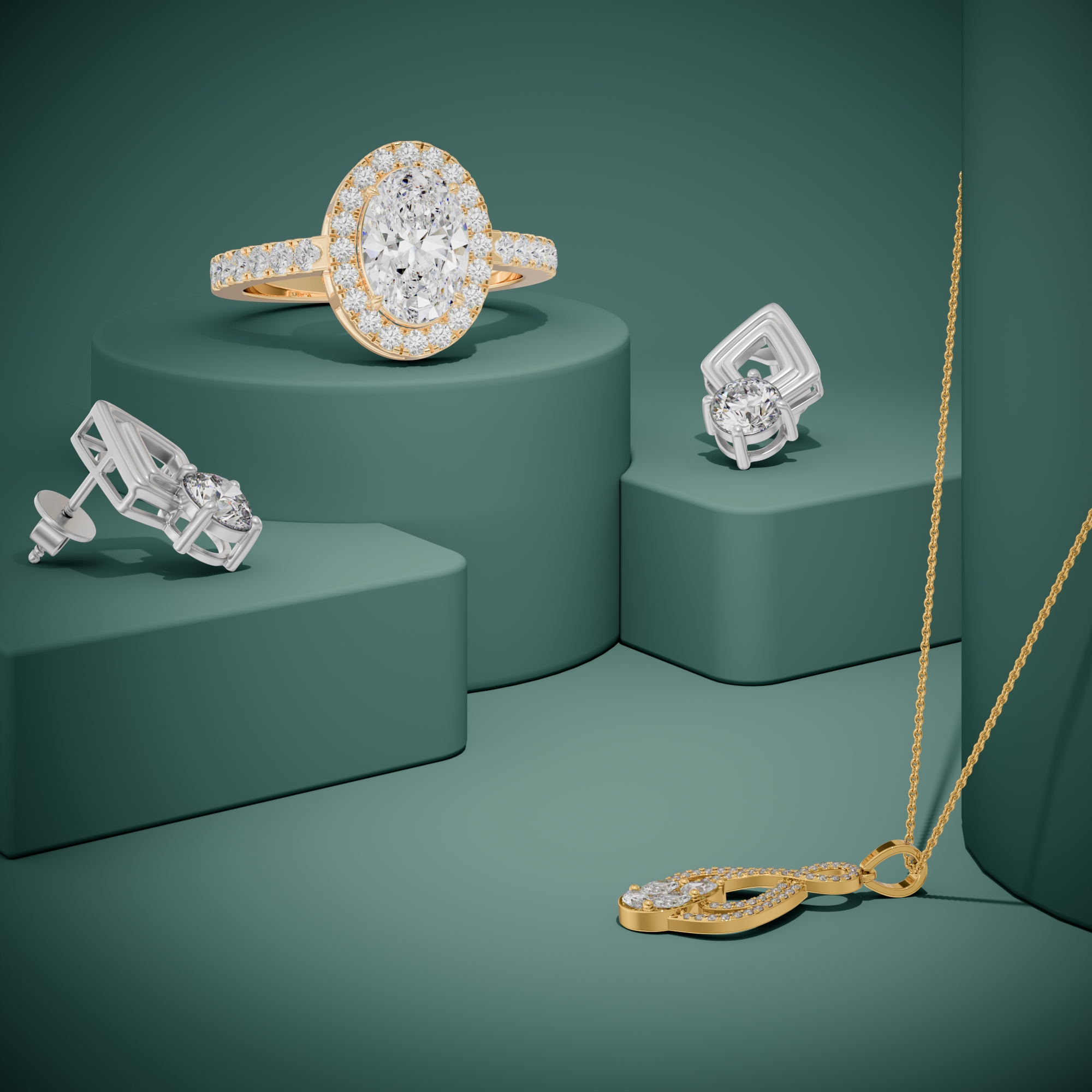
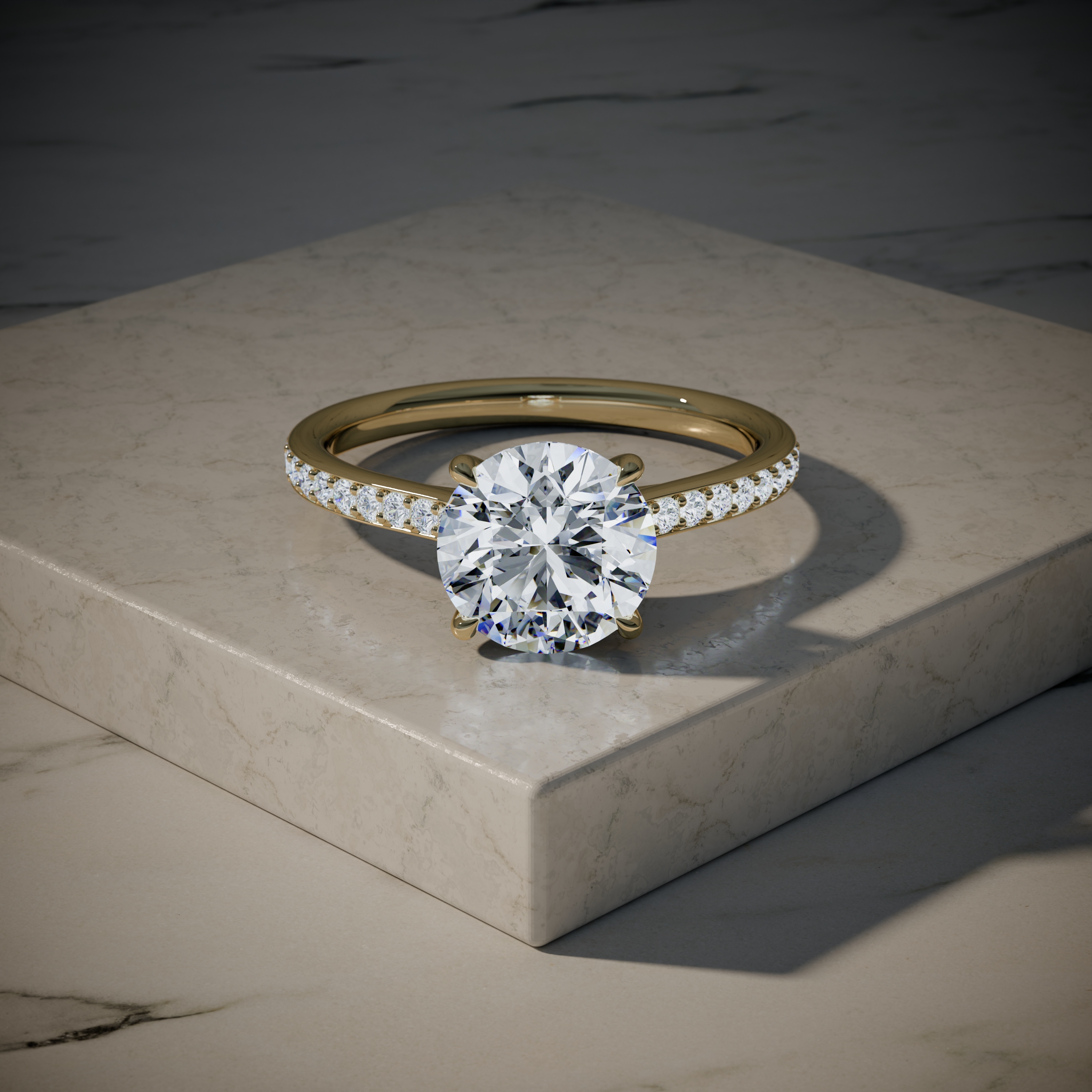
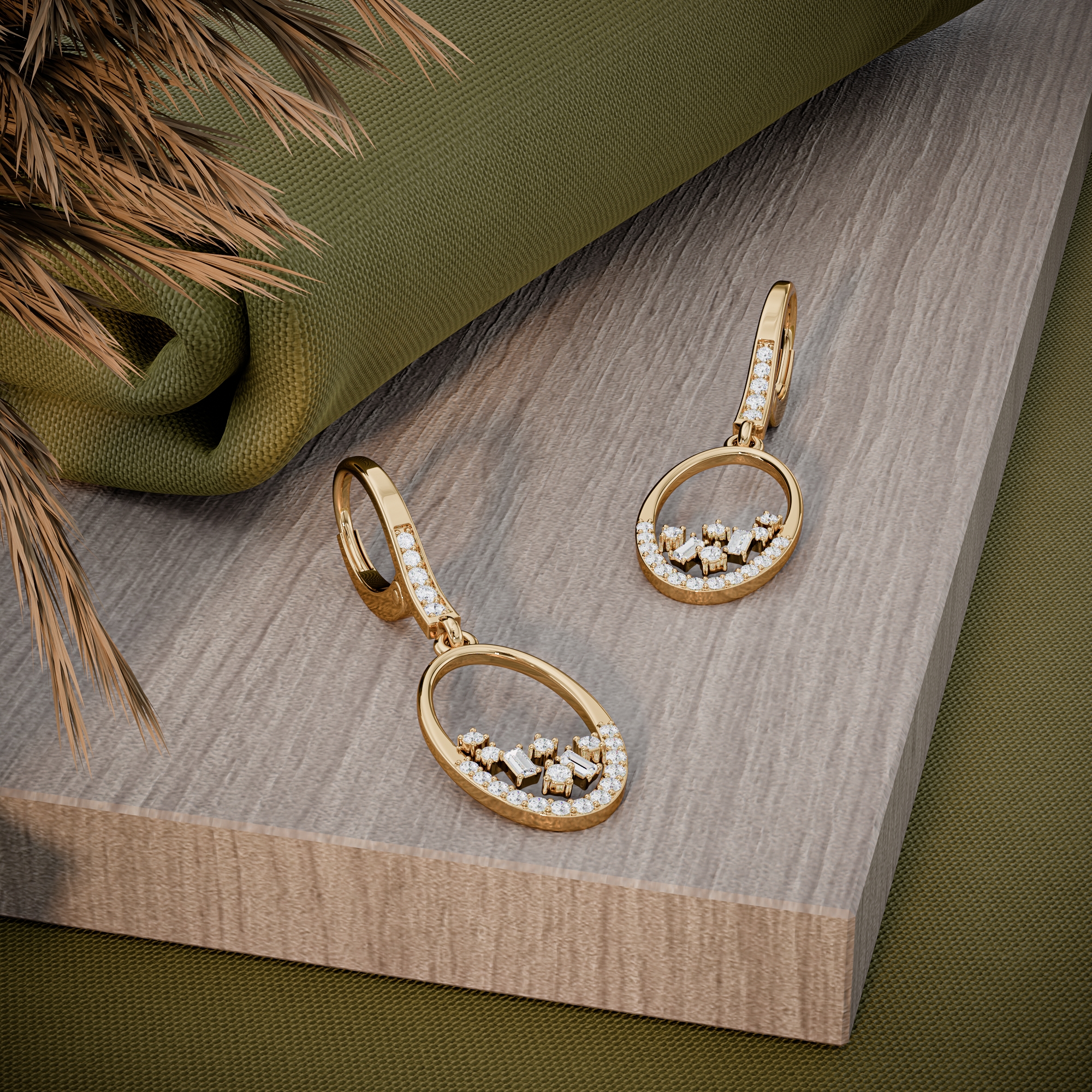
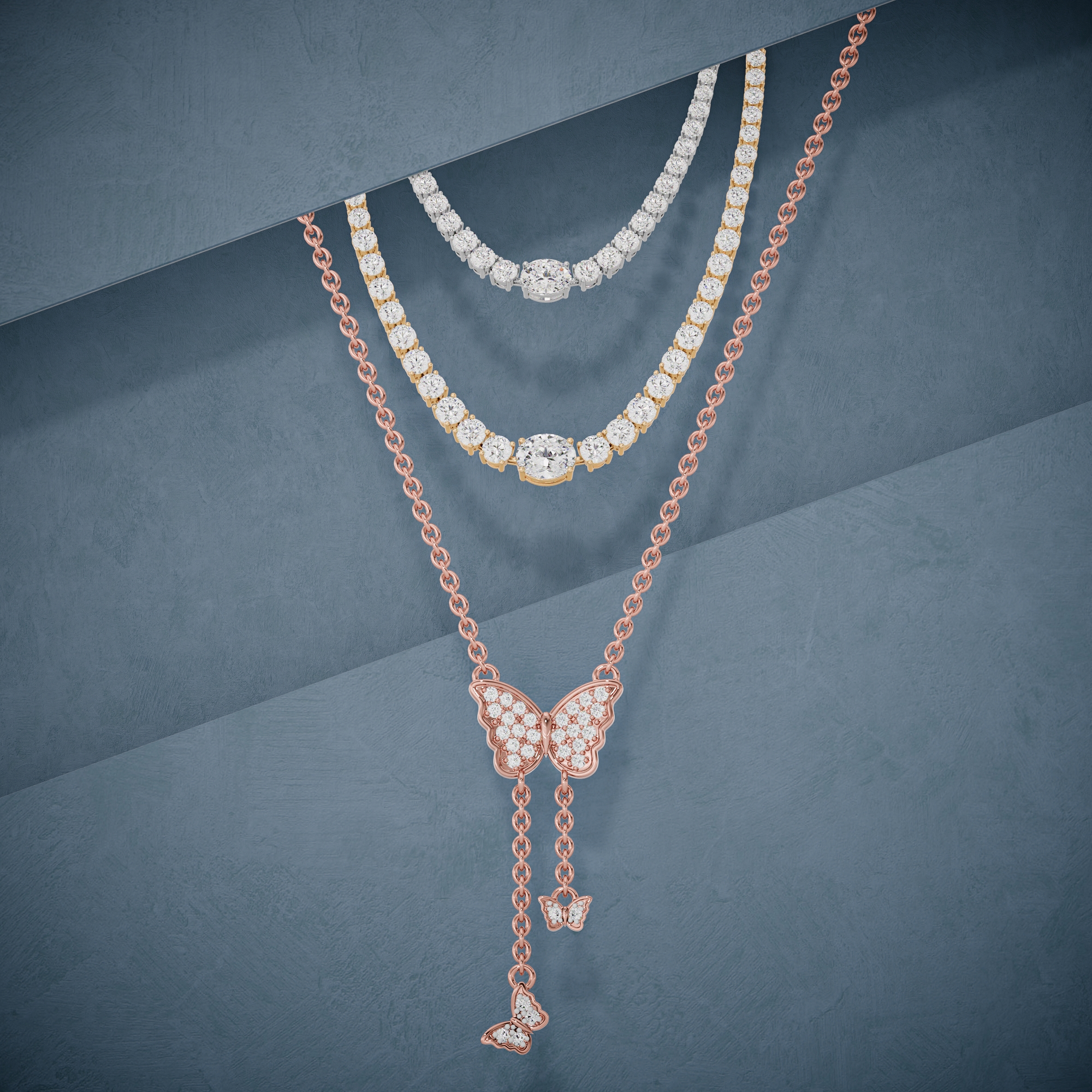
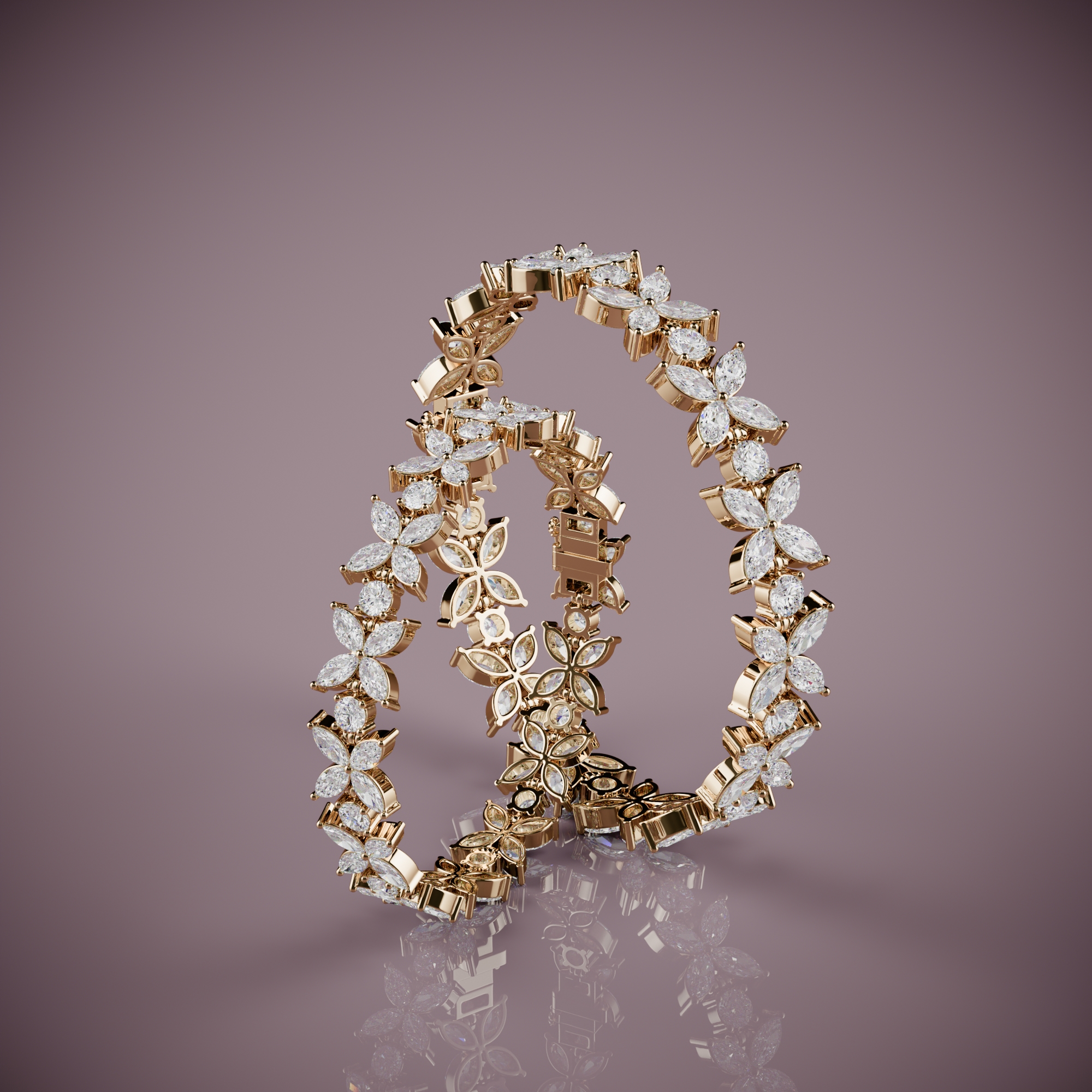
Static renders do most of the converting on a jewelry product page, because nearly every shopper studies the stills and most never press play. A 360 spin earns its place as a supplement, and CGI animation visualization beyond the spin earns it only on the few pieces that carry your ads. So fund a full set of stills for every piece first, add a spin wherever it comes out of the same render scene, and save cinematic video for hero pieces.
That is the whole recommendation. The rest of this post is the evidence behind it, what each format costs, and how to split a fixed budget.
What The Conversion Research Actually Shows
The most useful evidence is not a conversion figure. It is usability research on what shoppers do on a product page. In Baymard Institute's product page testing, 59 percent of users consistently skipped product videos and 83 percent never tried the 360 view where one was offered. Those same users still inspected the product images closely. Baymard's recommendation is that rich media should be a supplement to a large set of varied images, not a replacement for them.
The figure you will see quoted most often is Shopify's. Its blog states that merchants using 3D commerce reported an average 94 percent increase in conversions against photos alone. Read the sentence carefully before you build a budget on it. The number is merchant-reported, it dates from July 2020, Shopify publishes no method behind it, and it describes interactive 3D models and augmented reality, not product video.
The double-digit lifts that circulate for jewelry 360 viewers trace back to vendor blogs, not to studies. We found no published, controlled test of video against stills for jewelry specifically.
So the honest reading is narrow. Stills are seen by almost everyone. Motion is used heavily by a minority, and nobody has shown in public how much more that minority buys. That is a question your own store can answer, and the last section explains how.
Where Jewelry Asks More Of A Product Page Than Most Categories
Jewelry is small, reflective, and bought partly on how it catches light. Each of those pulls in a different direction, and a spin answers only some of them.
|
Buyer question |
Static render |
360 spin |
What actually answers it |
|---|---|---|---|
|
Does the stone sparkle? |
One frozen flash |
Yes, fire moves |
The spin |
|
How high does it sit? |
Yes, a profile still |
Yes |
Either |
|
How big is it? |
No |
No |
An in-scale image |
|
What is the finish like? |
Partly |
Yes, highlights travel |
The spin |
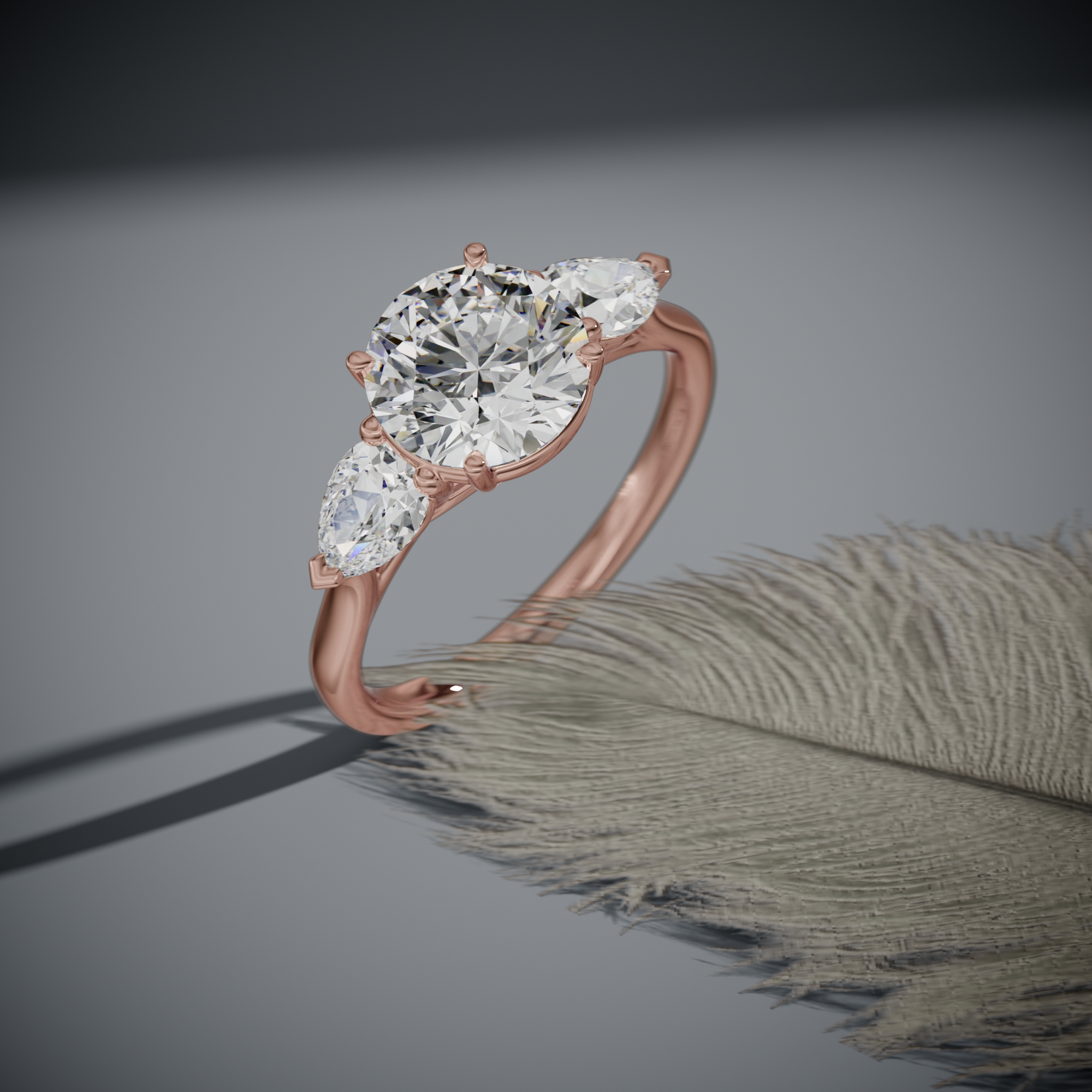
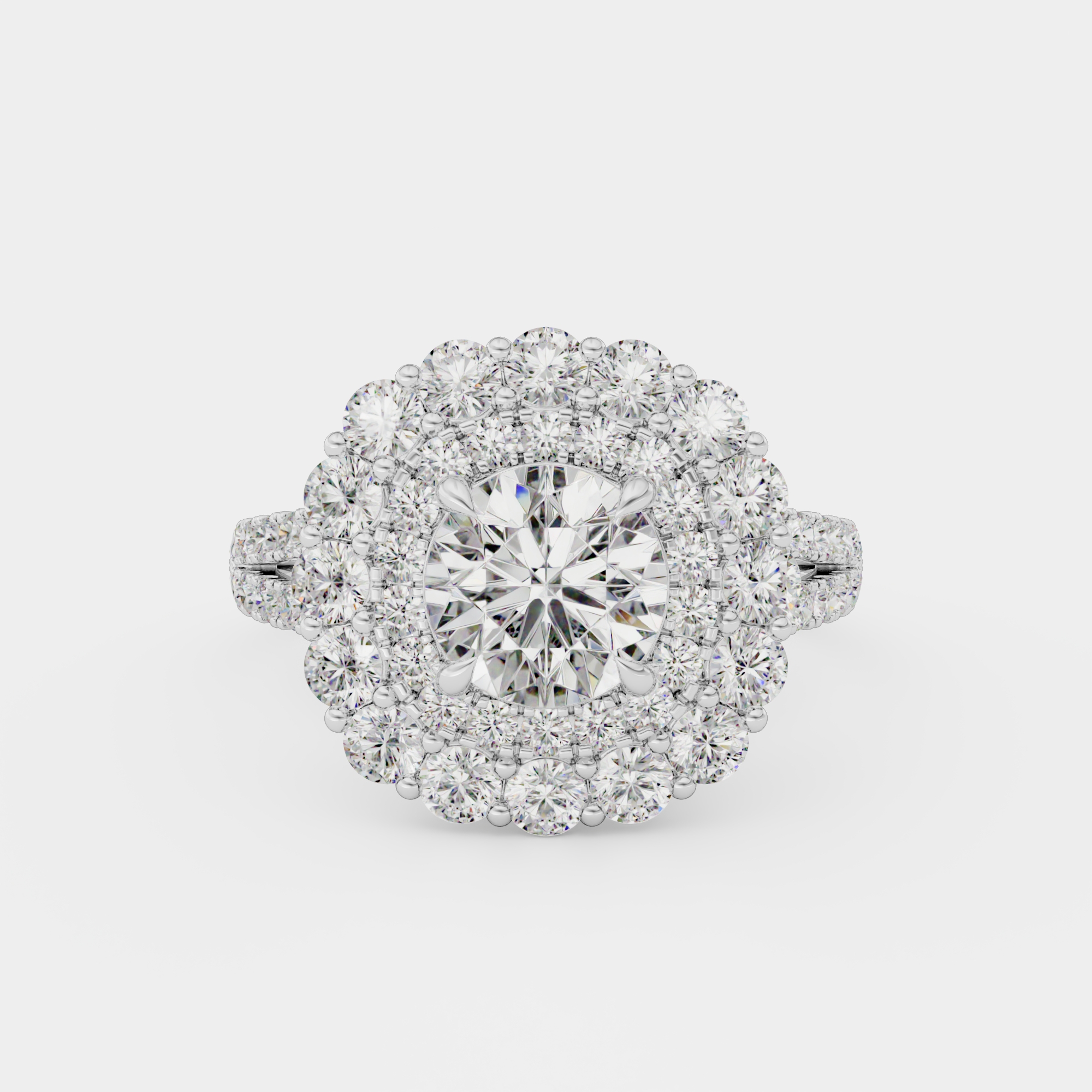
Sparkle. This is where motion earns its money. A diamond's appeal is that its fire changes as it turns, and a product image has to settle for one moment of it. For stone-led pieces (solitaires, halos, pave, colored stones) that gap is real, and it is the strongest case for CGI animation visualization in the category. A spin is also the harshest test of gemstone rendering: a stone that only looks right from the hero angle gets found out within one rotation.
Scale. Baymard found that 42 percent of users try to judge a product's size from its images, and often judge it wrong. A ring spinning on white is no better at this than a ring standing still on white. Neither format shows size. That needs a separate image with a known reference, and it belongs in the budget whatever you decide about video.
Finish. Brushed, satin, and high-polish metal read through the way highlights move across them. A spin shows the difference between a polished shank and a matte one more clearly than a still does. Plain metal bands are the weak case for video: a profile still and a top view say almost everything a spin would.
What Stills And CGI Animation Visualization Cost To Produce
A rendered video is a sequence of rendered frames, and how a jewelry animation is made covers the production in full. What matters for a budget is where the work sits. Building the model, assigning metal and stone materials, and lighting the scene take most of the hours. Once that scene exists for the stills, a turntable animation reuses it. The extra cost of a spin is mostly render time.
Cinematic CGI animation visualization is a different purchase. Each shot is its own scene with its own camera move and lighting, so cost and schedule rise with the shot count.
|
Format |
What it needs |
Main cost driver |
|---|---|---|
|
Static render set |
CAD file, one scene |
Model, materials, lighting |
|
360 spin, same scene |
The scene already built for stills |
Render time |
|
Cinematic film |
A scene per shot |
Shot count and camera work |
|
Filmed 360 |
A cast, finished piece per metal |
Samples and the shoot |
At this studio, stills and video arrive in the same order. One CAD file comes back as 9 HD images and 3 videos, one per gold, as MP4 and WebM, for $15 (a launch price, against a regular $30). Most orders deliver in 24 to 48 hours. The filmed route needs the piece to exist in every metal you sell, and a sample alone runs $400 to $900 in the real render prices and sample costs we have published.
When you compare quotes for 3D animation rendering services, ask one question first: is the spin priced as a separate item, or does it come with the stills? The answer changes the whole budget split.
How To Split A Fixed Content Budget
Allocate by the job each piece does, not by format. Spend in this order and stop when the money runs out:
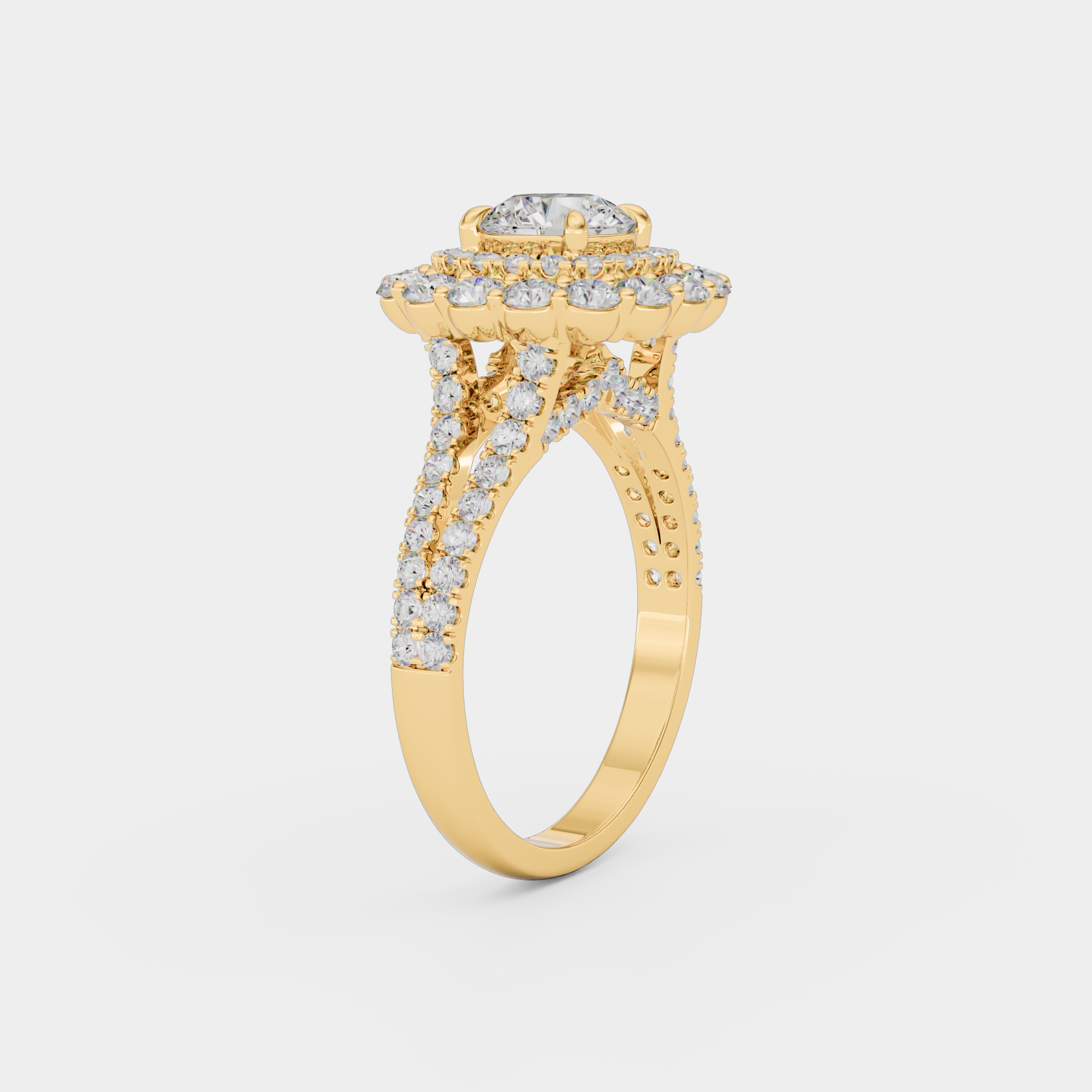
- A full still set for every piece you sell. At least a front view, a profile, and a top or detail view, in every metal you offer. This is what nearly every shopper looks at.
- One in-scale image per piece. On a hand, beside a coin, or with marked dimensions. Video does not solve size, so this is not optional.
- A 360 spin for every piece with stones. If the spin comes with the stills, this costs nothing extra. If it is priced separately, start with your best sellers and stone-led pieces, and skip plain bands.
- Cinematic CGI for hero pieces only. The handful of designs that front your launches and paid ads. Brief these by shot list, and get each film quoted on its own.
A worked example: a catalog of 120 CAD files at the $15 launch price is $1,800, and that covers the stills and a video for every piece, in three golds. Whole-catalog jobs like that are what jewelry catalog rendering is built for. The rest of the budget pays for the in-scale images first, then cinematic work for two or three hero pieces.
The Combination That Suits Most Jewelry Product Pages
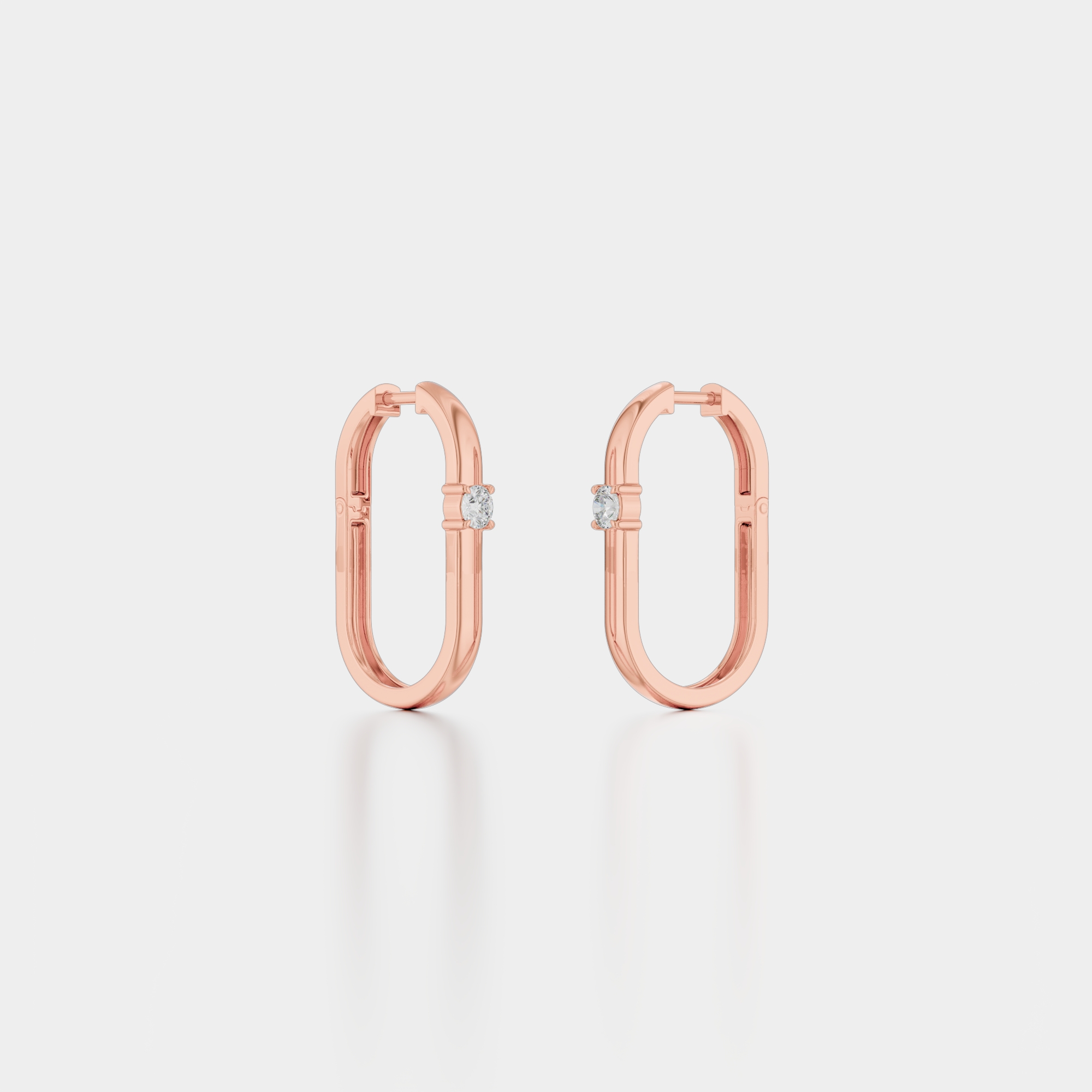
For a typical piece, this gallery order works:
- A white-background hero still. It is the image the collection grid shows, so it must be a still.
- A profile still showing setting height.
- The 360 spin, early enough that shoppers who want motion find it without scrolling.
- A detail still of the stones or the setting.g
- The in-scale image.
Switch the whole set when a shopper picks a different metal, so the spin and the stills always match the option selected. A rose gold spin under a white gold selection undoes the trust the spin was meant to build.
A jewelry animation video goes into the gallery beside the stills, never in place of them. That is Baymard's finding in practical form: the shoppers who skip the video still inspect every still, so every angle has to be there.
Where This Advice Is Wrong
Loose diamonds and one-of-a-kind stones. A shopper choosing a specific stone wants video of that stone, filmed. A render shows the cut as designed, not the inclusions and fire of the stone in the box. For loose stones, film them.
Channels that show one image. Marketplace search results, collection grids, and most shopping ads show the first still and nothing else. If those channels start most of your orders, the hero still deserves more of the budget than any video. For most of the people who see the piece, it is the whole pitch.
The usual limits of rendering. Worn and lifestyle content, existing one-off pieces with no CAD file, and budget renders all count against video as much as against stills. A cheap spin repeats its flaws across hundreds of frames, so it costs more trust than no spin. The animation guide linked above covers each case.
We cannot give you a conversion number of our own either. We do not see clients' analytics, and a lift measured on someone else's catalog tells you little about yours.
So measure it on yours. Pick pairs of similar pieces, add the spin to one of each pair, and compare conversion and returns over the same weeks. Judge the stills first, though, since they carry every page. Ask for a free sample render of one CAD file and look at it at 100 percent zoom before you commit the budget.
Curious how this works in practice? See the process, browse the portfolio, check pricing, or see all jewelry rendering services.