

Jewelry Rendering Portfolio
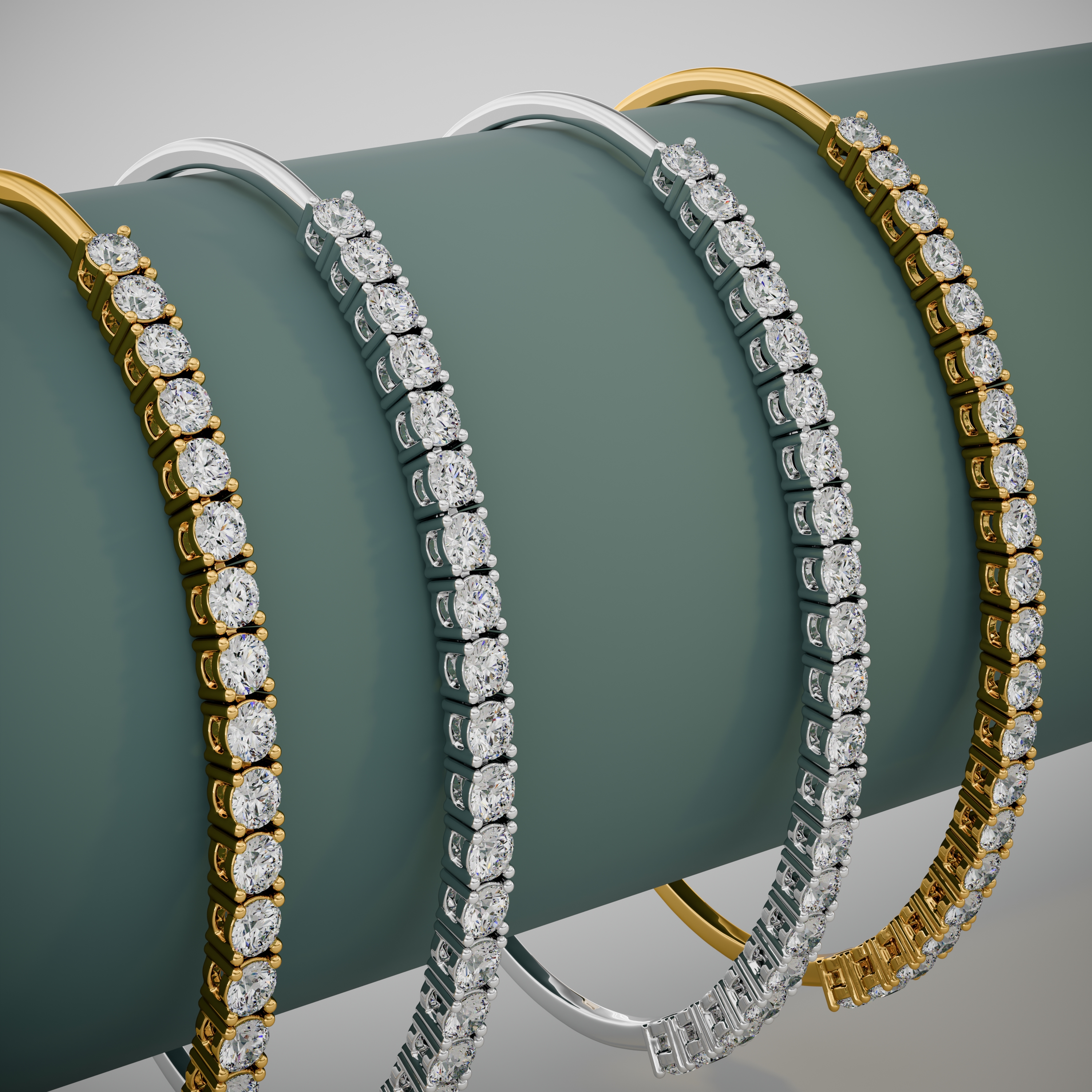
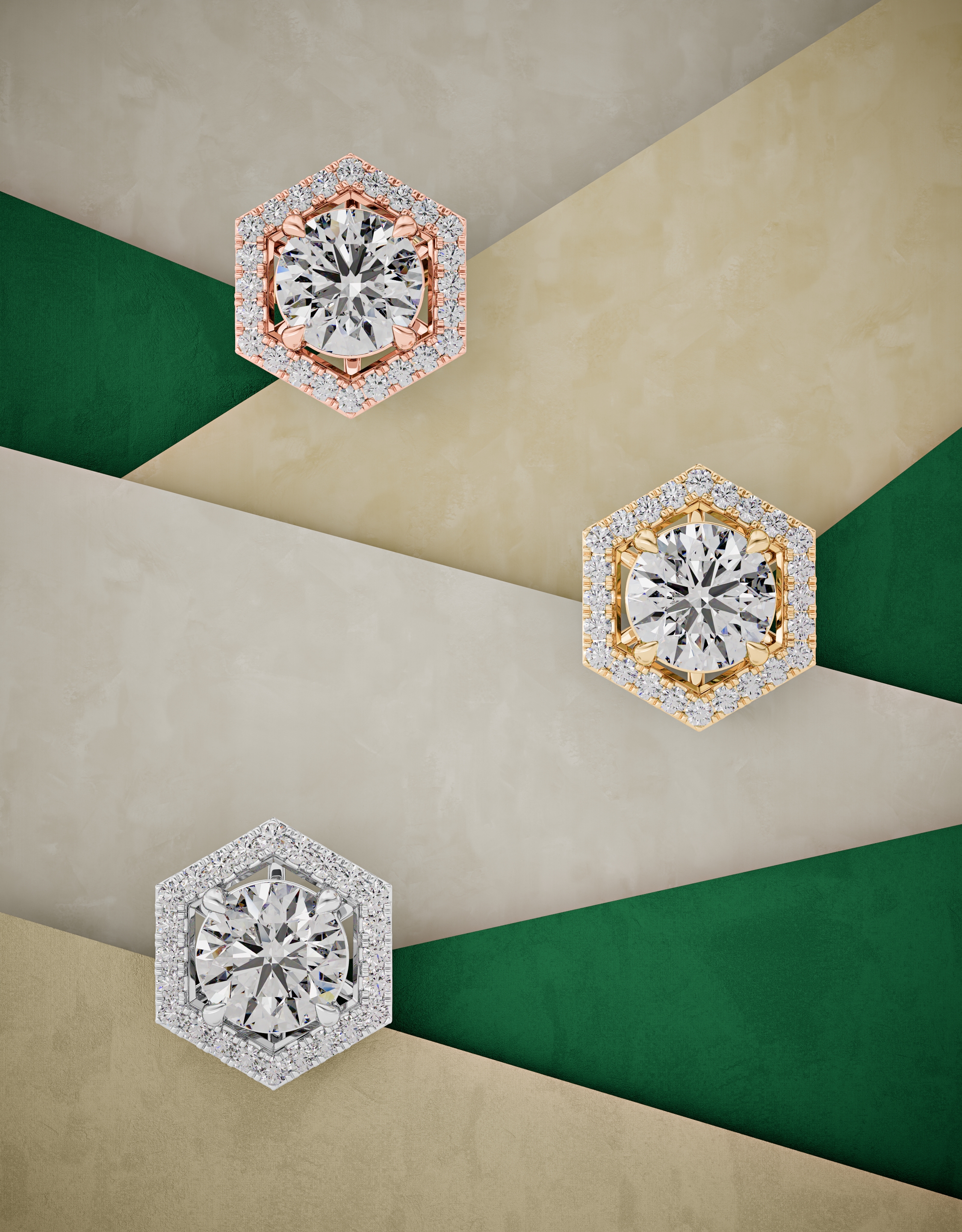
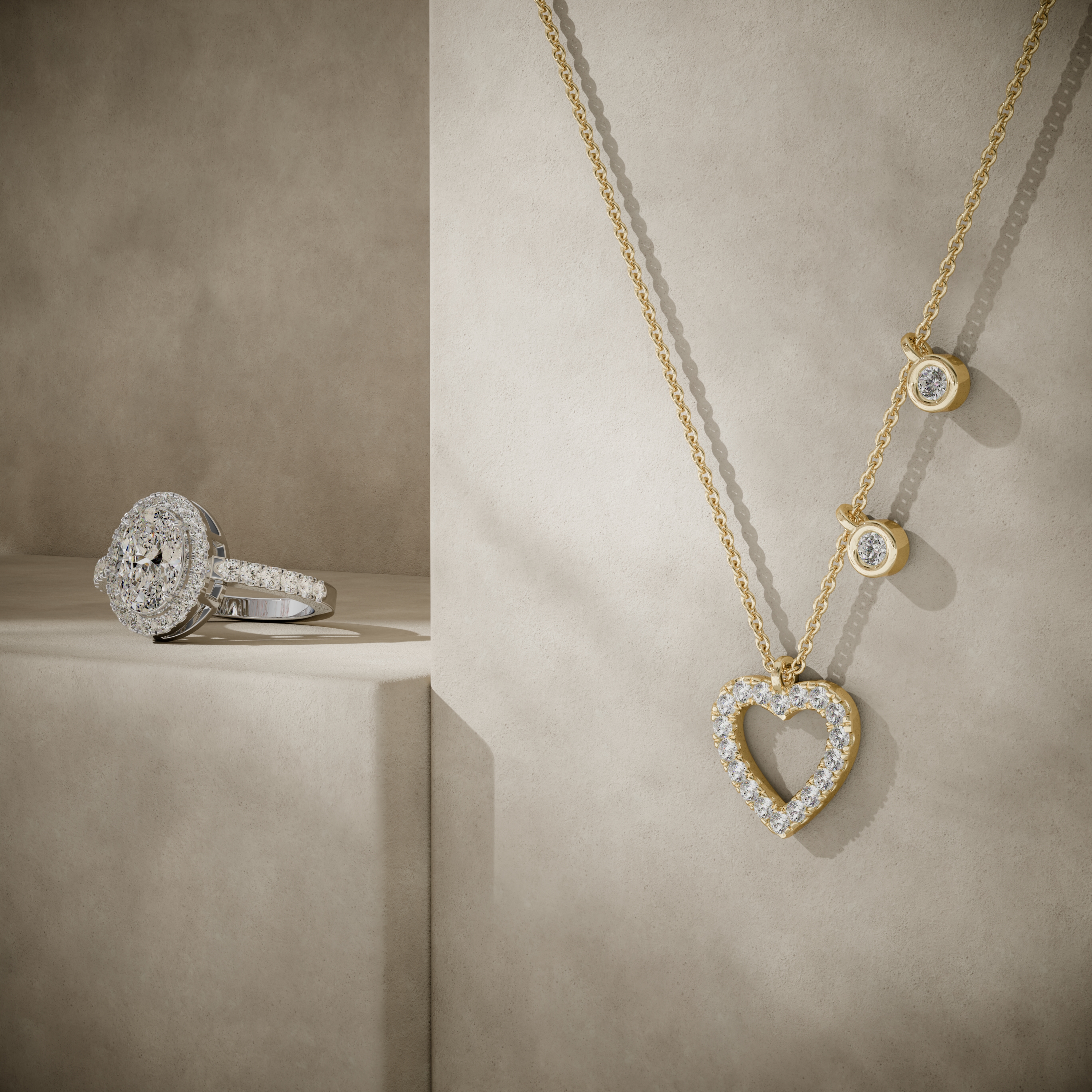
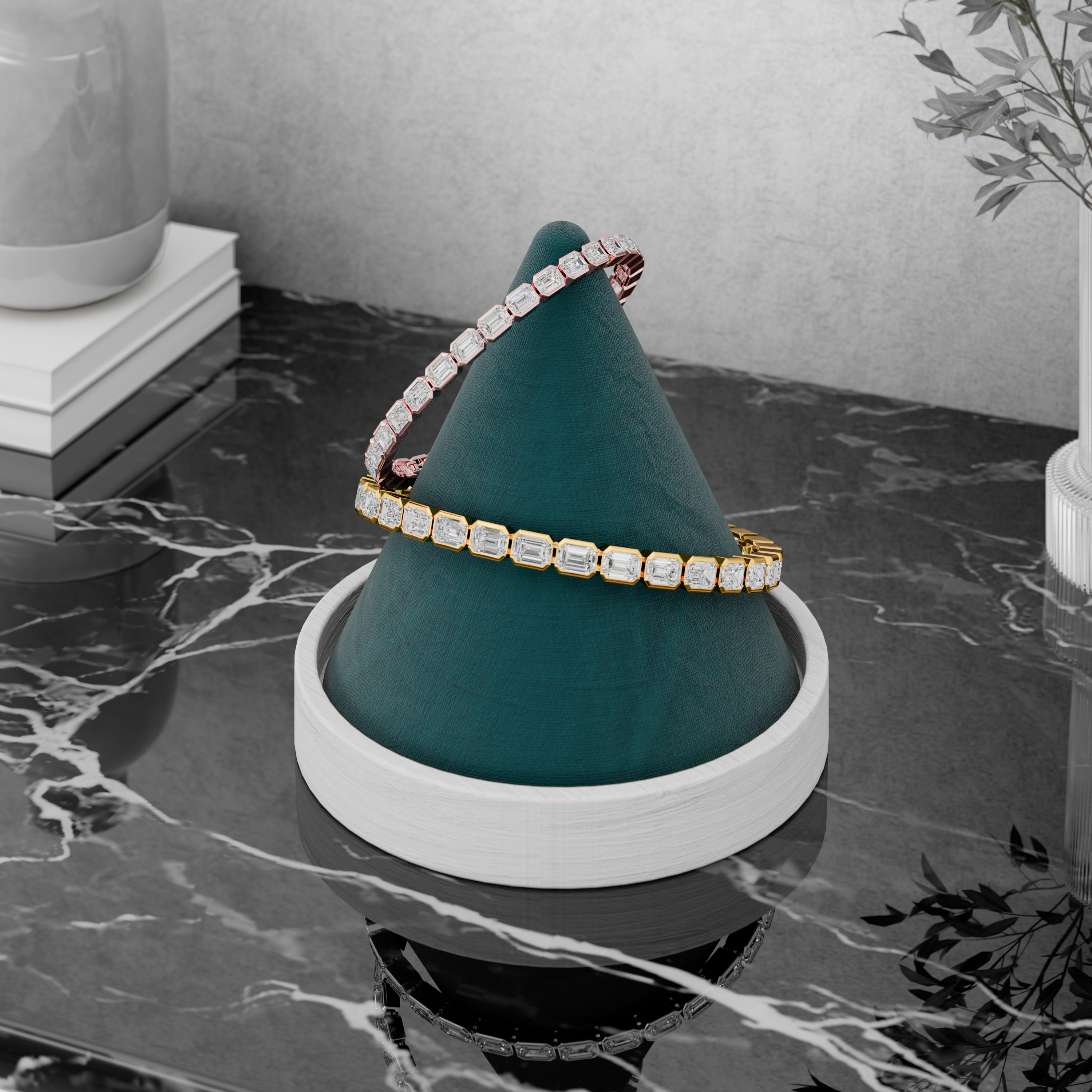
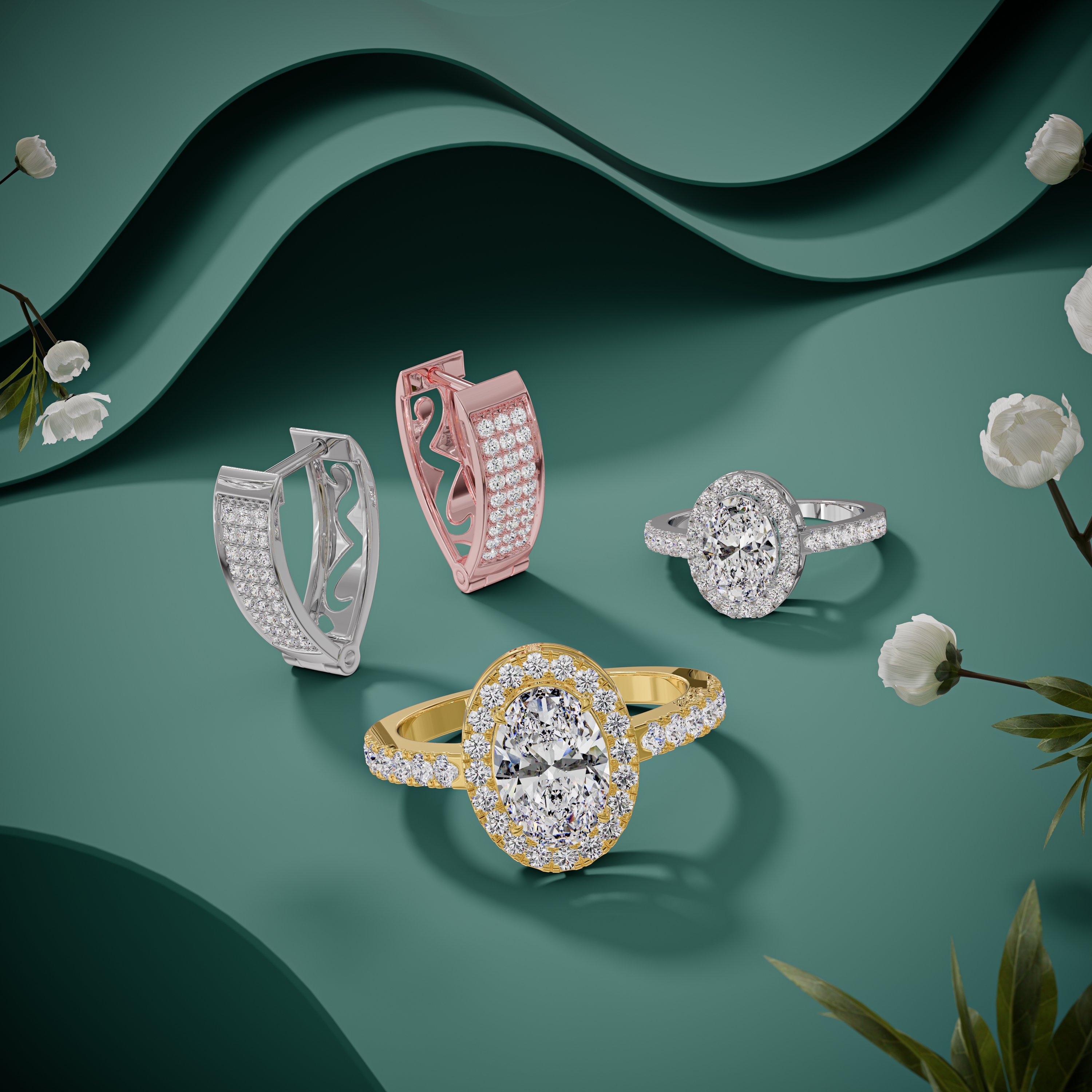
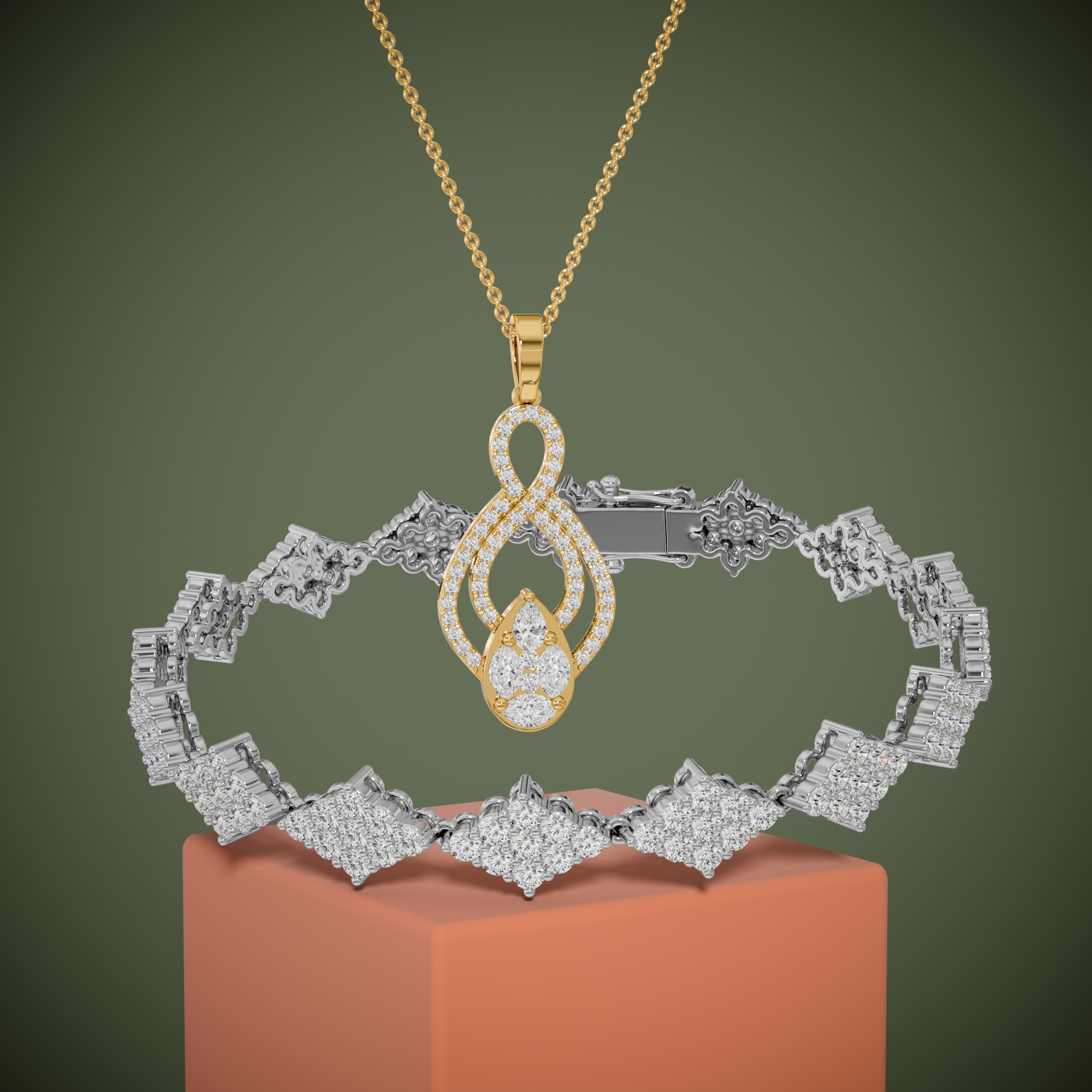
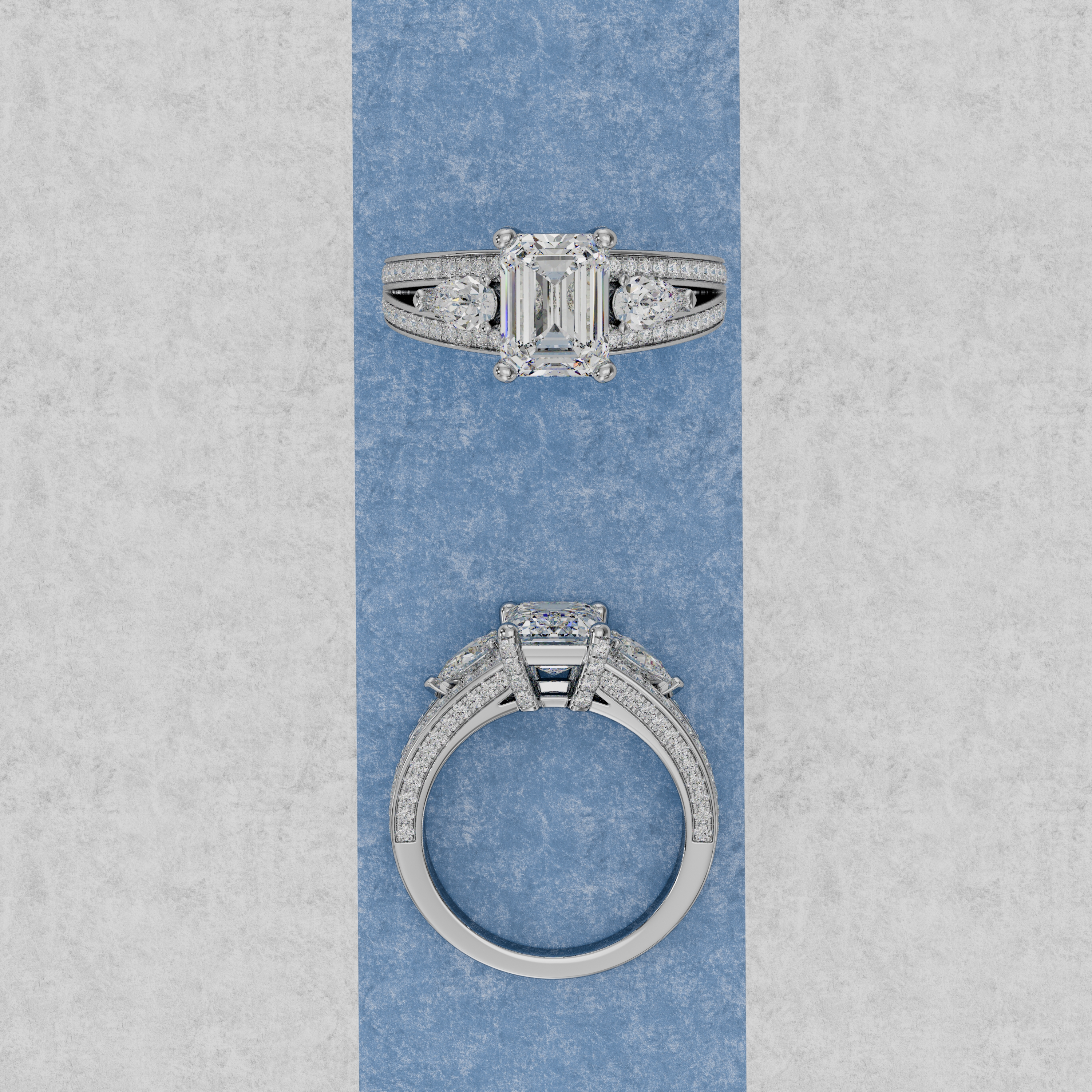
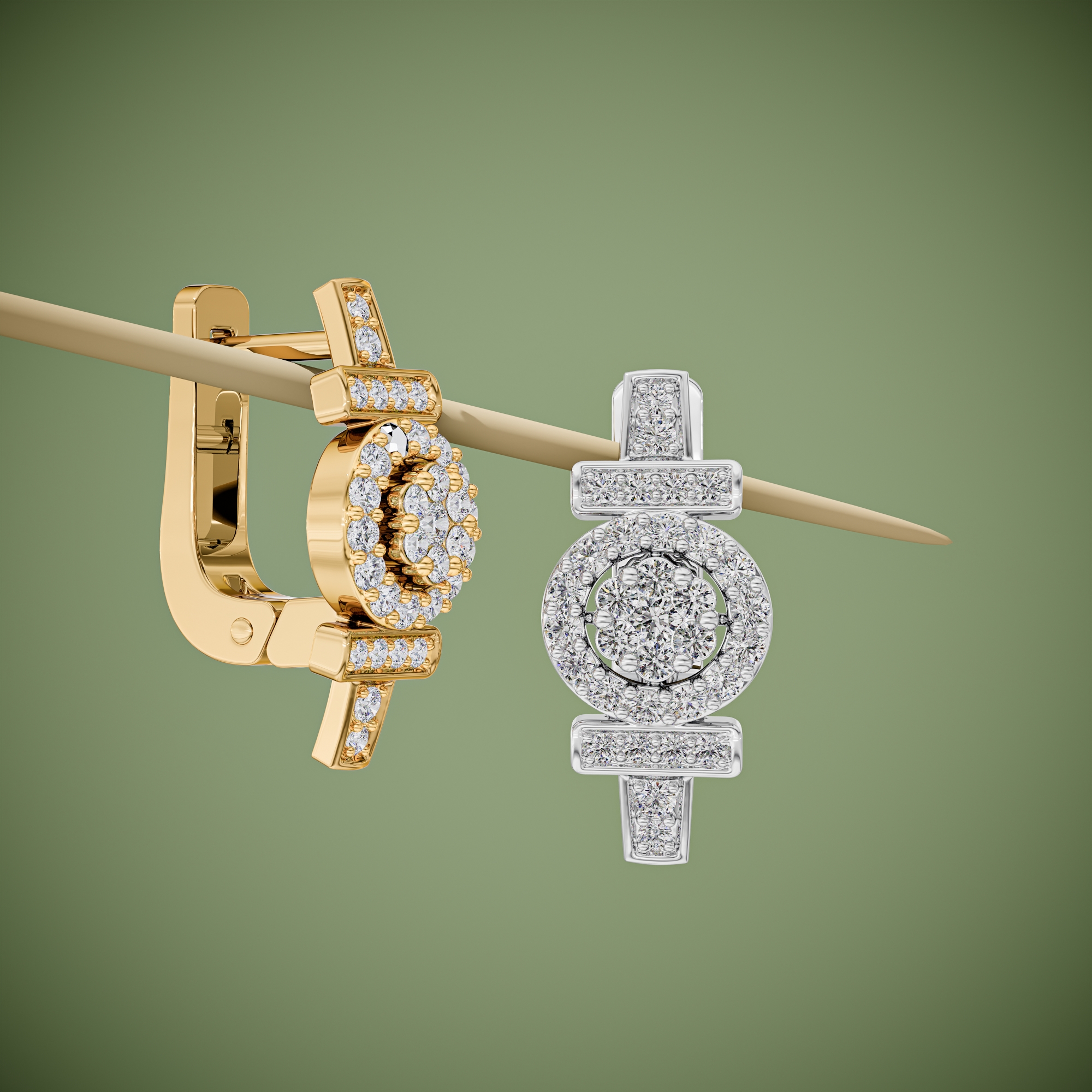
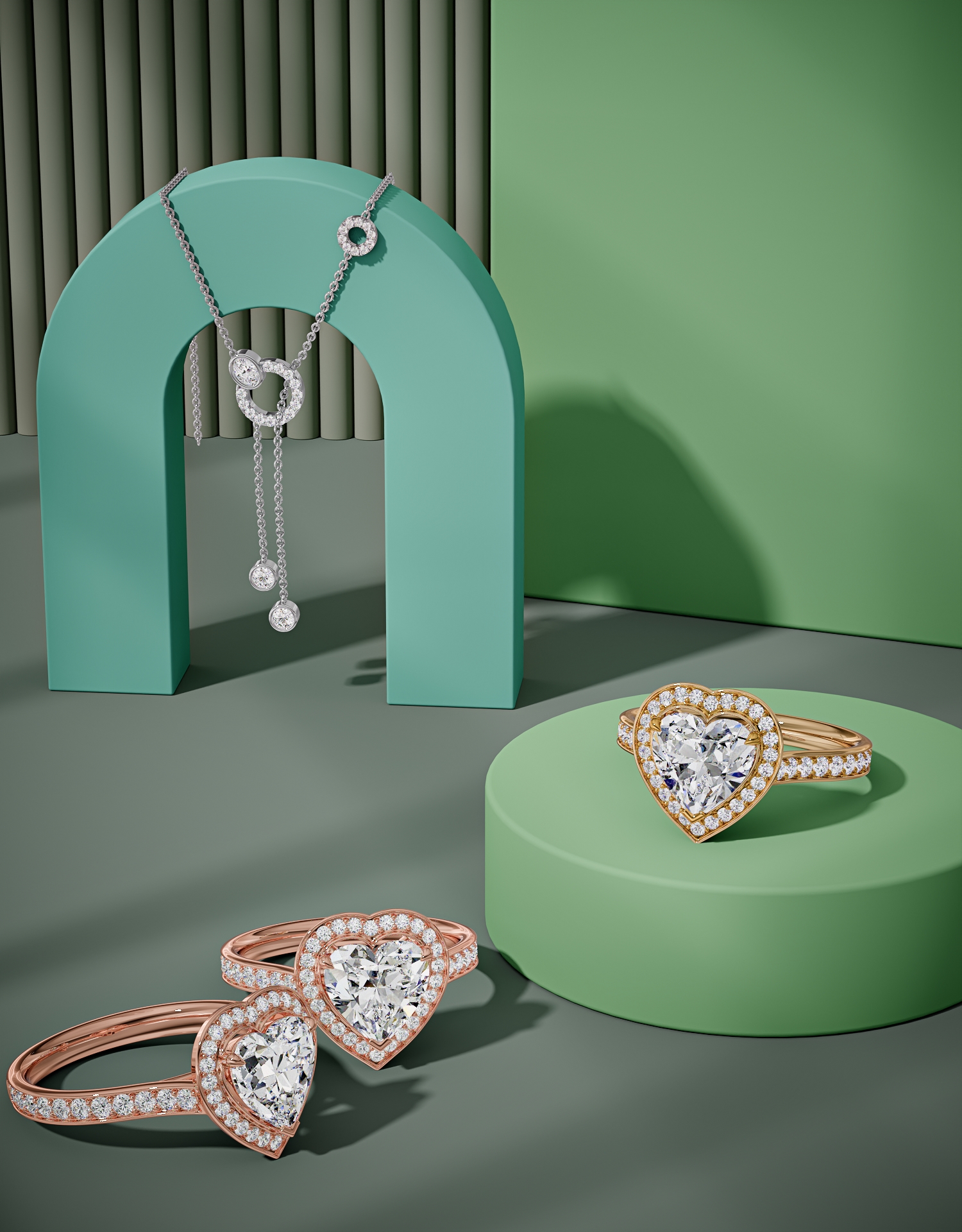
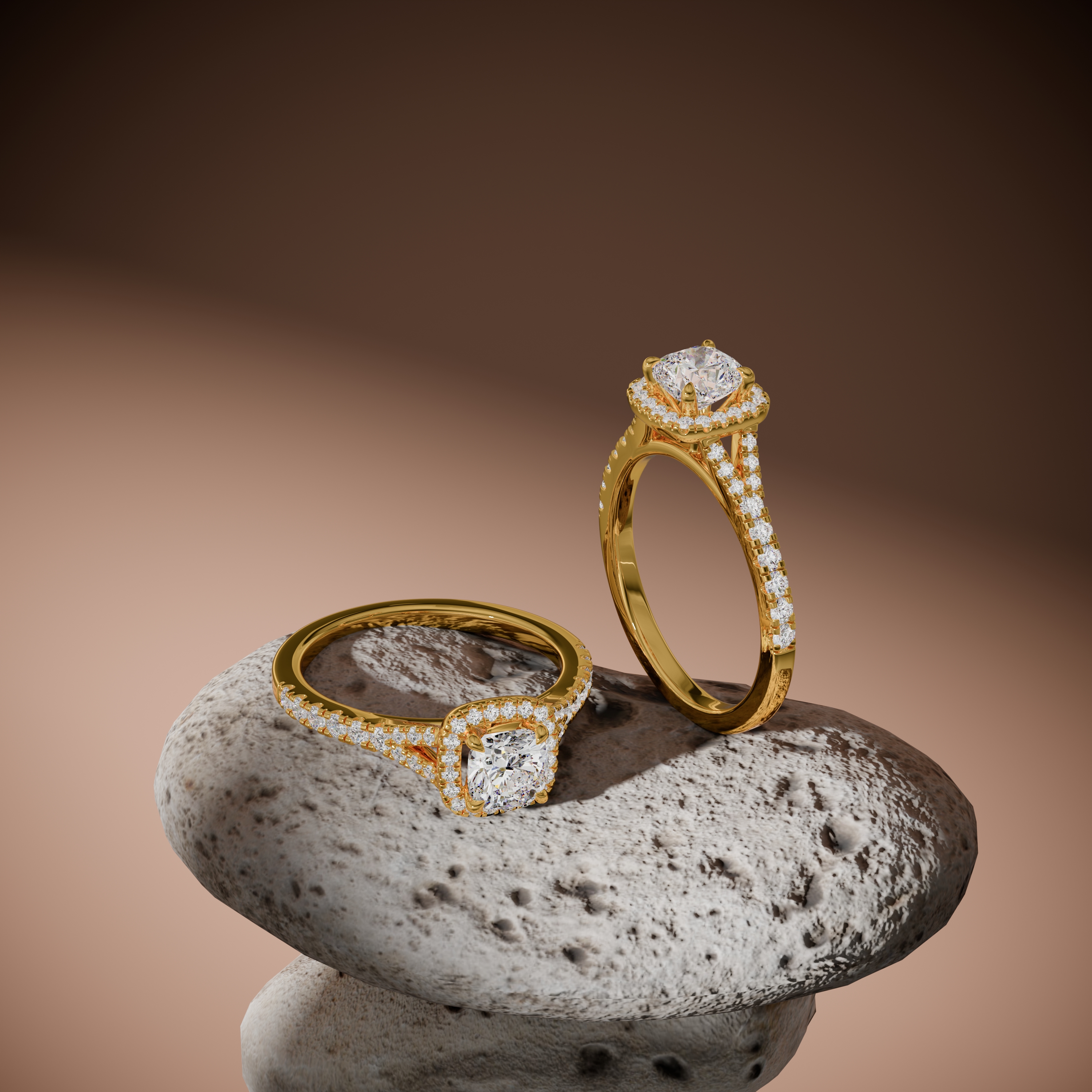
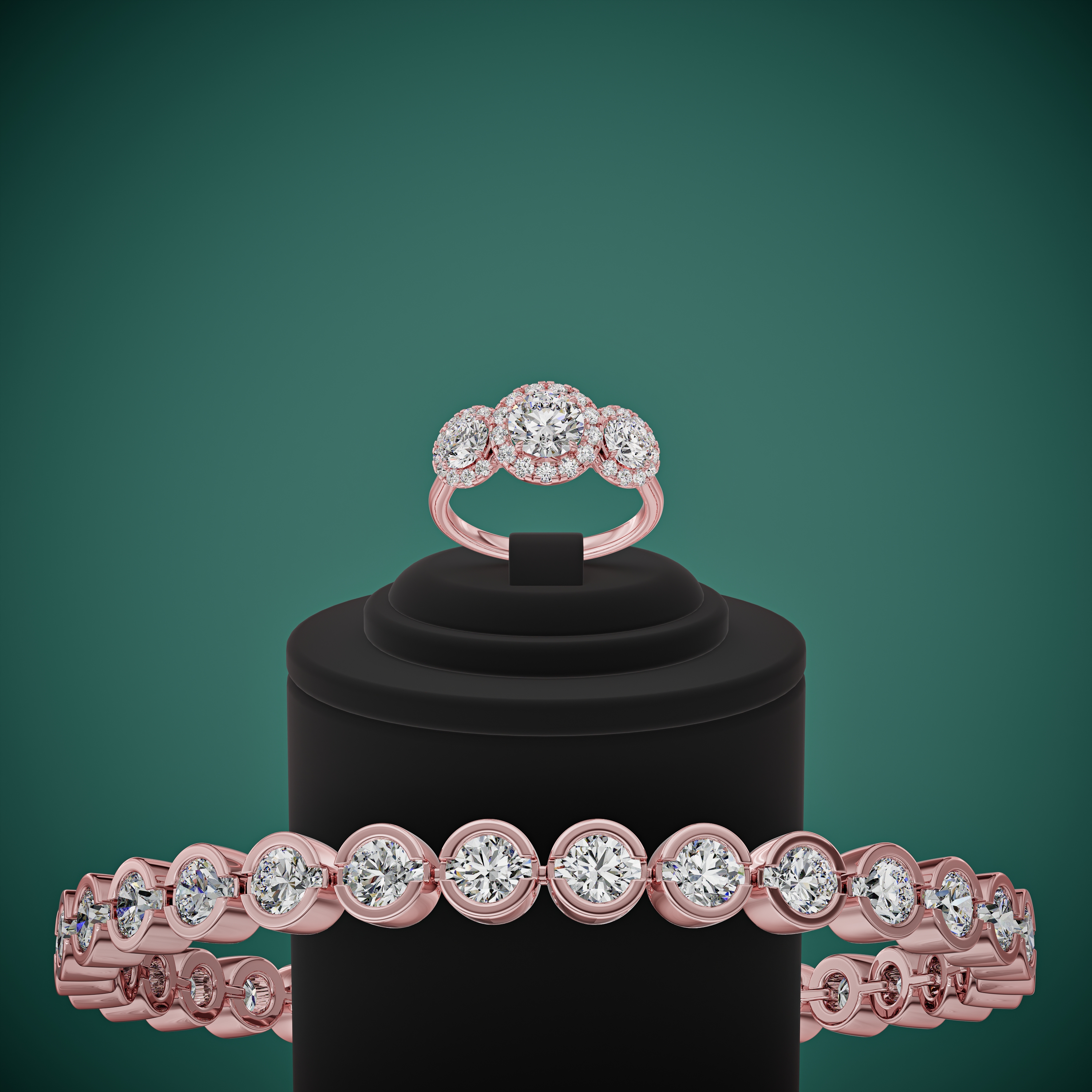
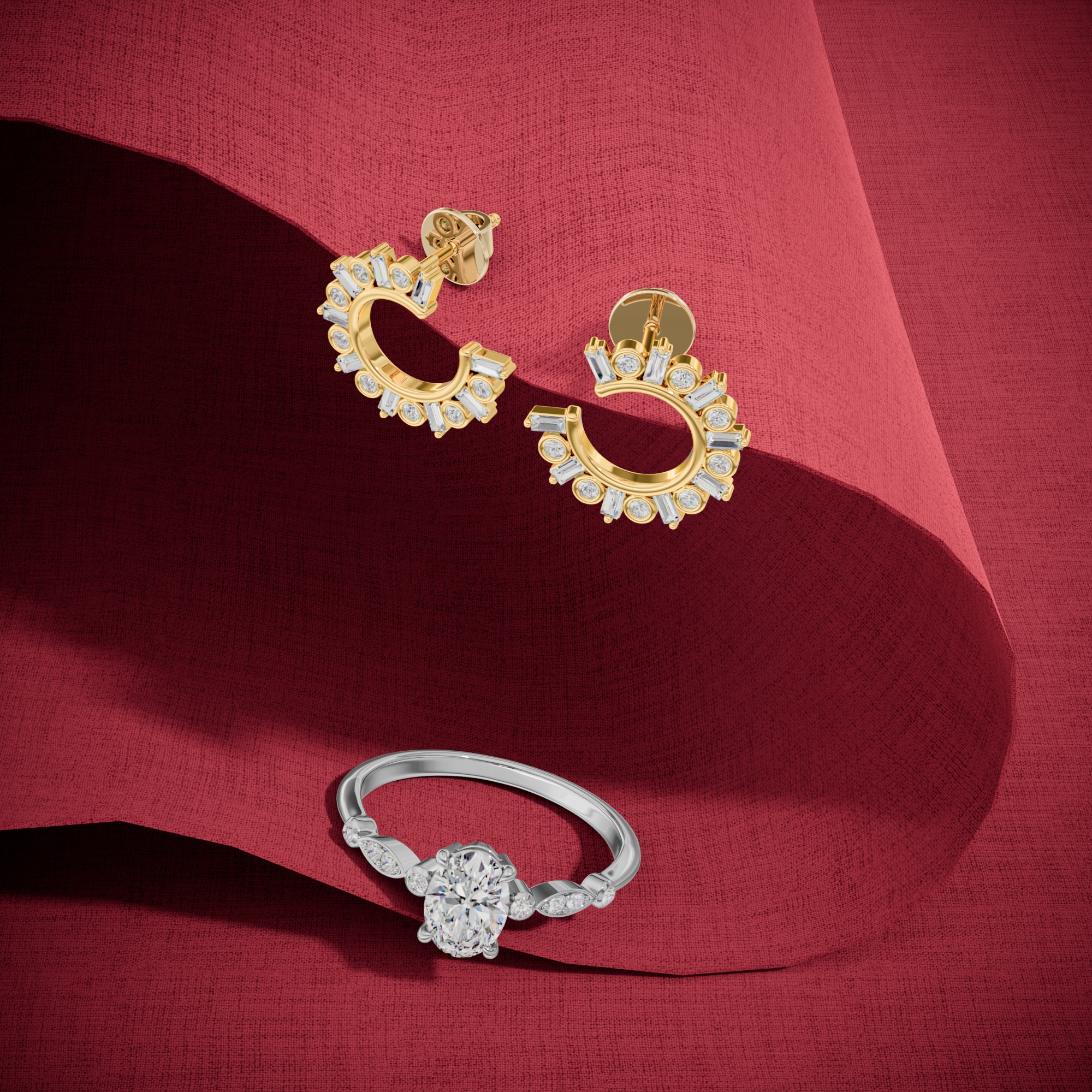
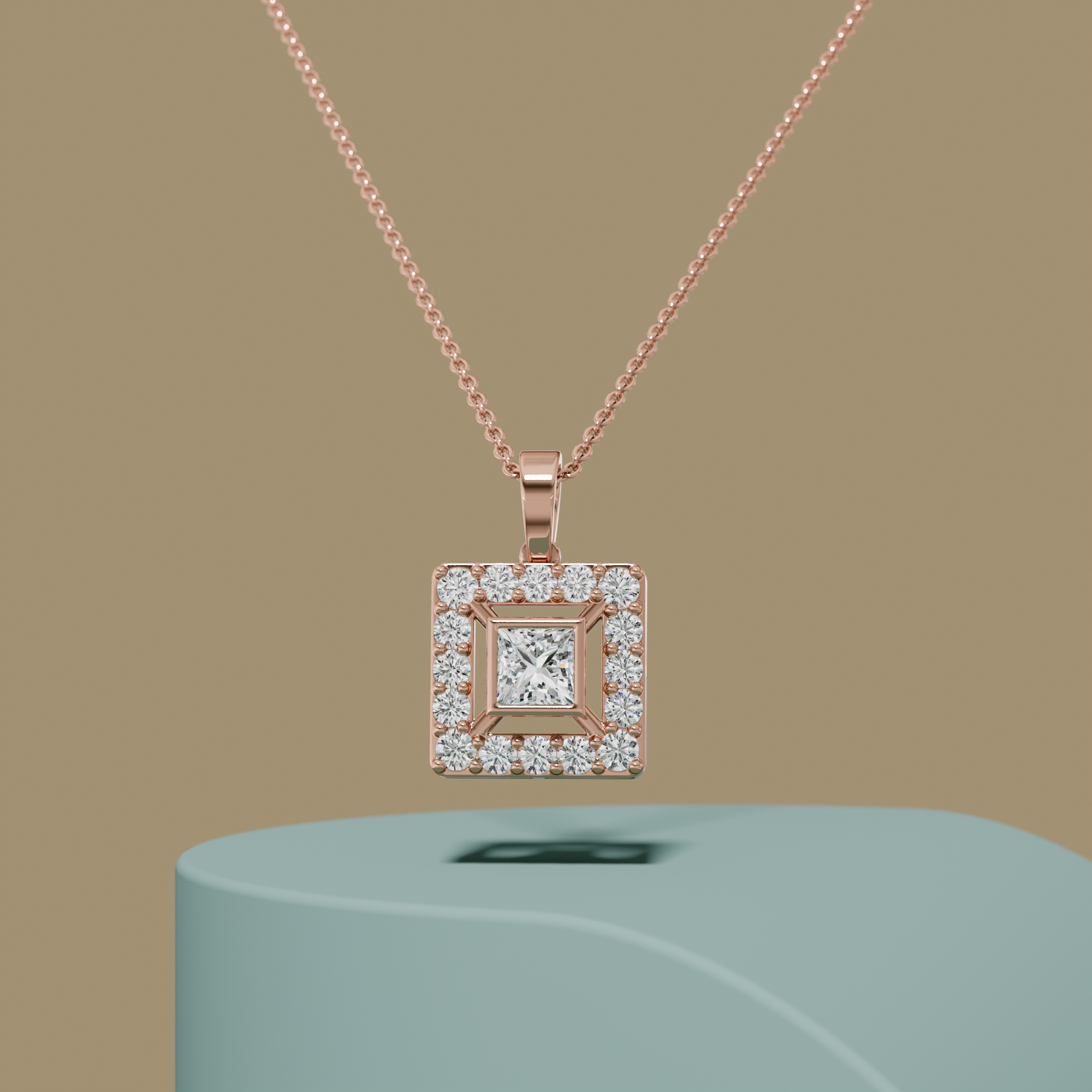
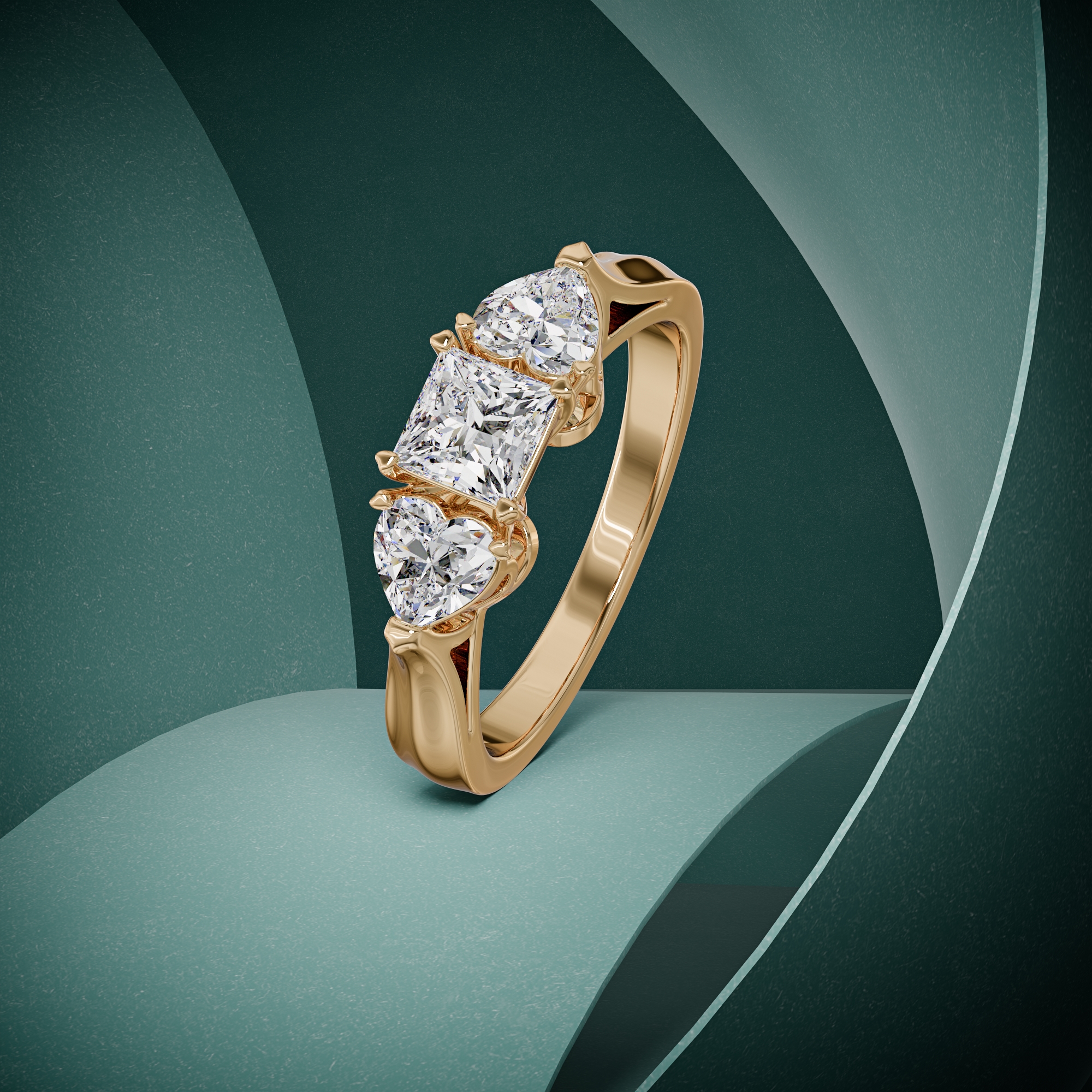
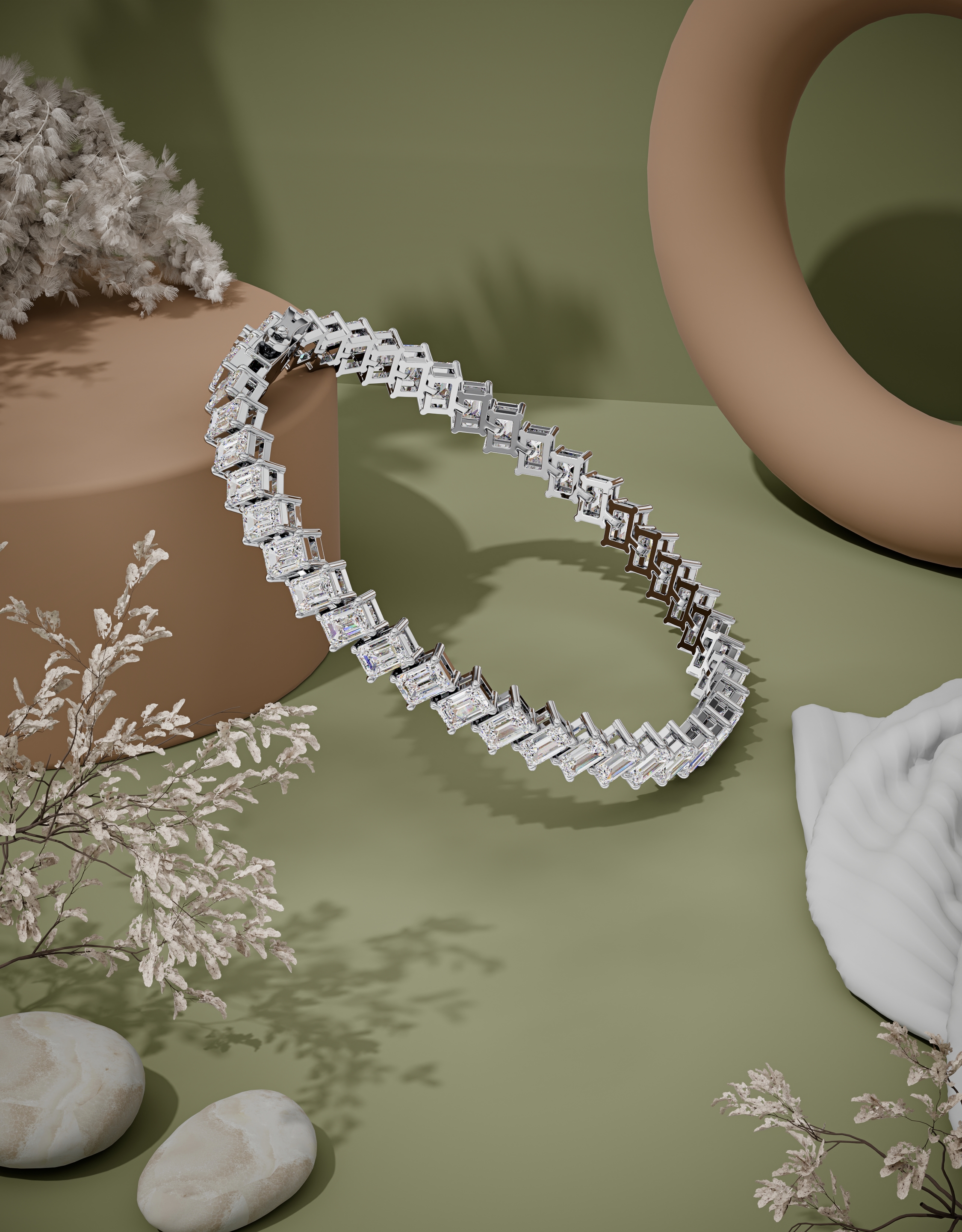
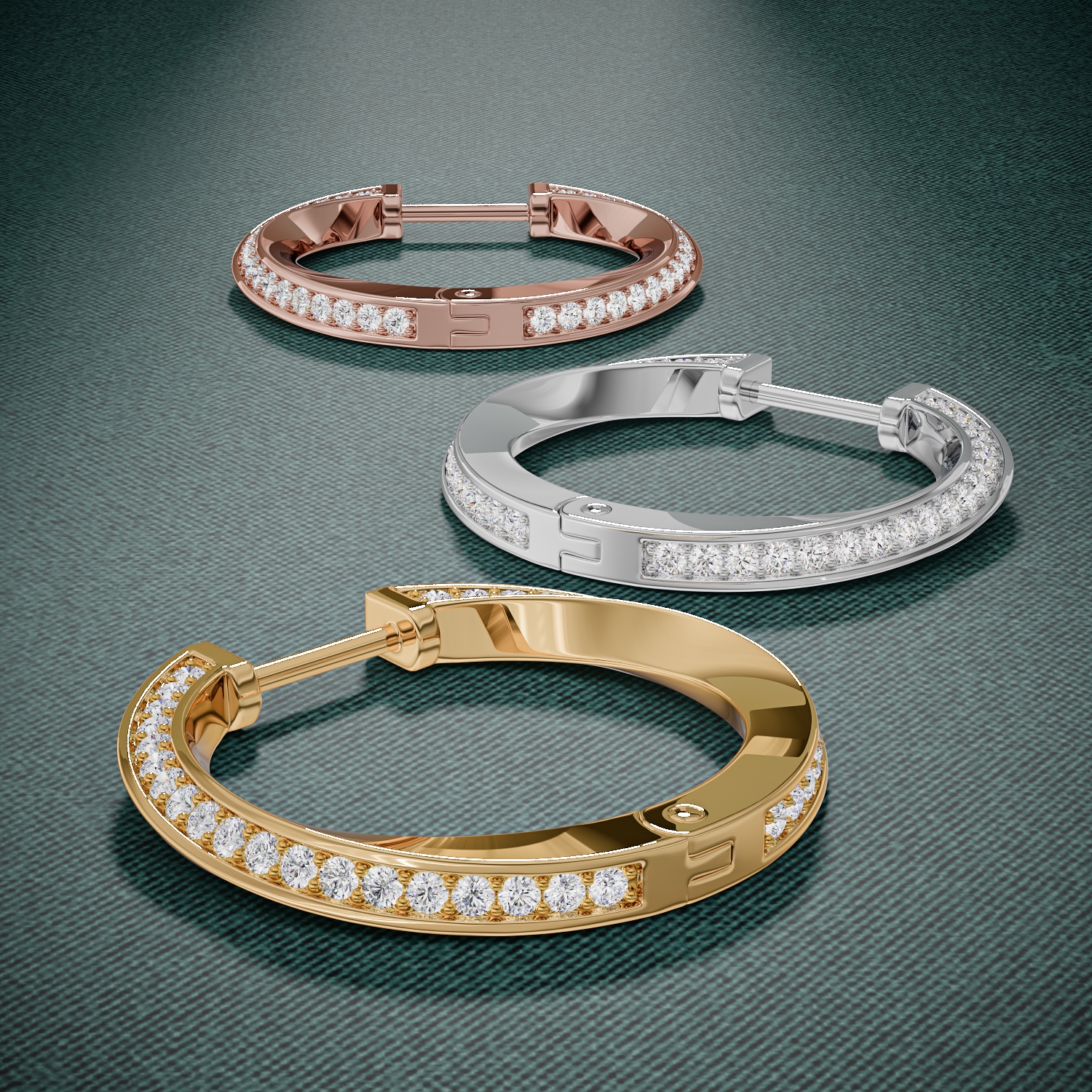
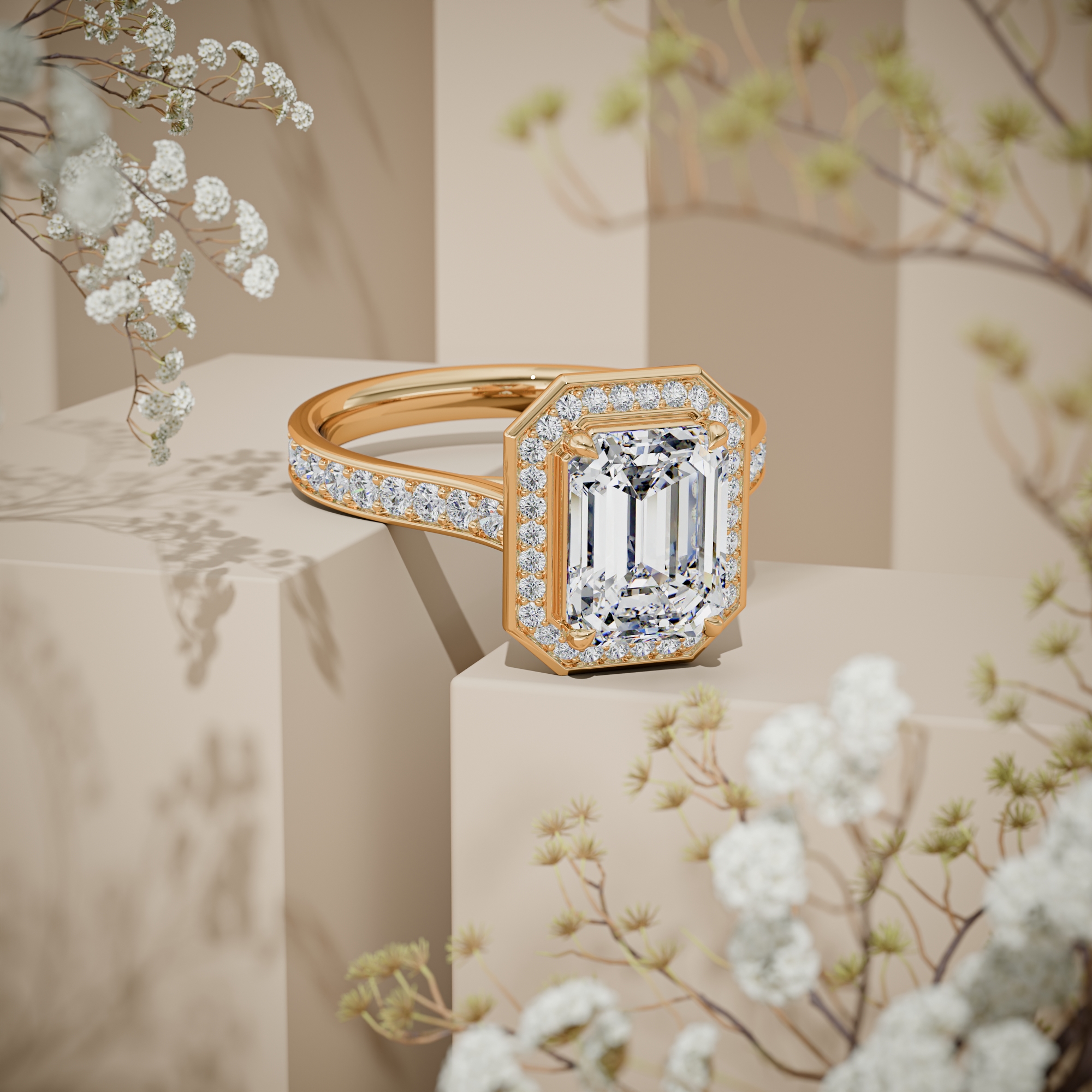
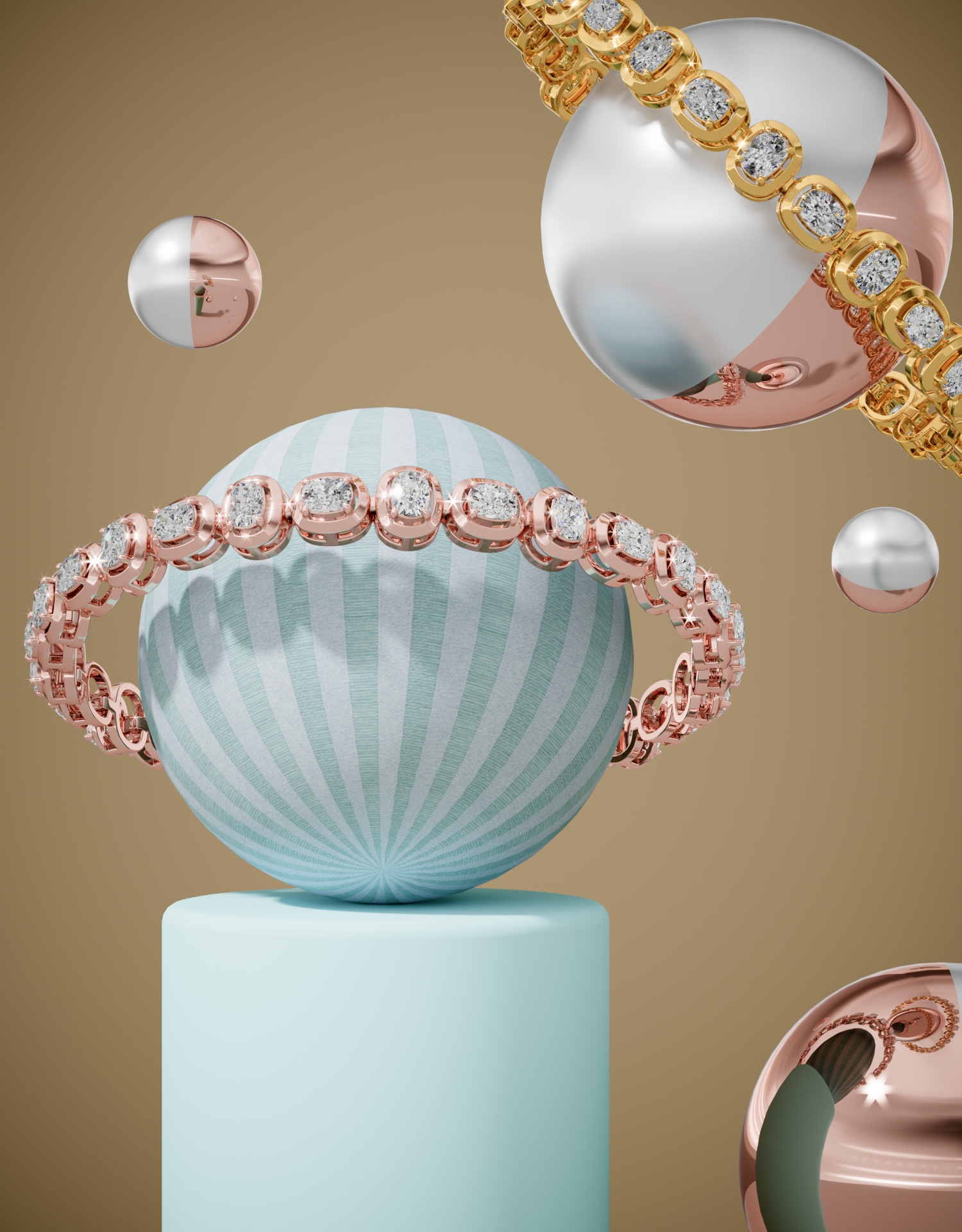
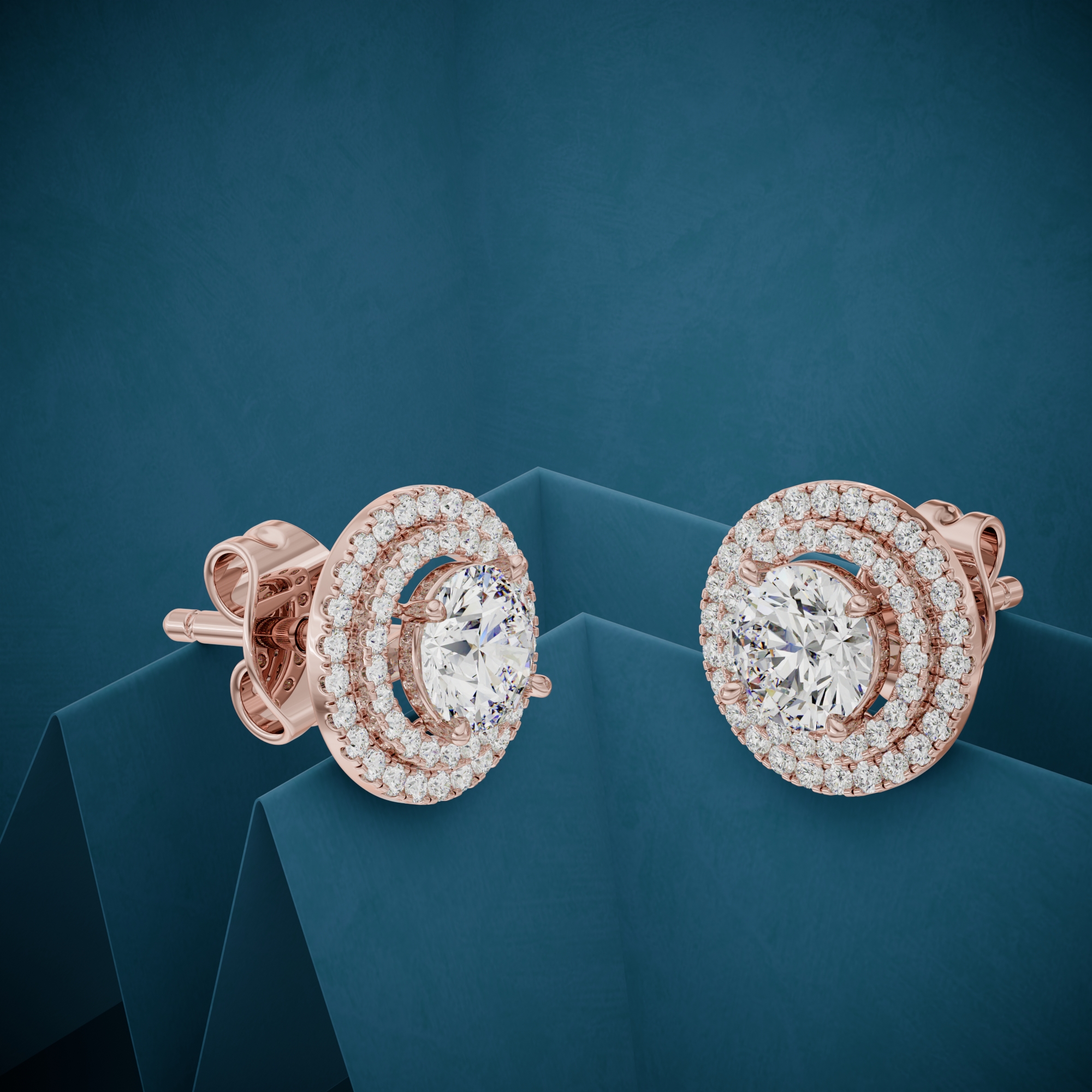
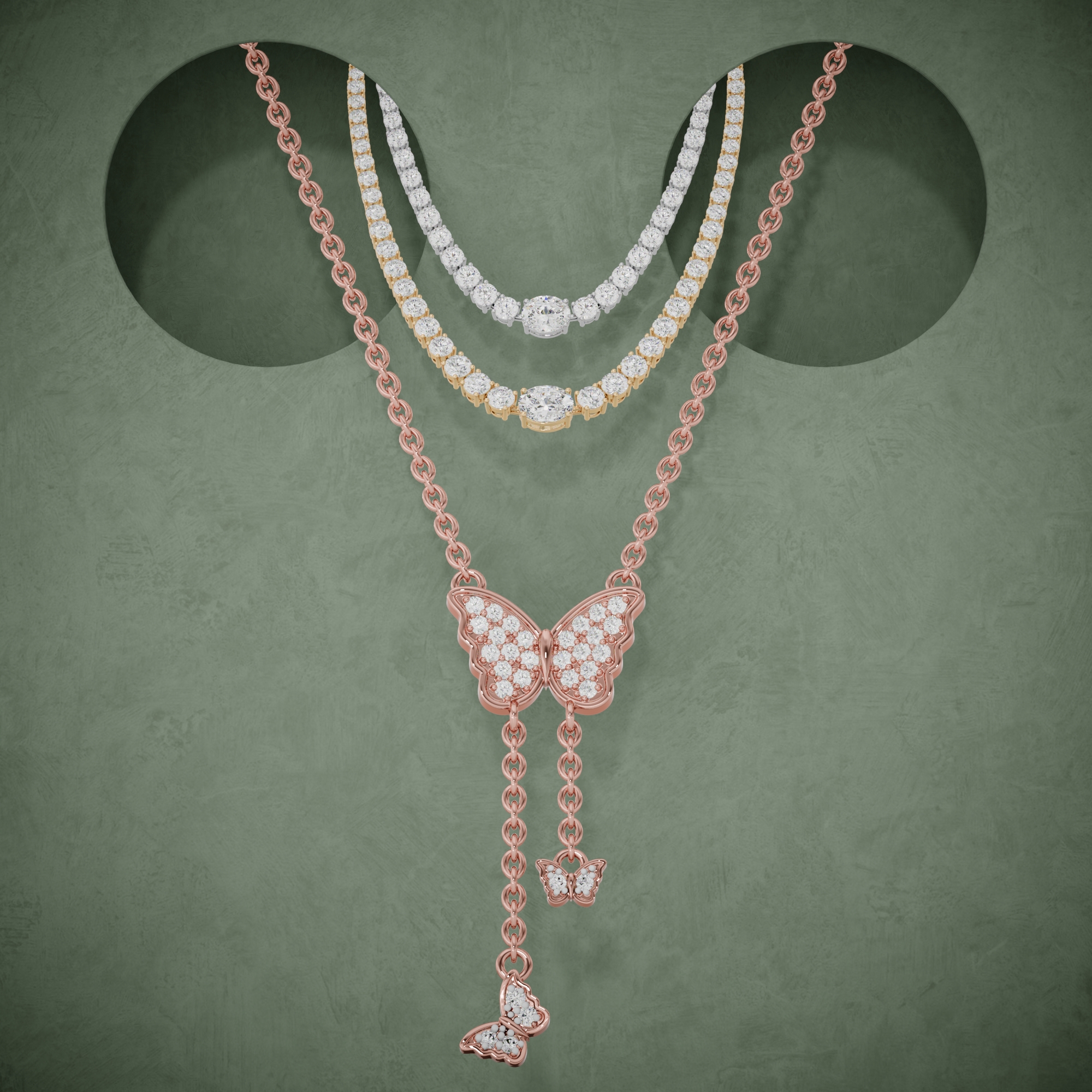
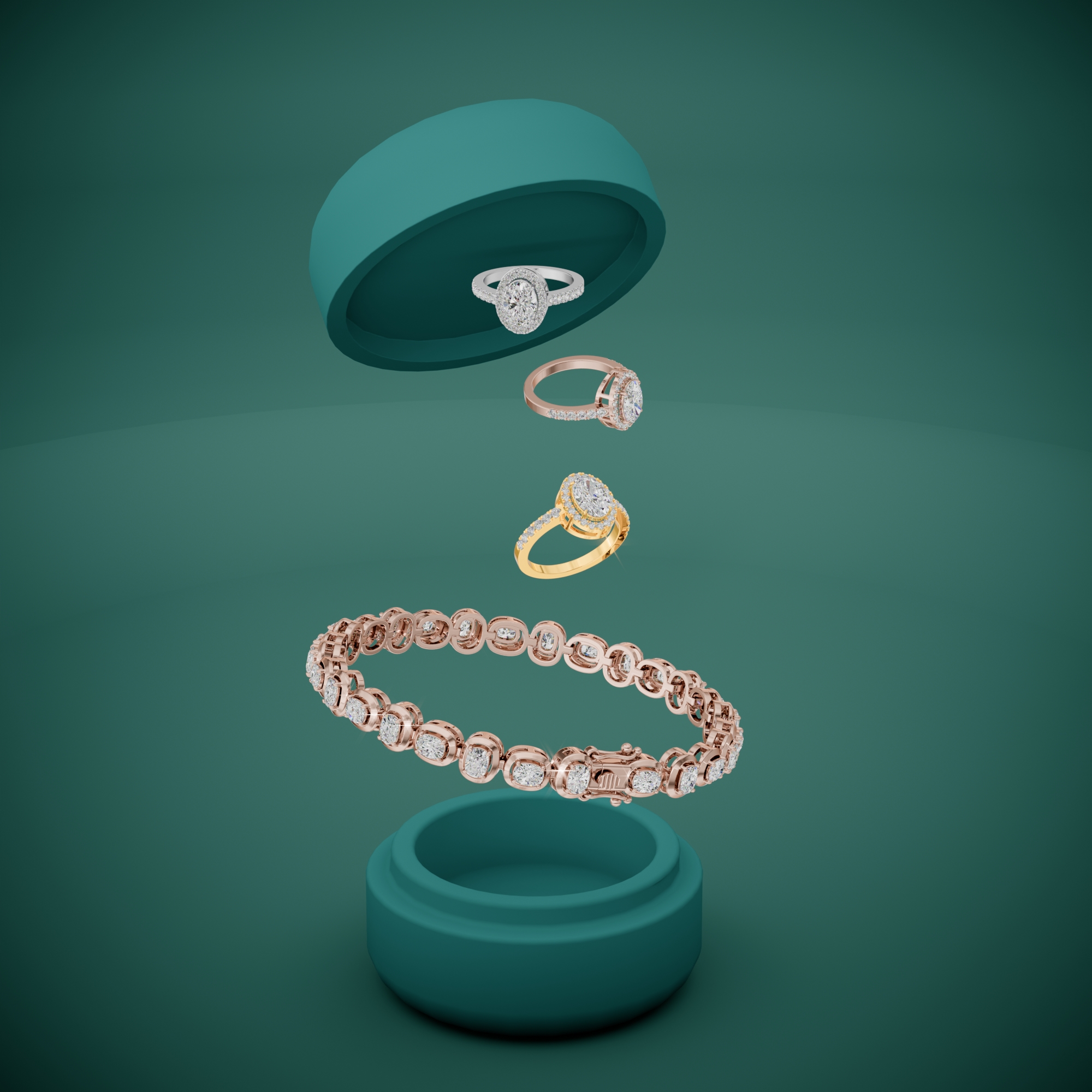
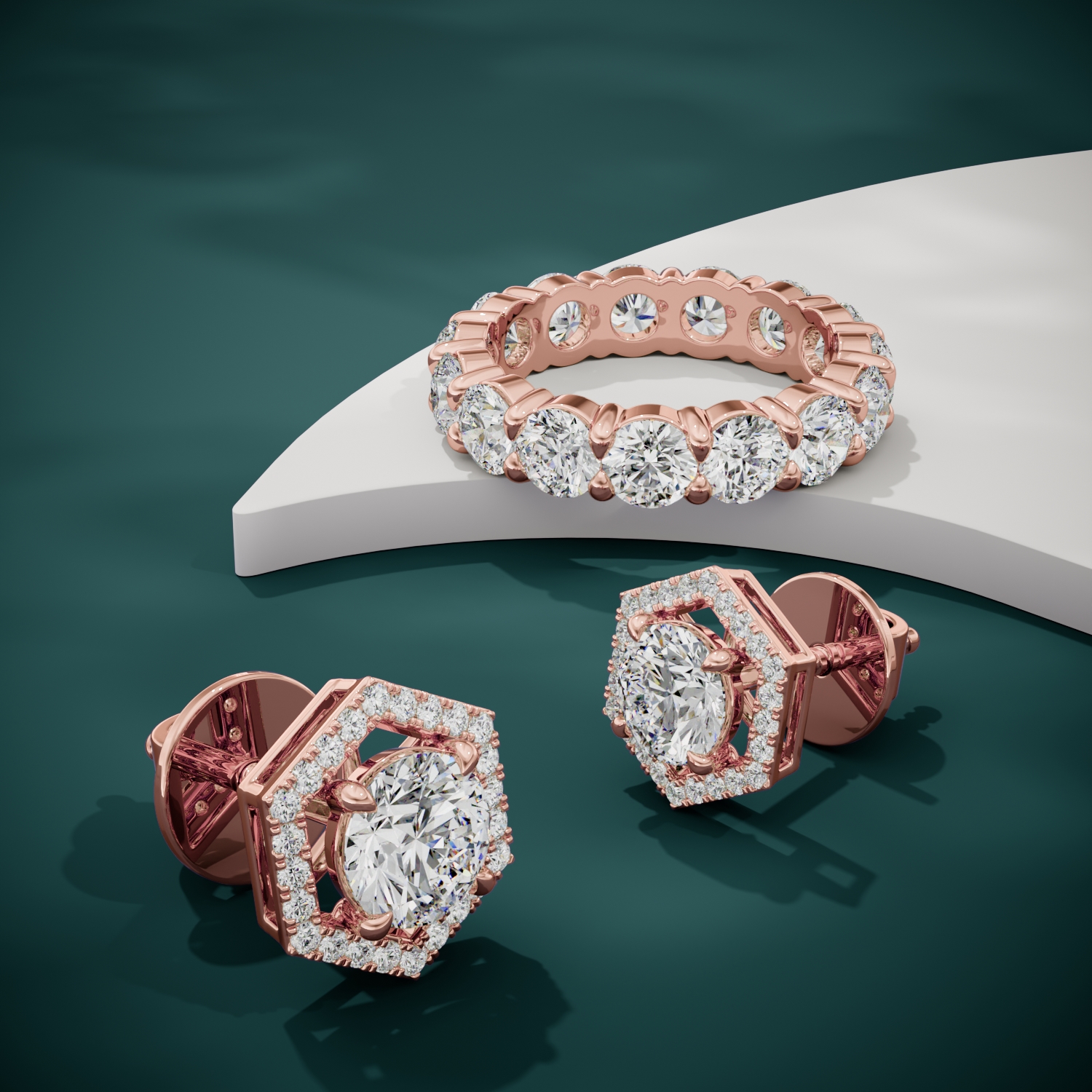
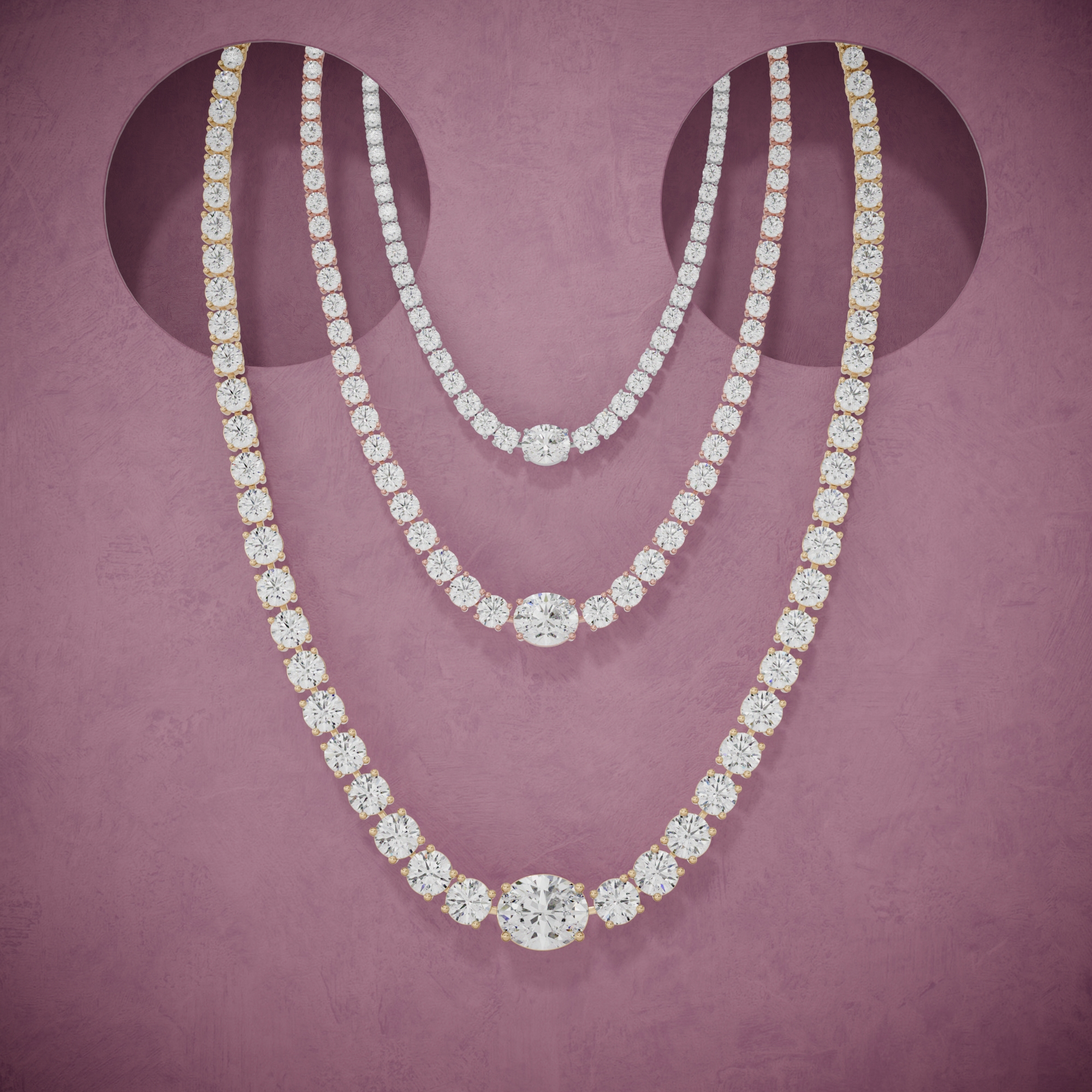
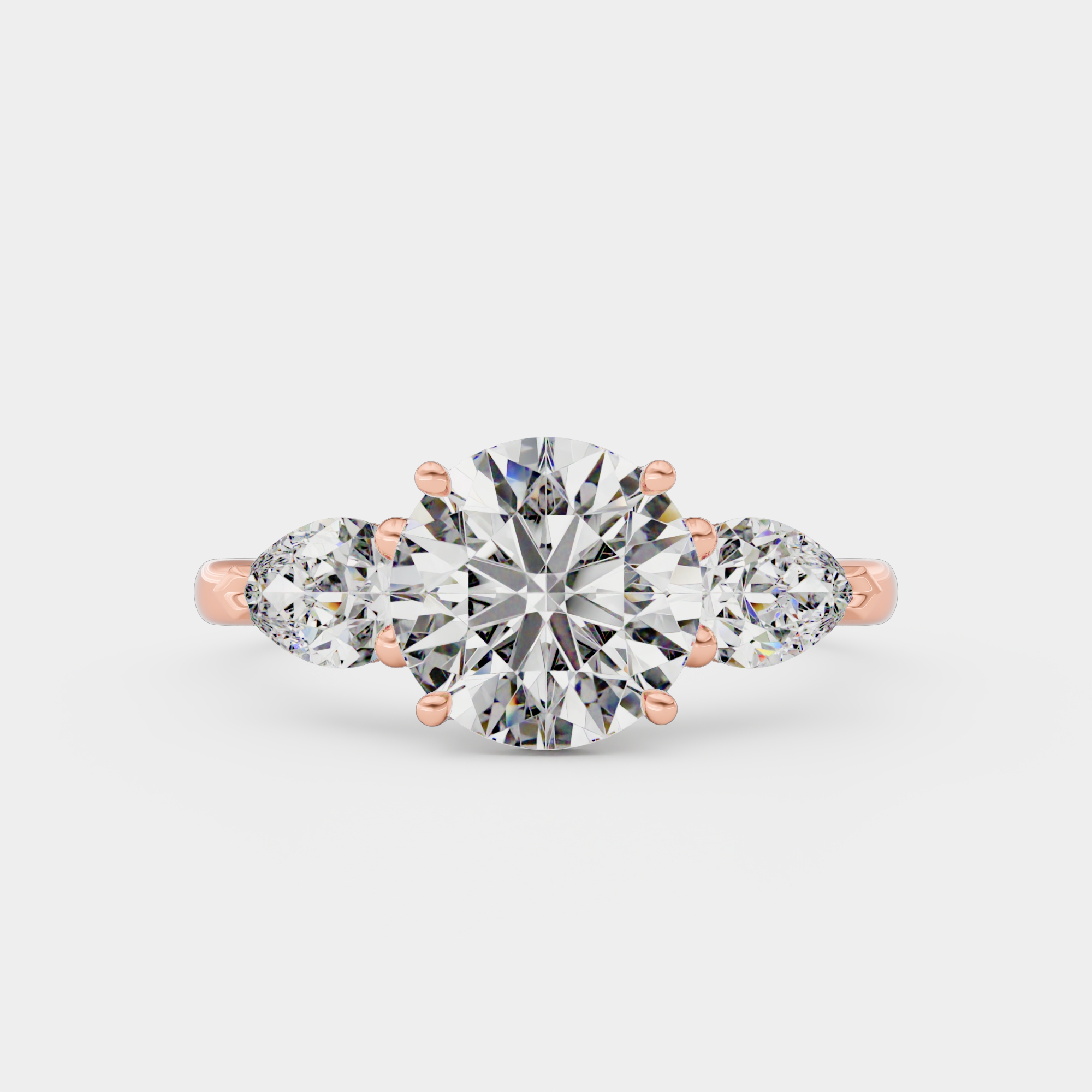
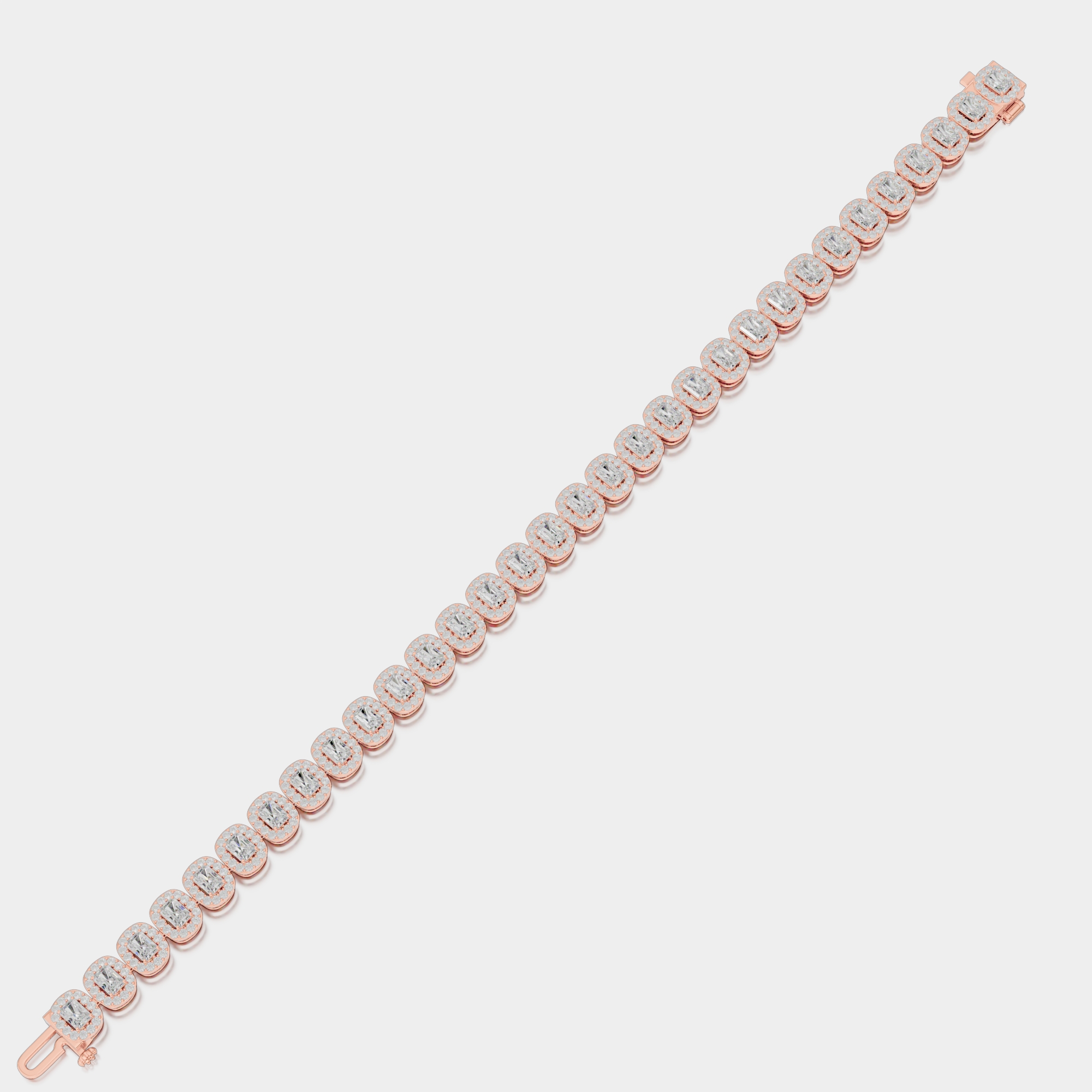
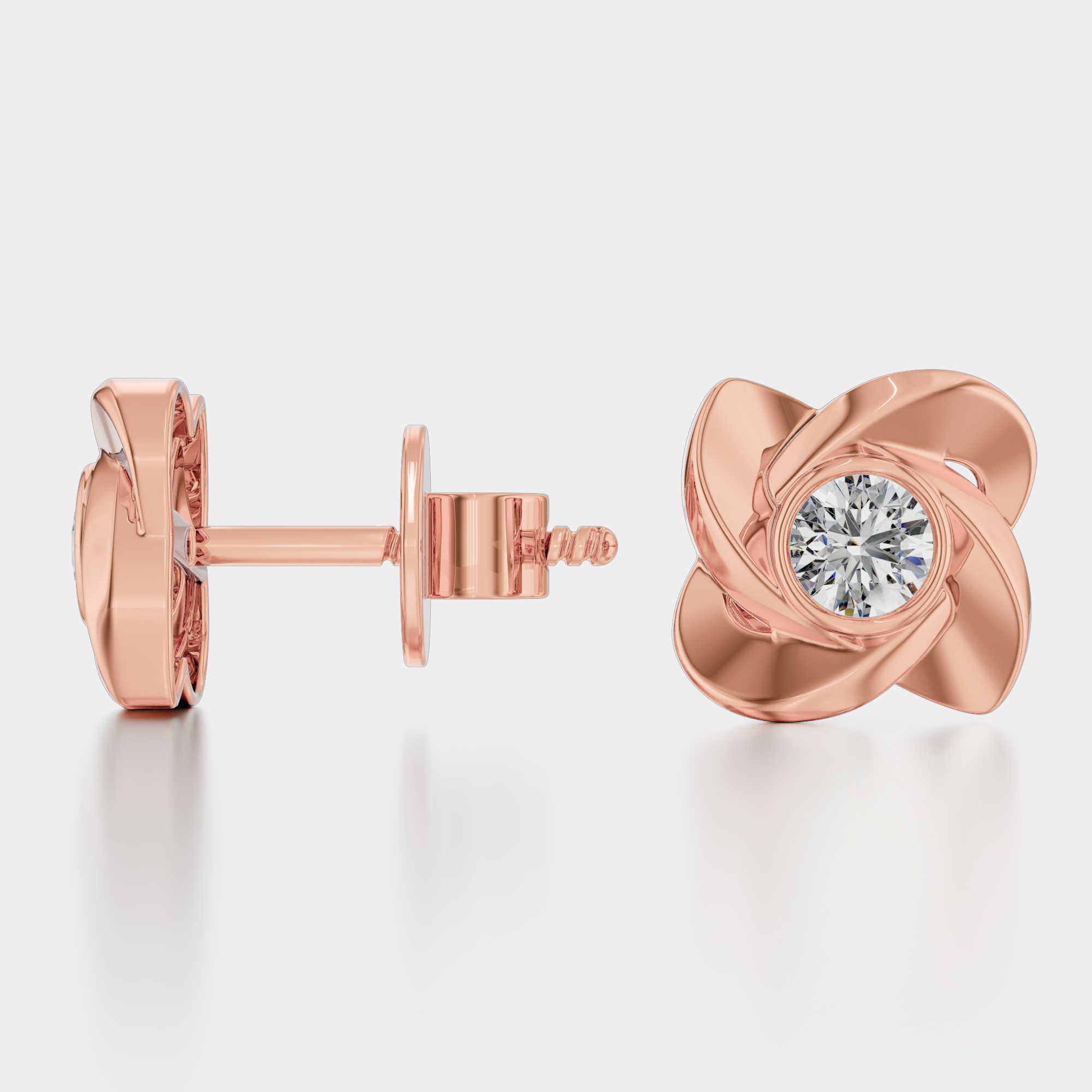
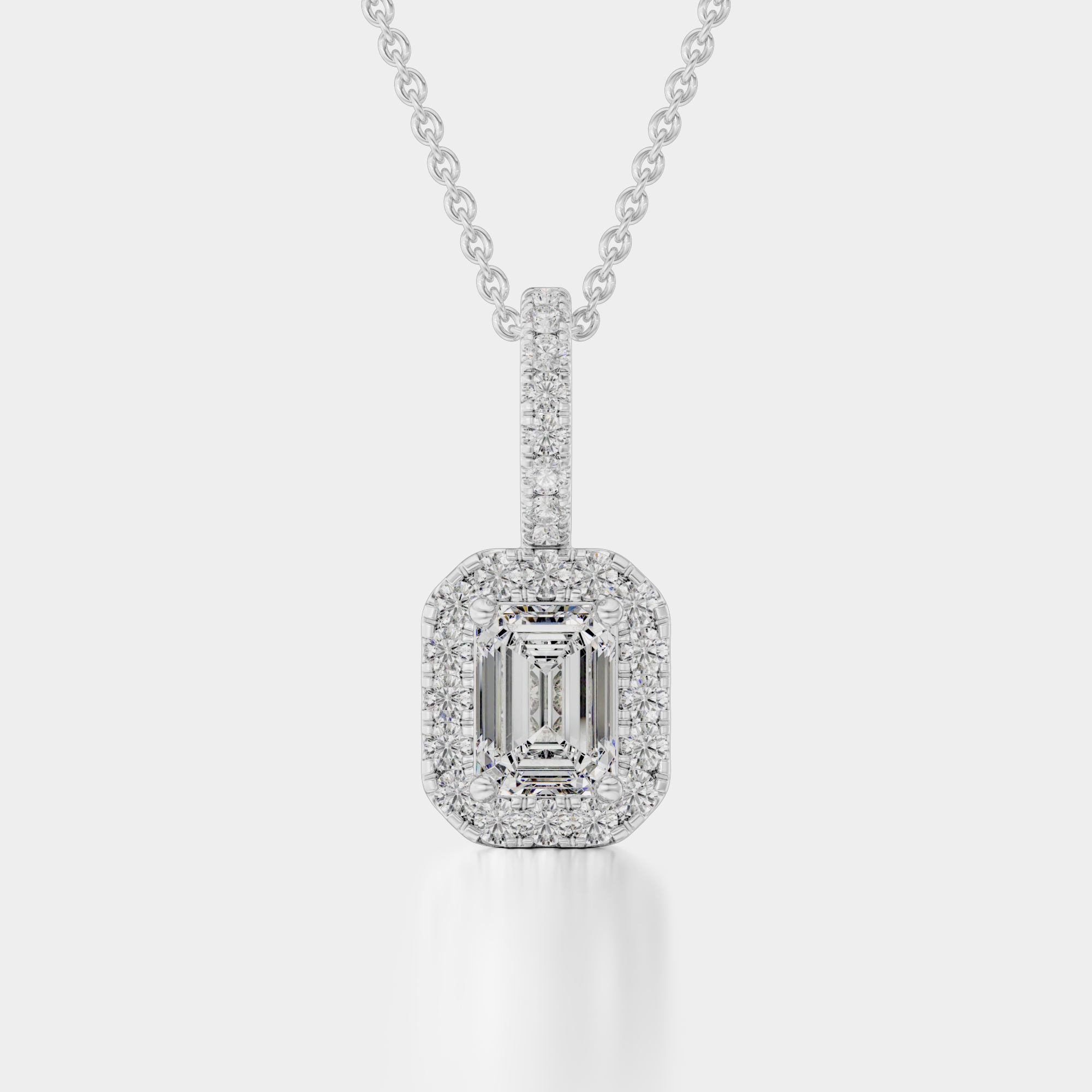
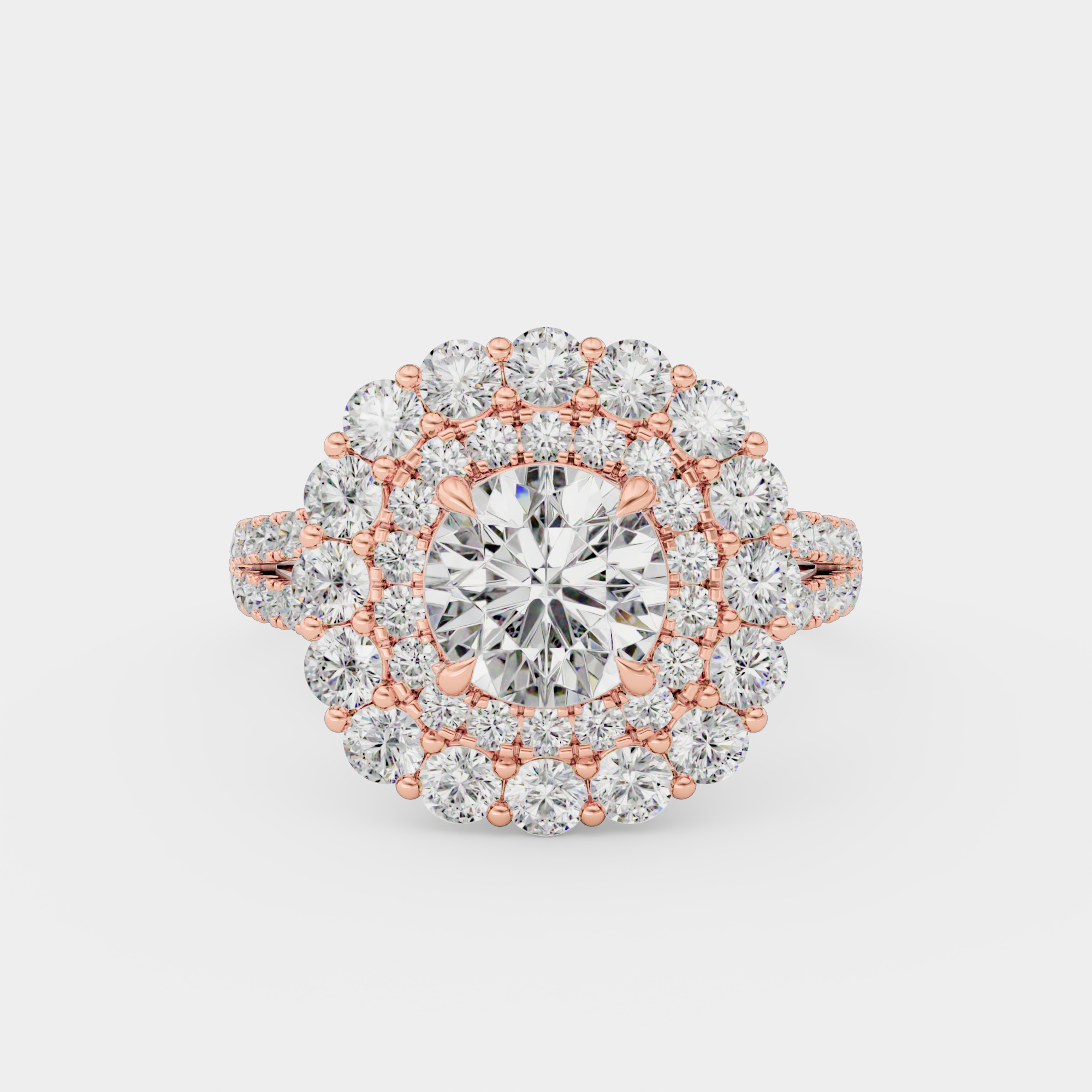
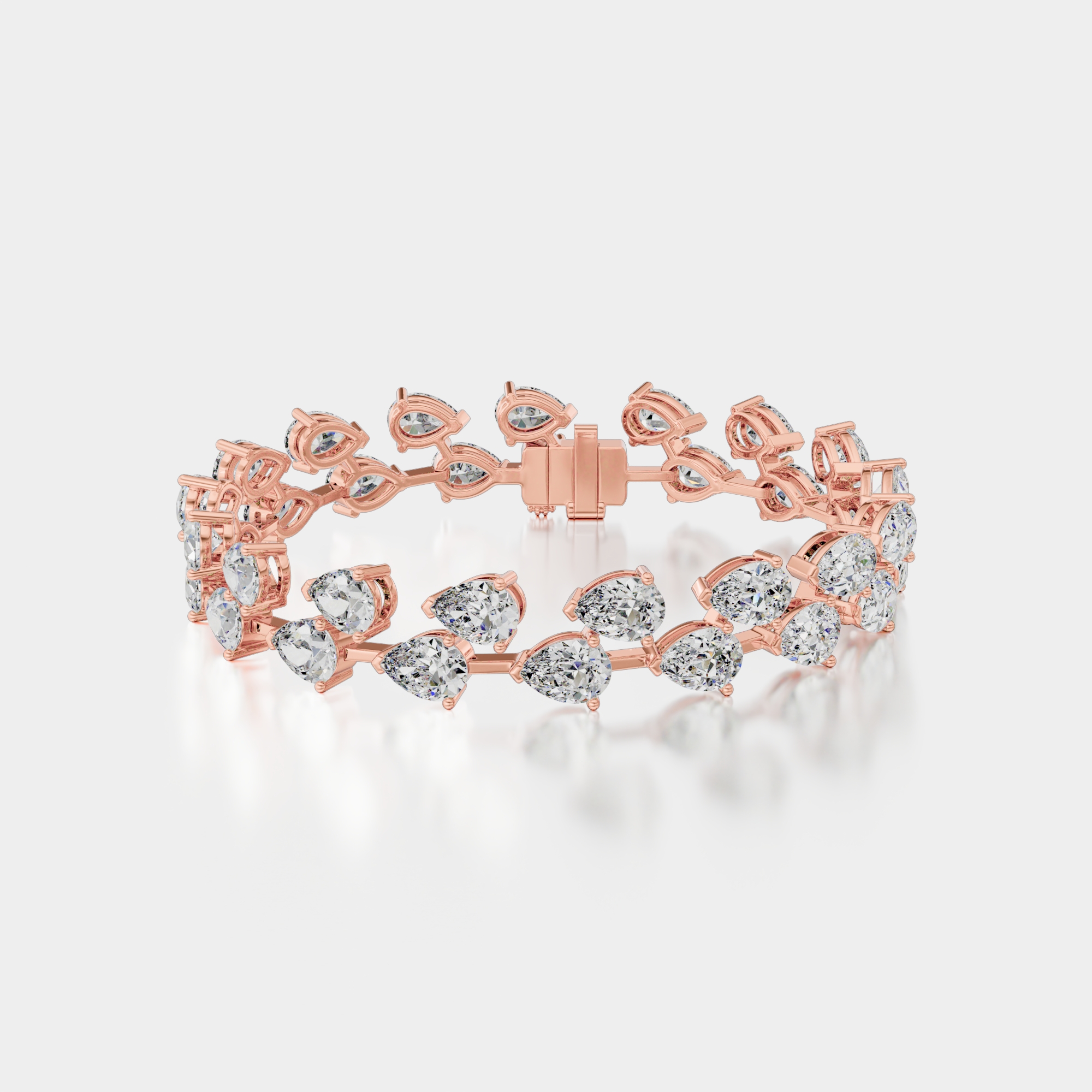
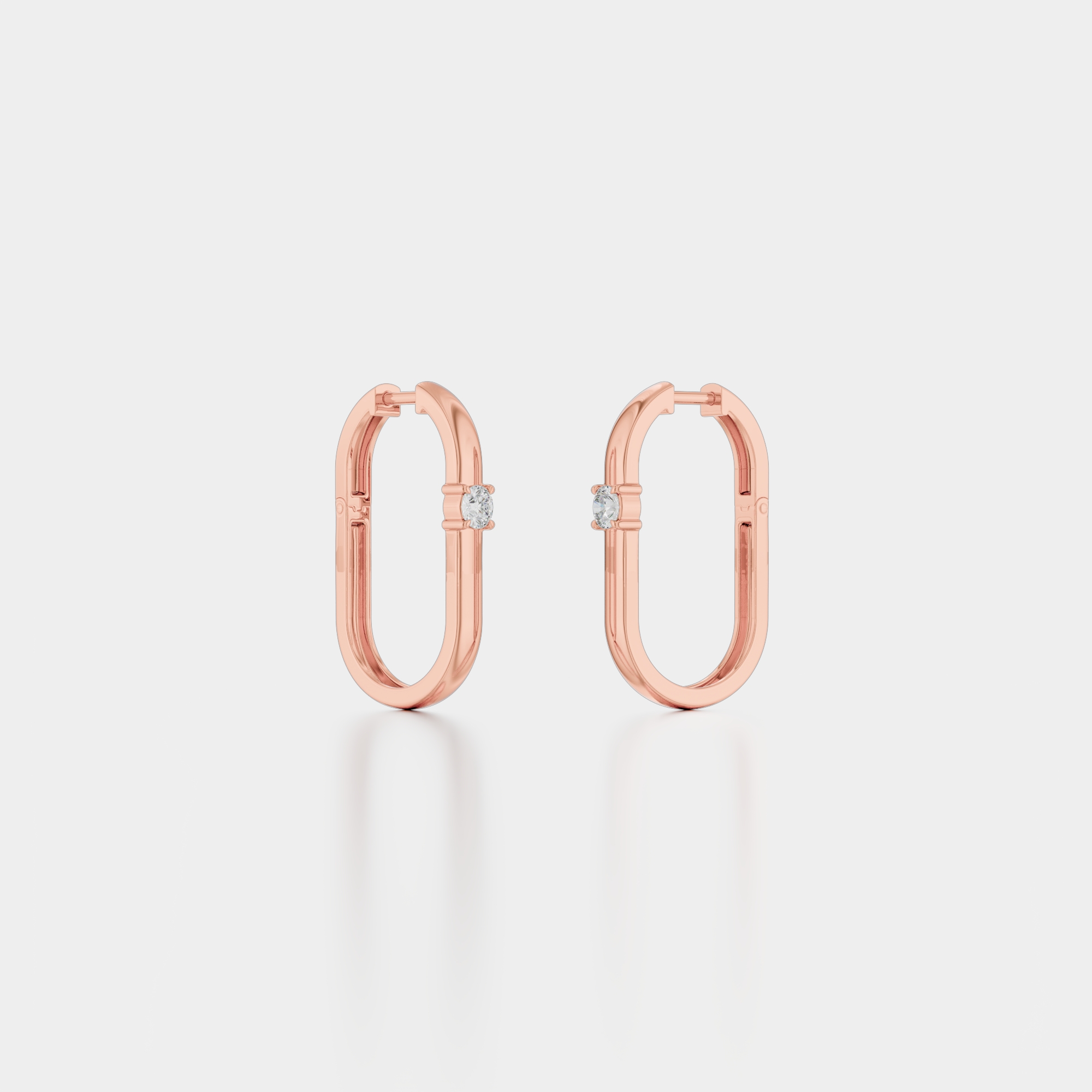
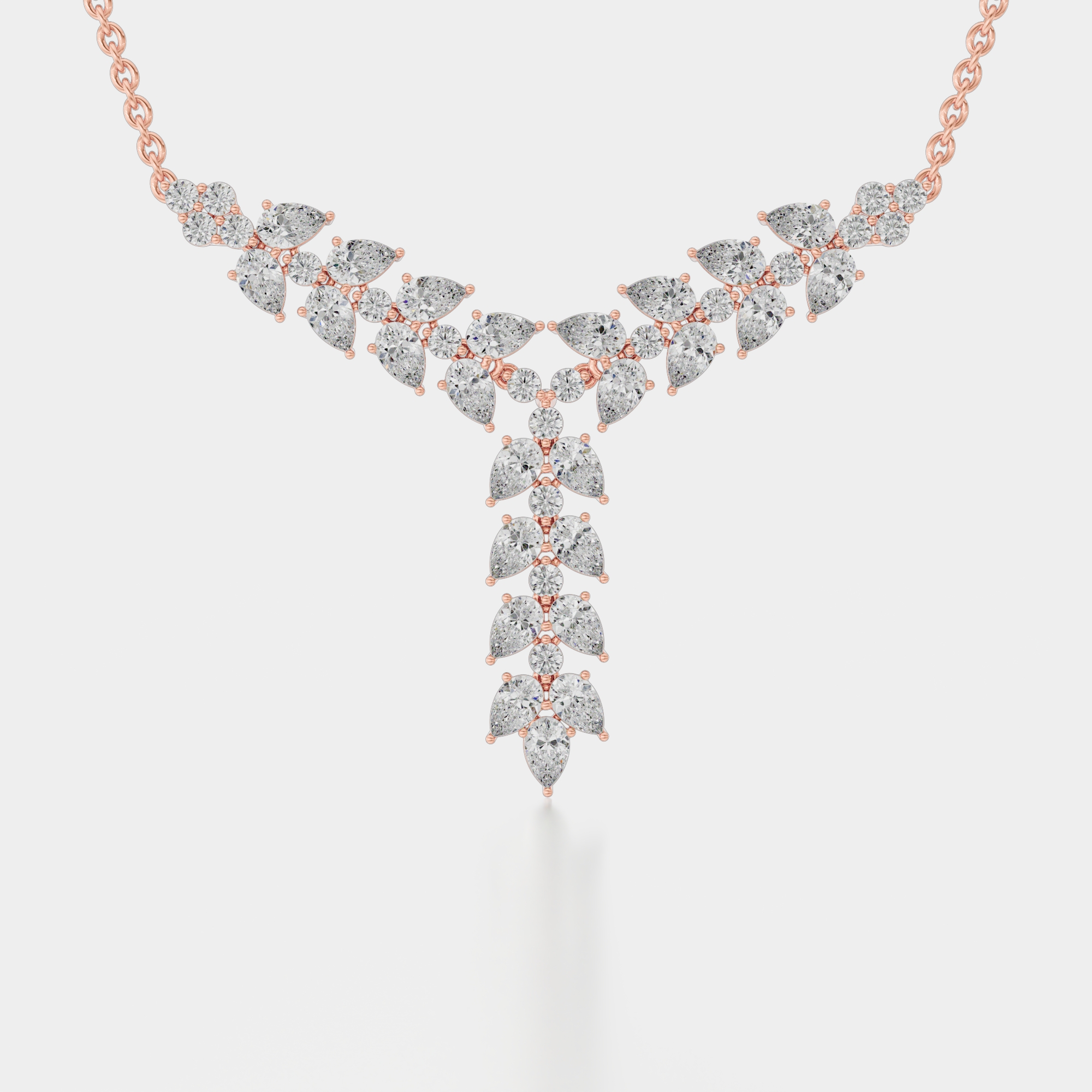
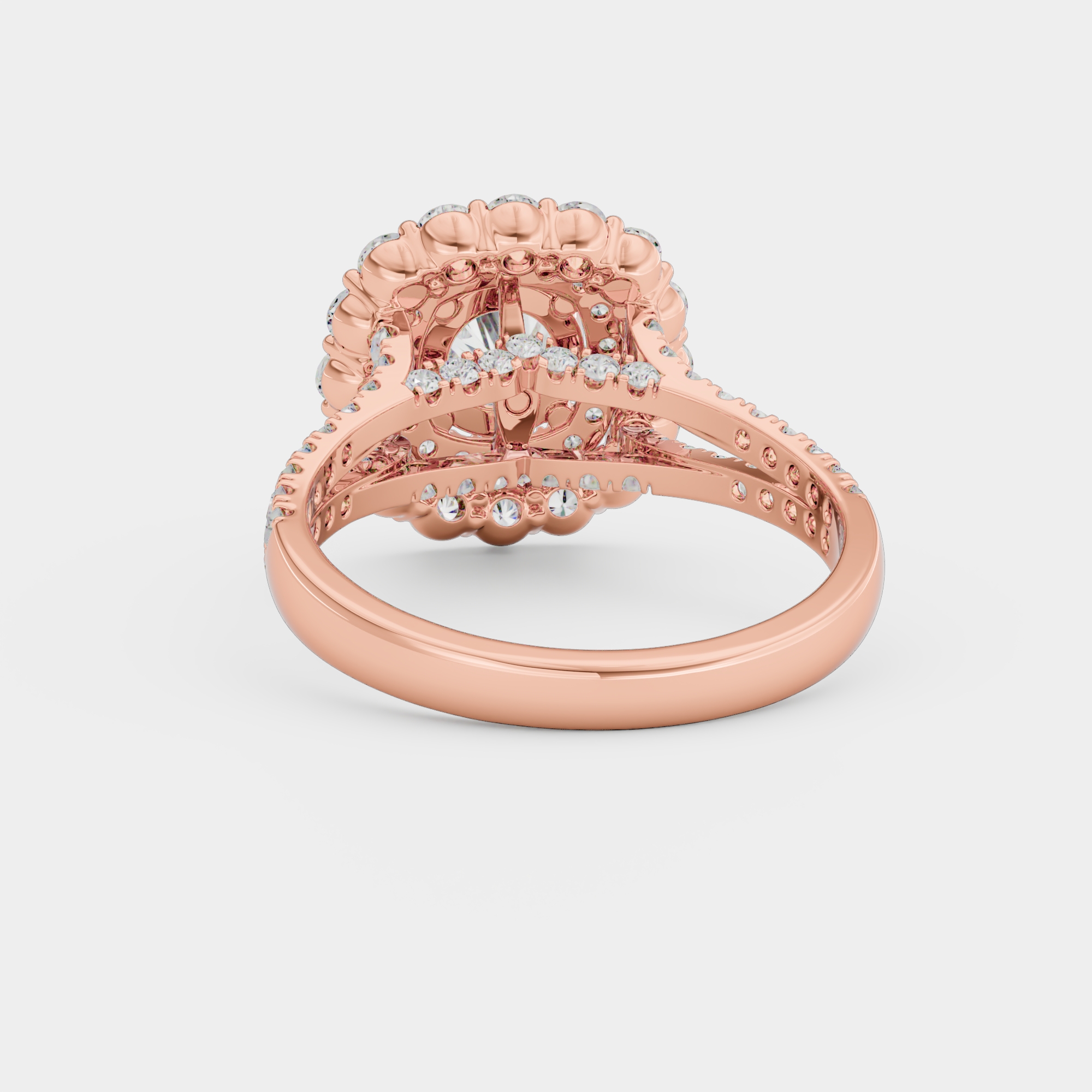
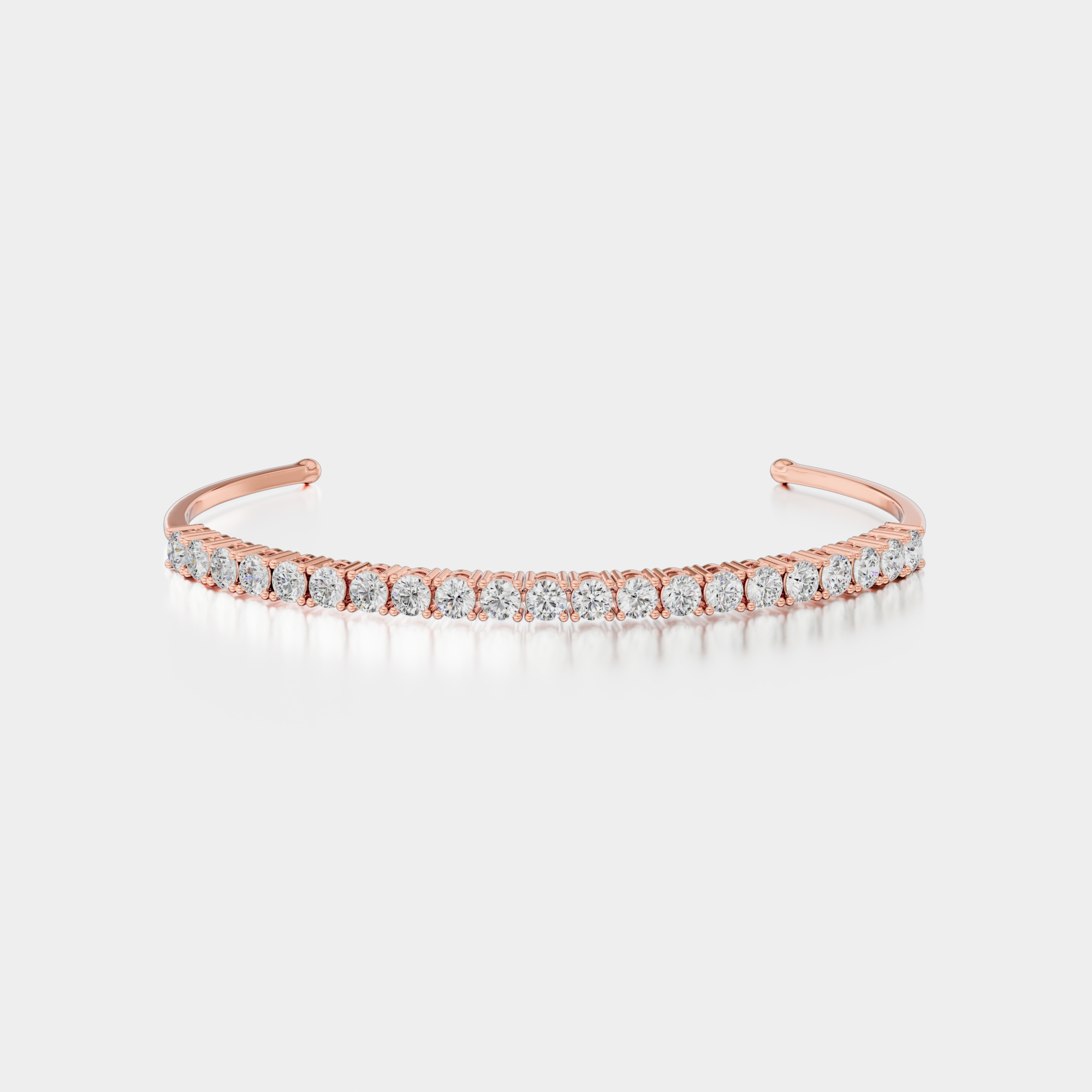
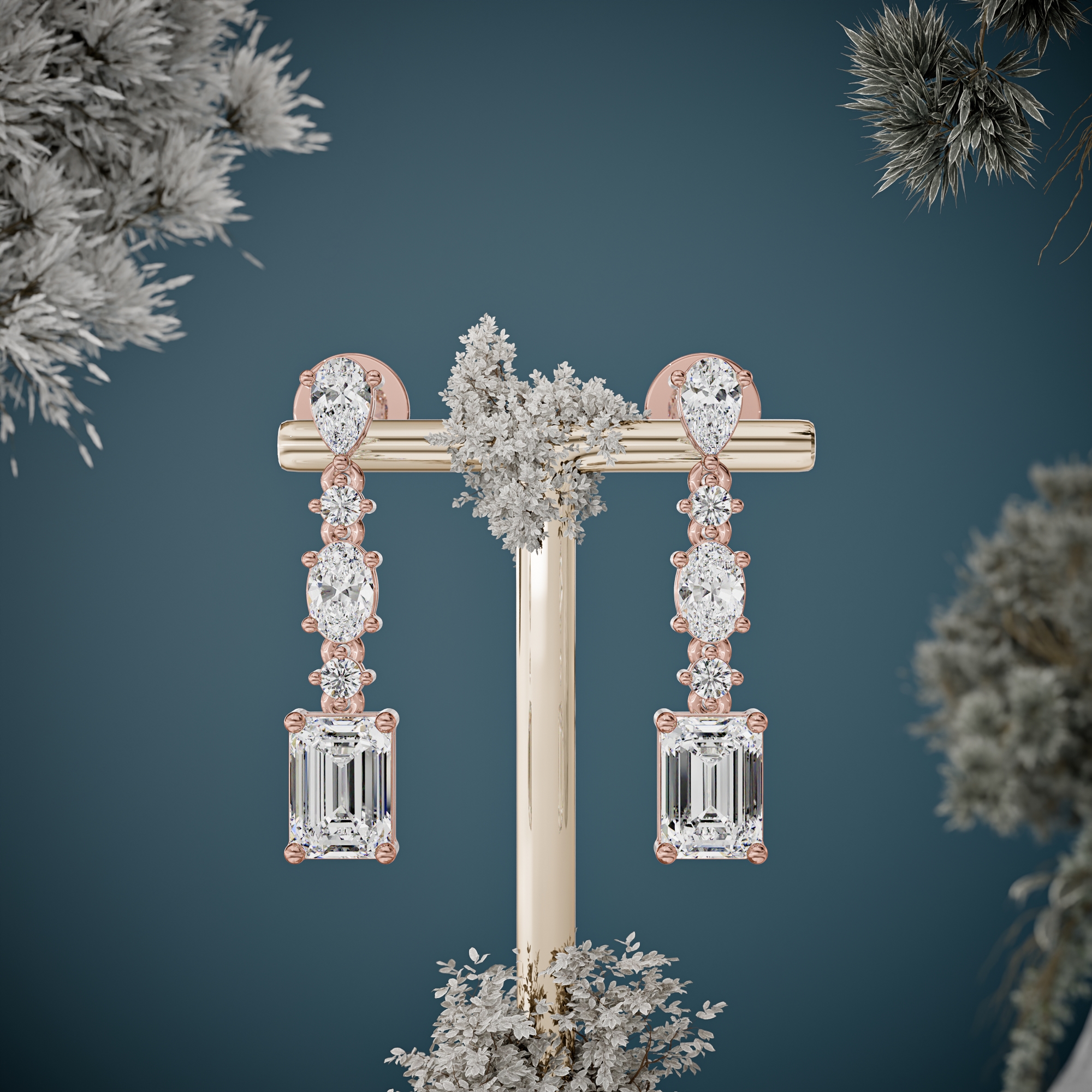
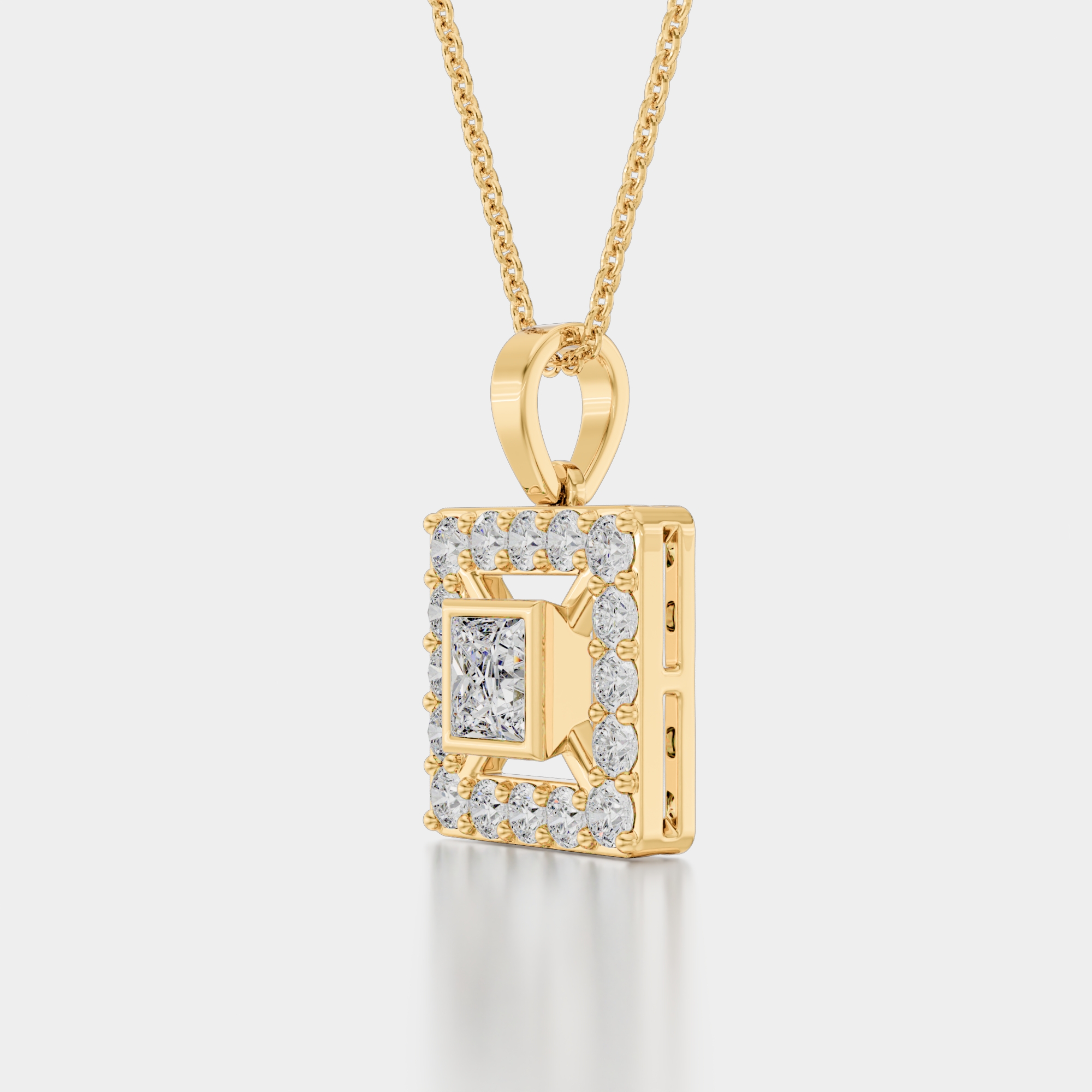
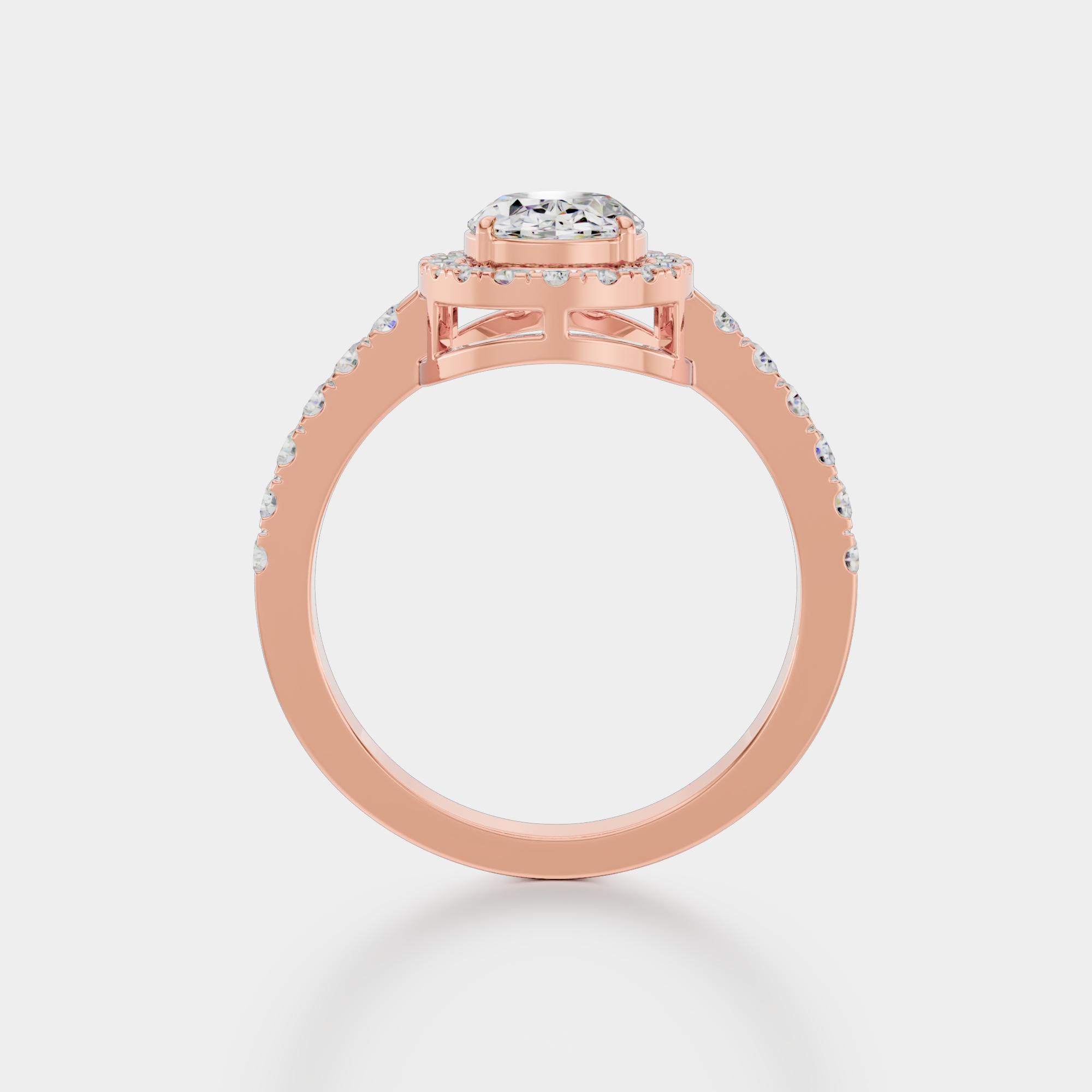
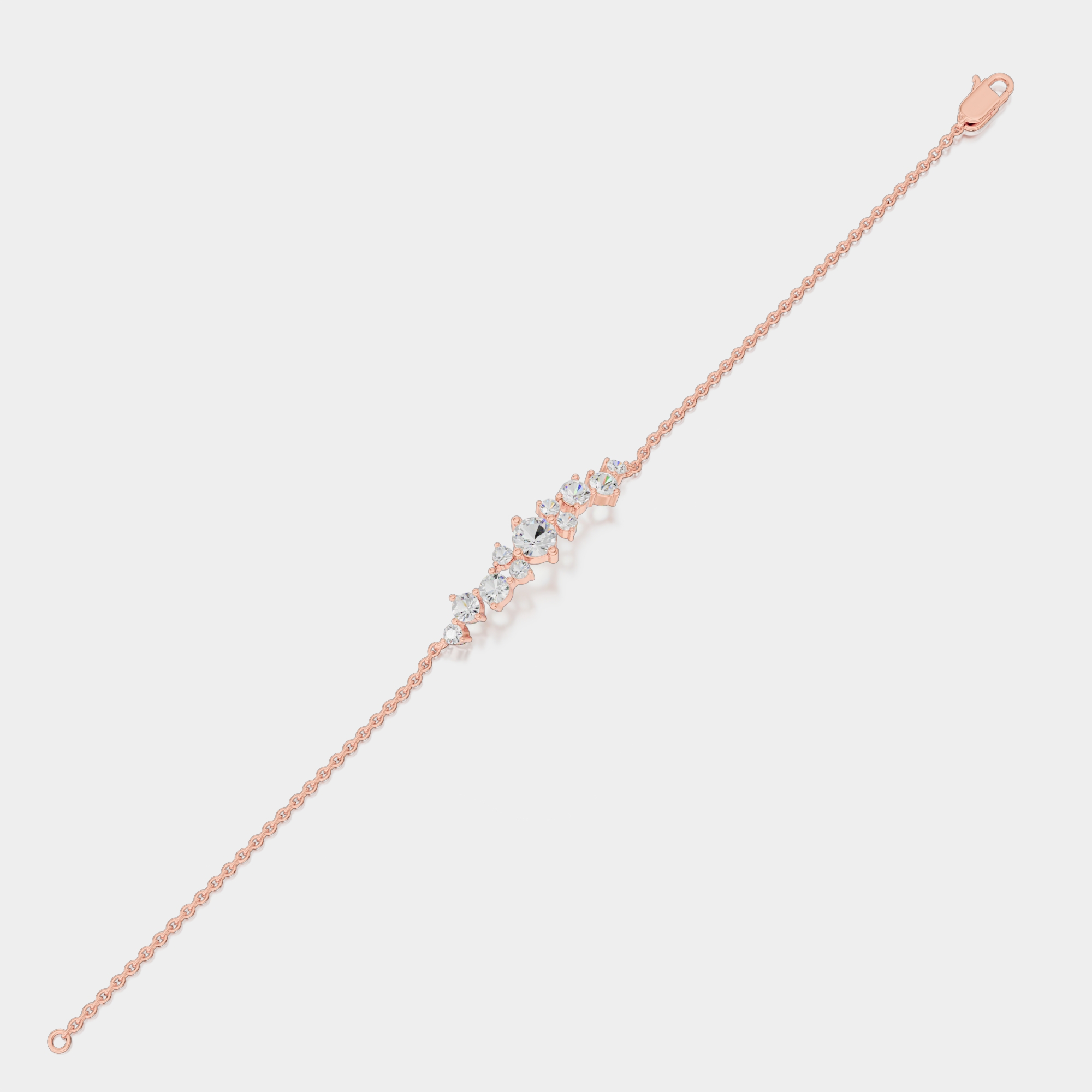
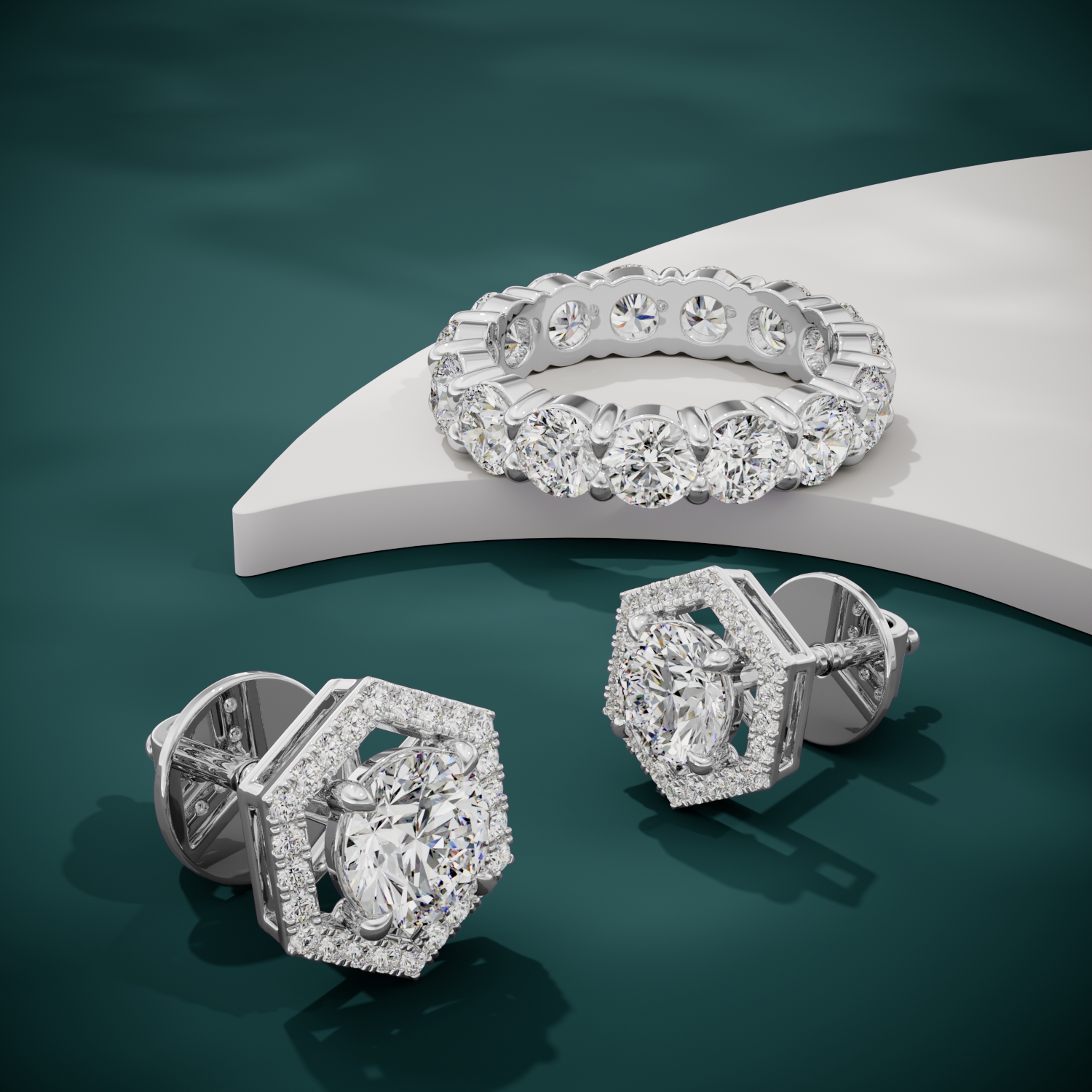
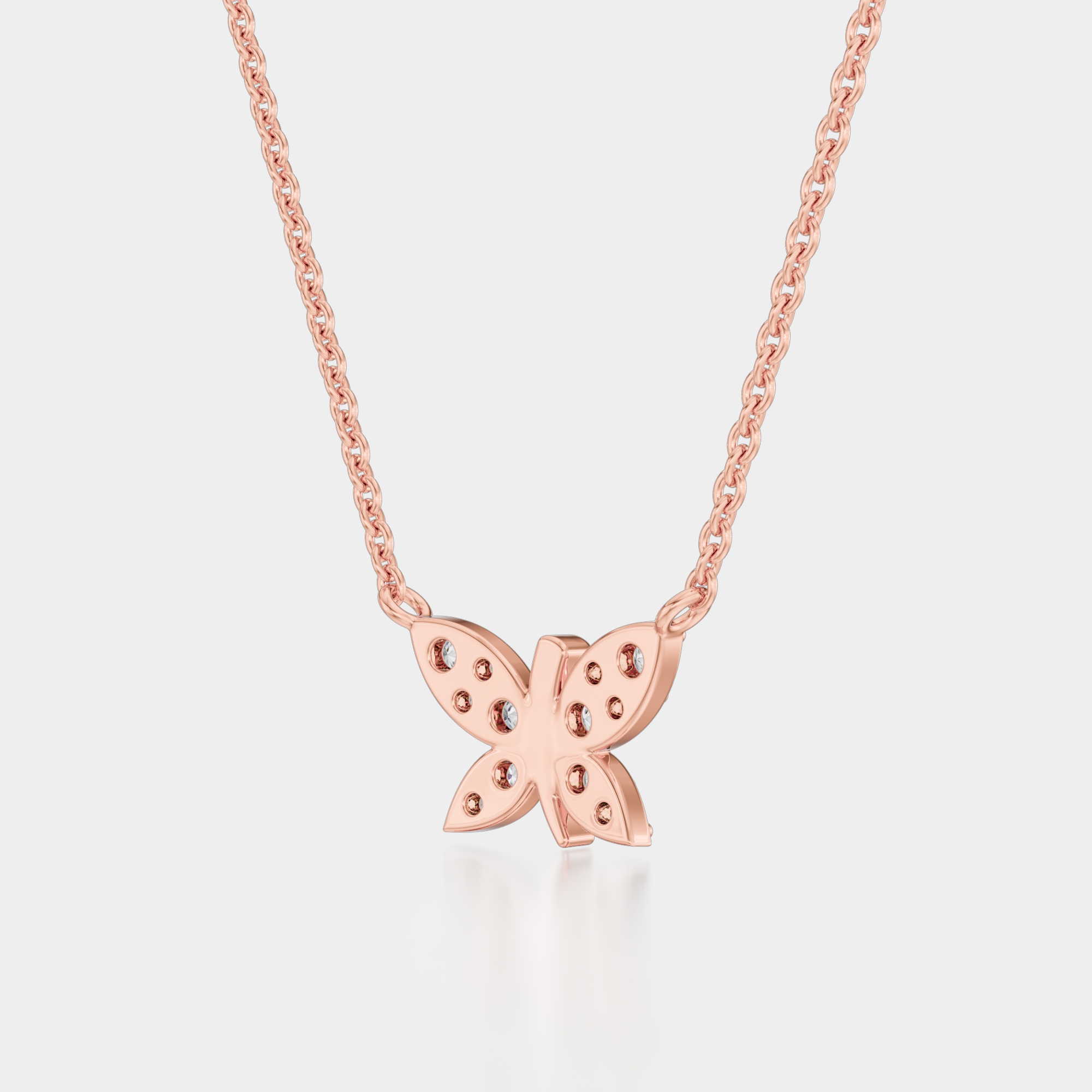
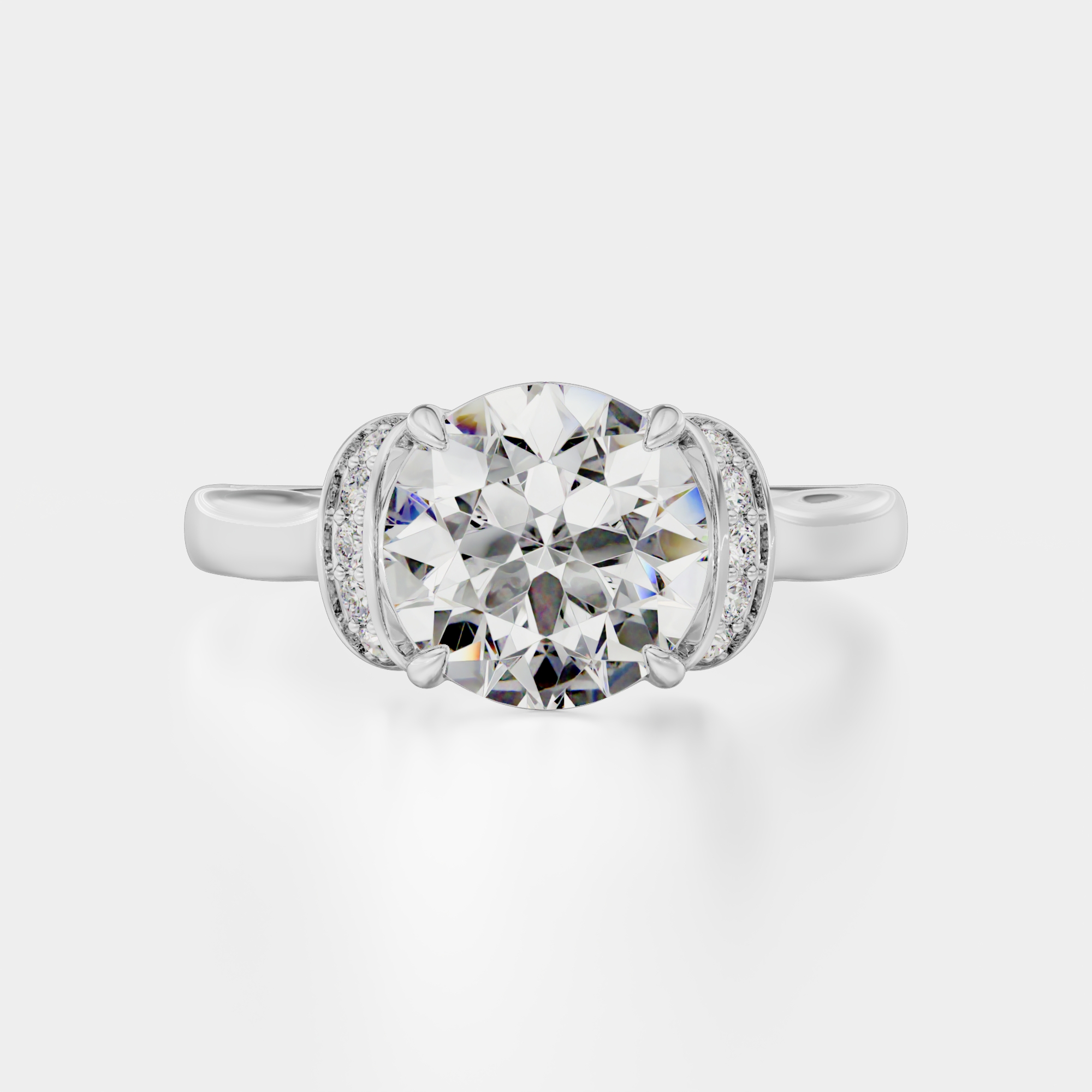
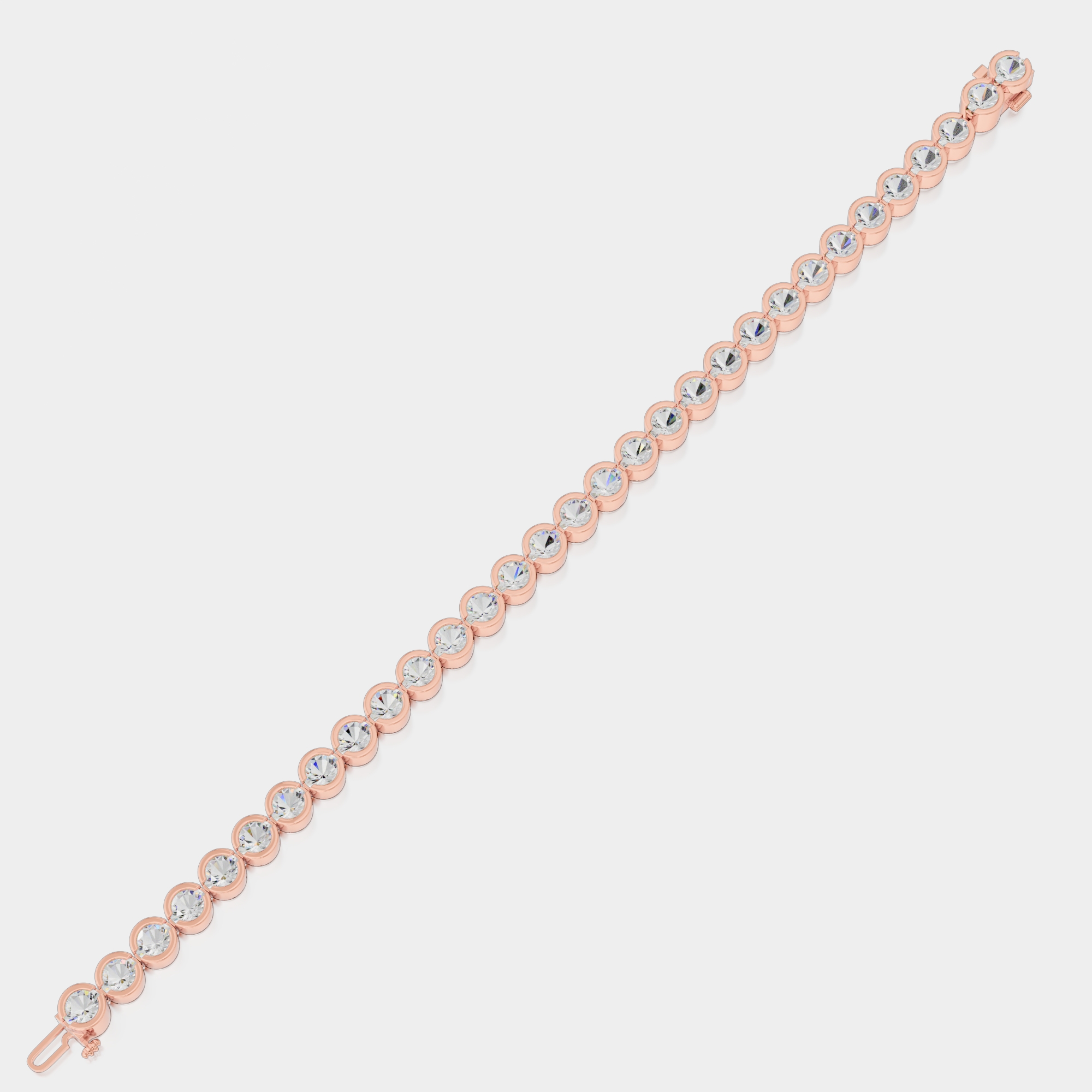
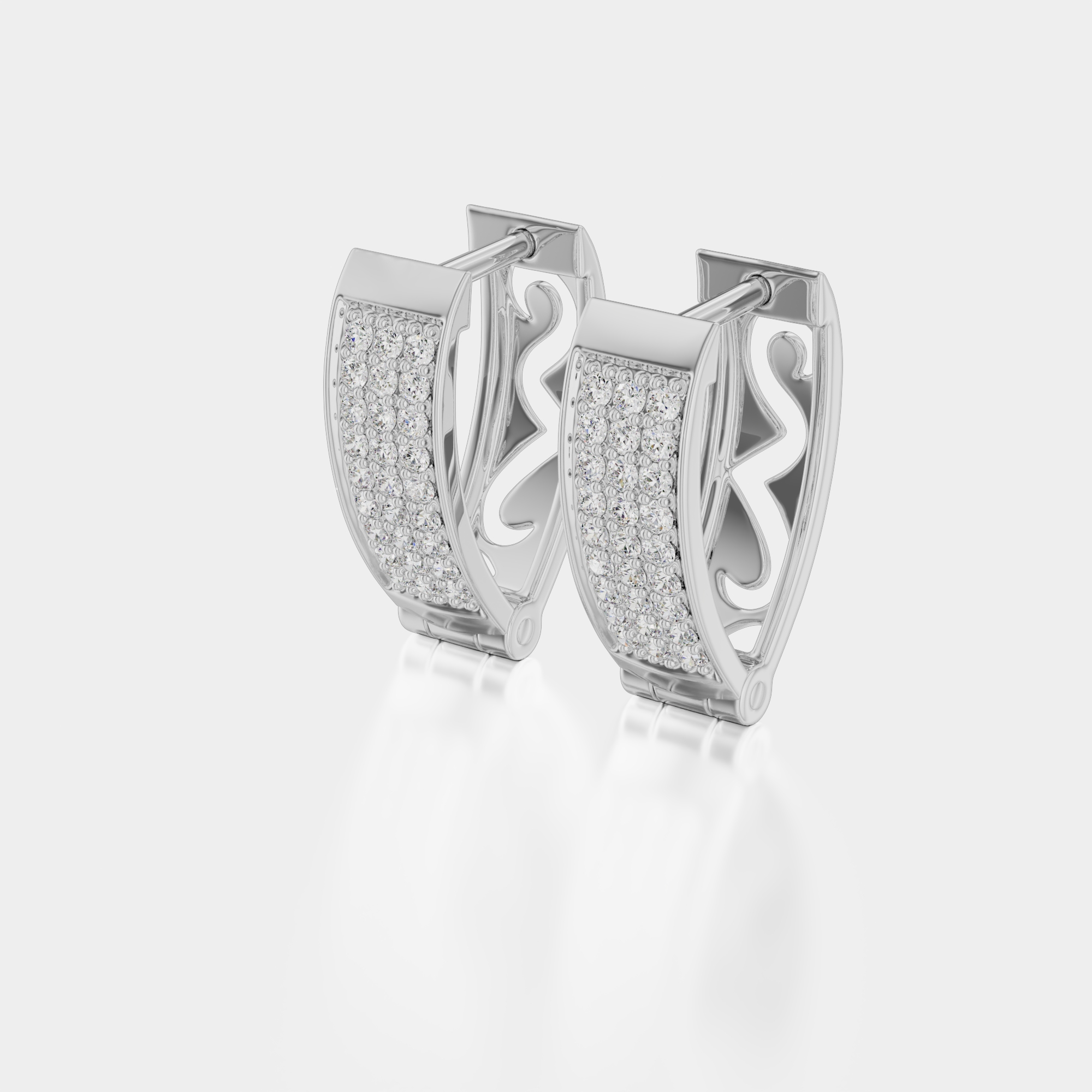
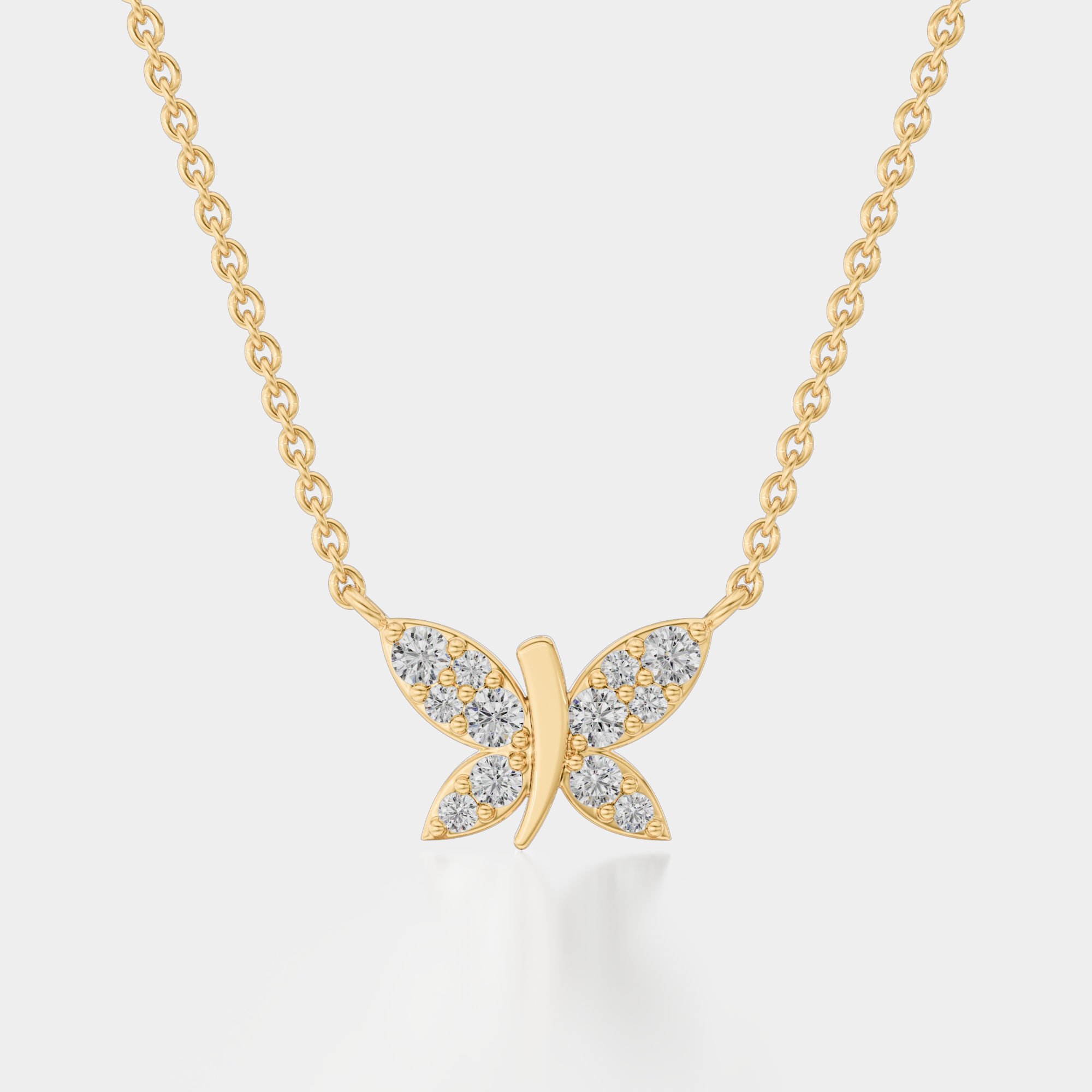
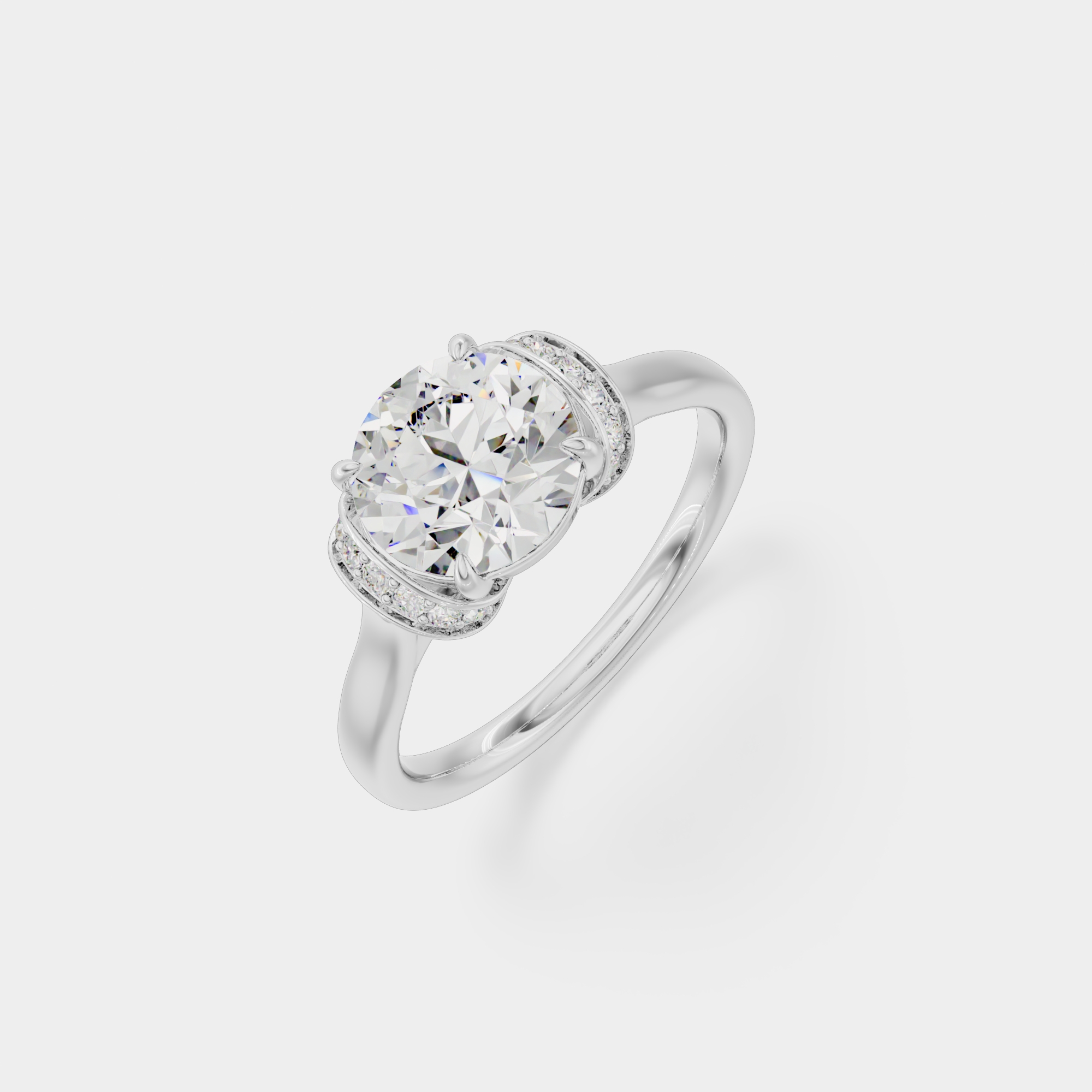
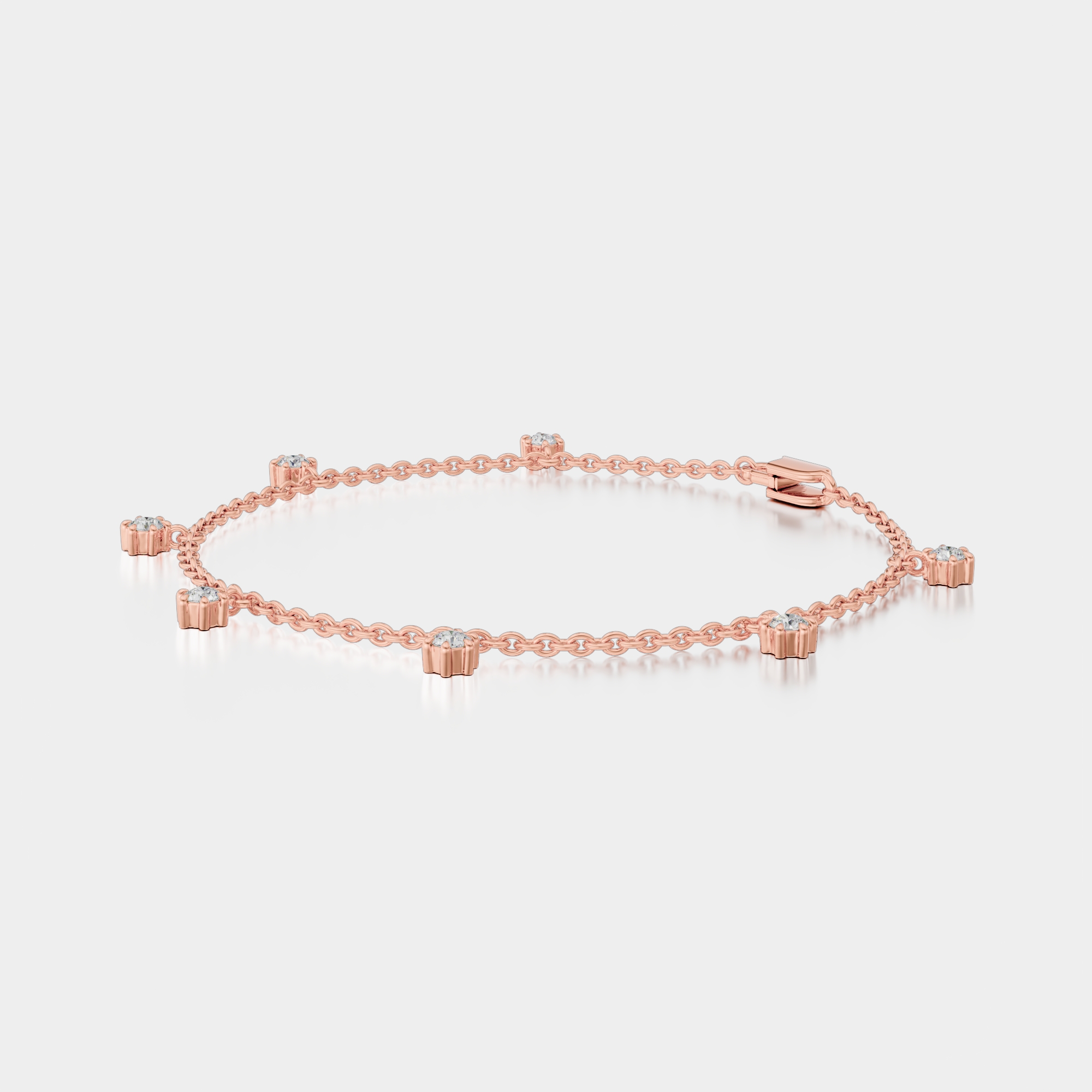
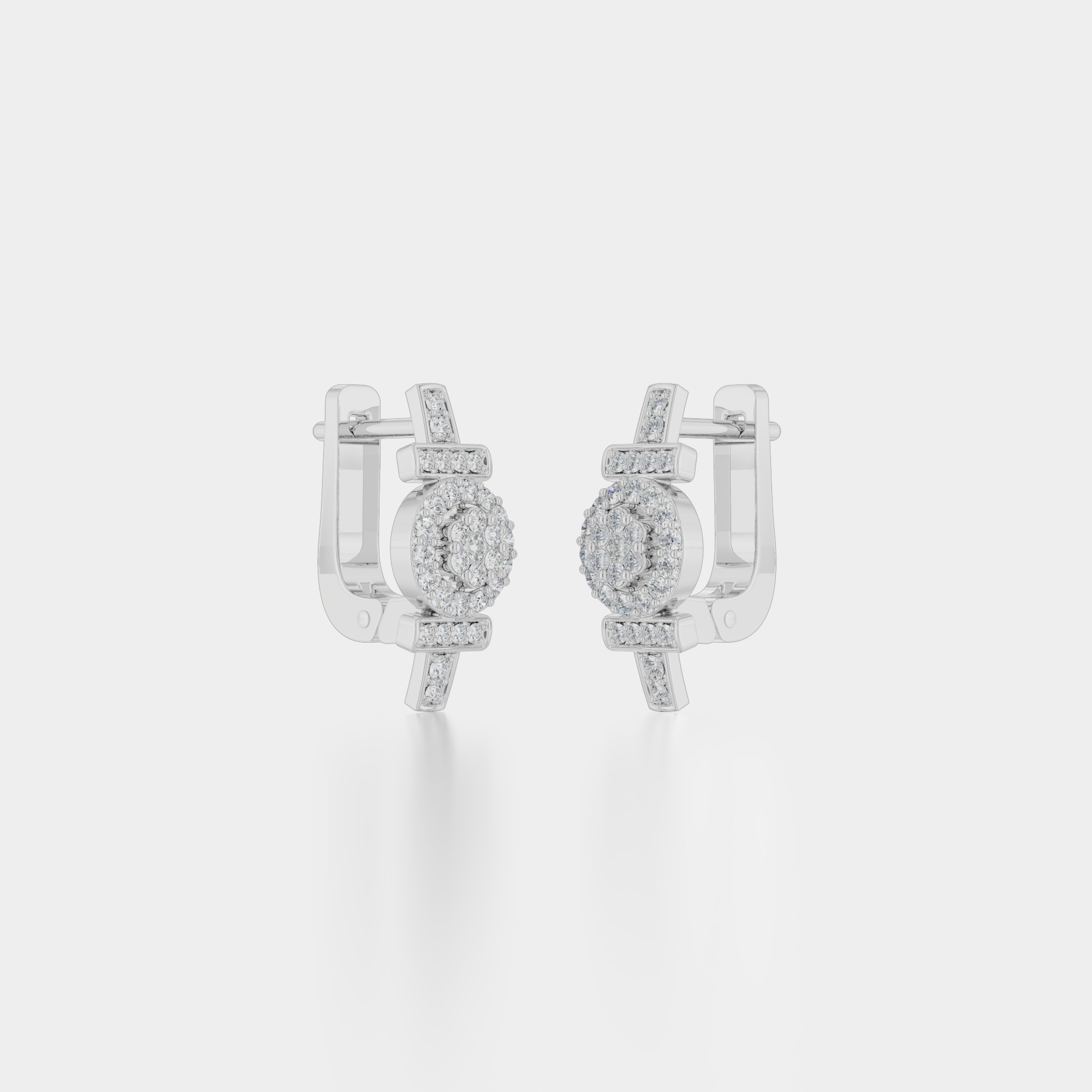
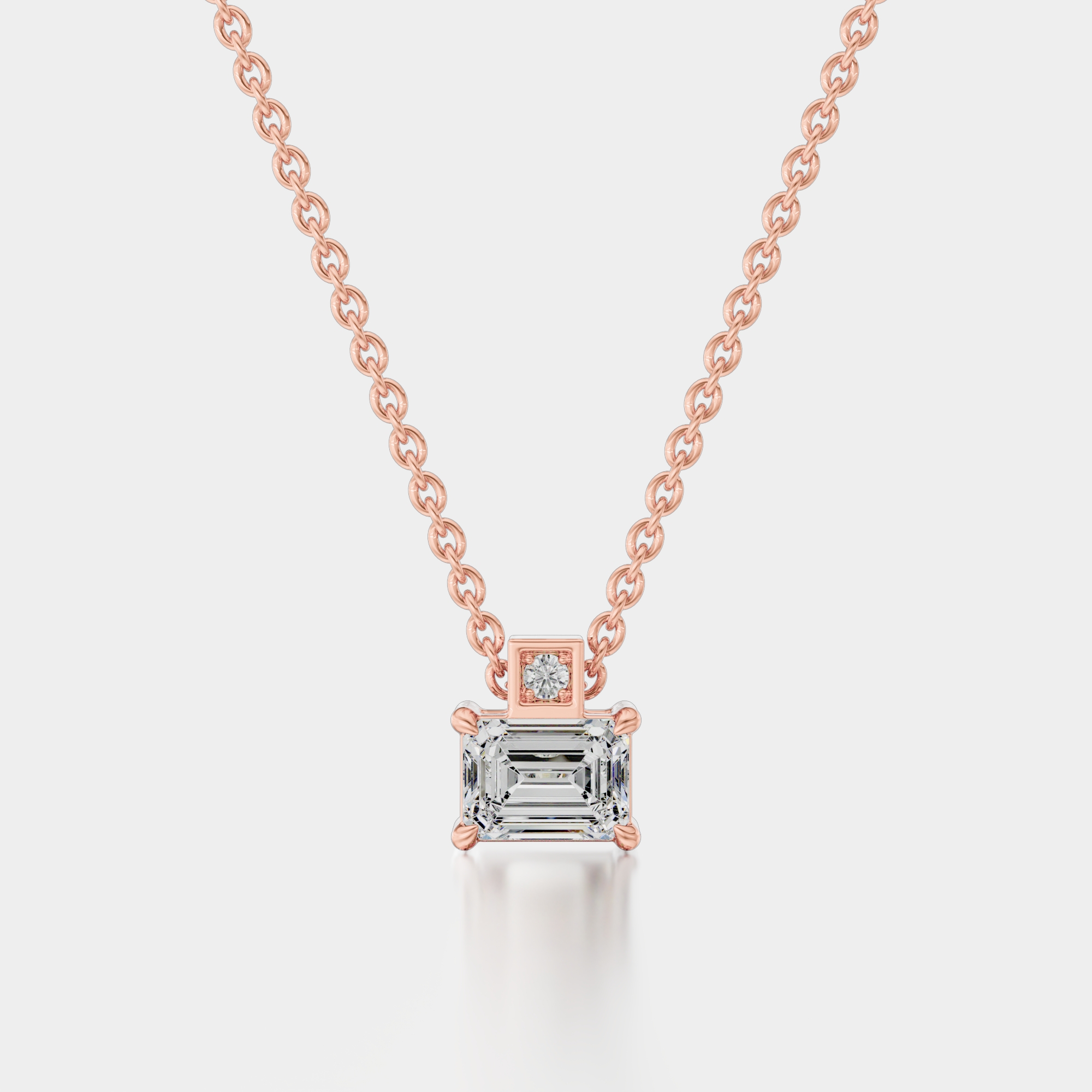
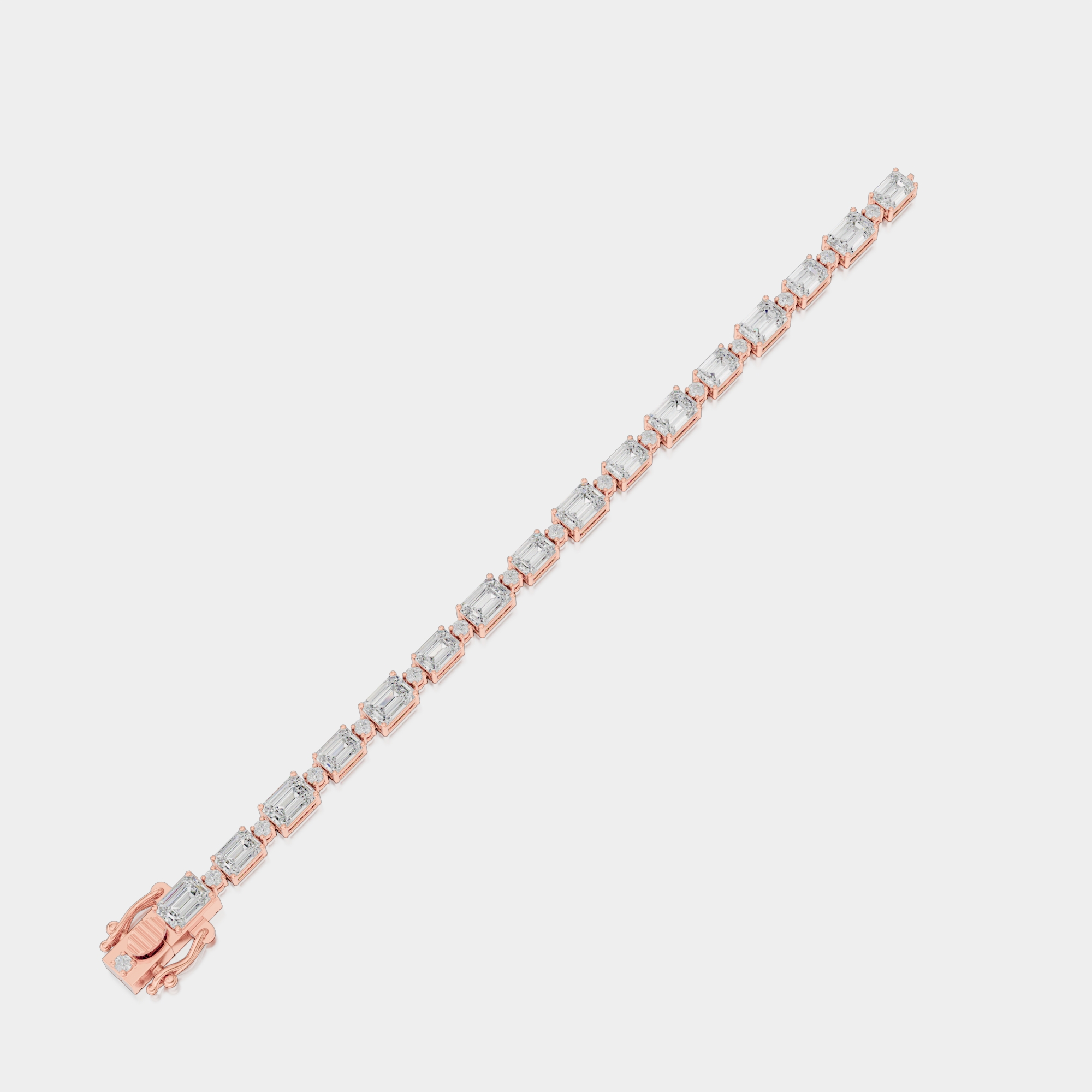
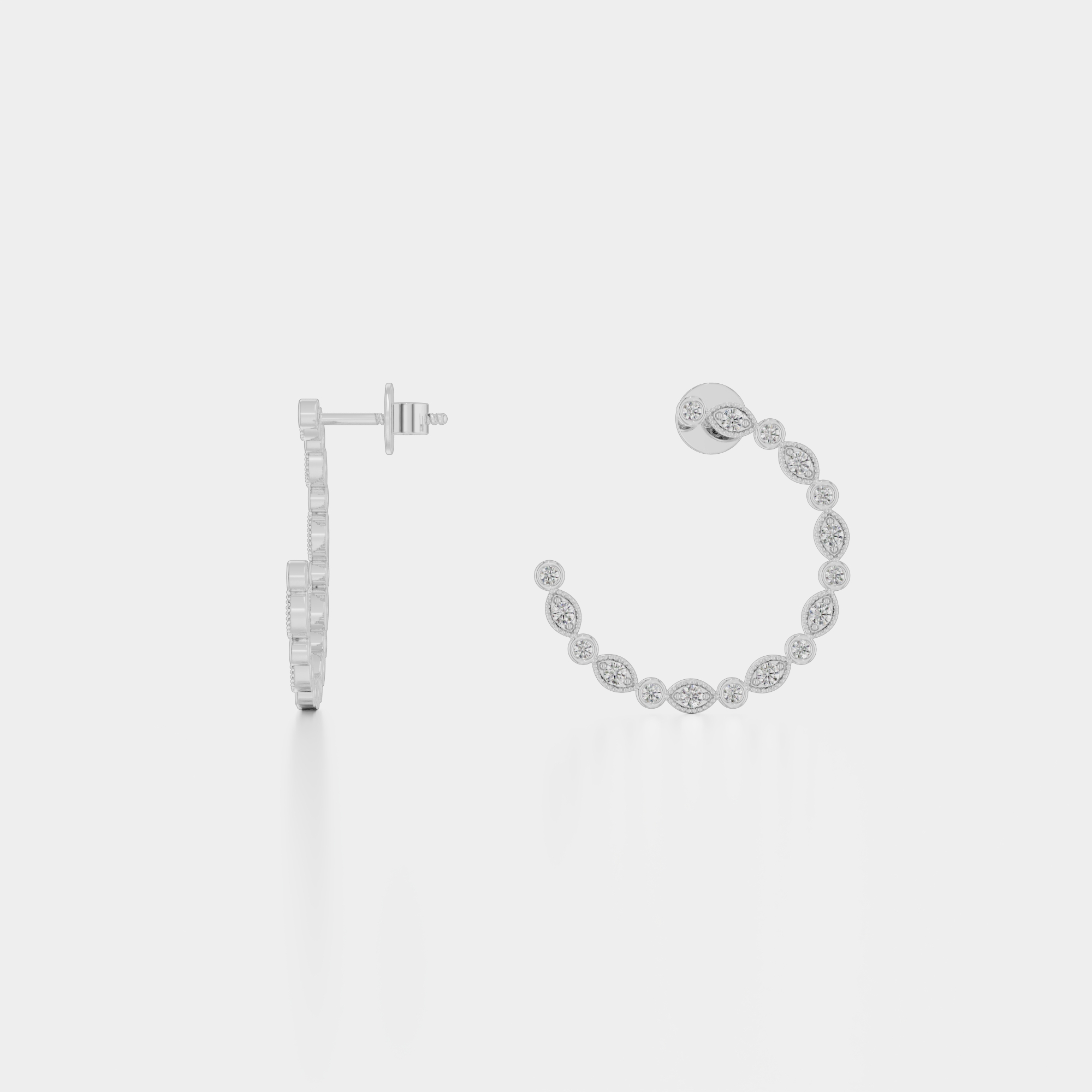
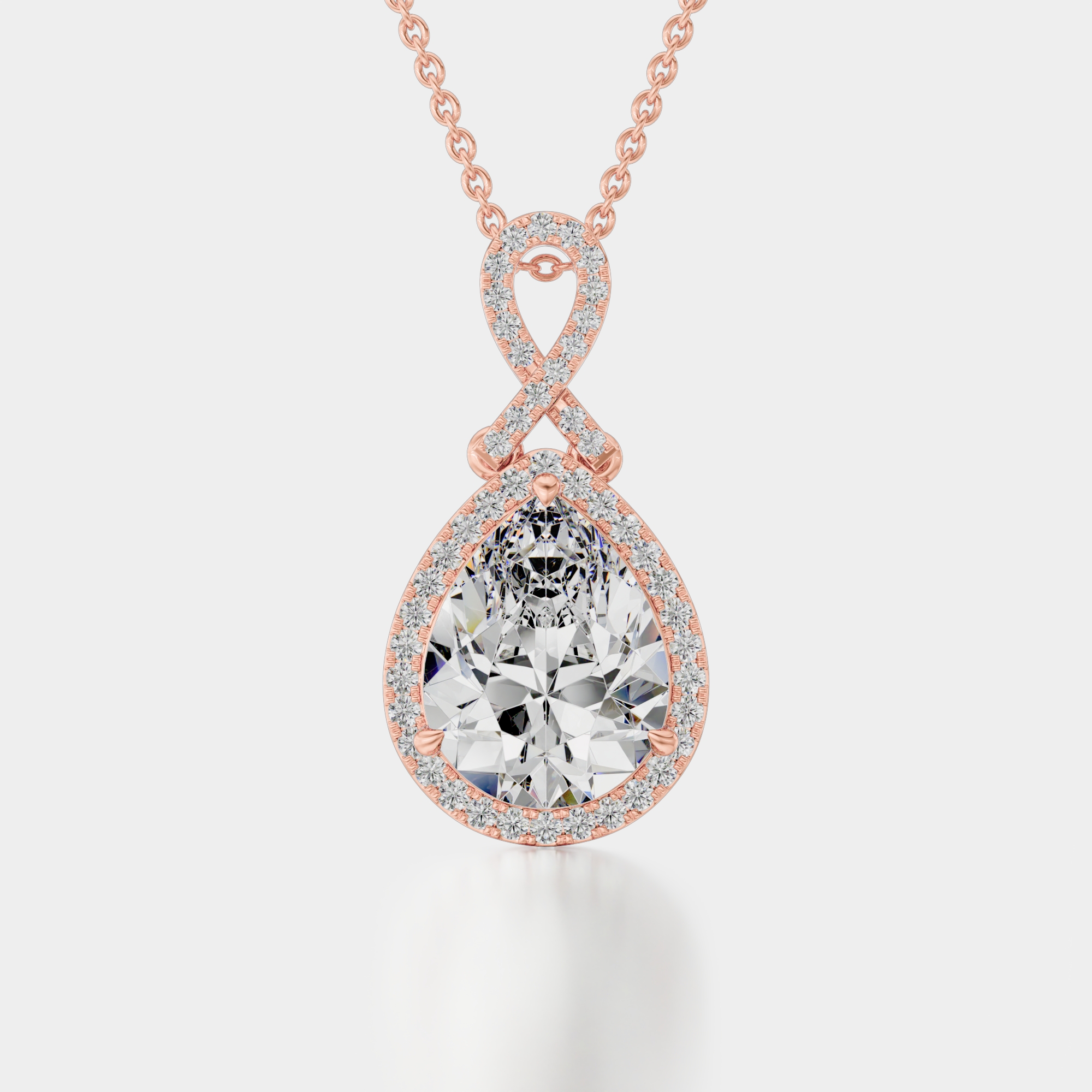
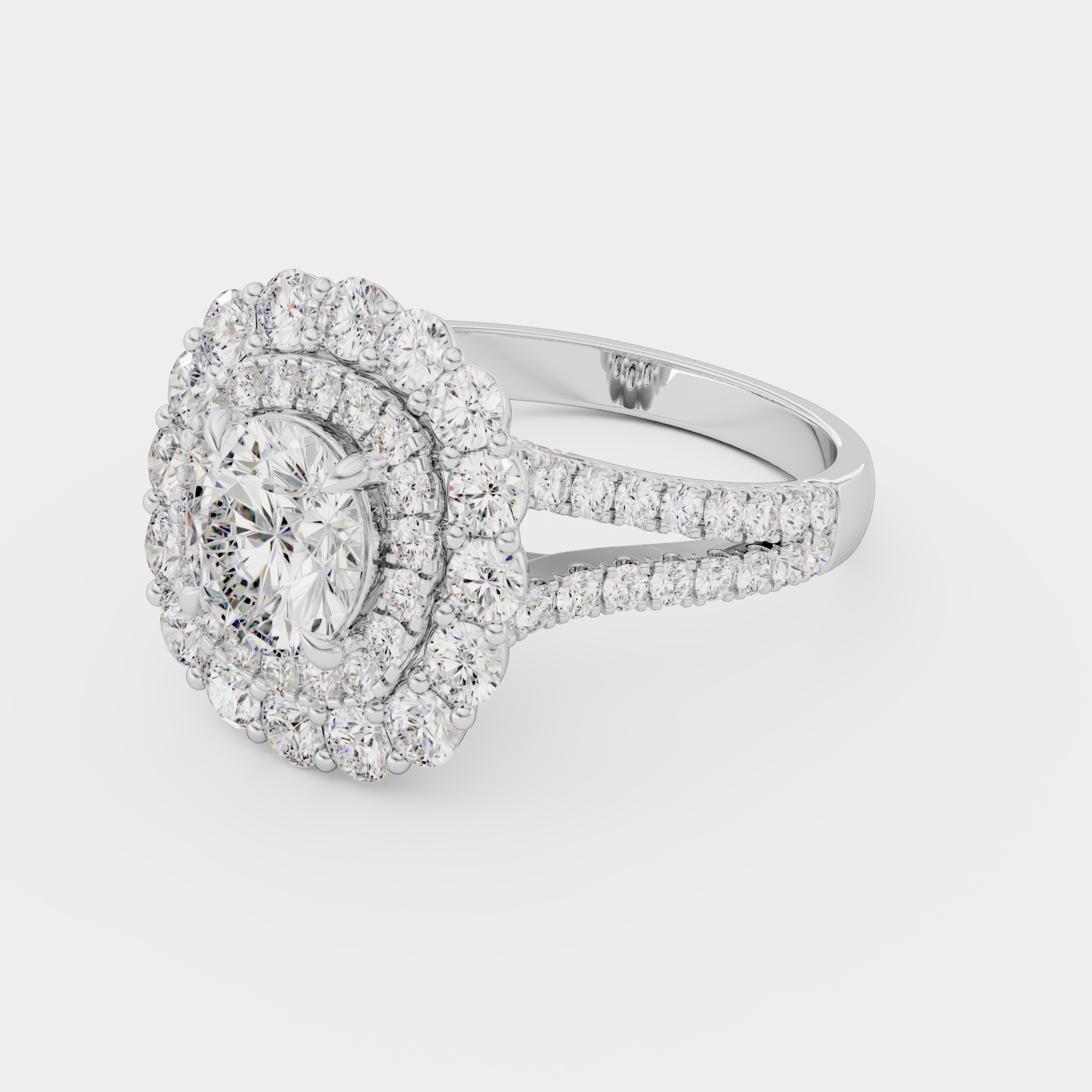
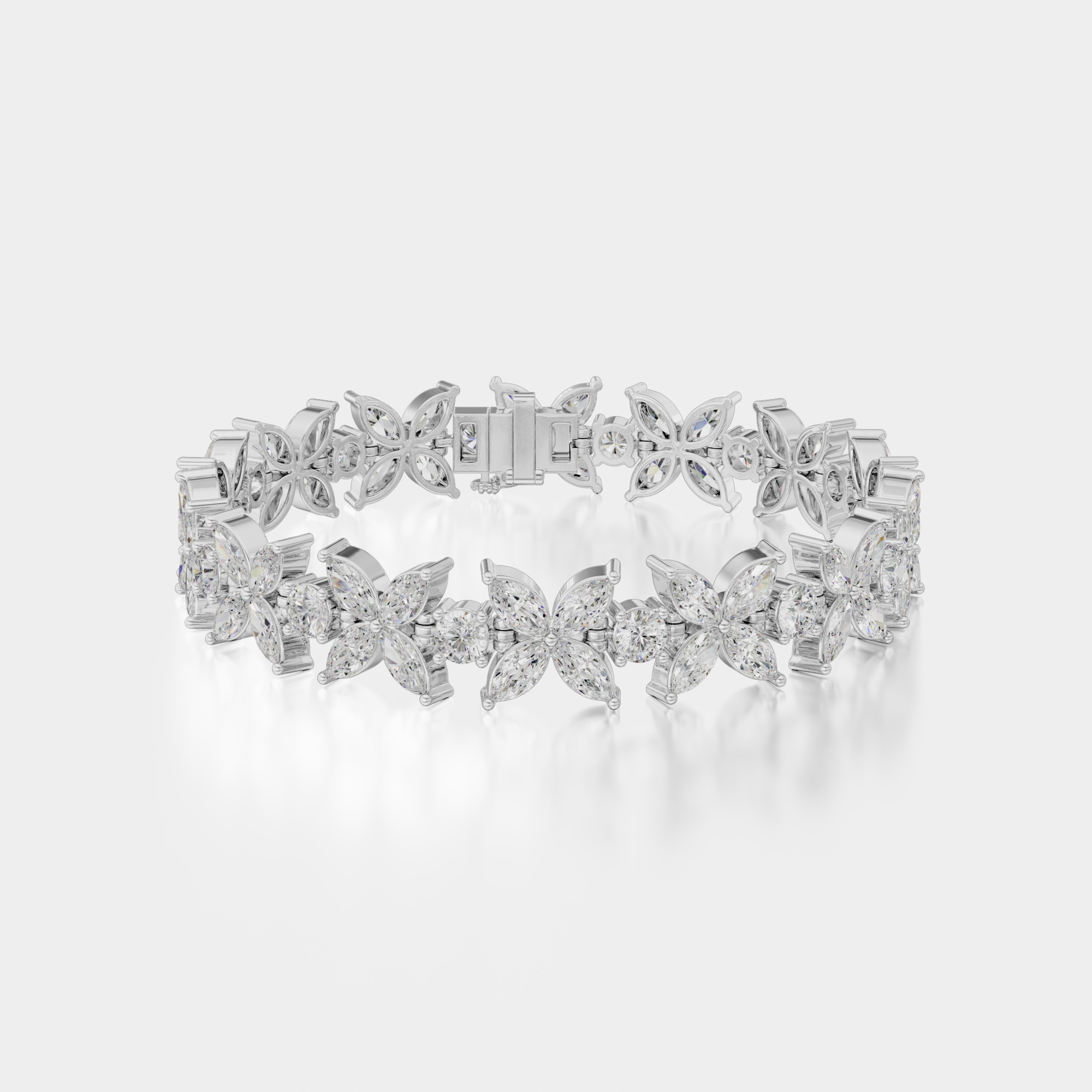
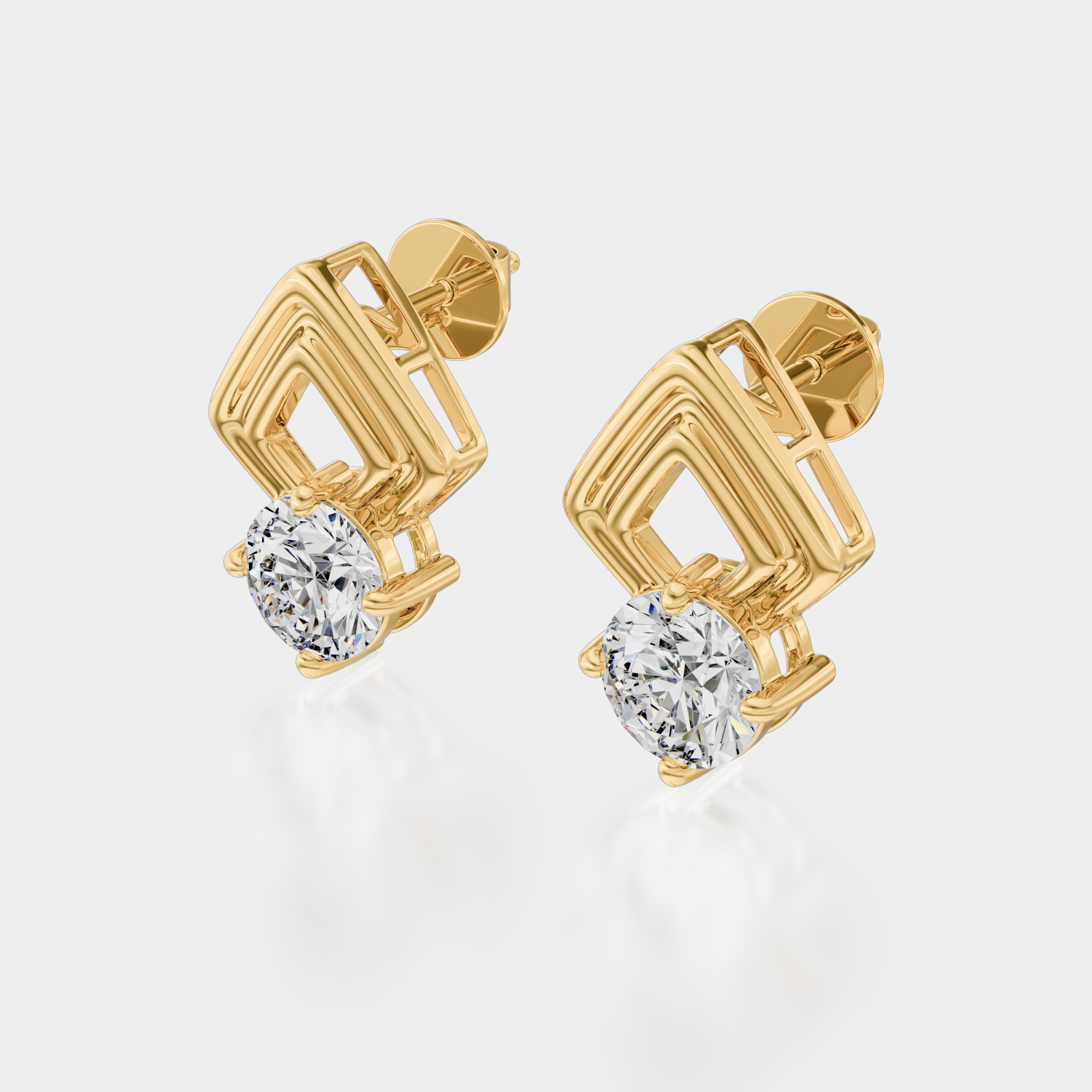
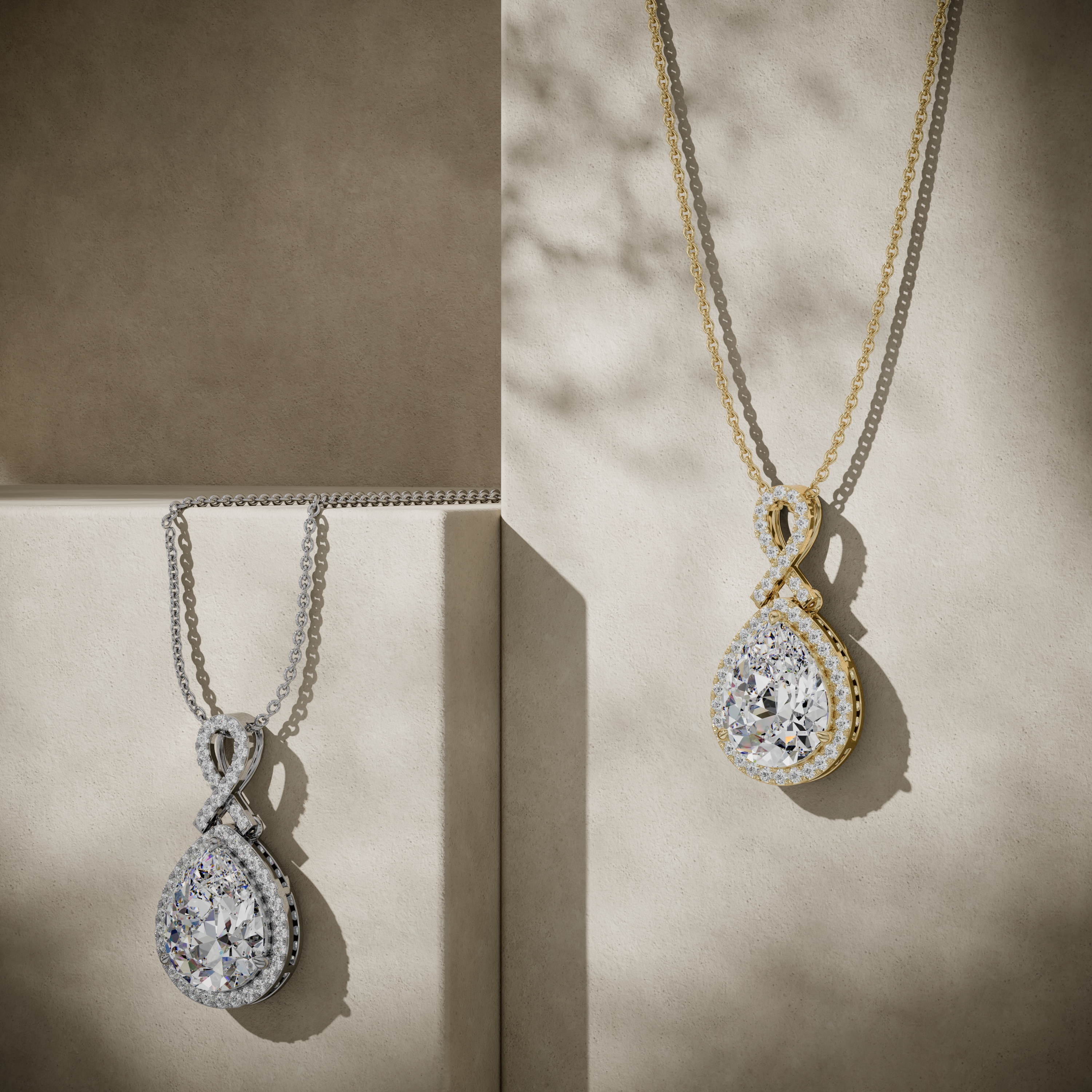
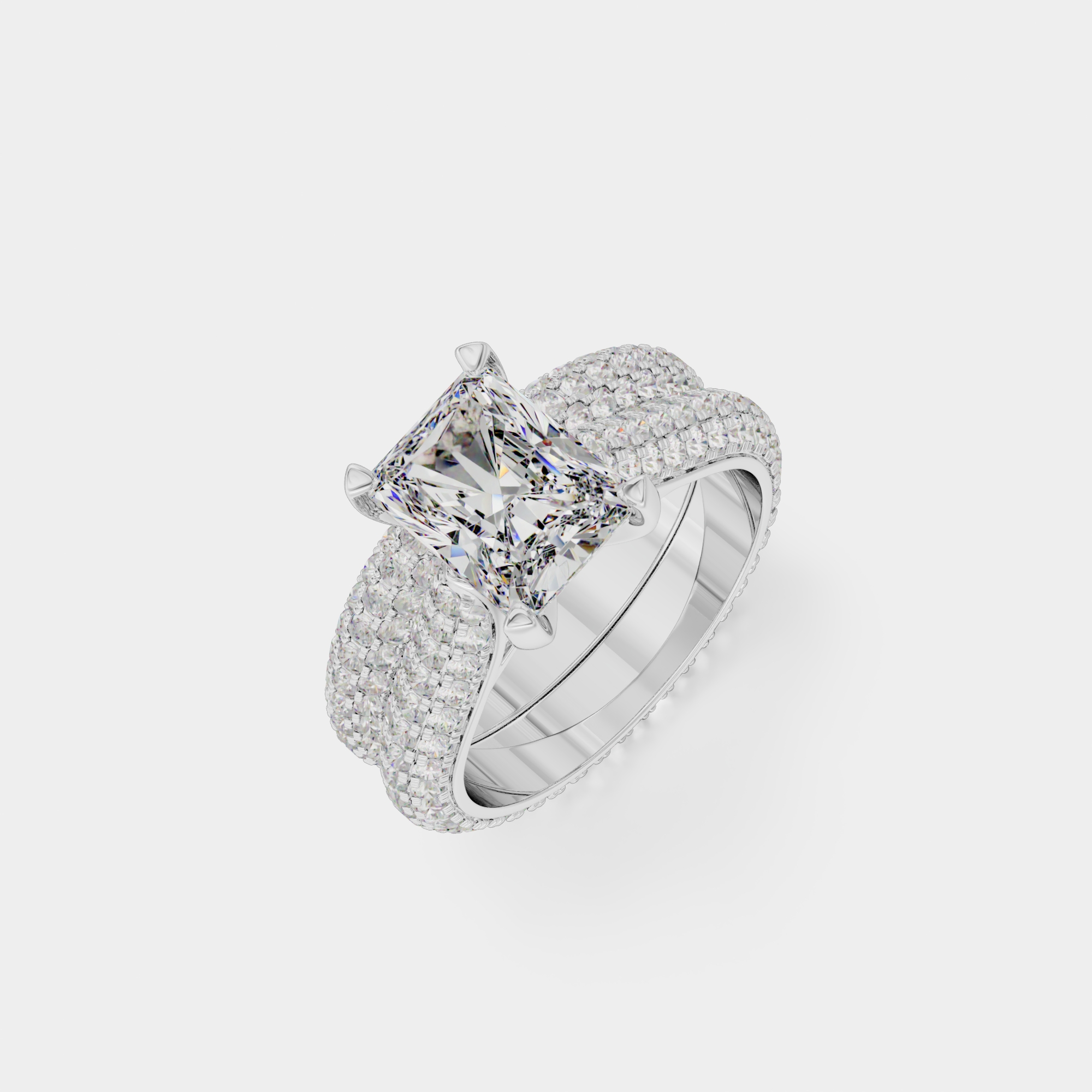
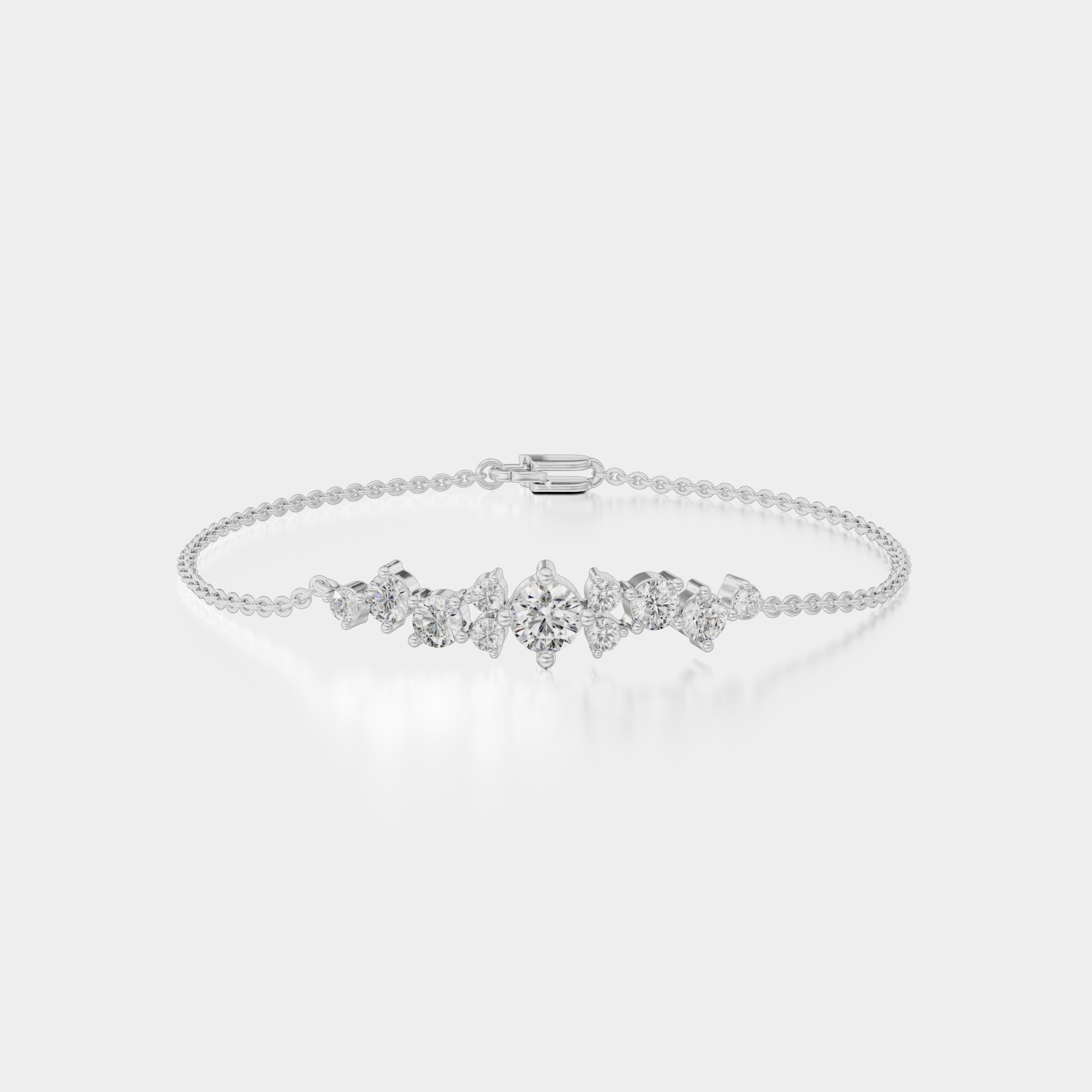
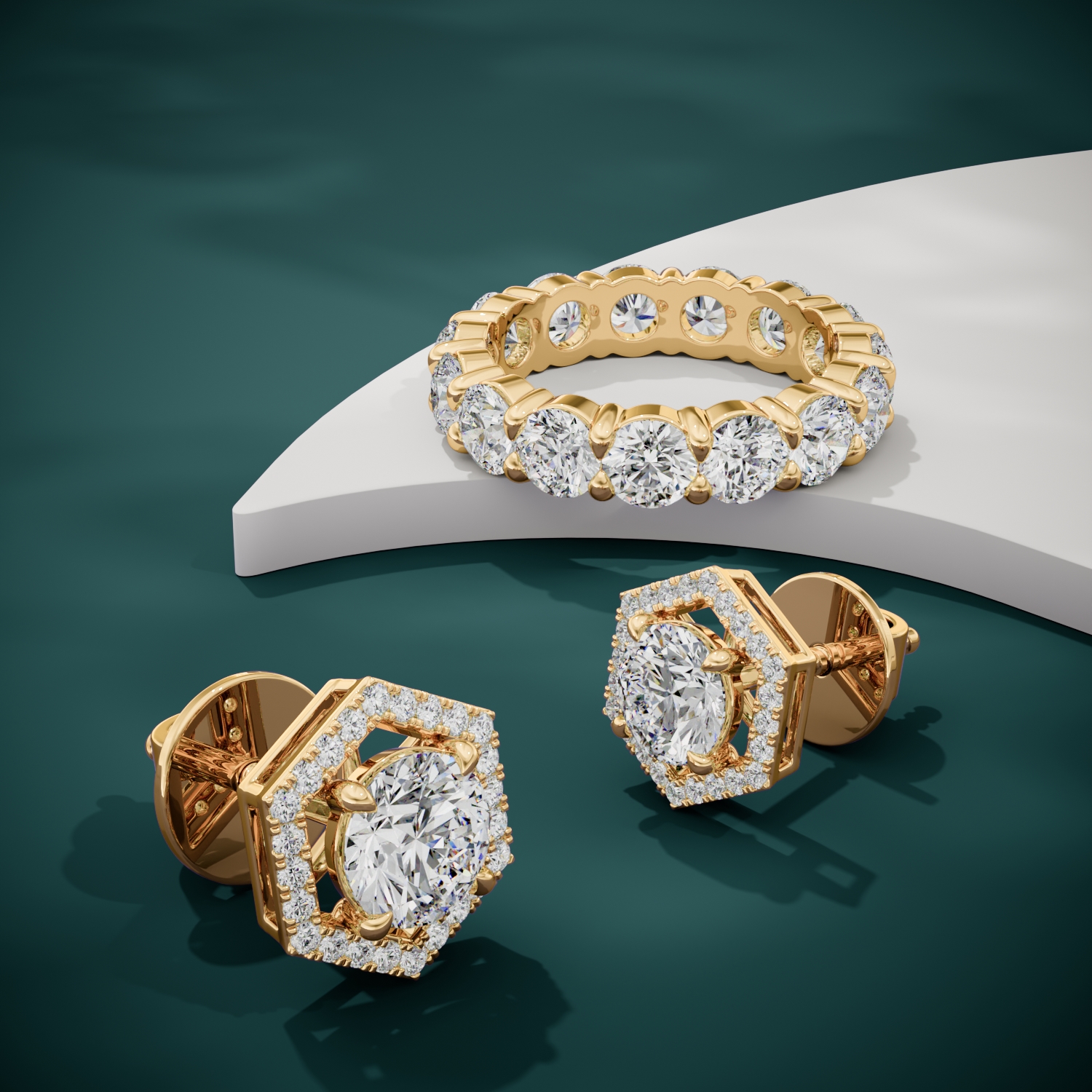
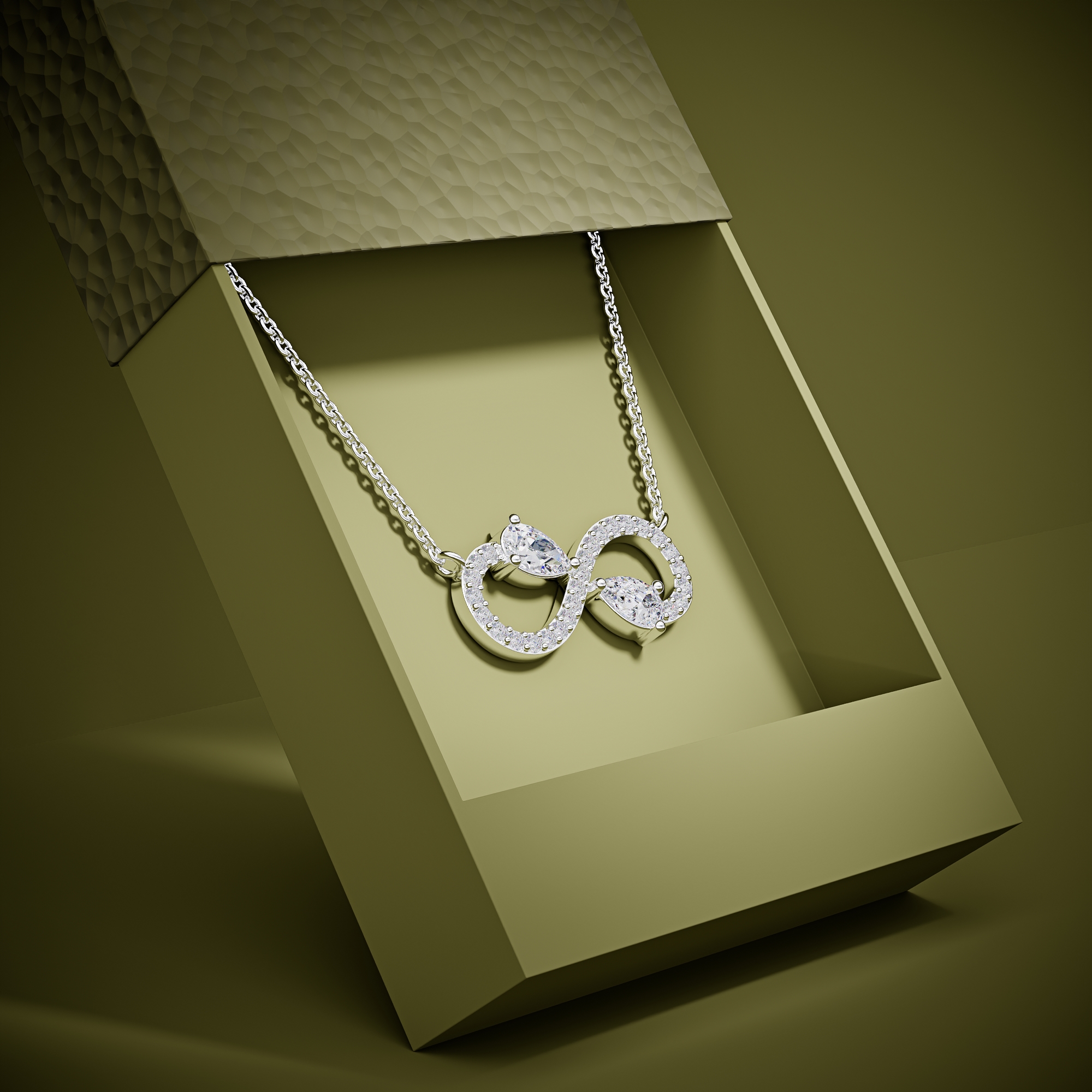
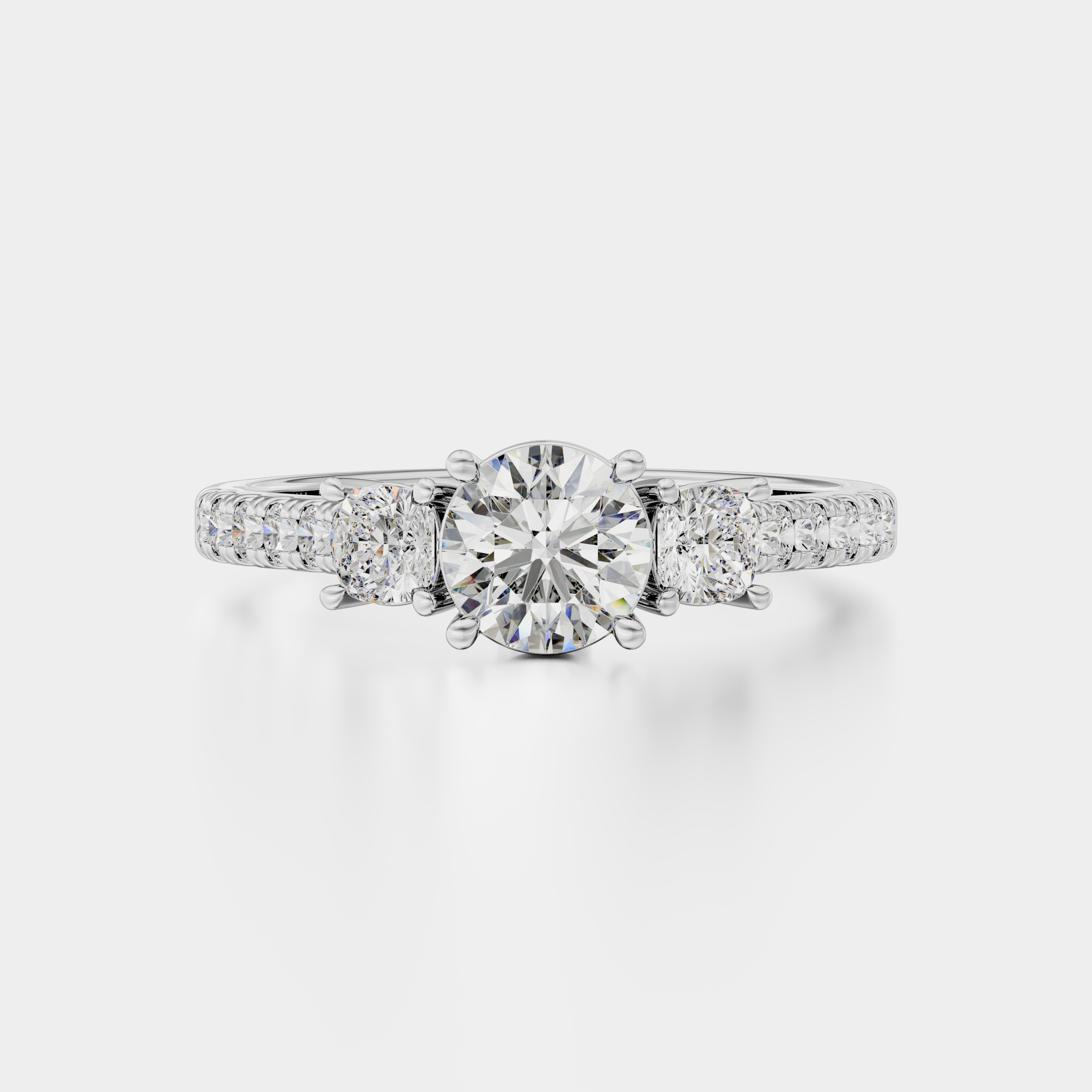
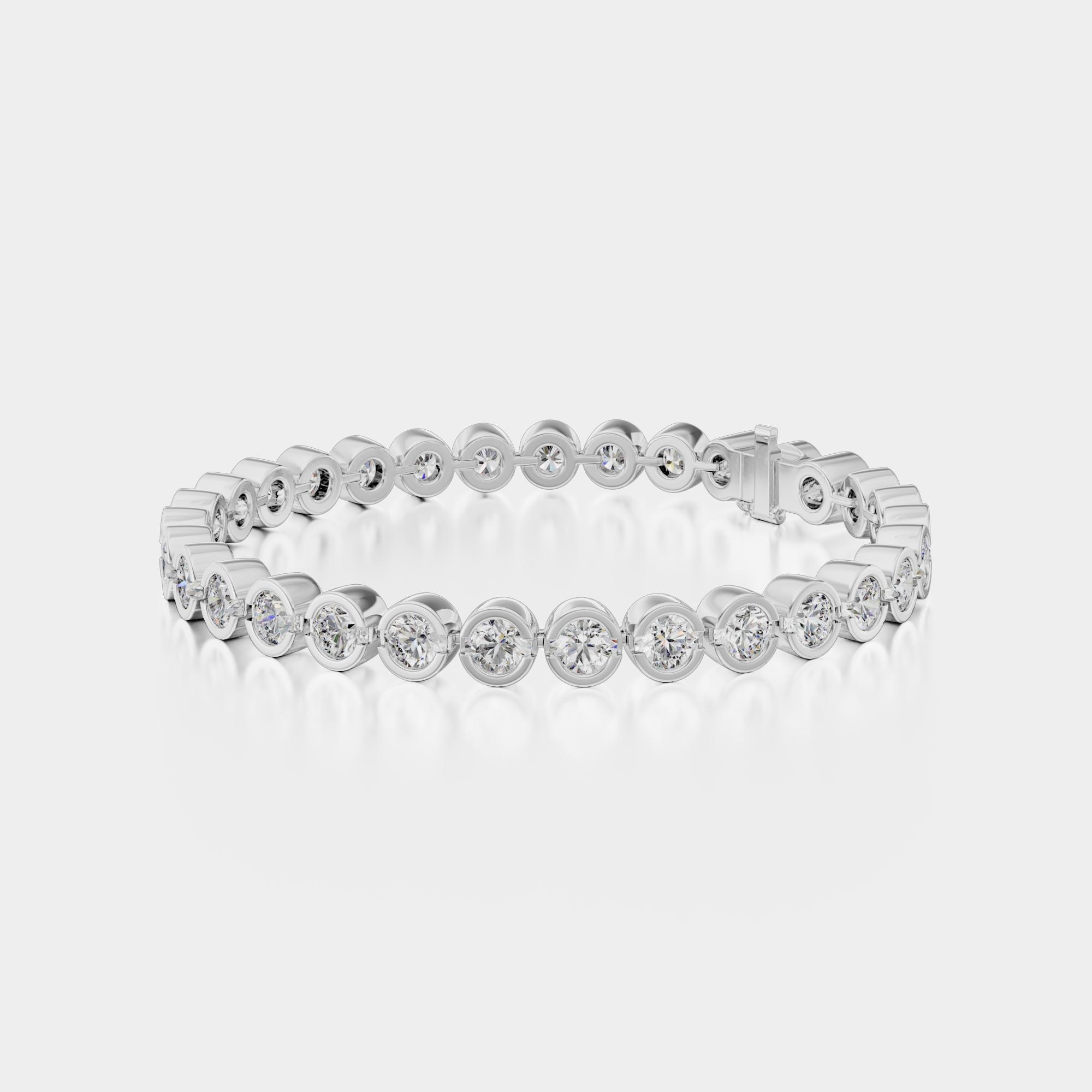
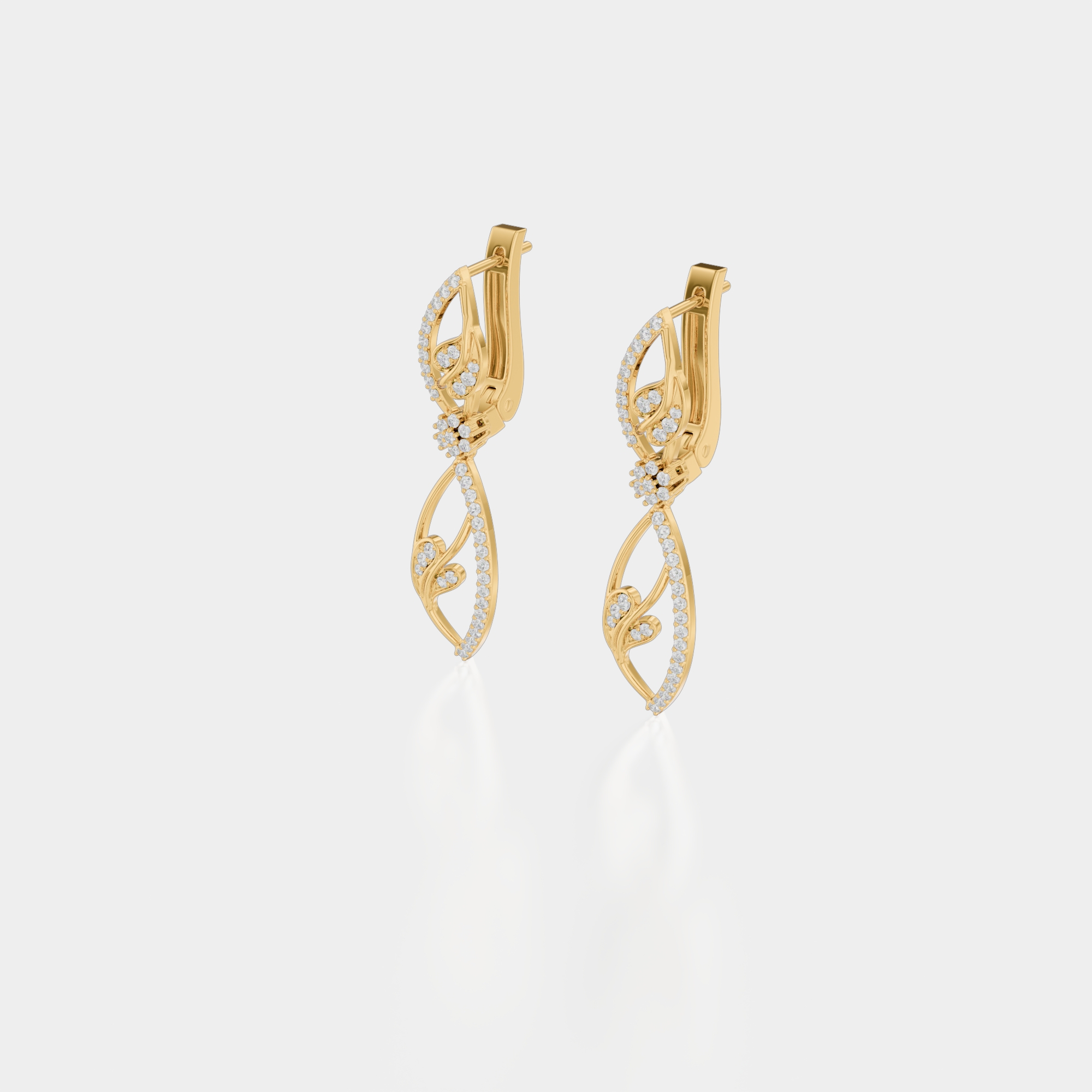
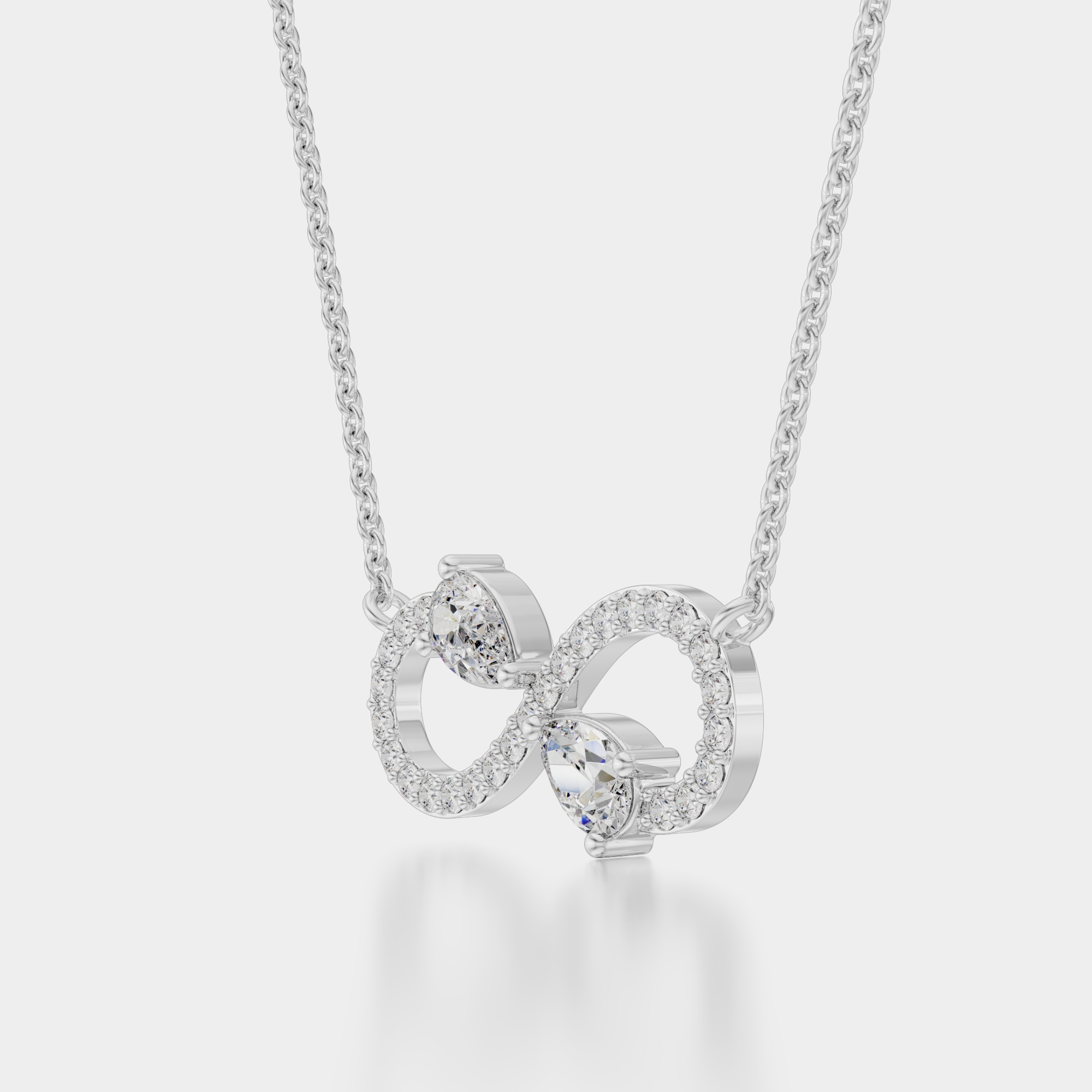
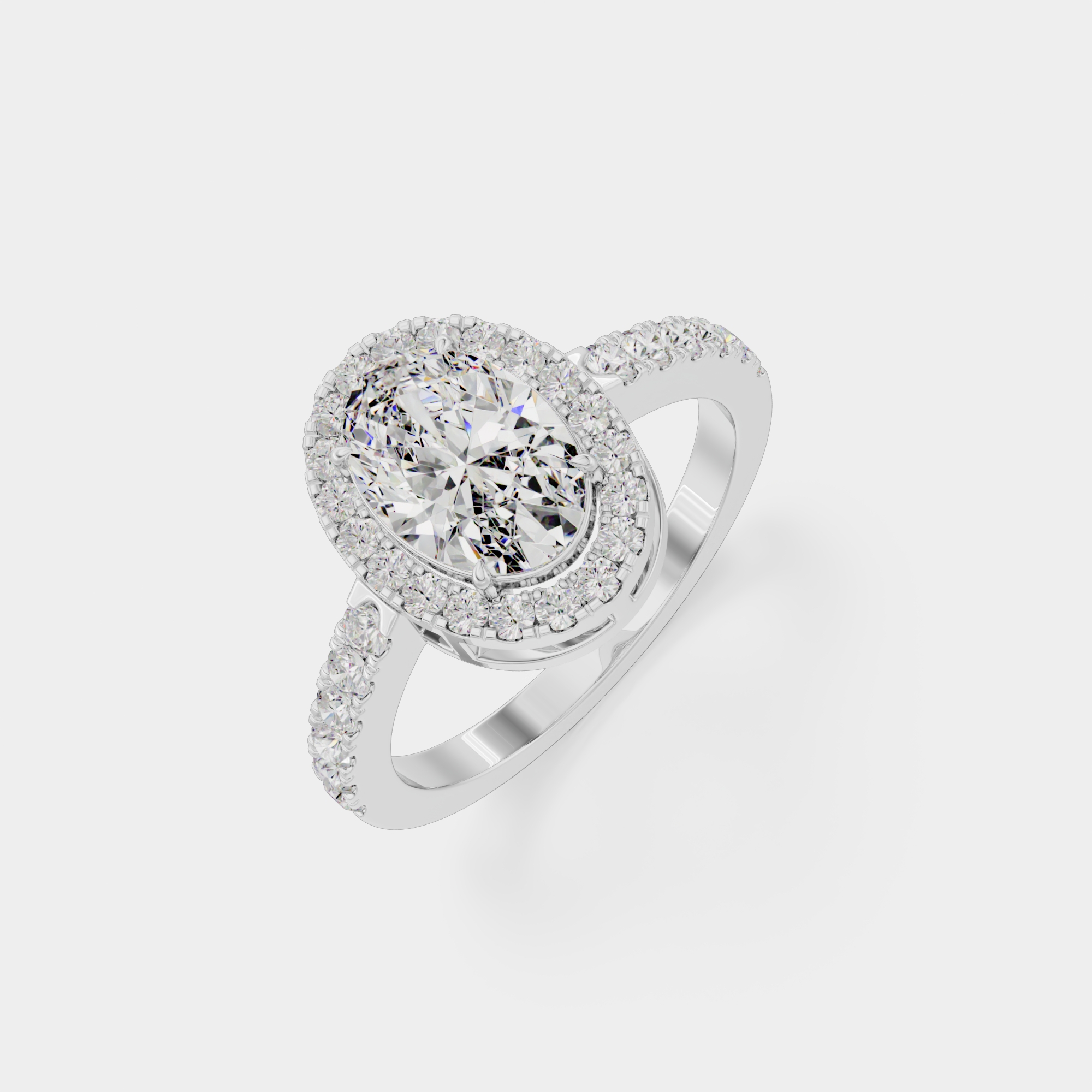
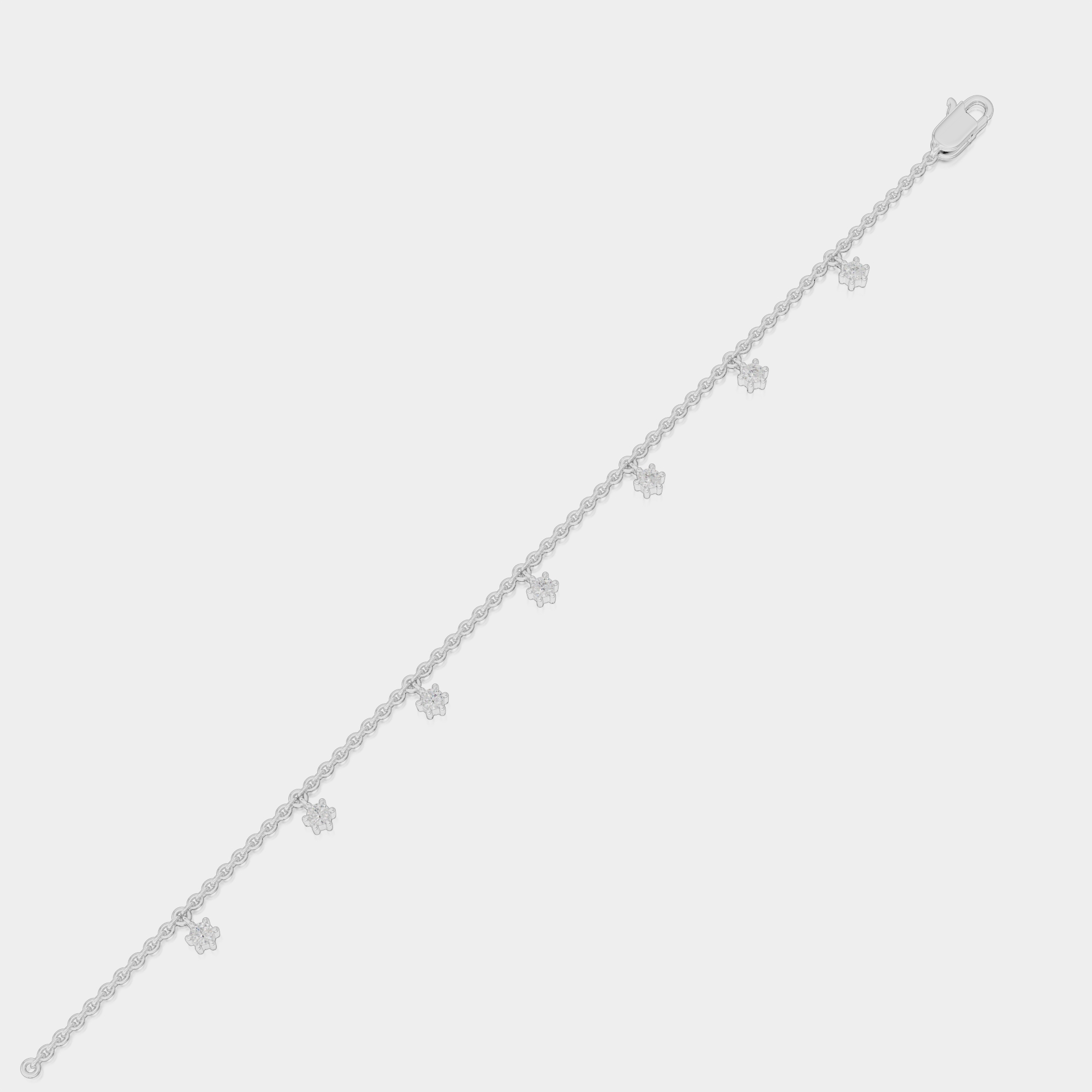
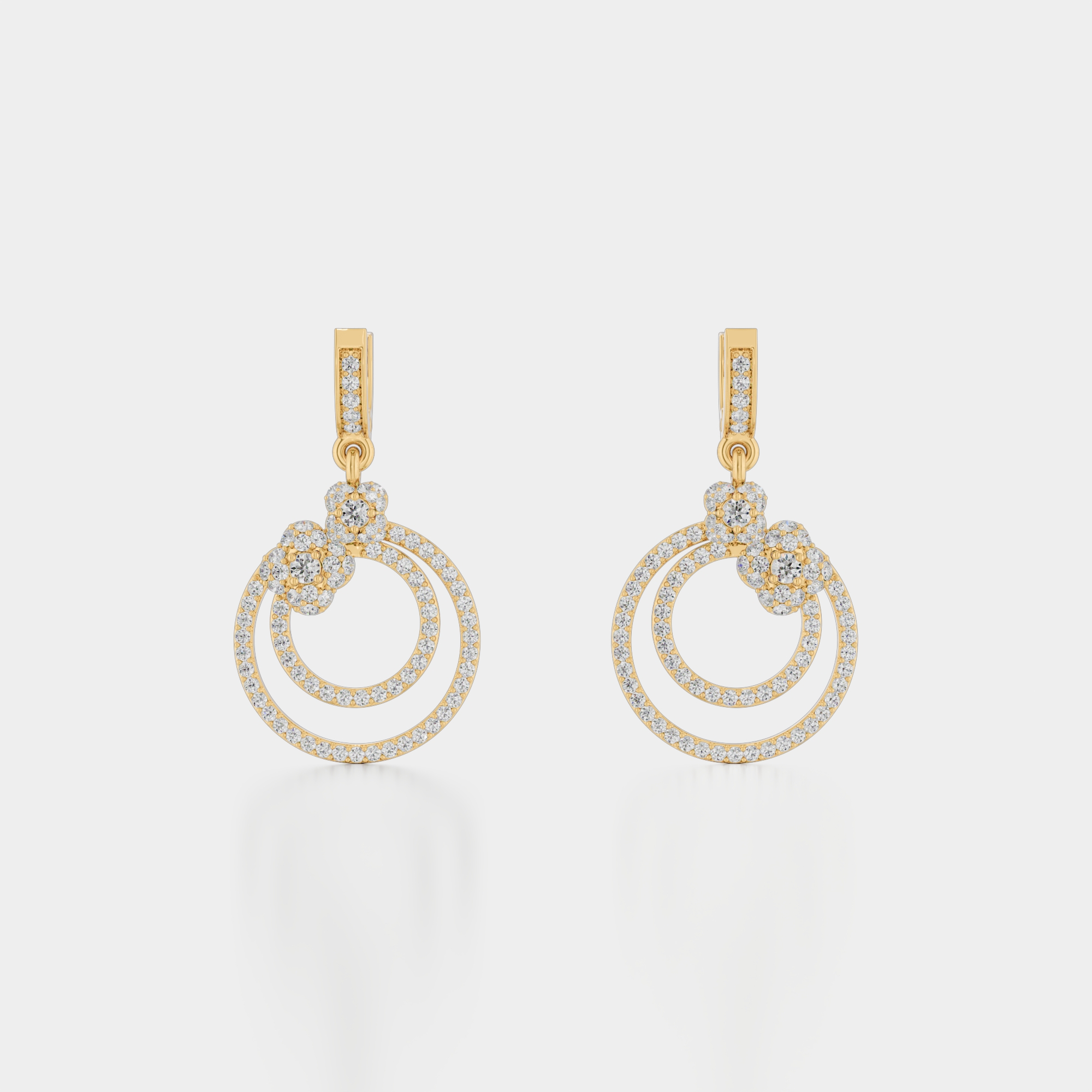
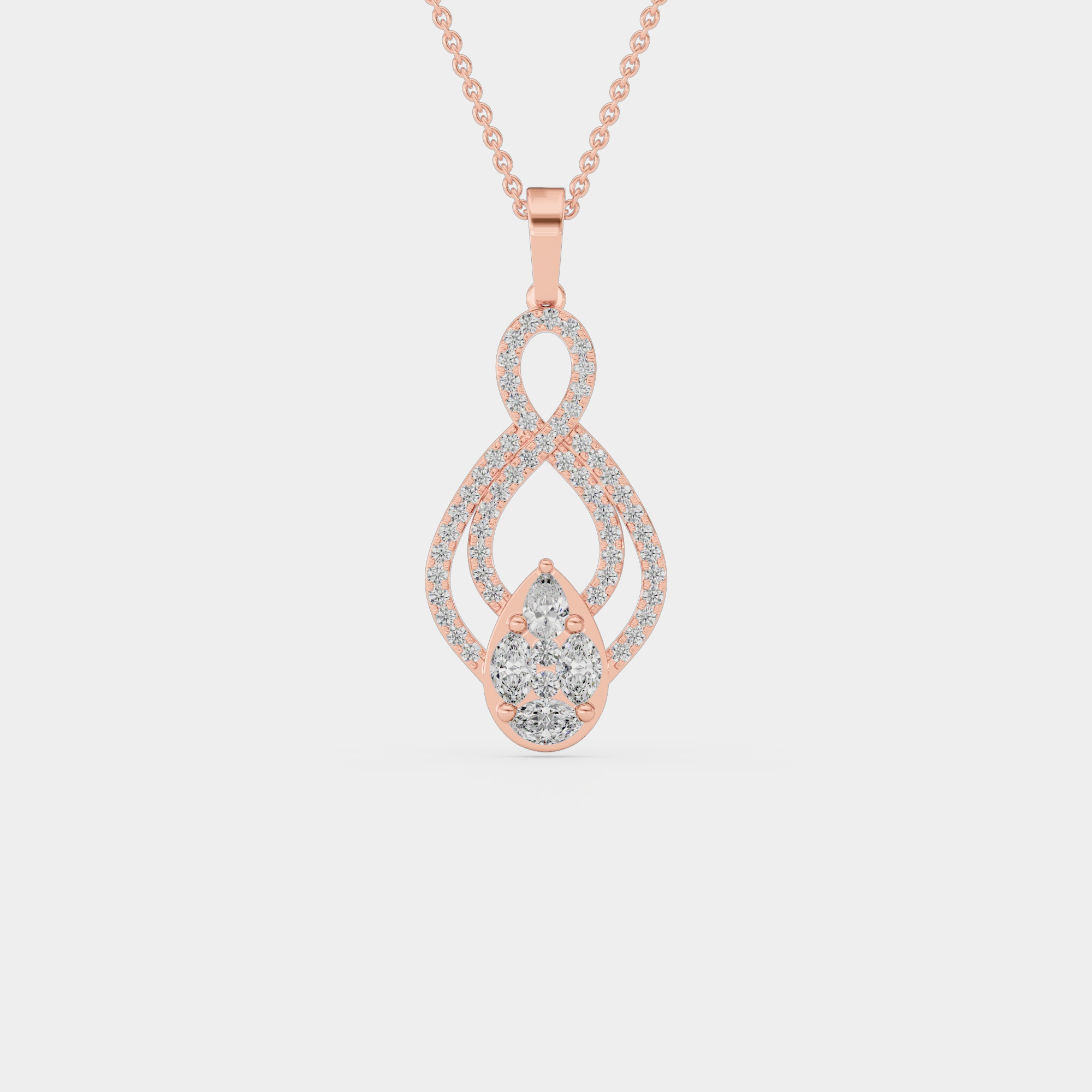
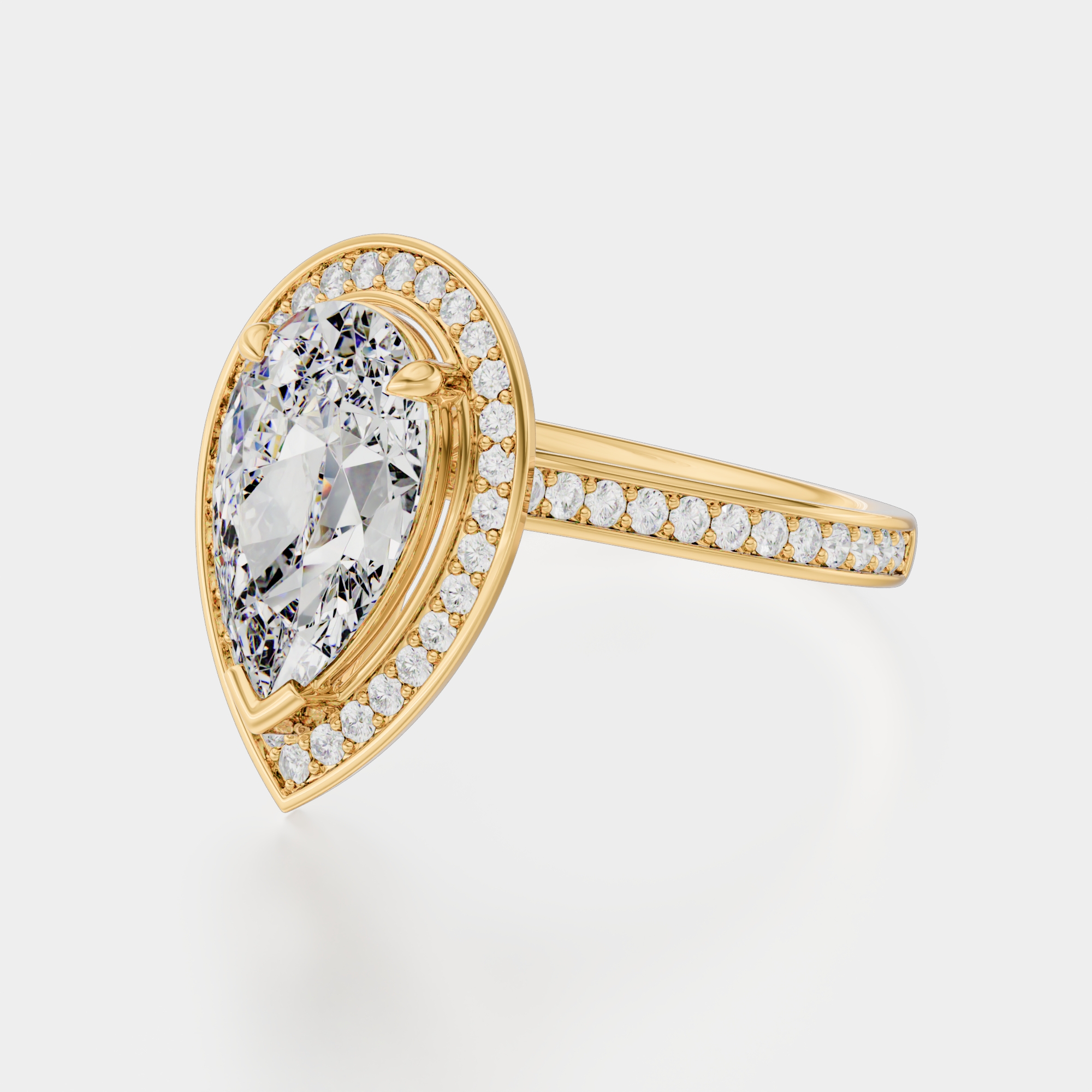
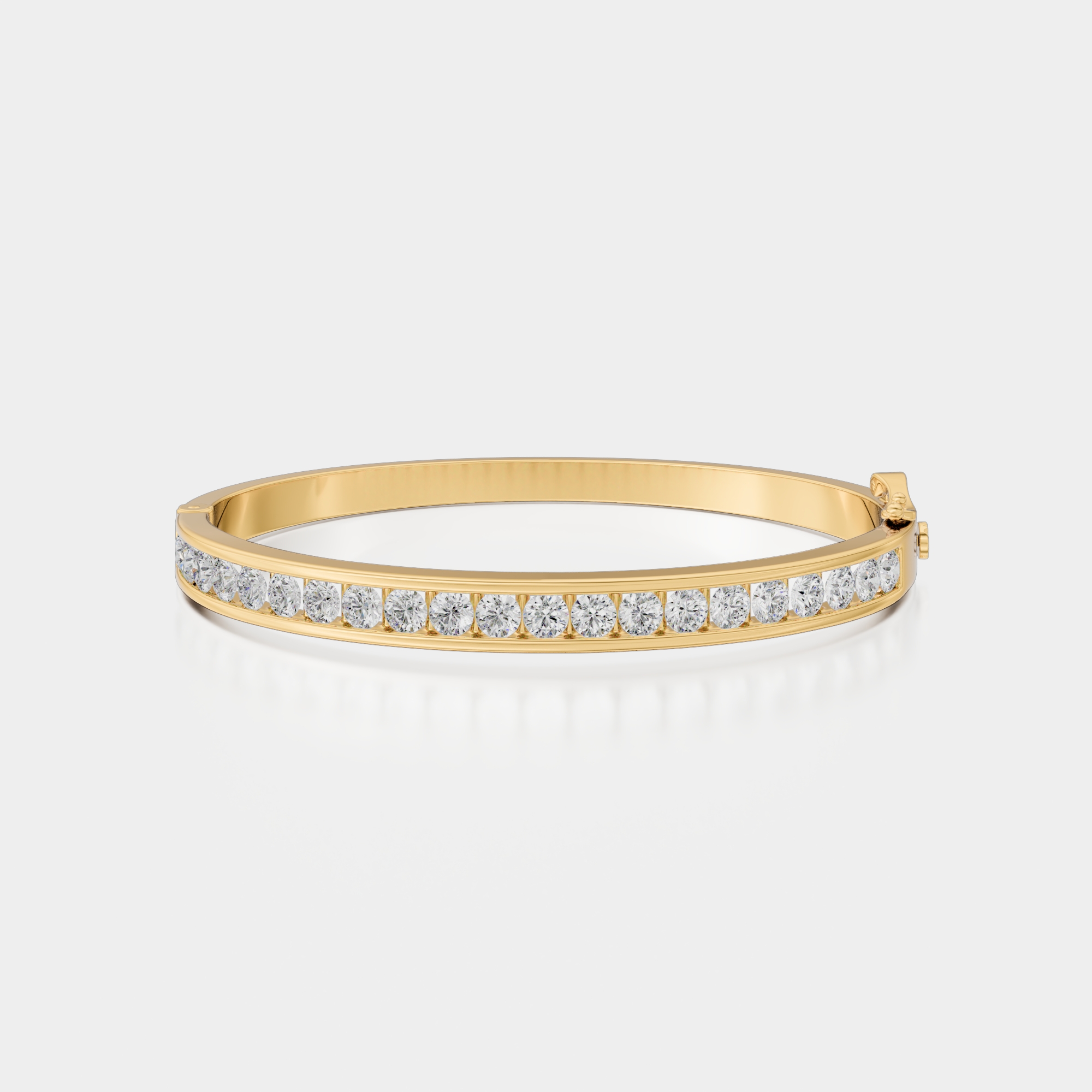
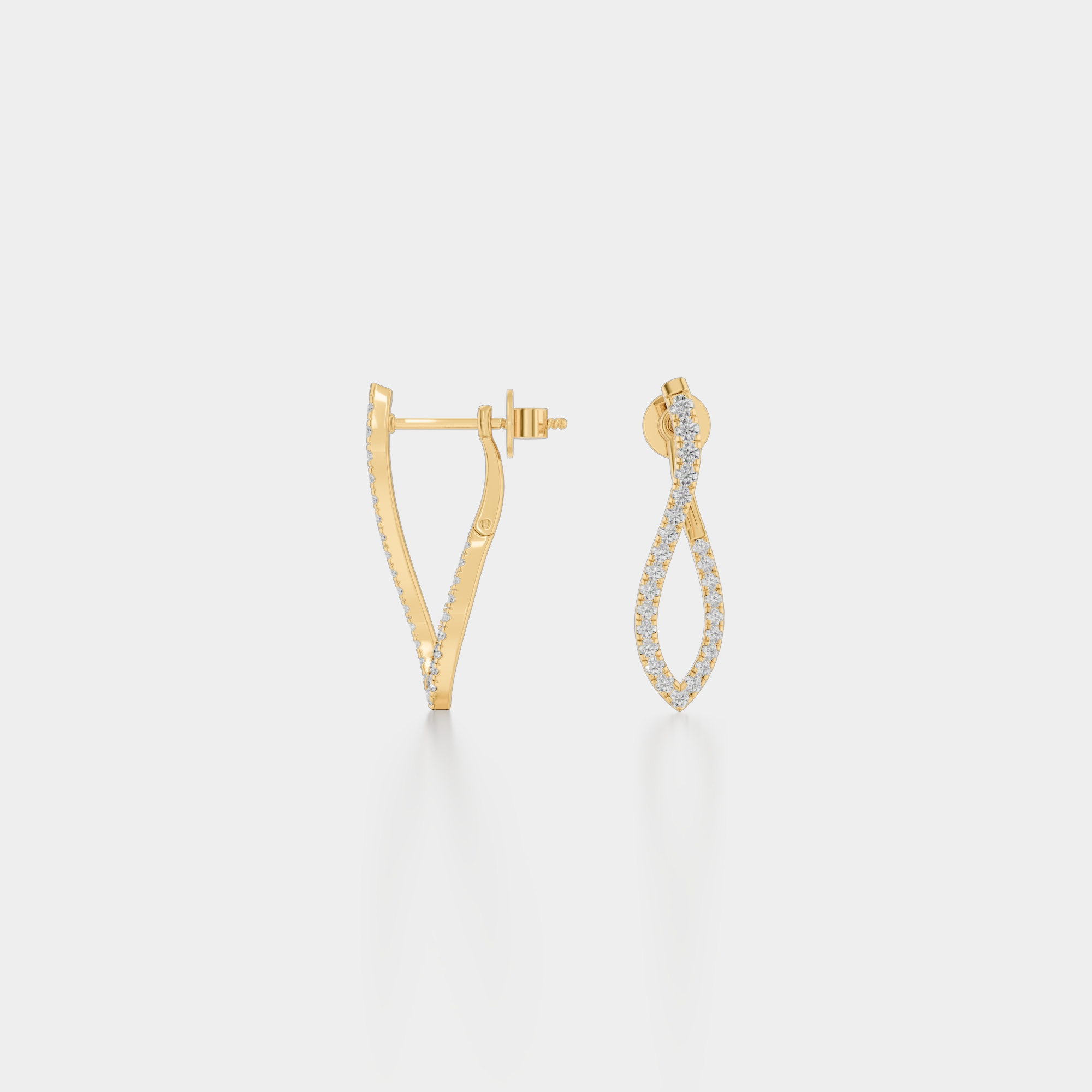
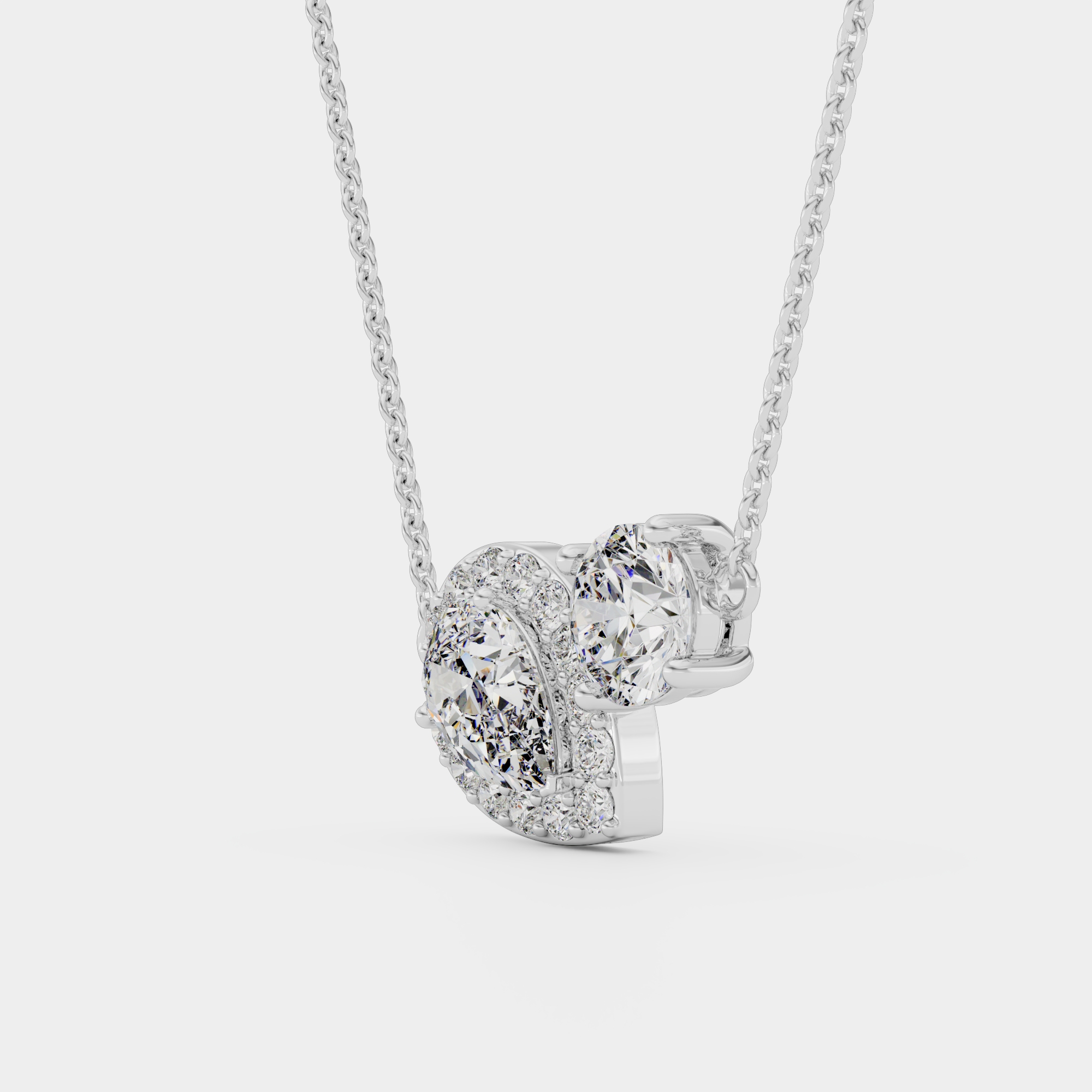
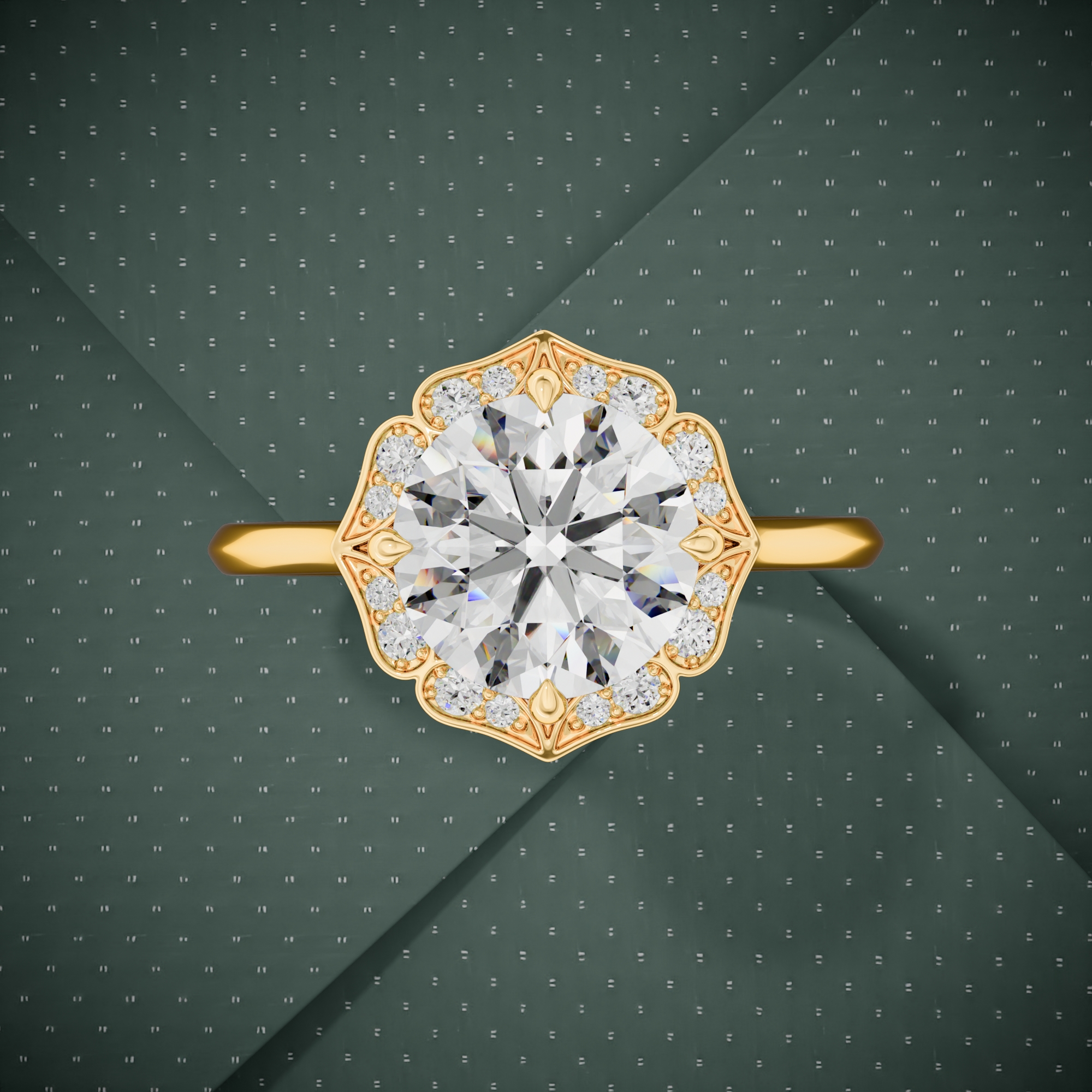
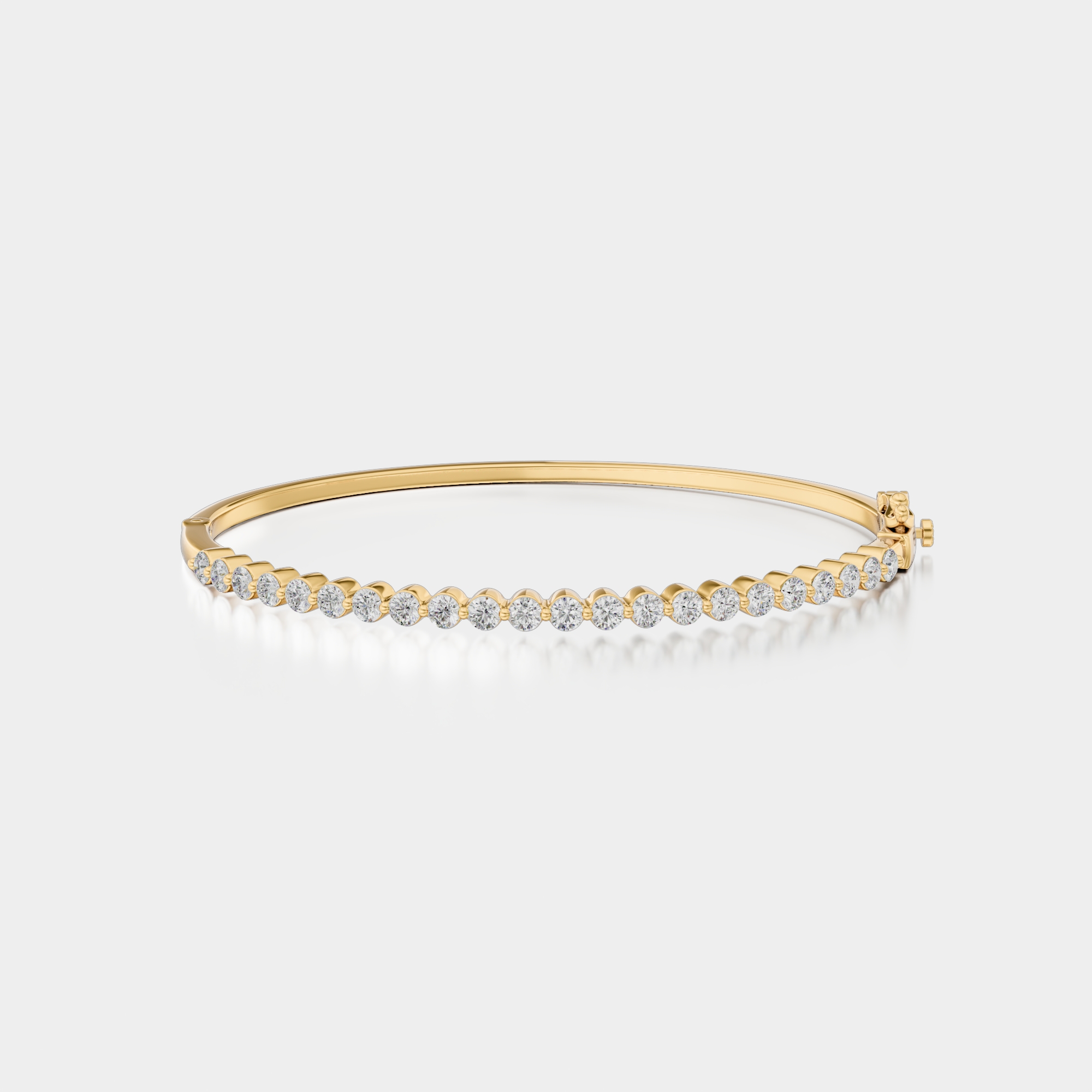
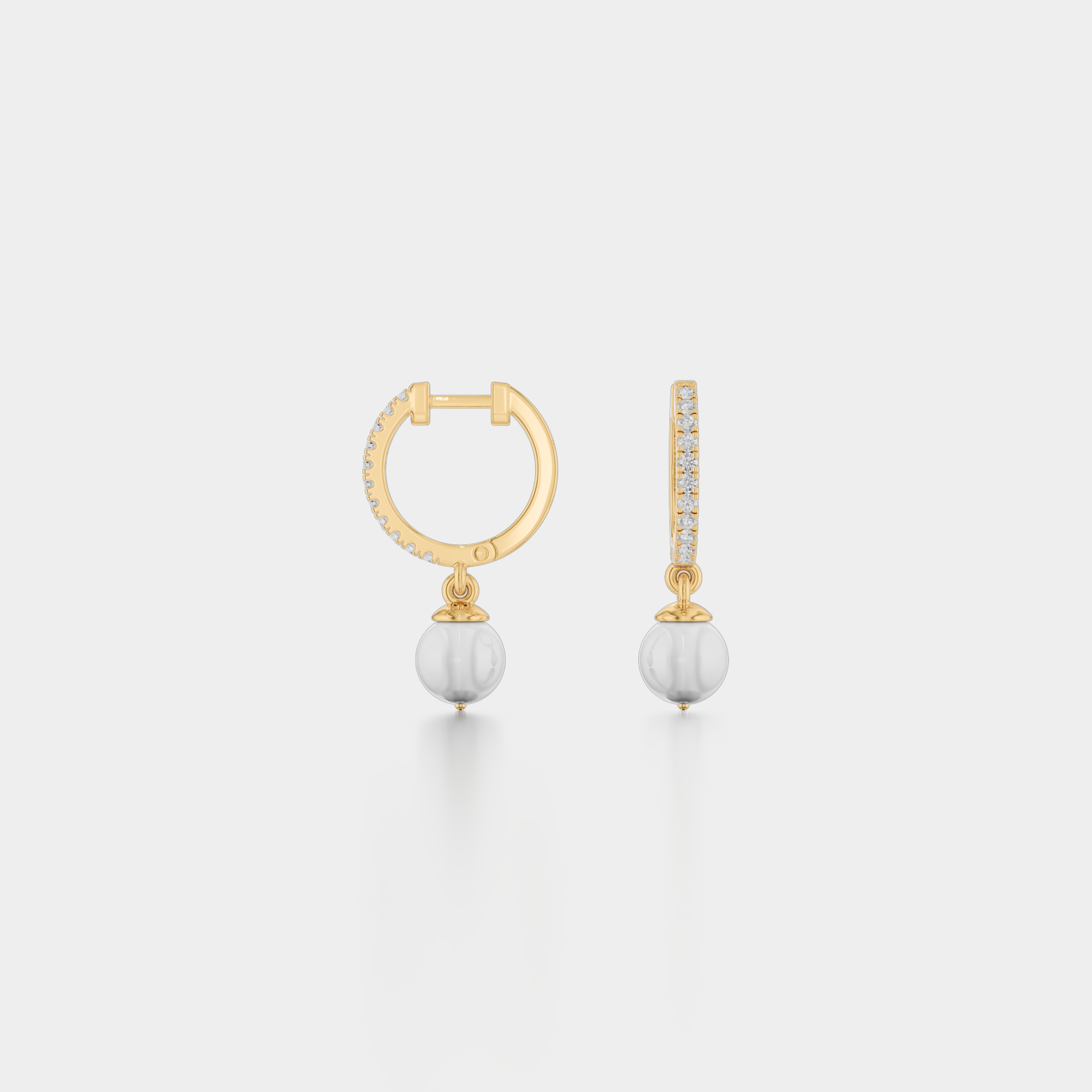
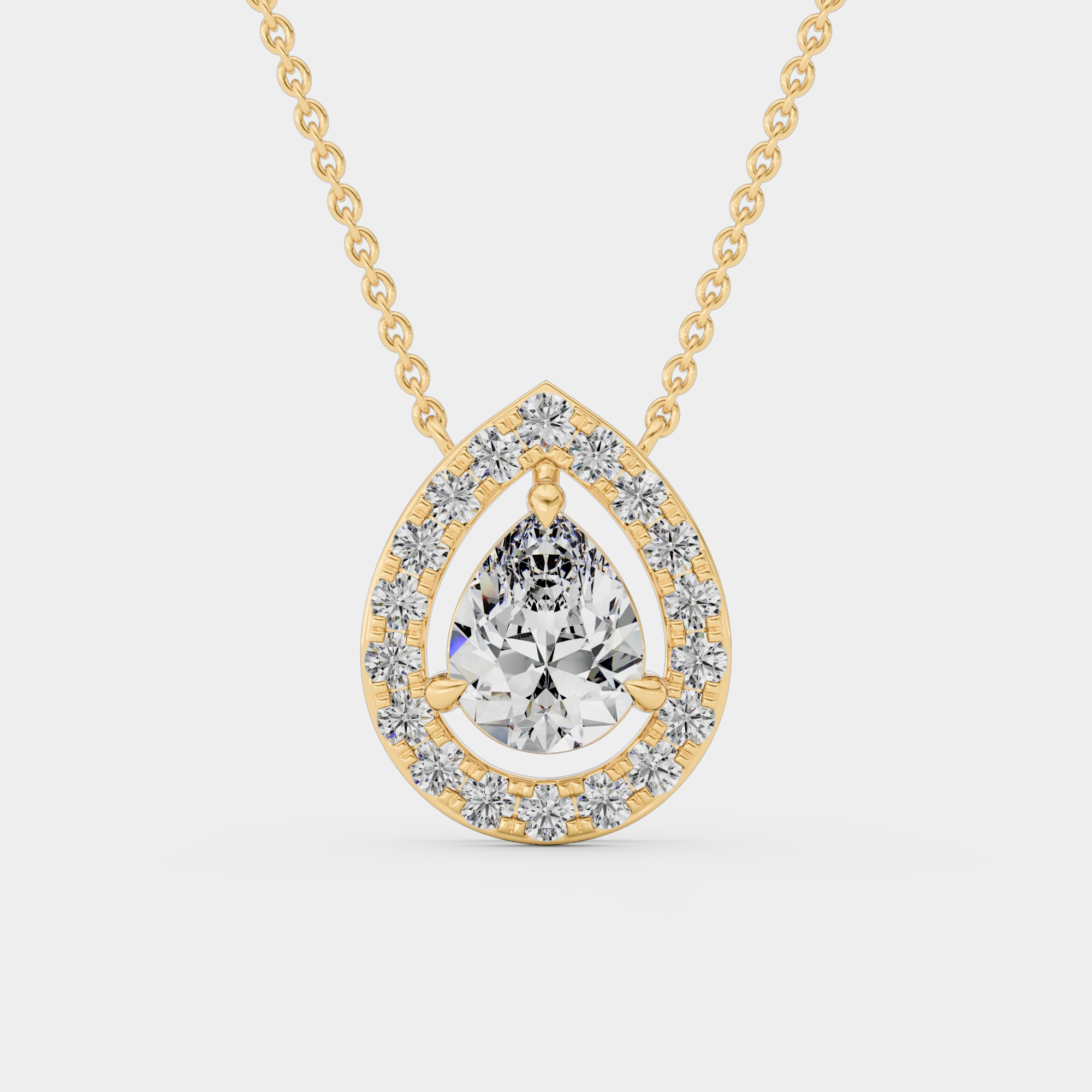
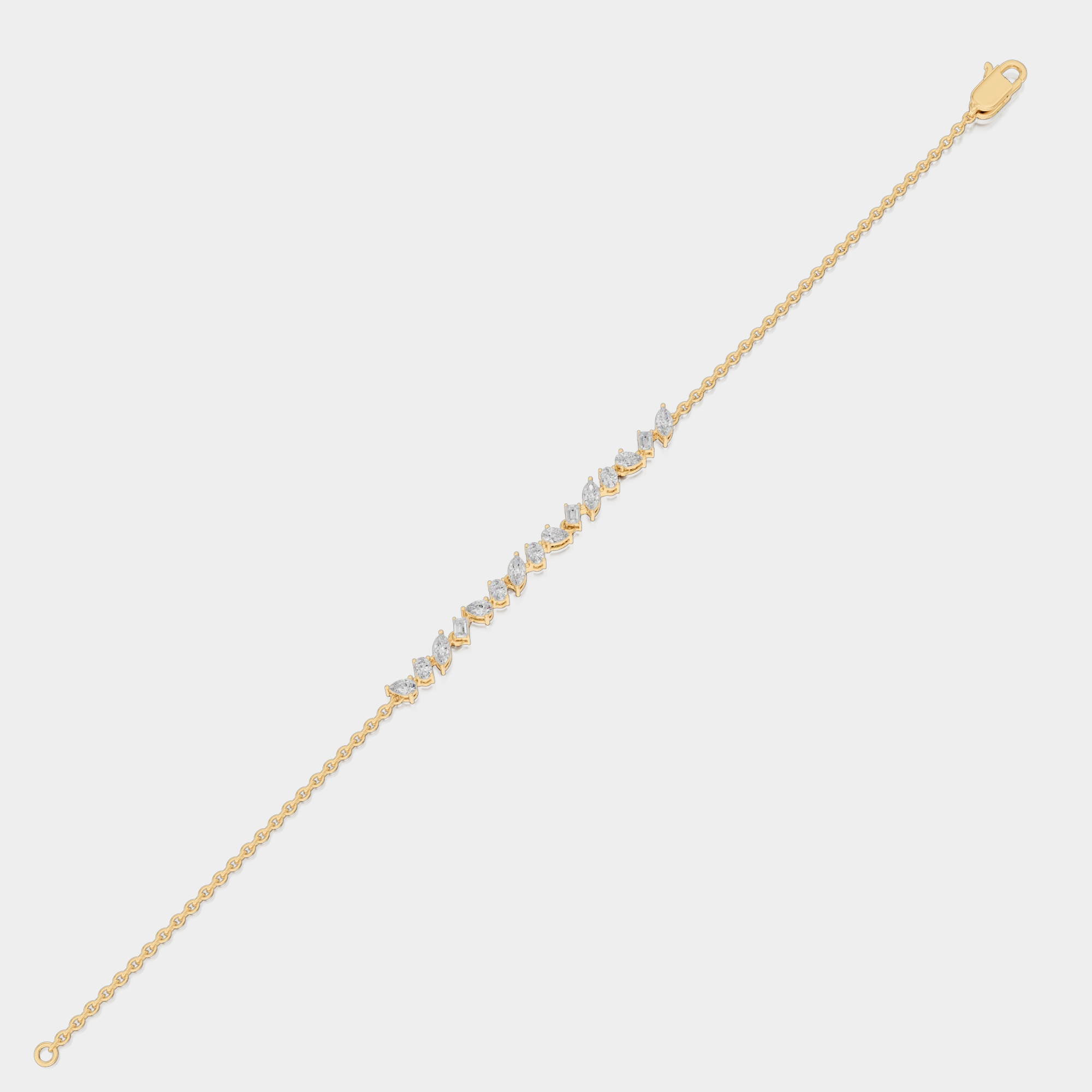
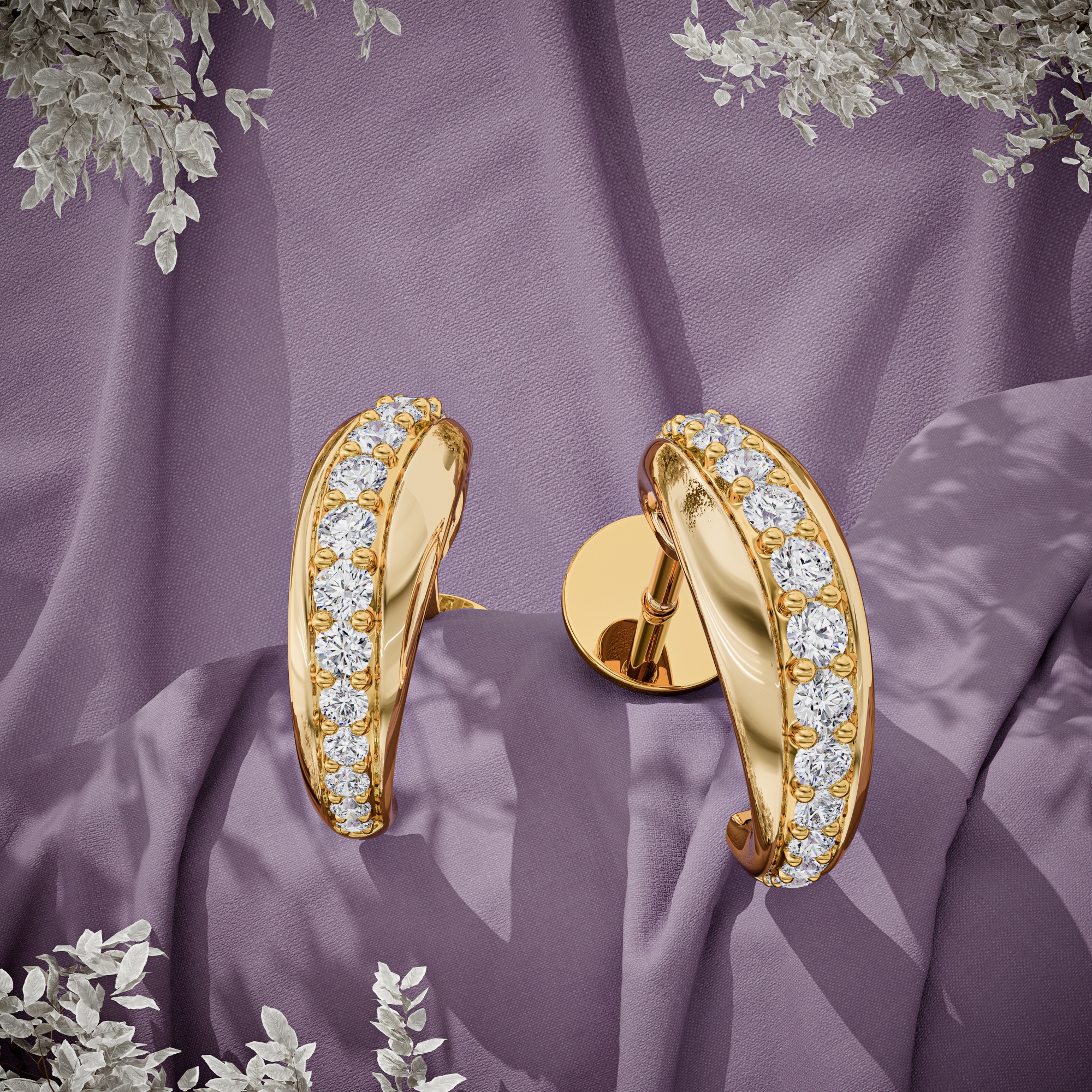
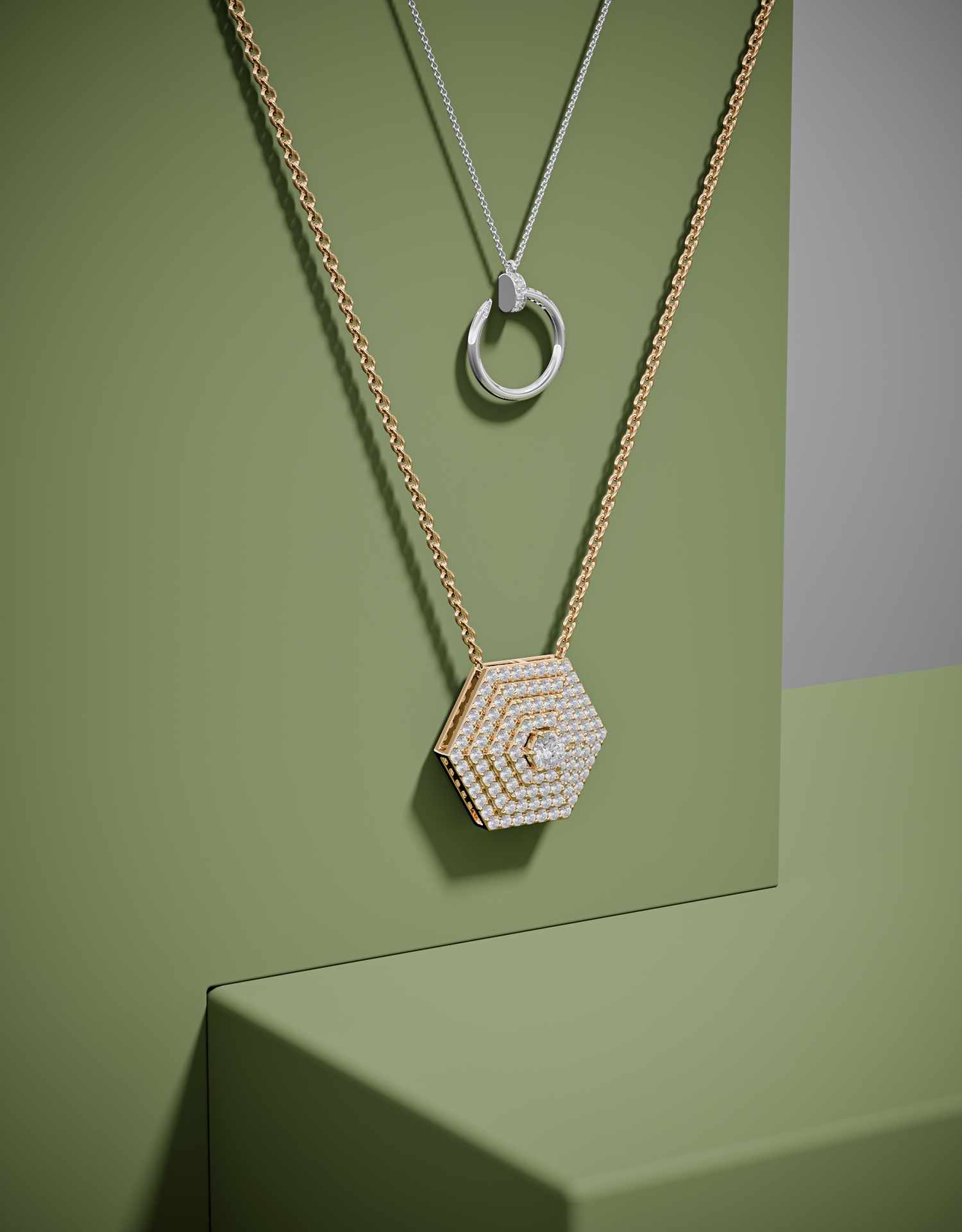
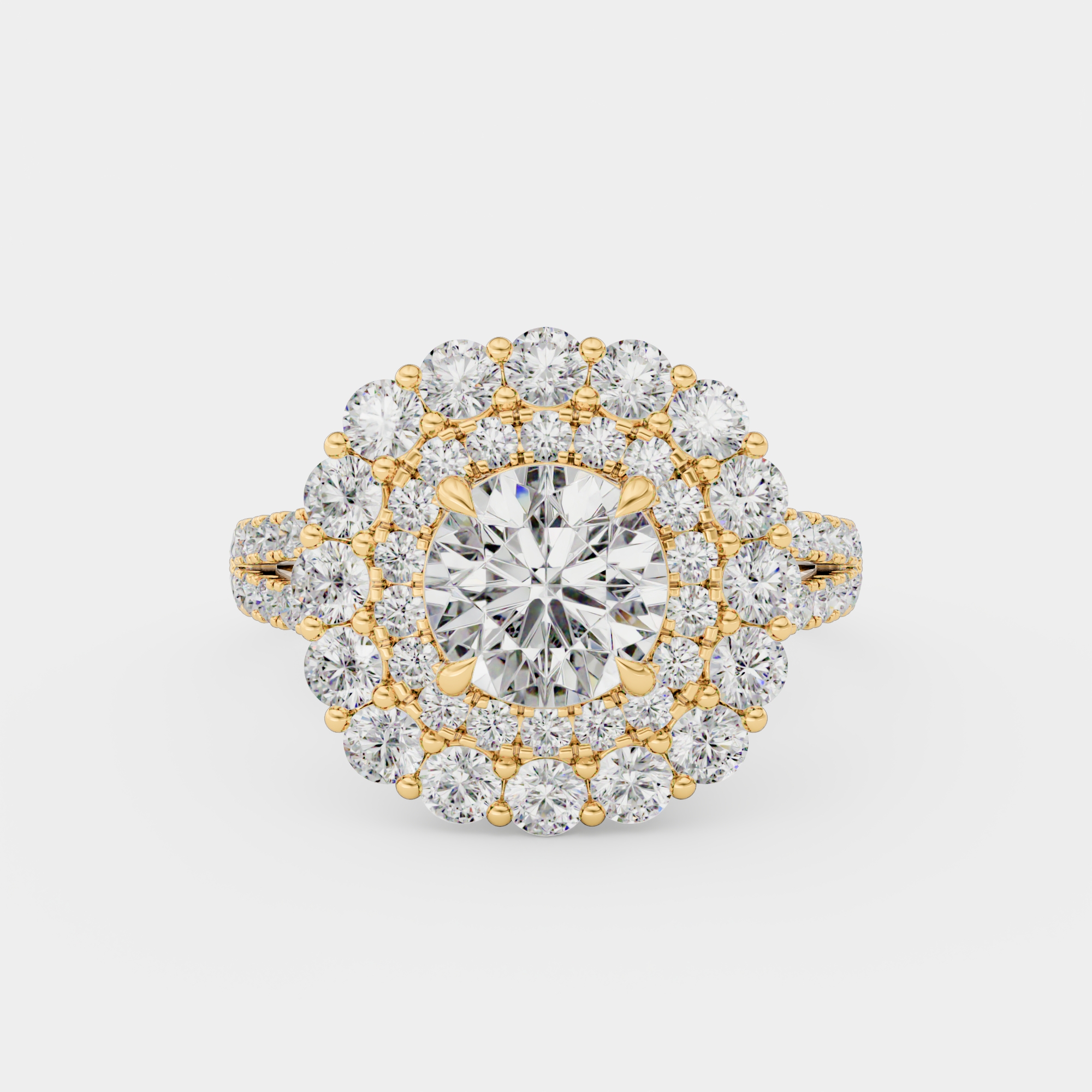
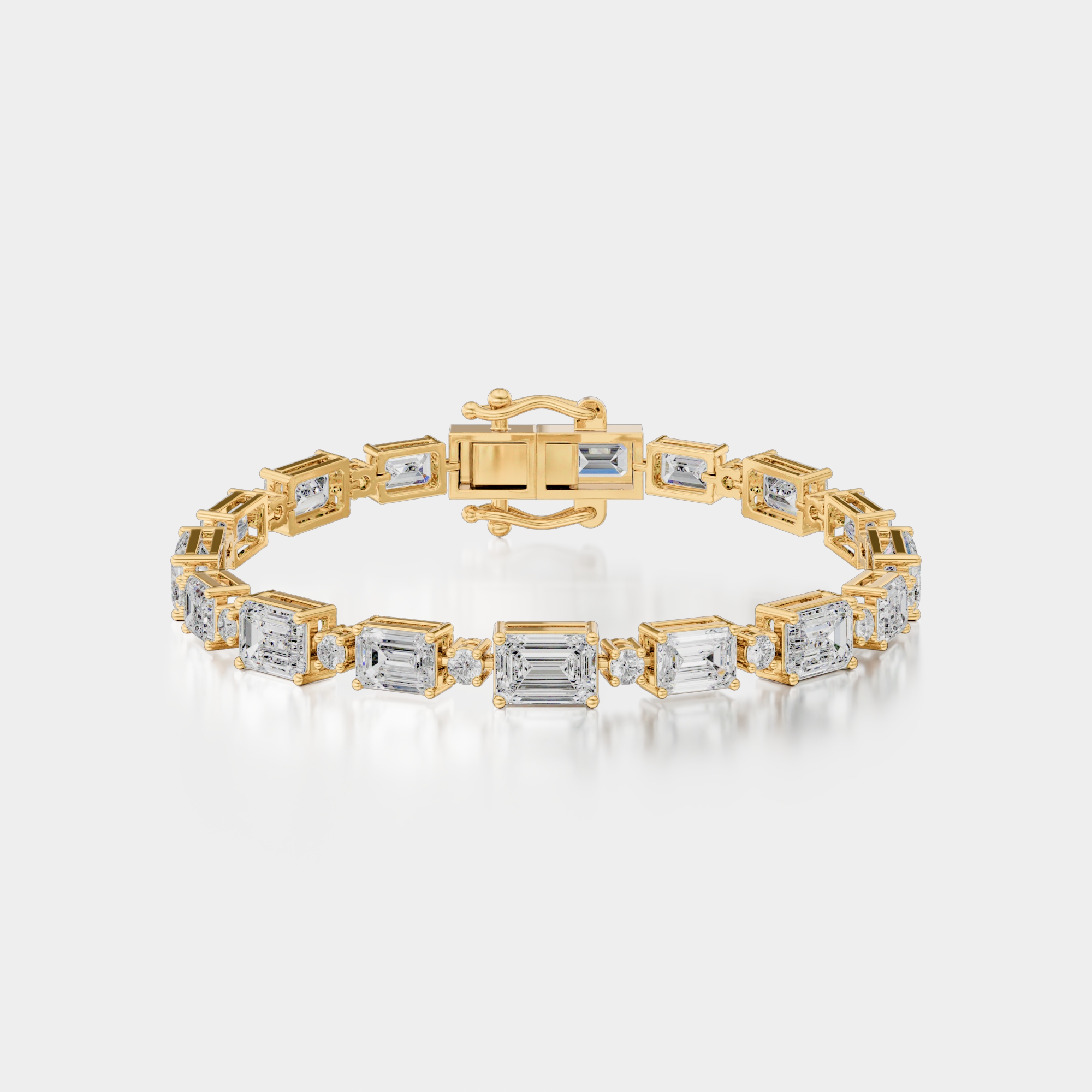
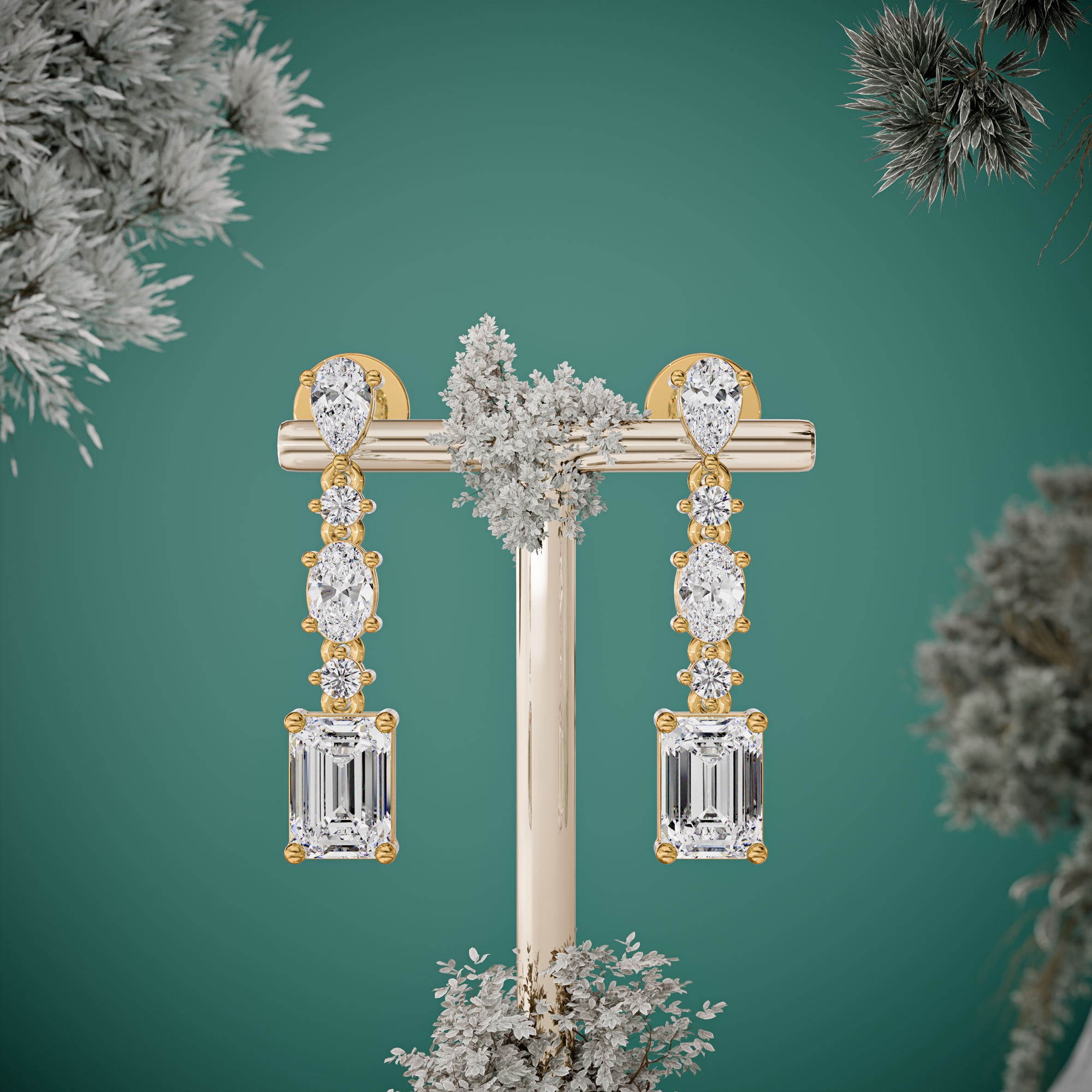
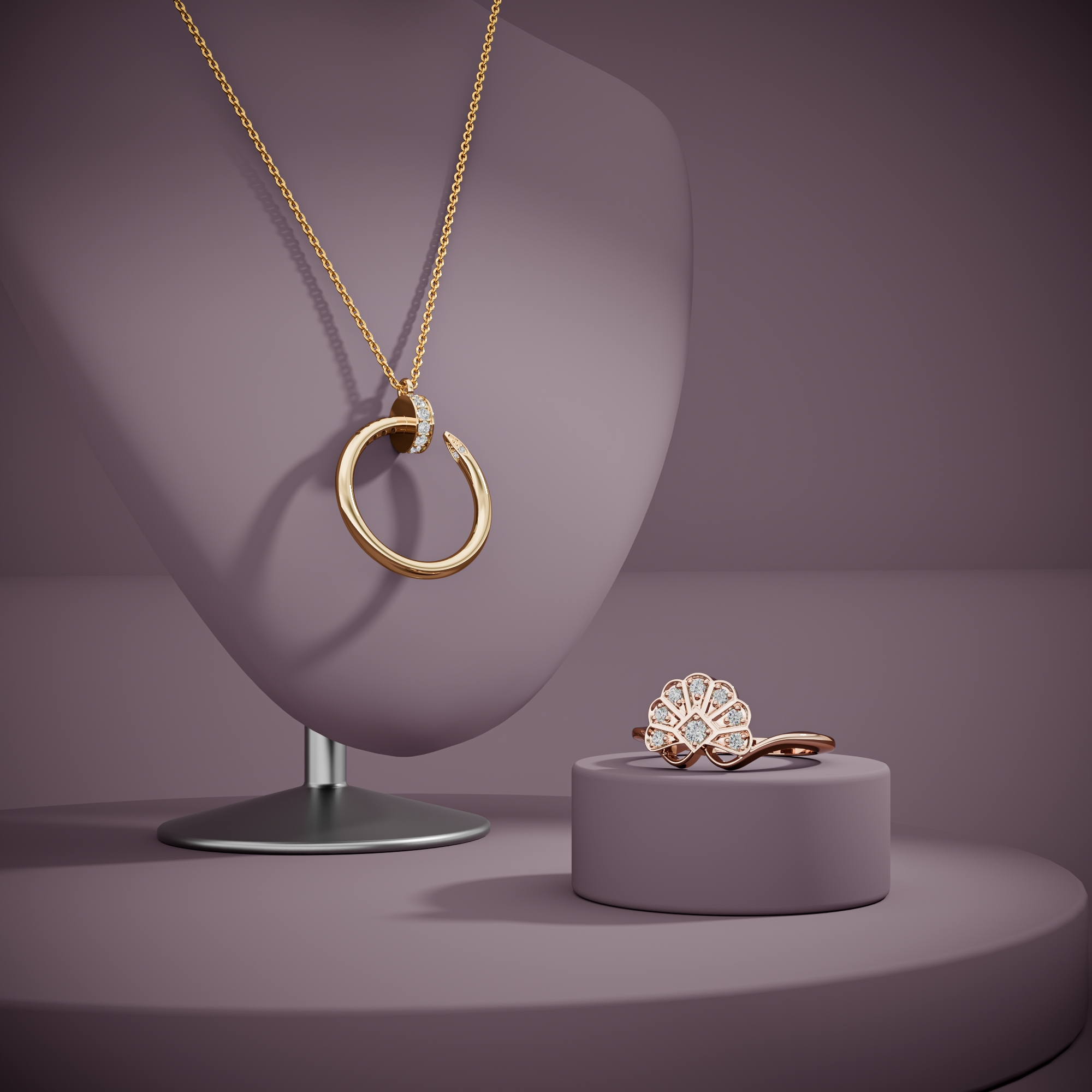
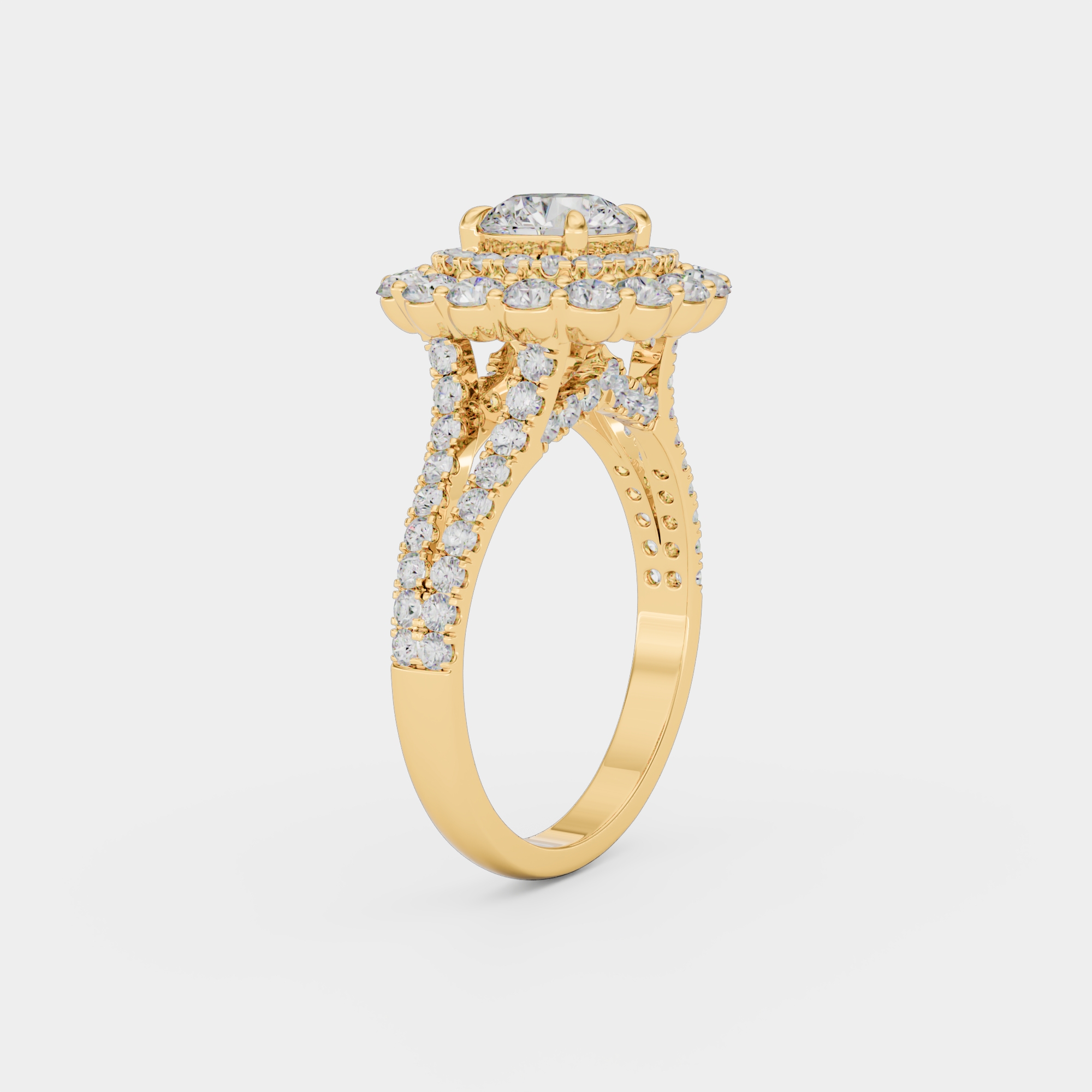
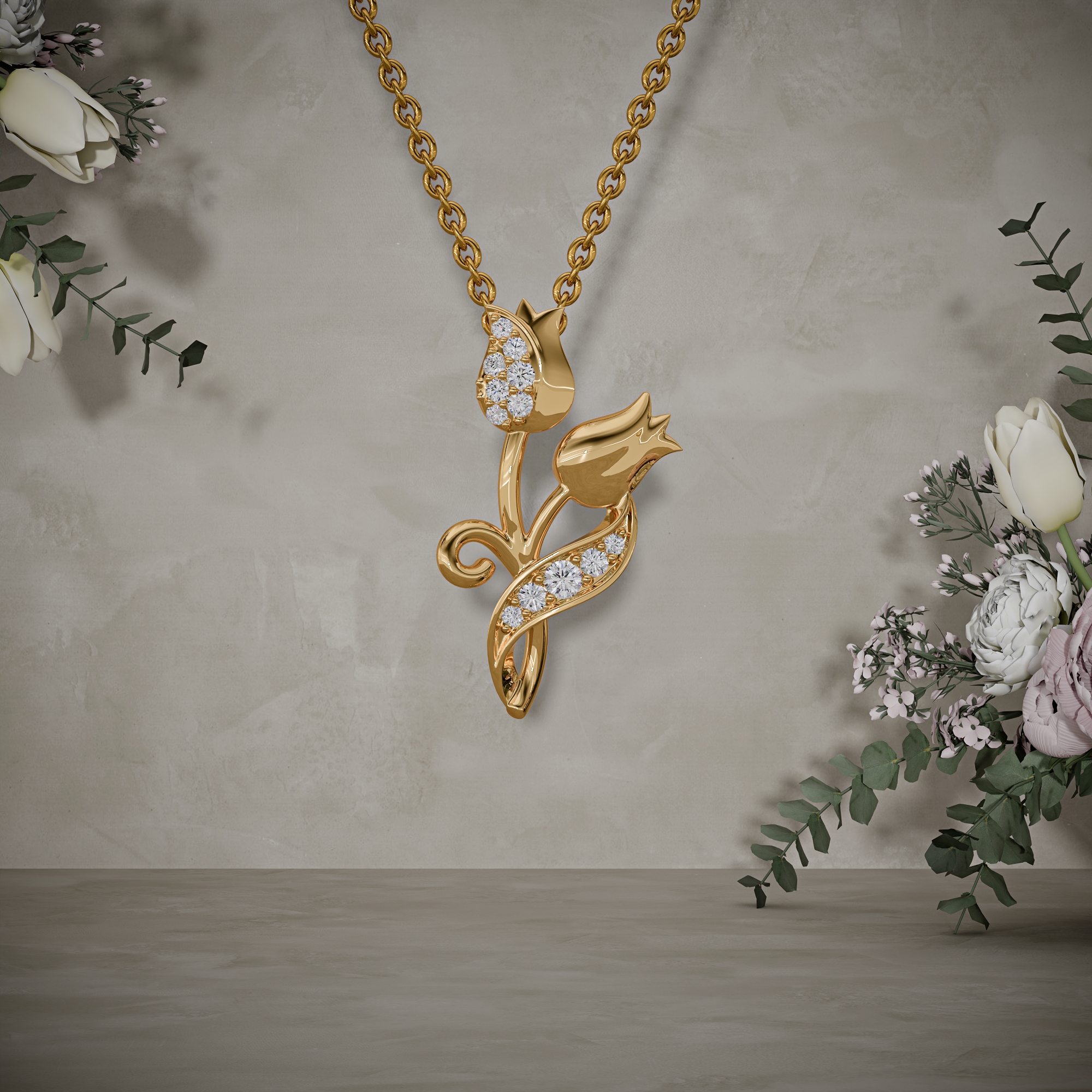
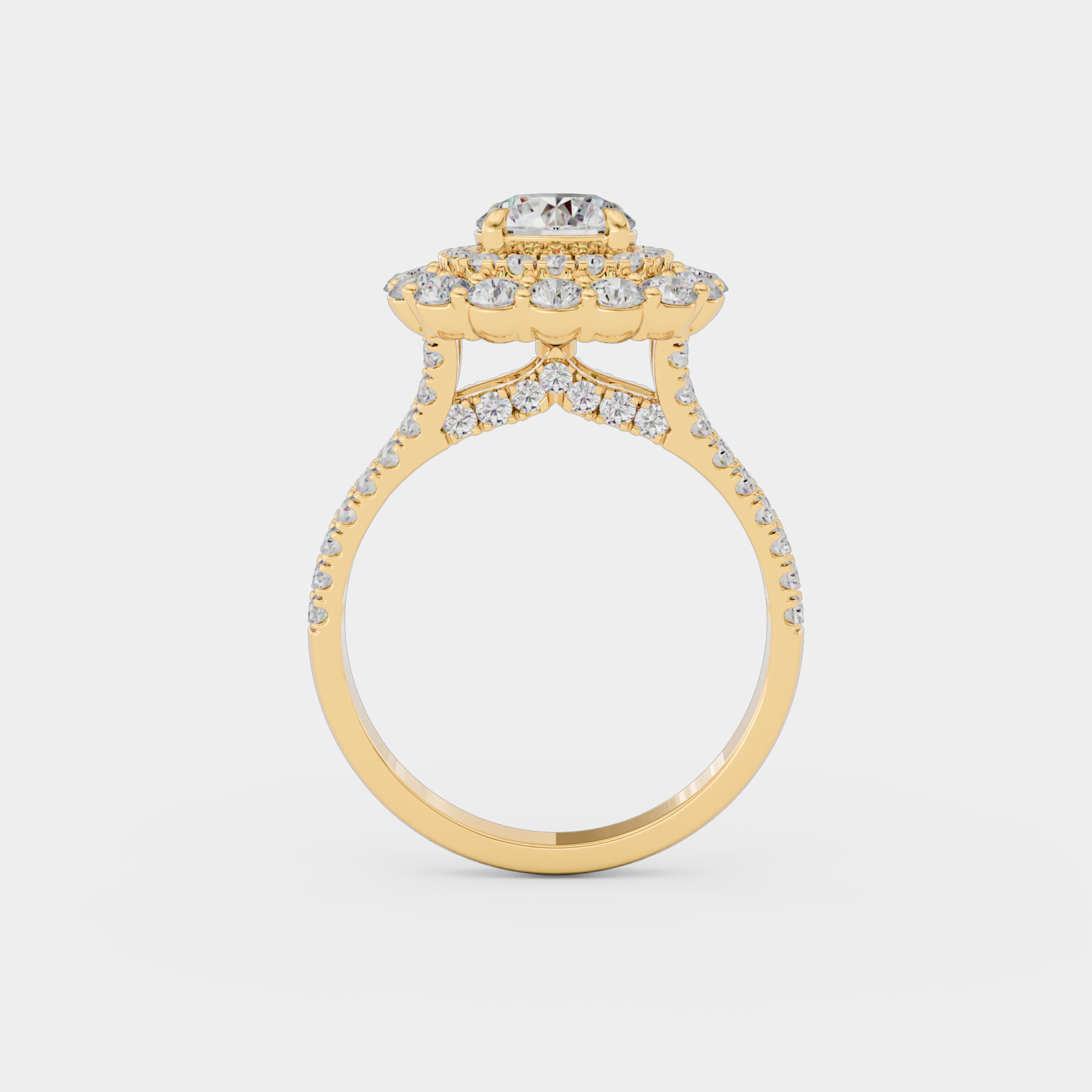
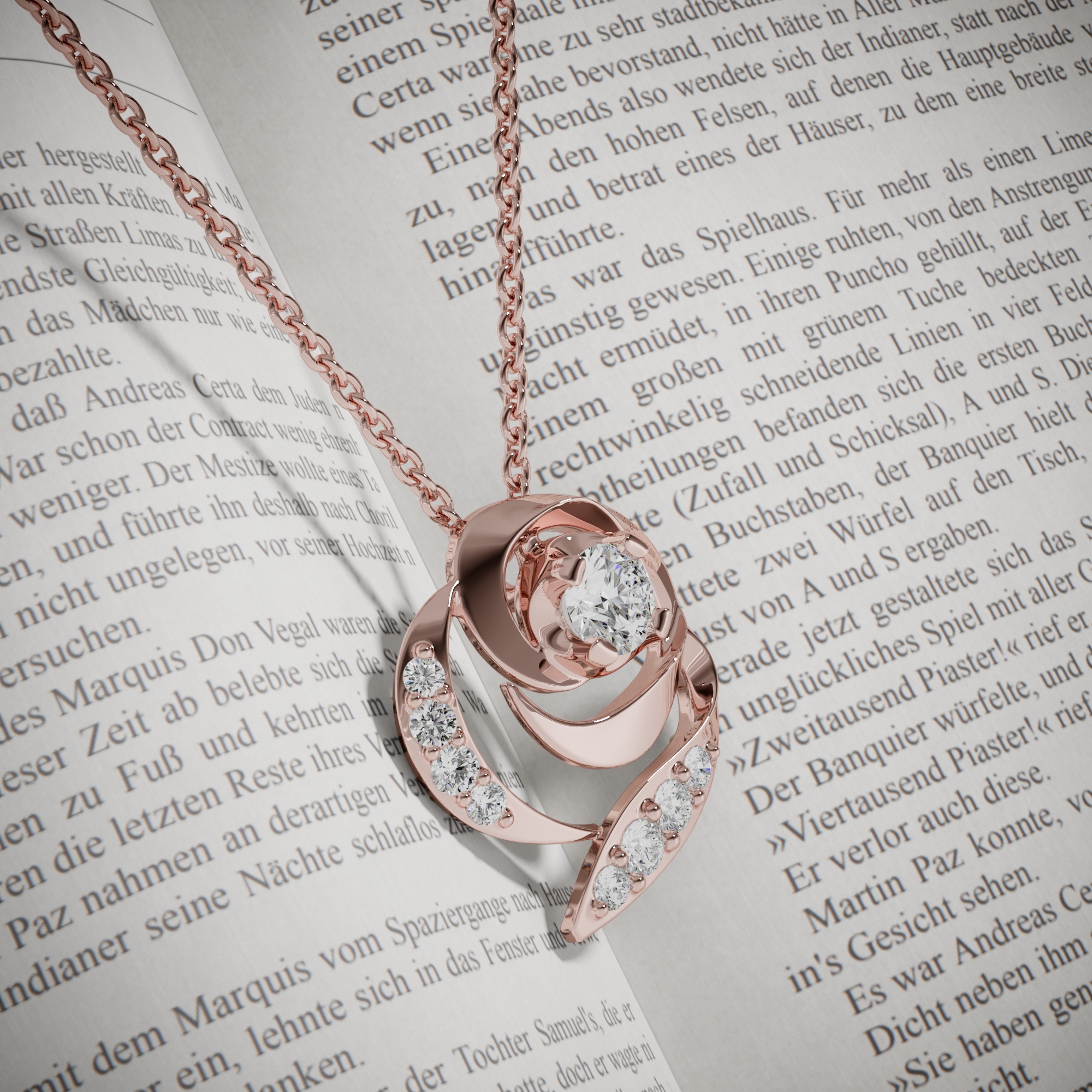
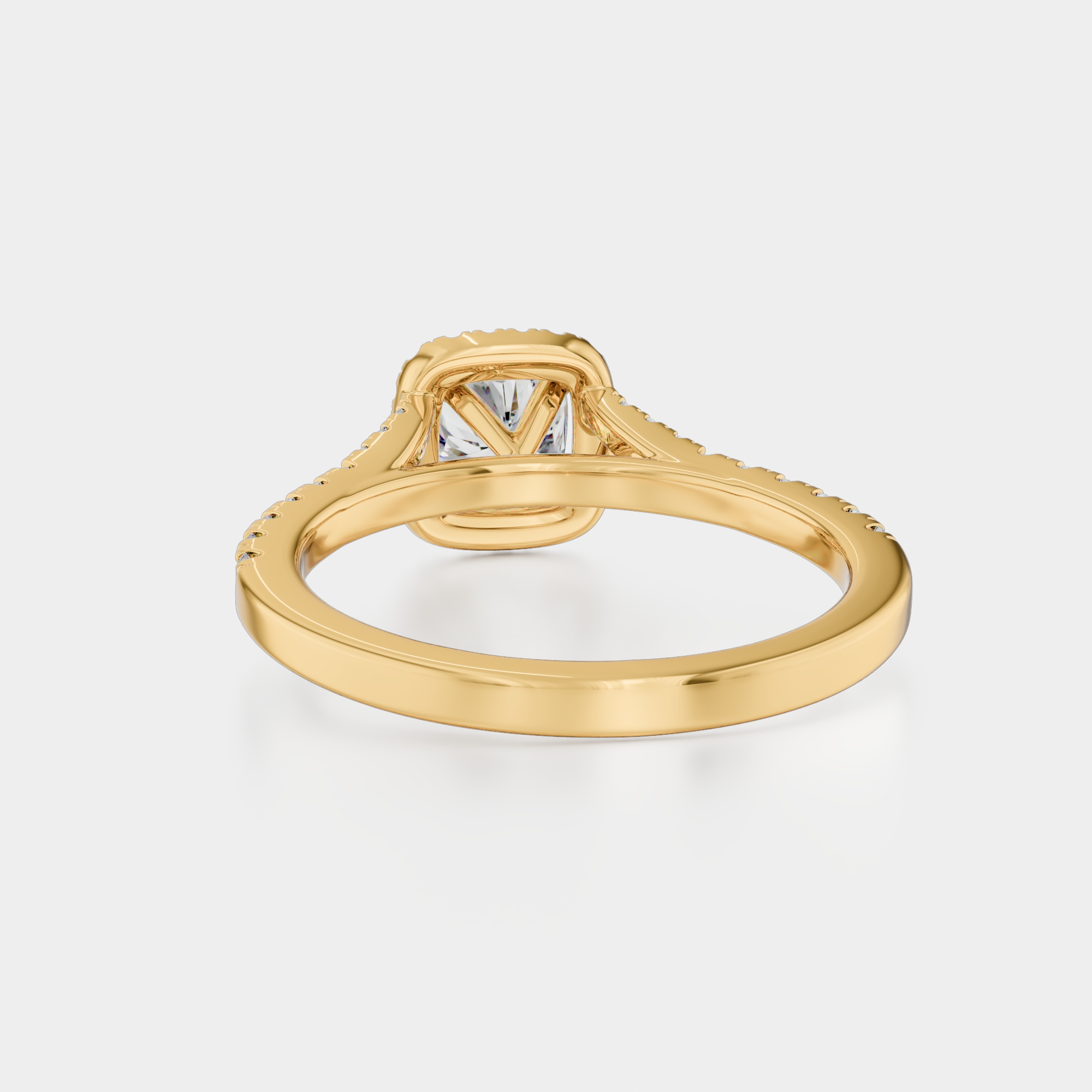
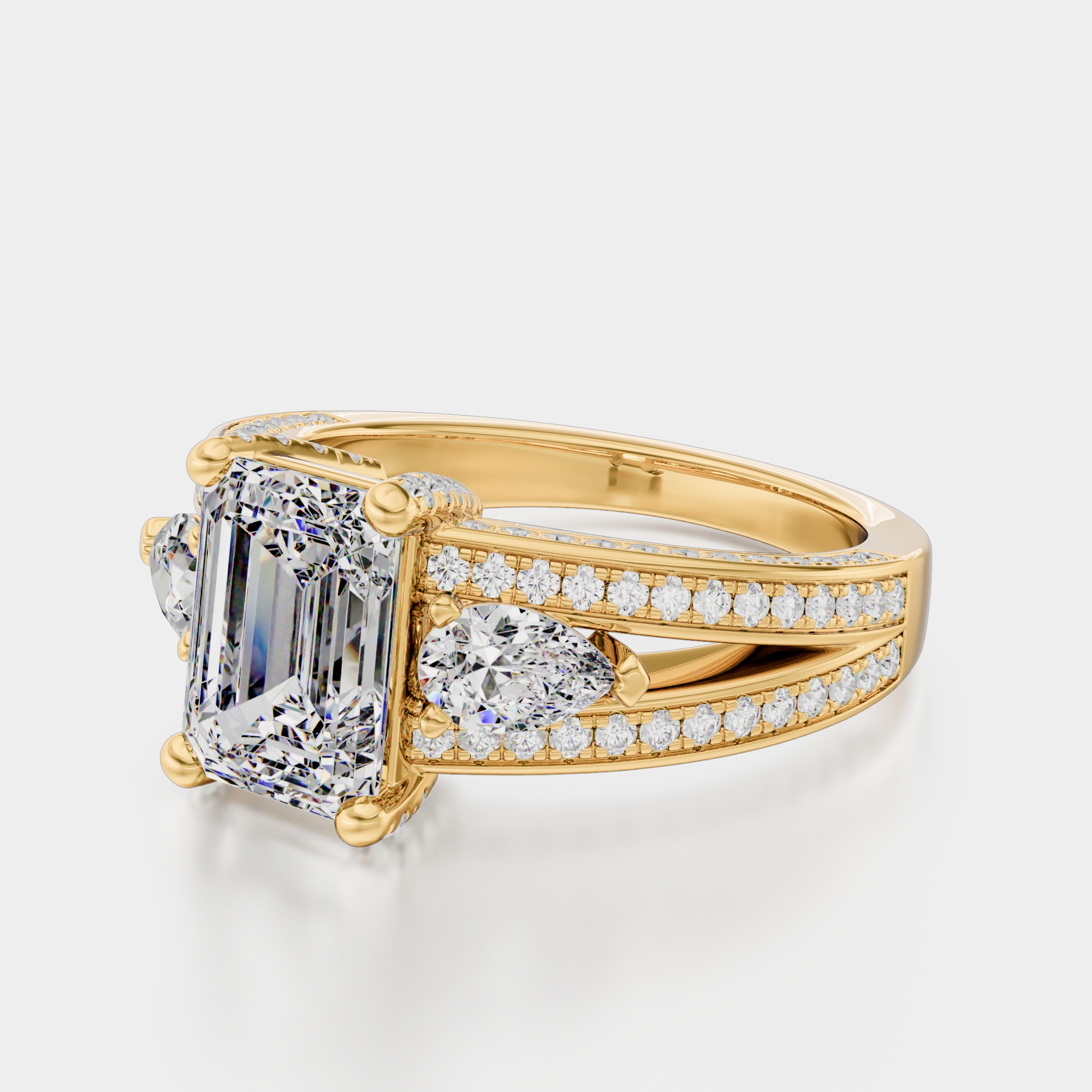
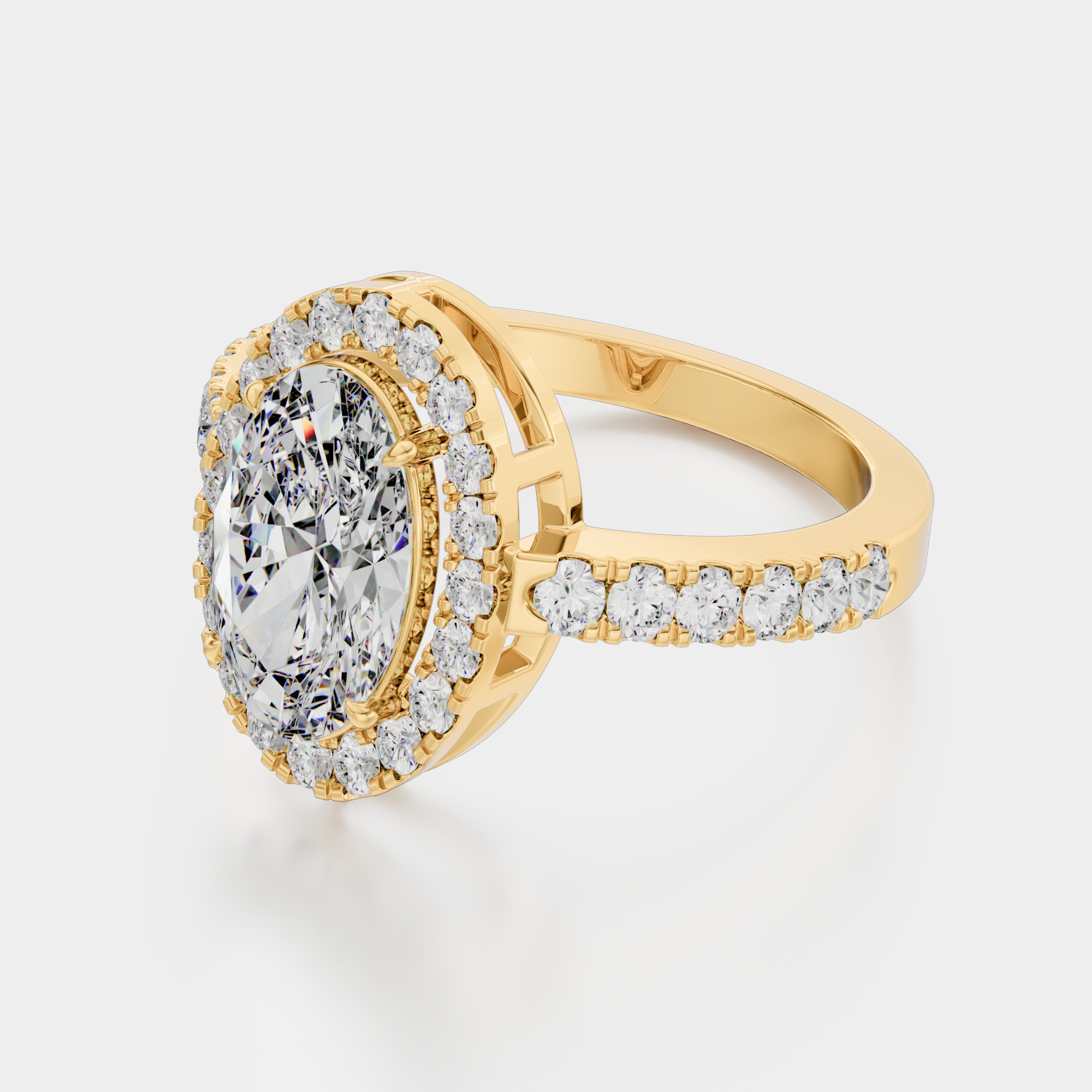
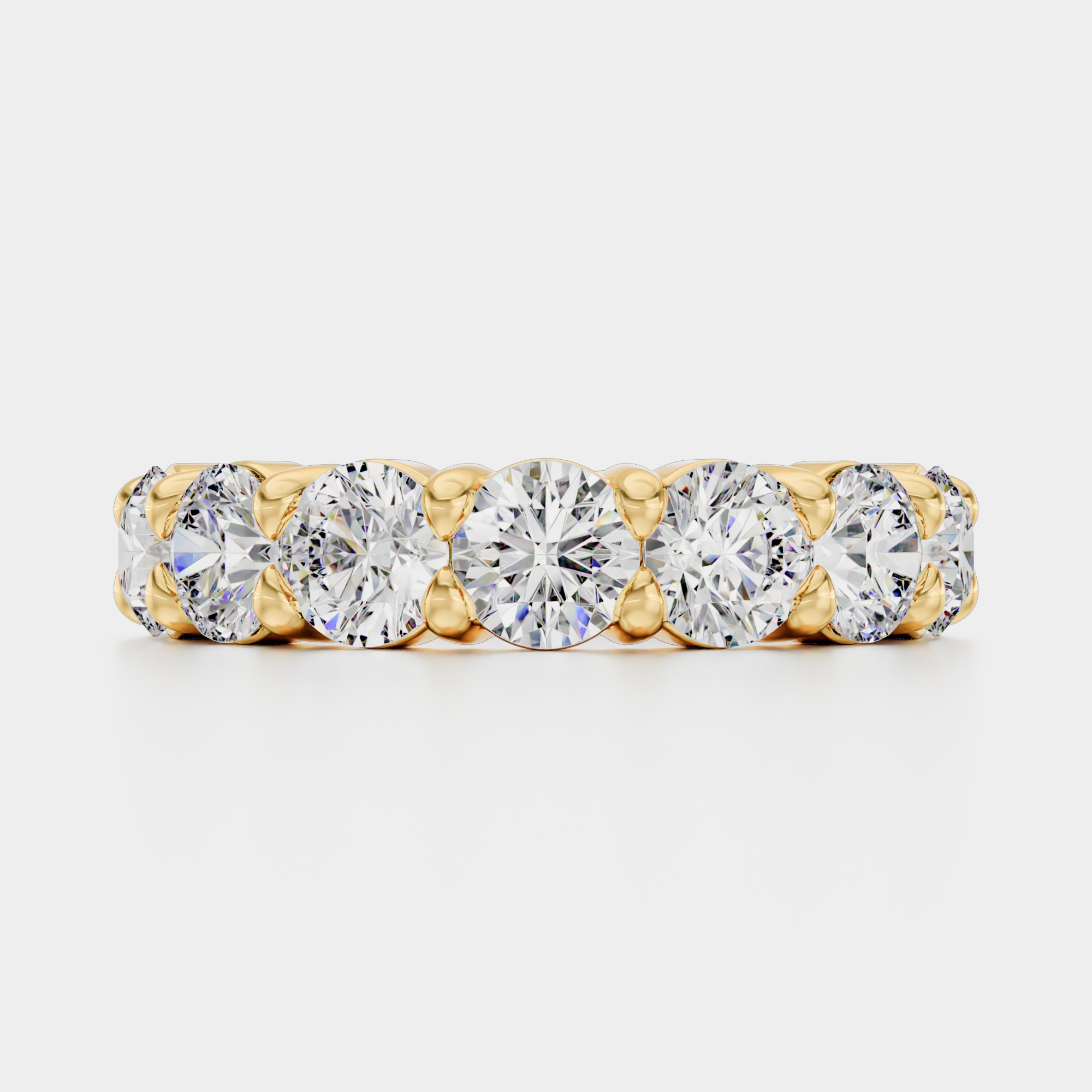
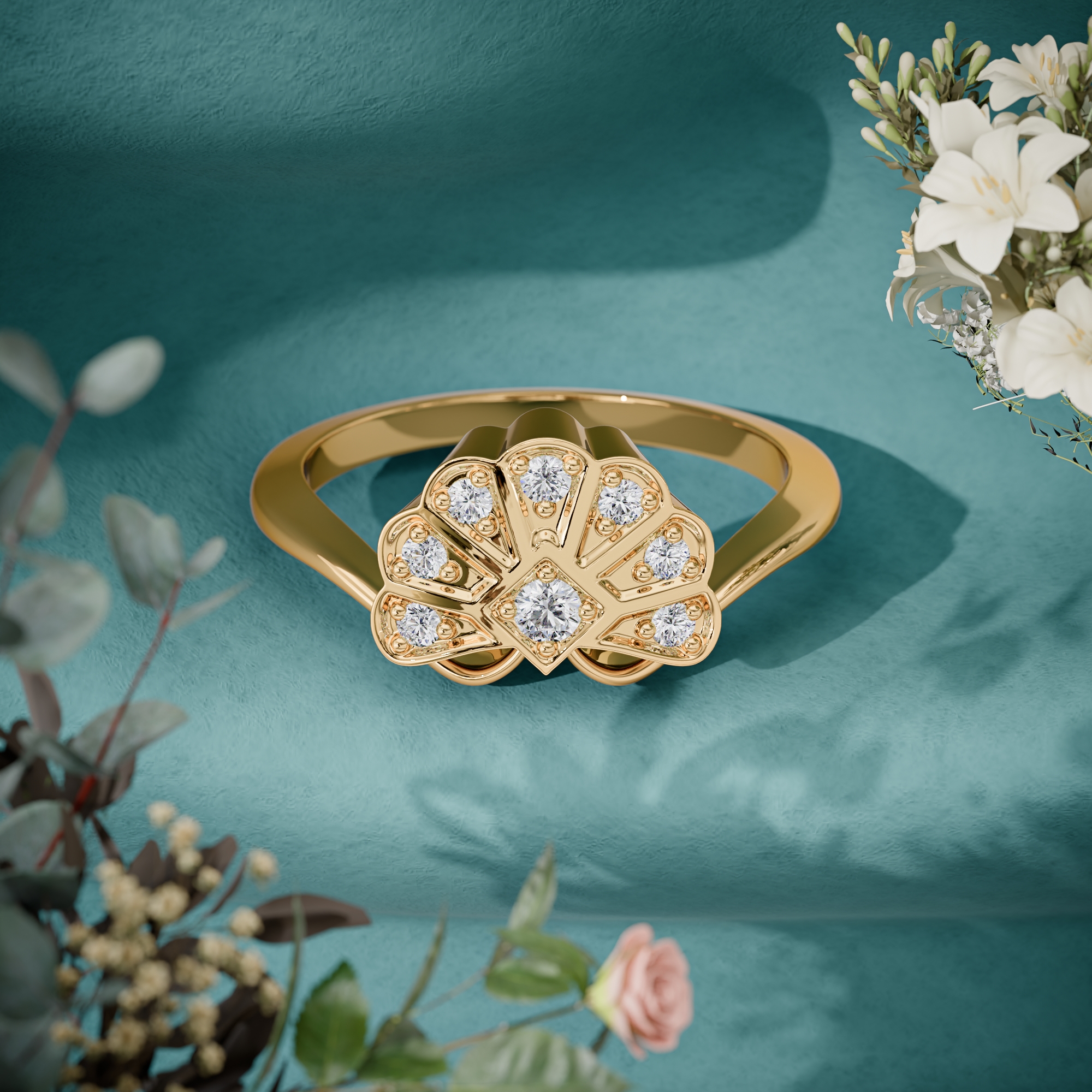
106 delivered renders: rings, bracelets, earrings, and pendants. The codes are the client SKUs, and every metal variant of a design came off one CAD file.




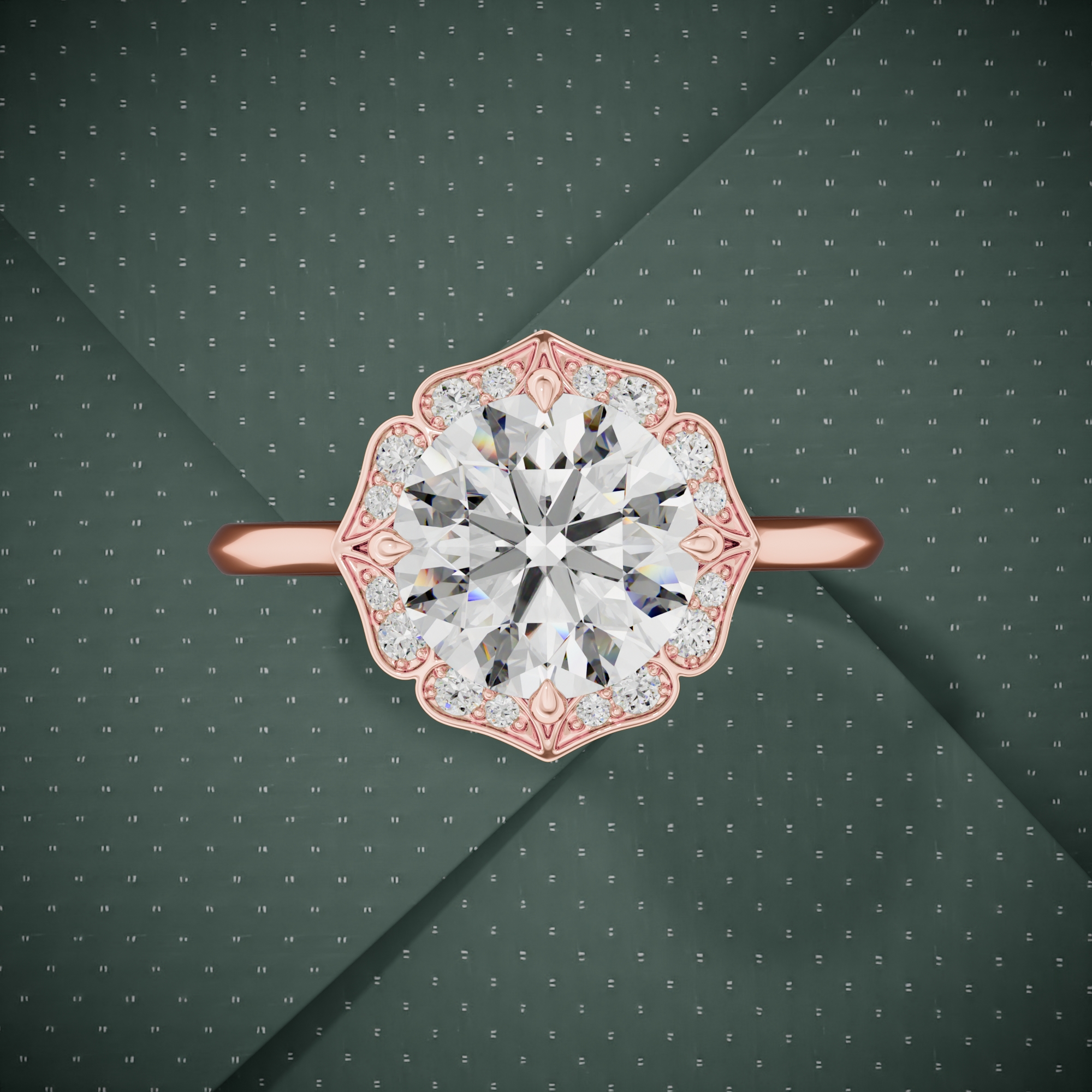
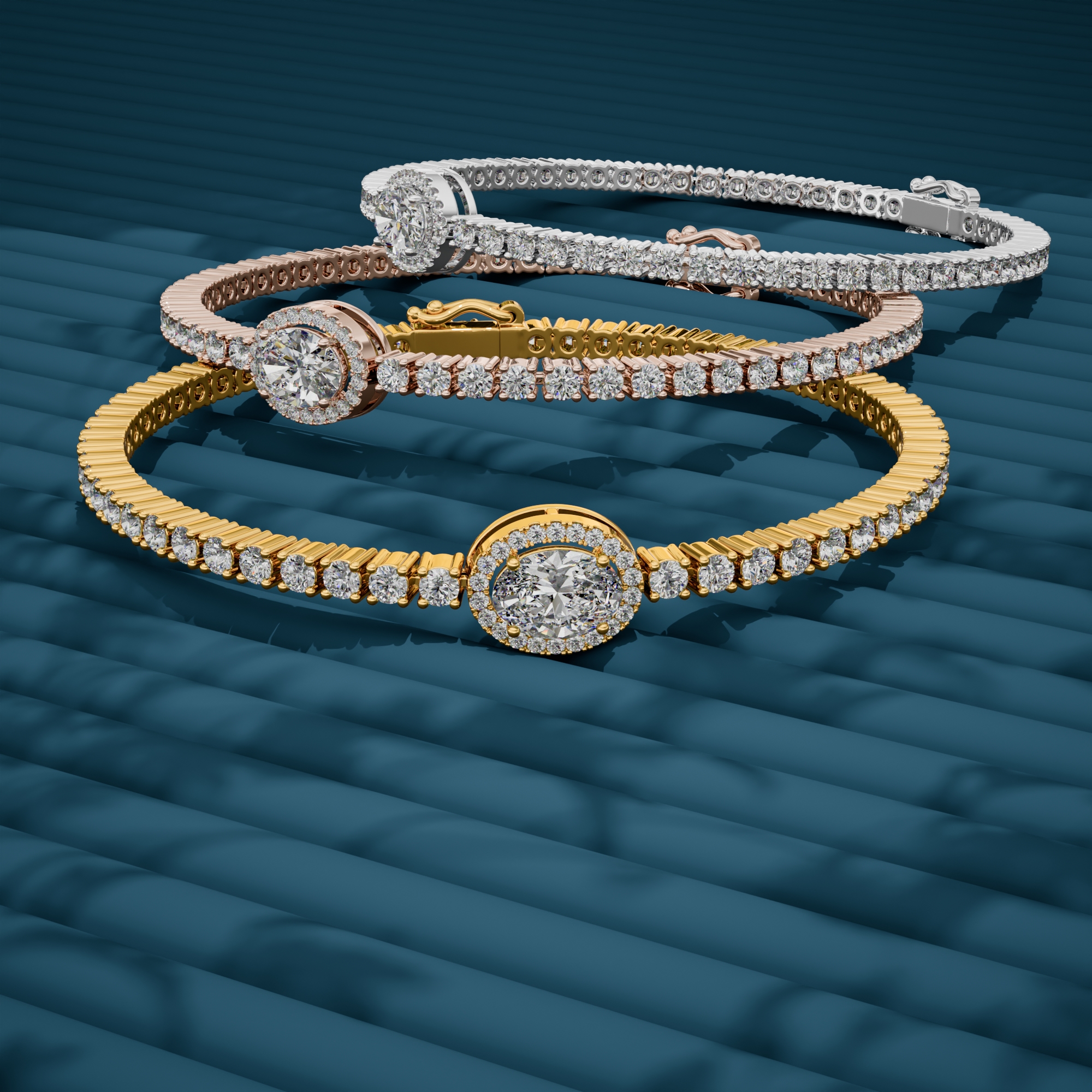
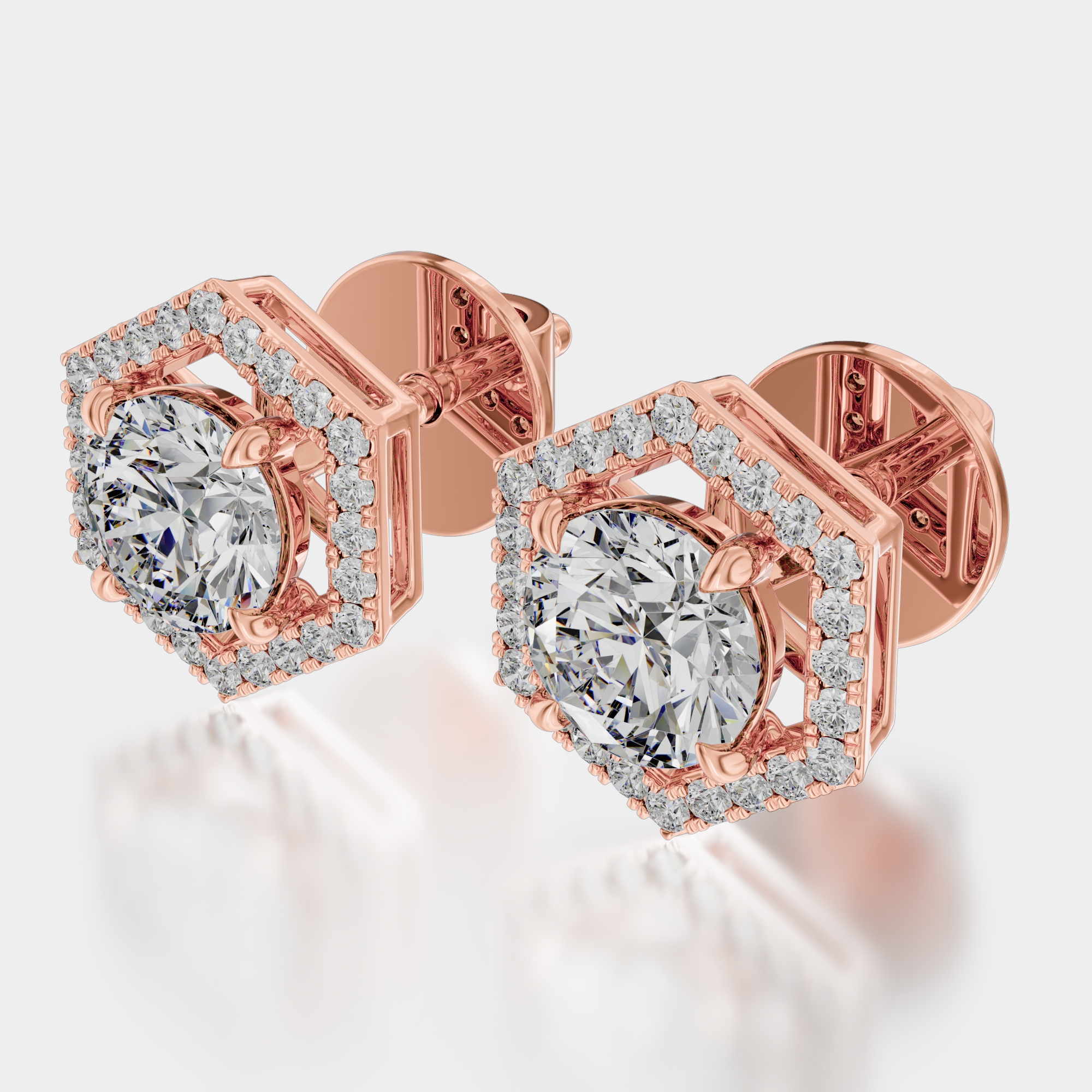
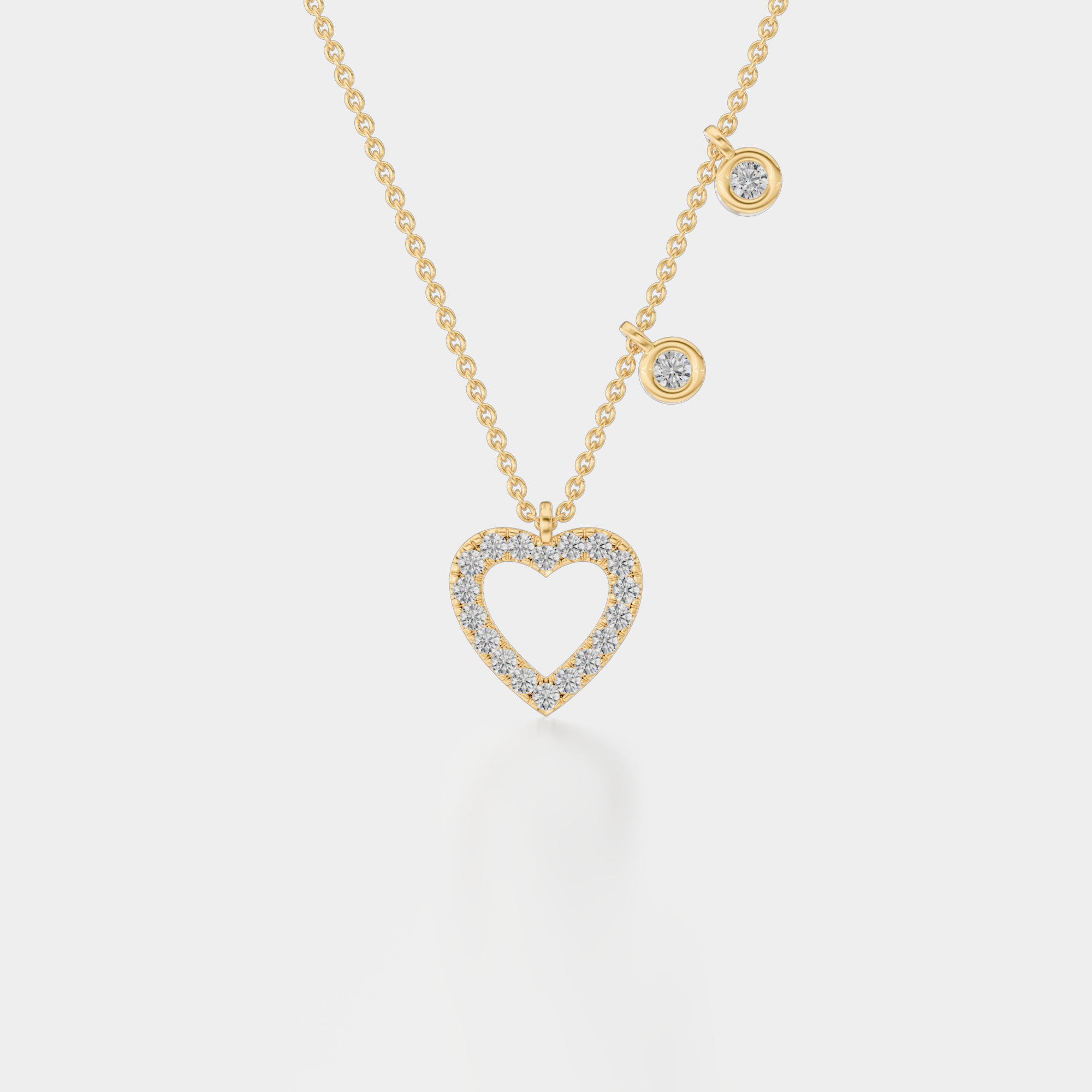

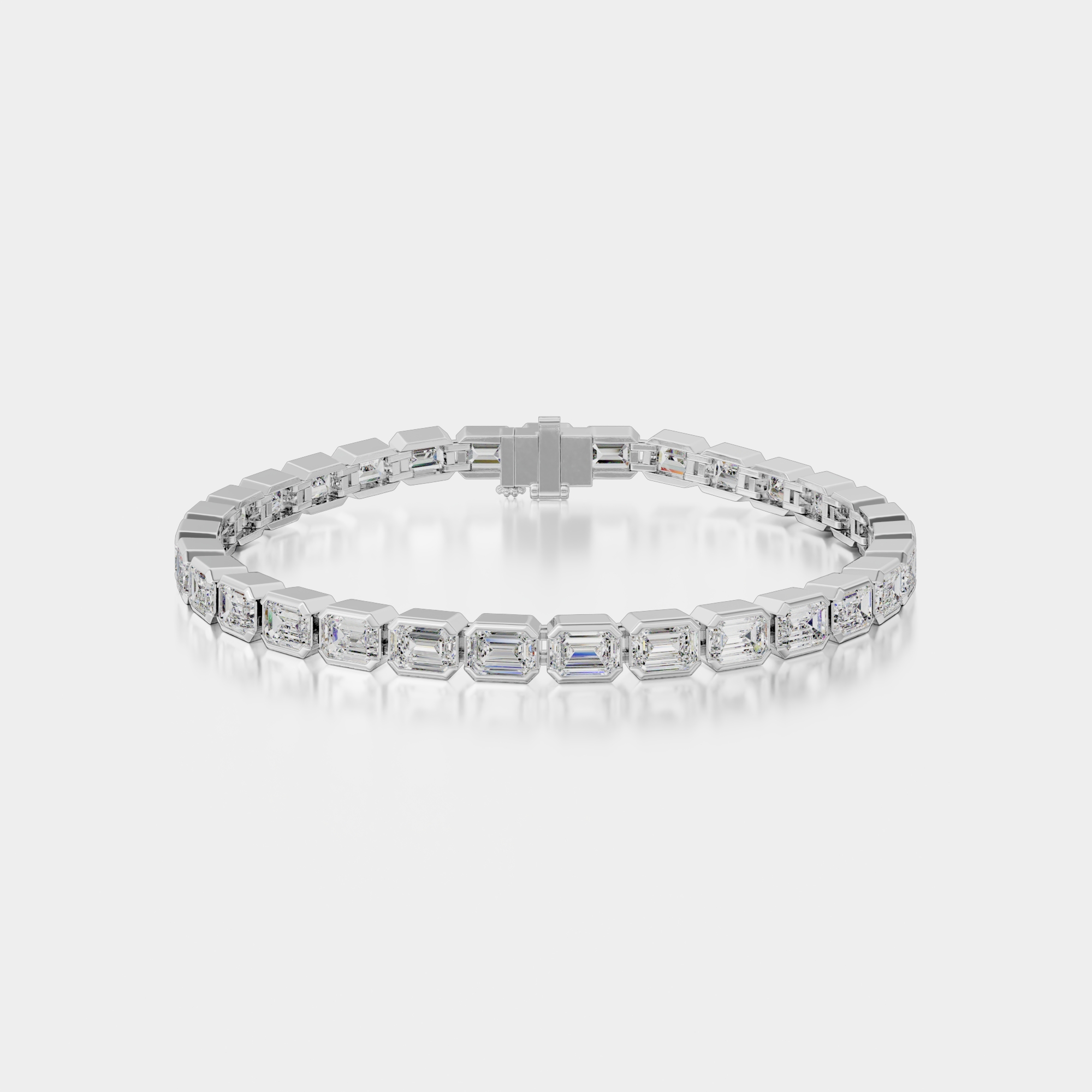
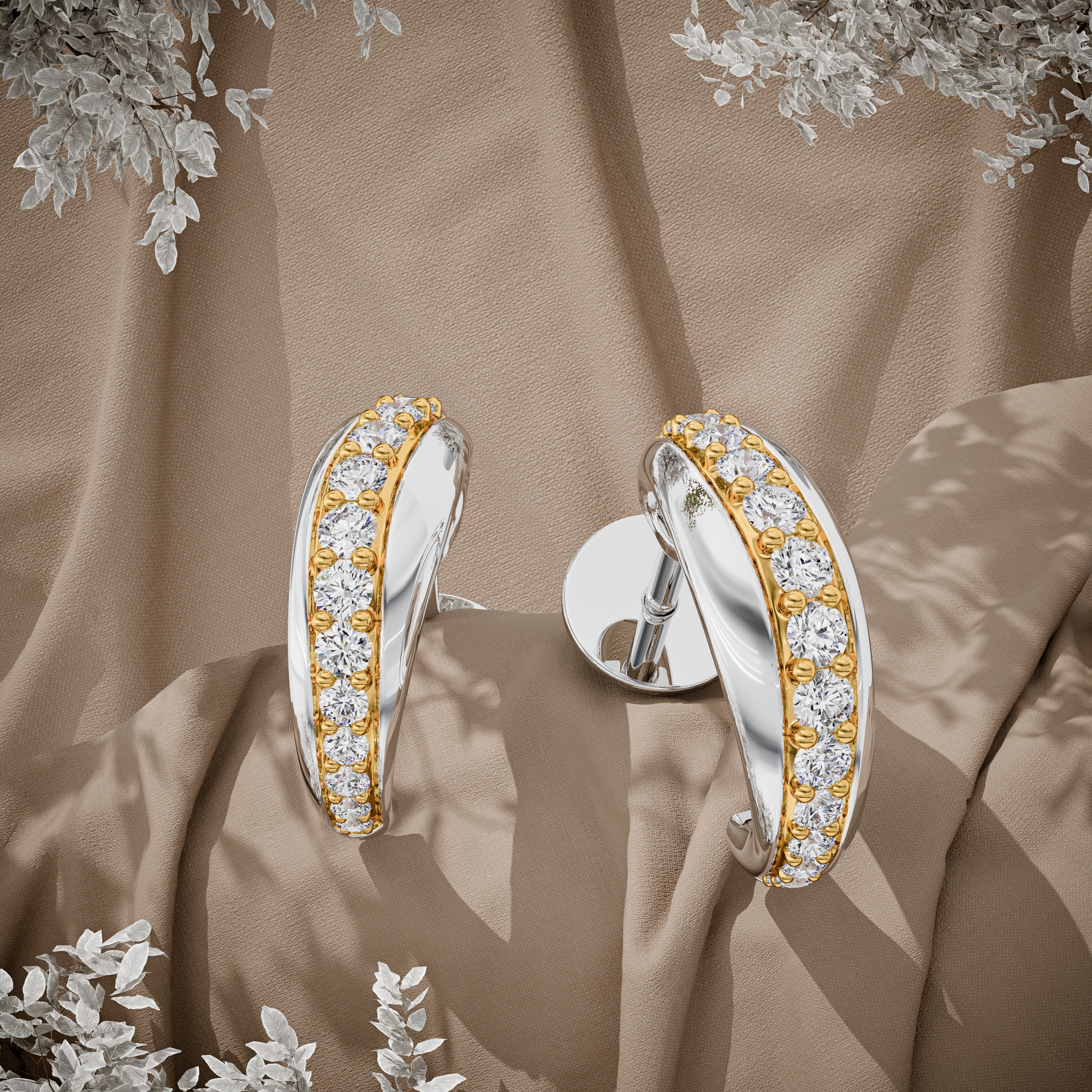
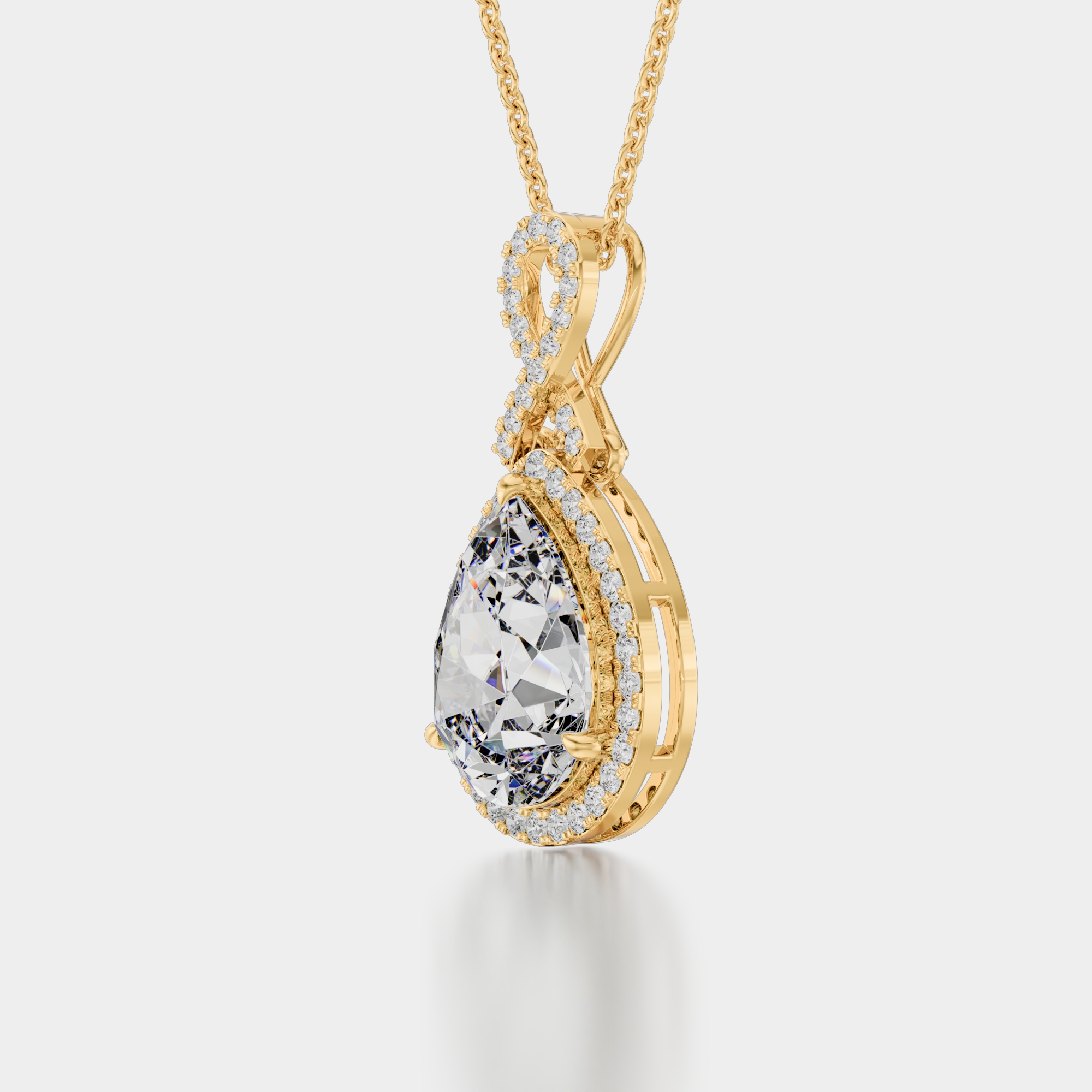
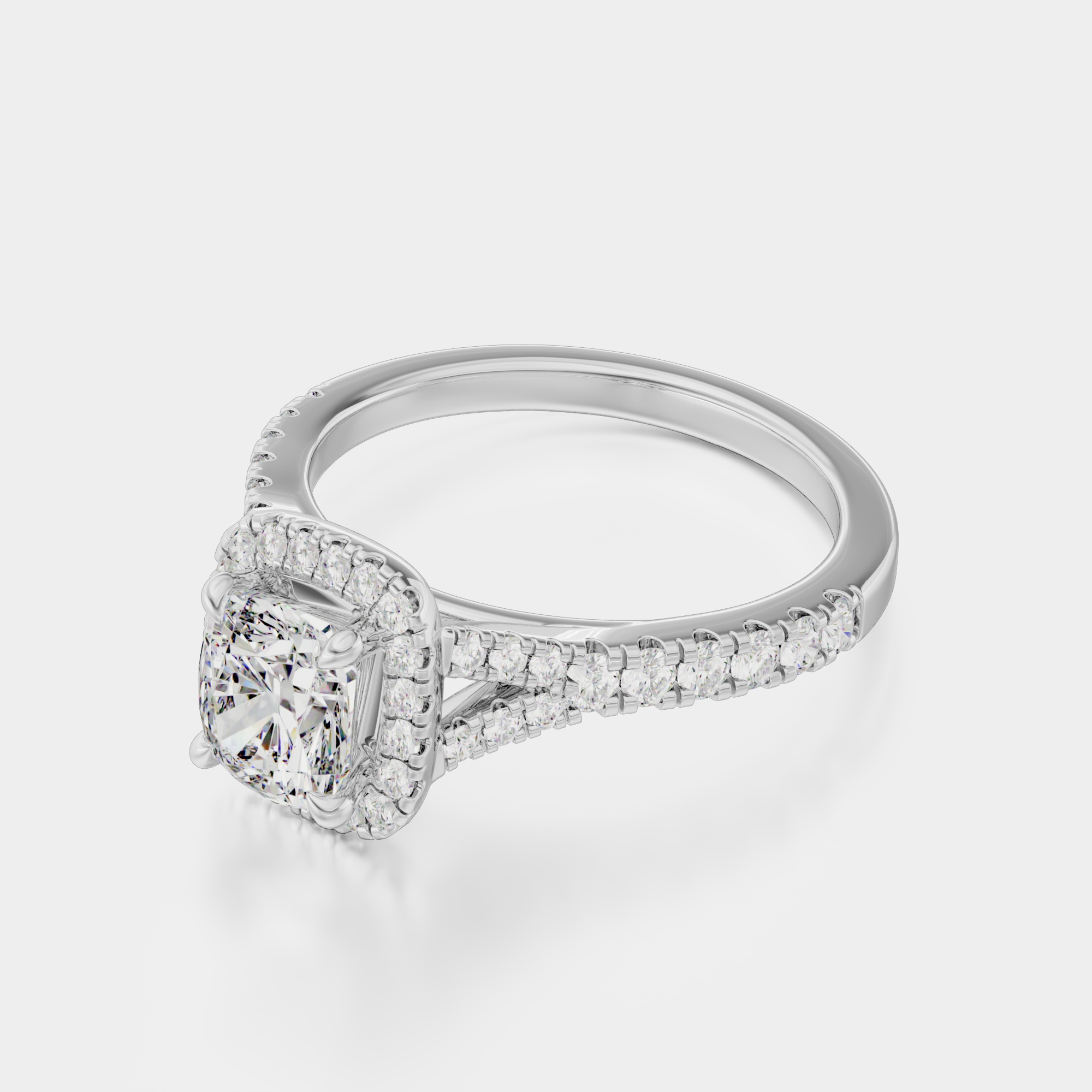

The work in motion
Metal and diamonds look better moving. Every order includes three videos, one per gold color. These loops are what they look like.
One model, every metal.
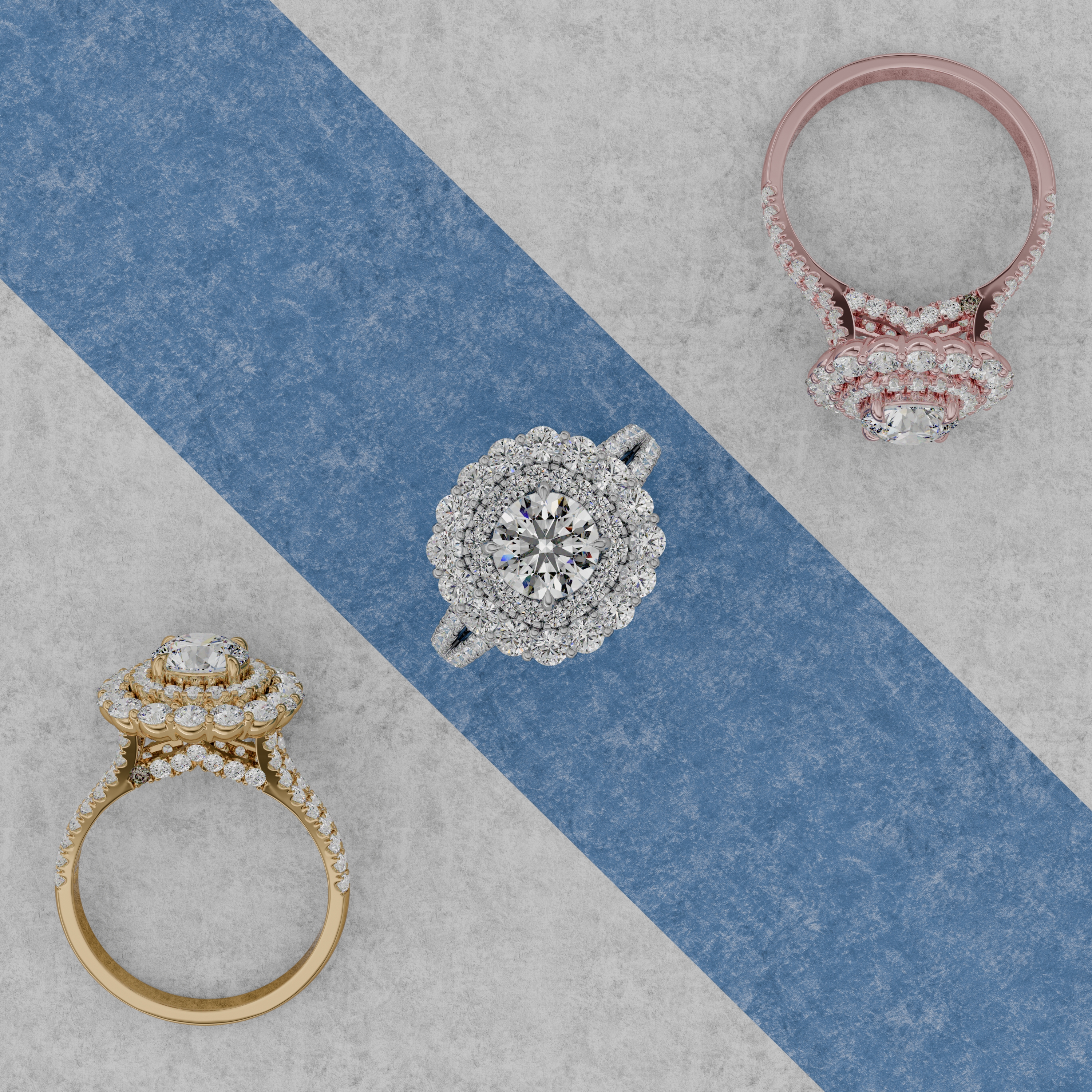
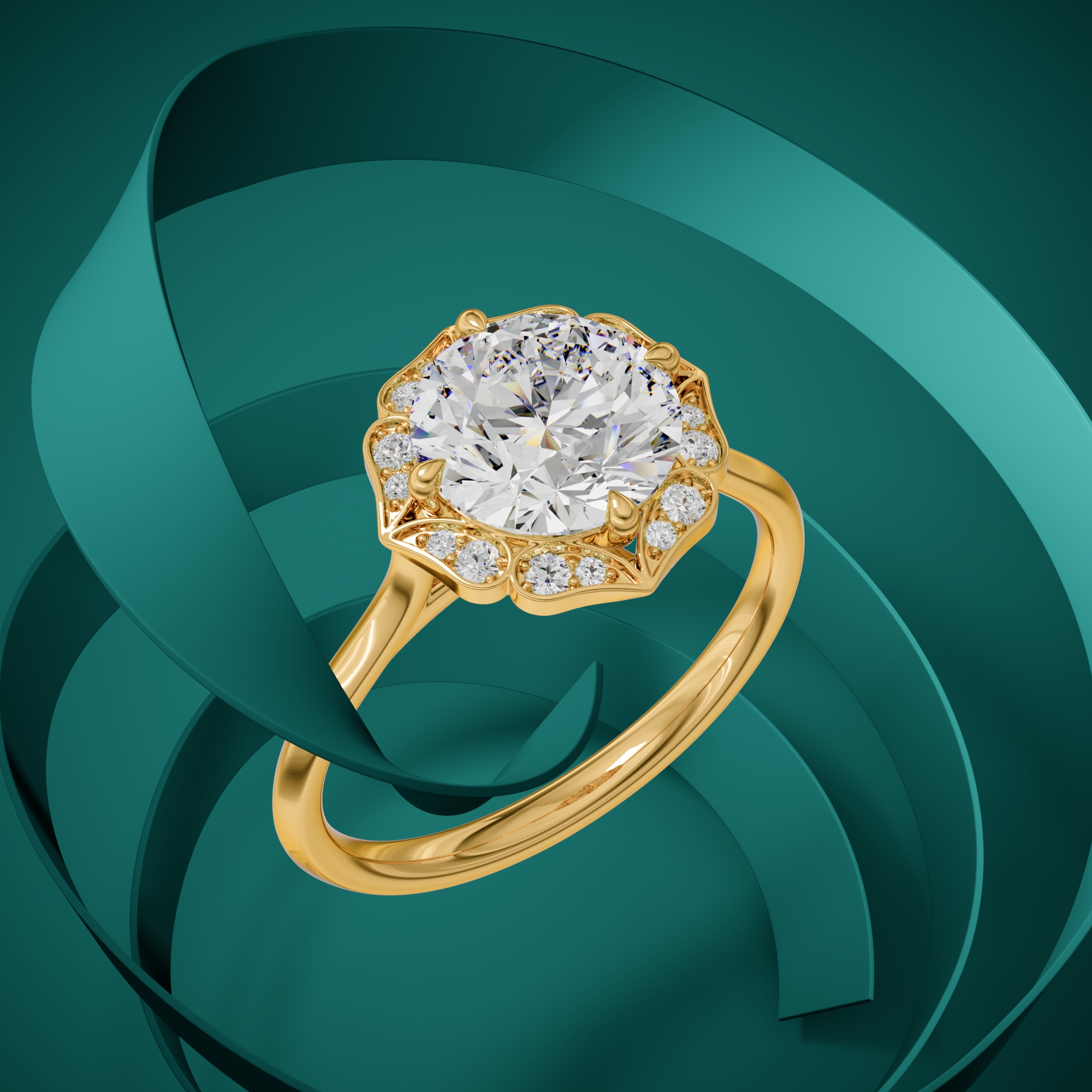
The 24 bracelet tiles and 31 ring tiles above came from a much smaller pile of CAD files: one model per design, rendered in yellow, white, and rose gold. No photoshoot, no samples, one flat price per file.
- Source
- 3DM, STL, OBJ, STEP
- Output
- 3000 x 3000 px and up
- Formats
- JPG, PNG, layered TIFF
- Turnaround
- 24 to 48 h per piece
- Price
- $15 per CAD file
- Confidentiality
- NDA before we open a file
The work behind the wall
Every tile above came out of one of these.
By piece
By job
Want to know how a file moves through the studio? Read the process, file specs, and timelines.
About this portfolio
Why do some pieces appear two or three times?
They are the same design in yellow, white, and rose gold. That is the point of rendering: one CAD model produces every metal variant, so a catalog can show all three without three photoshoots. All three golds are included in one flat price.
What do the codes under the tiles mean?
Design and metal. BR 0037 / rose gold is design BR 0037 in rose gold. It is the same label the delivered file carries, so a buyer can point at an image and order the variant without describing it.
Can I see work in my own category?
Use the filter above the wall. If your category is thin here, say so when you write to us and we will send further examples that are not published, where the client's NDA allows it.
Will my design look like this?
Send one CAD file and find out at no cost. We render a sample of your own piece in the same quality you see here before you spend anything.
Can I use these images as a style reference?
Yes. Point at any tile and tell us to match its lighting, background, and crop. Any look on this page can be built as a repeatable scene and held across a whole catalog.
Want your designs on this wall?
Send one CAD file and see your own piece rendered free, in the same quality you see above.
- Free sample render
- NDA before we open your file
- Reply within one business day