Rhino Jewelry Design: A Beginner's Path to a Castable File
Learn how to design jewelry in Rhino 3D, from basic modeling to creating a castable file. Understand essential design steps, stone settings, model accuracy, and file preparation for production.
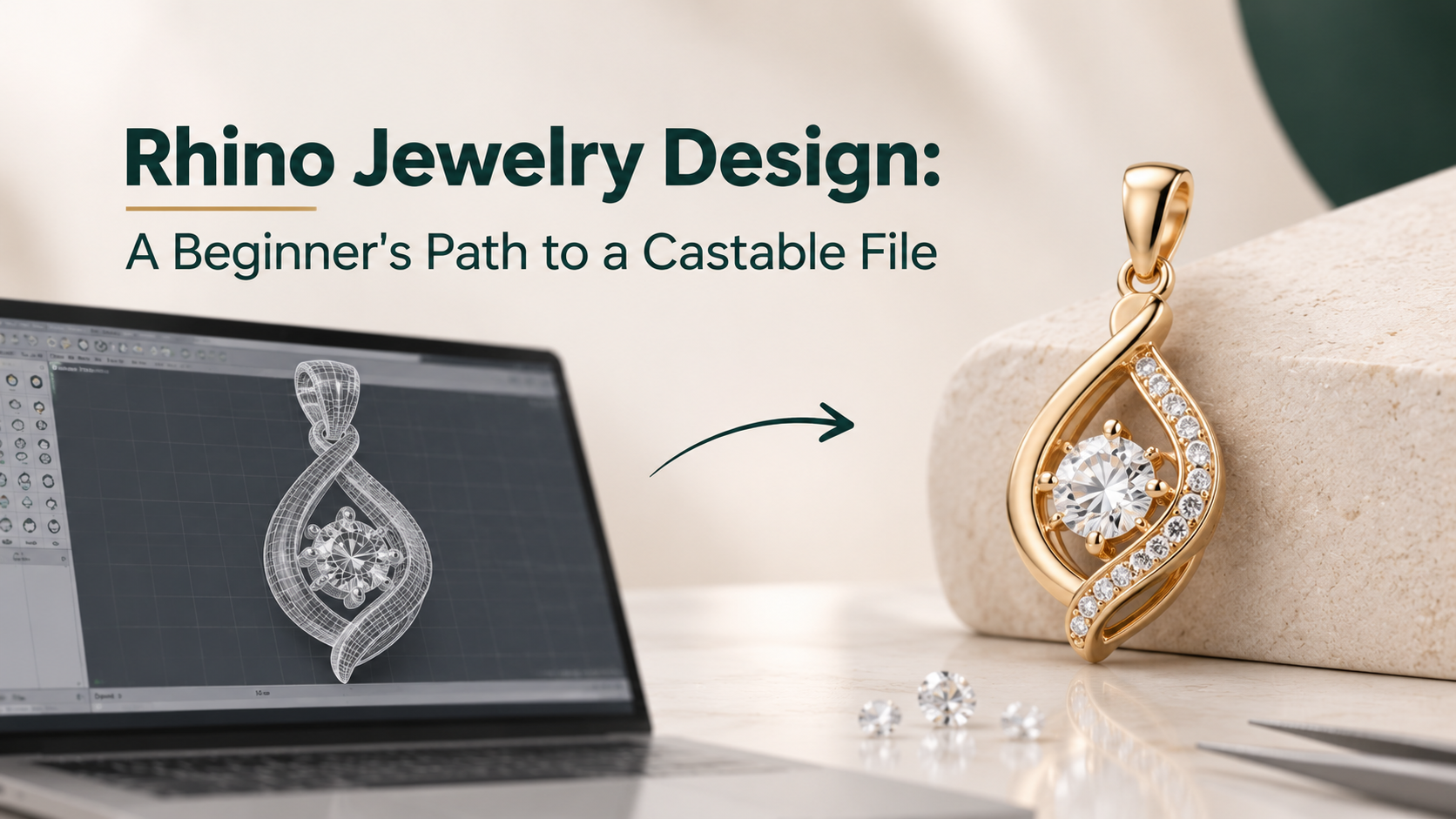
Rhino jewelry work starts in plain Rhino 9, without a plugin. Set the file to millimeters, build five pieces in order of difficulty, and check every one as a closed solid before it leaves the program. A plugin earns its price later, once you are seating stones by hand often enough that the repetition is the slow part.
That is the path. The rest of this post is the order to walk it in, and the checks that turn a model into a file a caster will accept.
What Rhino Gives A Jewelry Designer, And What It Leaves To You
Rhino, full name Rhinoceros, turns up on every list of rhino jewelry design software, but it is a general 3D modeler from McNeel. It is also the base most jewelry CAD tools are built on. Rhino 9 shipped on 28 October 2026, according to AEC Magazine. The McNeel store lists it at $995 for a full commercial license and $195 educational (checked November 2026), and the license is perpetual.
As rhino 3d jewelry design software, what you get out of the box is three things:
- Exact surfaces. Rhino models in NURBS, so a shank or a bezel stays a true curve at any size, and dimensions are typed rather than eyeballed
- Measurement. McNeel's jewelry page lists mass-property tools, so volume and, from it, metal weight, comes straight from the model
- Grasshopper. The visual scripting tool is included, and Grasshopper 2 ships with Rhino 9
What it leaves to you is the jewelry. Plain Rhino has no gem library, no prong builder, no ring sizer, and no setting wizard. Every seat, prong, and bead is built from general commands. That is slower, and it is also why plain Rhino is the right place to learn: nothing is hidden behind a button you do not understand.
The other thing it leaves to you is judgment. Rhino will happily build a prong too thin to cast and report it as a perfect solid. Keep that in mind through every build below.
Rhino For Jewelry Design From Beginner To Expert, In Five Builds
Tutorials teach commands. A practice order teaches when to use them. These five builds cover every core technique in Rhino jewelry design, and each one adds exactly one new problem to the last.
|
Build |
Main Rhino commands |
What it teaches |
|---|---|---|
|
1. Comfort-fit band |
Revolve, Fillet, Volume |
Units, profiles, closed solids |
|
2. Signet ring |
Flow, FlowAlongSrf, Sweep2 |
Modeling flat, then bending onto the finger |
|
3. Four-prong solitaire |
BooleanDifference, Pipe |
Building metal around a stone |
|
4. Halo or pave band |
ArrayPolar, ArrayCrv, OrientOnSrf |
Placing many stones and seats |
|
5. A ring in five sizes |
Grasshopper |
Changing one number instead of remodeling |
Build 1, the band. Start from the Small Objects, Millimeters template, draw the cross-section once, and revolve it. The lesson is not the shape. It is that every later build depends on the units and the profile being right from the first curve.
Build 2, the signet. Lay out the face and any pattern flat, then flow it onto the curved ring. FlowAlongSrf "morphs objects from a source surface to a target surface", in McNeel's words, and almost all decorated bands are made this way.
Build 3, the solitaire. Model the stone first as a separate solid at its real millimeter size. Then cut the seat with BooleanDifference and build the prongs to the stone, not the other way around.
Build 4, the halo. Dozens of identical stones, each with its own seat, placed on a curve or around a center. This is where hand work becomes tedious, and where you will find out whether you need a plugin.
Build 5, the size run. Rebuild the band in Grasshopper so the finger size is one input. Expert Rhino work is mostly this: models that survive a change.
This is a build order, not a timeline. How long competence takes, and whether a paid course shortens it, is covered in what a good CAD jewelry design course teaches.
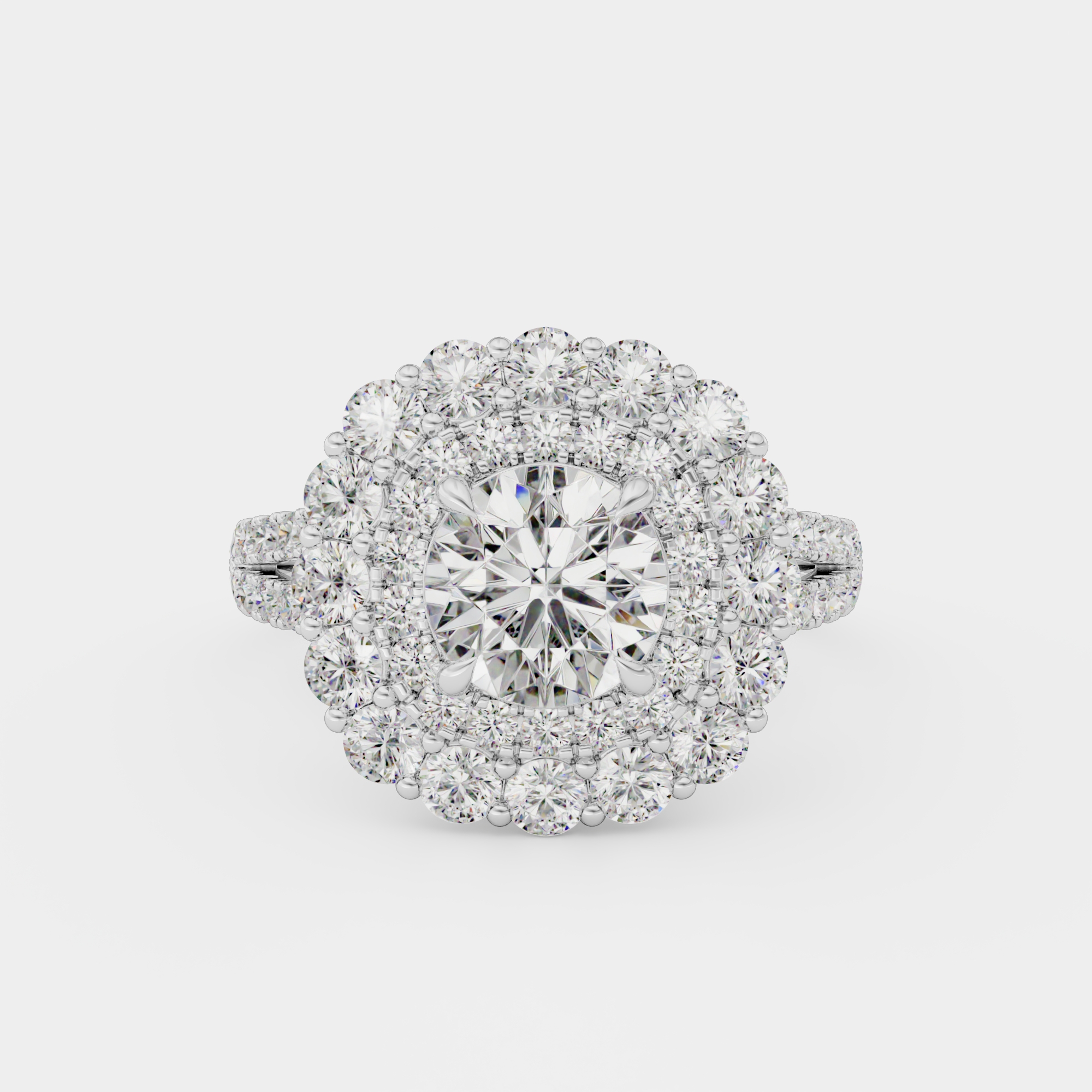
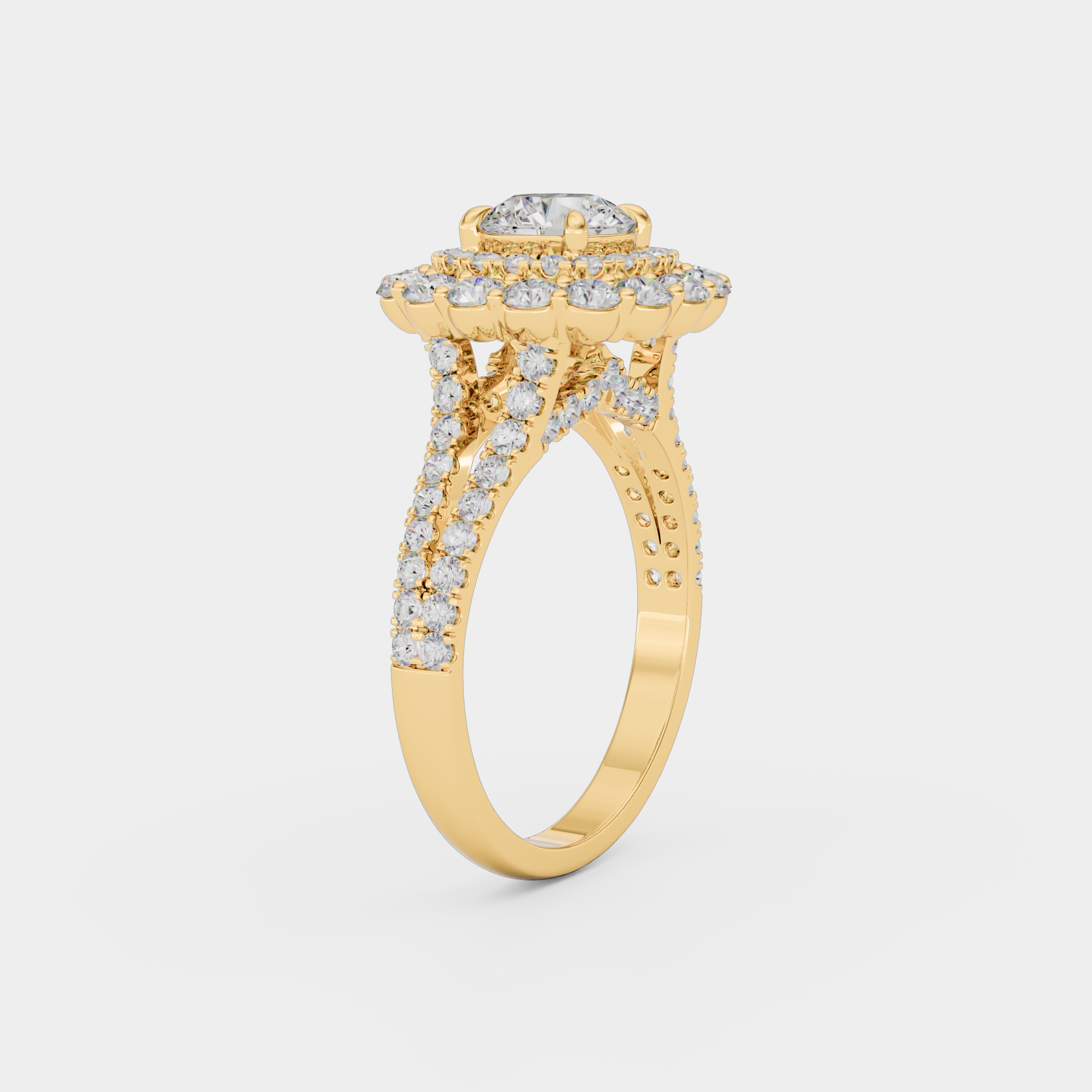
Build 4 in finished form: every small stone in the halo needs its own seat and beads, placed by array rather than by hand.
Turning A Rhino Model Into A Castable File
A model that looks finished on screen can still fail at the printer. Run these five checks inside Rhino before any file leaves your machine:
- Units first. An STL file carries no unit label, so the printer reads the numbers as they are. A ring modeled in the wrong units arrives at the wrong size. Confirm millimeters before the first curve, not before the export.
- Closed solid, confirmed. McNeel's guidance on closed solids is blunt: "The Rhino object must be a closed solid before a valid STL file can be generated." Select the piece and run What, which should report a closed polysurface. Turn on CheckNewObjects so an edit that breaks the model tells you at once.
- No naked edges. A naked edge is one not connected to another edge, and "a solid has no naked edges." Run ShowEdges with naked edges on after every Join, because McNeel notes that joining can itself create them.
- Stones kept separate. Keep each stone as its own solid on its own layer, never unioned into the metal. Hide that layer for the print export. Keep it on for anyone checking seats, and for the render.
- A tight mesh at export. Rhino's STL export help says to set the maximum distance from edge to surface near the printer's resolution, and suggests 0.125 mm as a starting point. If Rhino warns that the mesh is not closed, do not press Export Anyway. Fix the model, export again, then import the STL back into Rhino and run ShowEdges on it.
Then use Volume on the closed metal and multiply by the density of the alloy your caster quotes. You get an estimated metal weight, which matters for both pricing and casting.
None of these checks tells you whether the wall is thick enough. That is a jewelry rule, not a Rhino rule, and the numbers a caster usually expects are within the tolerances a caster expects. Get your own caster's sheet before build 3.
Keep the 3DM as your master. The STL is a copy for the printer. A clean 3DM is also the best file to send when you want to render a ring before casting it, because it keeps the true surface. A clean file renders at base price, while a broken export needs repair time first.
When Plain Rhino Stops Being Enough
In rhino jewelry work, a plugin is worth buying when it removes work you already know how to do. Three signs that you have reached that point:
- You are rebuilding the same head. Prong and bezel settings at standard stone sizes, built by hand again each week
- Pave counts run into the dozens. Placing and seating each stone by array and orientation is accurate, and also slow
- Your manufacturer works in a plugin. Gem objects created by one plugin may not become editable gems in another, so matching the shop you send files to can save rework
McNeel's jewelry page names CrossGems, MatrixGold, Pro-J, RhinoArtisan, and CounterSketch as jewelry plugins built on Rhino. Choosing among them is a separate question, covered in which jewelry CAD program does which job. Before buying any of them, check that it supports Rhino 9. Plugins tend to follow a new Rhino release, not arrive with it.
Also try Grasshopper on the repetitive work first. It is already paid for, and a stone-array definition you build yourself costs only time.
Where Learning Rhino Is The Wrong Move
You need files, not a skill. A brand that brings out a handful of new pieces a year will spend more evenings learning Rhino than the modeling would cost to hire. Learn it if CAD will be part of the job every week.
Rhino knows geometry, not jewelry. It can confirm a model is a closed solid. It cannot tell you that a 0.2 mm prong will break, that a seat is too shallow, or that a bezel will not close over its stone. Those come from bench experience or a caster's feedback. A self-taught designer who skips that feedback can produce clean, valid, uncastable files for months.
Sculpted organic work. Rhino 9 has SubD tools for freeform shapes, but deeply carved, figurative pieces are often faster in a sculpting program. Many designers sculpt there and bring the result into Rhino for stones and finishing.
You should also weigh our position. We render, and we build a CAD model for an added fee when a client has only a sketch or a photo. So the "hire it out" answer can lead to work for us.
Questions about Rhino Jewelry Design: A Beginner's Path to a Castable File
Is Rhinoceros the same program as Rhino?
Yes. Rhinoceros is the full product name, and Rhino is the short form everyone uses, so a search for rhinoceros jewelry and one for rhino jewelry land on the same software. It is made by Robert McNeel and Associates. Rhino 3D is the same program again.
Should a beginner buy Rhino 9 if a plugin still needs Rhino 8?
Buy Rhino 9. AEC Magazine reports that a Rhino 9 license also runs Rhino 6, 7, and 8, so a plugin that has not caught up can run in Rhino 8 on the same license. Keep the older install until the plugin confirms Rhino 9 support.
Can the free evaluation cover all five builds?
It can. McNeel's download page gives all of Rhino 9 free for 90 days with no card, after which saving and loading plugins need a license. That is long enough for the five builds if you work most weeks. Save each build as a 3DM so the files outlast the trial.
Should you learn Grasshopper before setting stones?
No. Learn it after build 4. Grasshopper repeats and varies a process you already understand, and it is hard to script a stone seat you cannot yet build by hand.
Does Rhino 9 design jewelry with AI?
Not by itself. RhinoAI is an optional plugin that connects outside AI agents to Rhino, according to AEC Magazine. Whatever it produces still has to pass the same closed-solid checks and your caster's limits, so judge it on files, not demos.
What is the native Rhino file, and should you keep it?
It is the 3DM file. Keep it as the master for every piece, alongside any STL you export. An STL is a mesh, so later edits, such as a new ring size or a different stone, go back into the 3DM, not into the print file.
Curious how this works in practice? See the process, browse the portfolio, check pricing, or see all jewelry rendering services.