3D Jewelry Animation Explained: How CGI Video Brings a Collection to Life
3D jewelry animation uses CGI to turn a CAD file into realistic videos. Learn how jewelry animation is made, its types, required files, and when filming is better.
.png)
Jewelry animations are short CGI videos rendered from the same 3D model that produces a brand's still images. Nothing is filmed. Software renders the piece frame by frame while the piece, the camera, or the light moves, and the frames play back as video. If a CAD file already exists, a standard 360 spin takes no longer to produce than the stills.
That is the short answer. The rest of this post covers how the video is made, the kinds worth paying for, and what you need to send.
How A Jewelry Animation Is Made
A video is a sequence of still images, and a rendered video is a sequence of renders. At 30 frames per second, a 10-second clip is 300 separate images. Each one is calculated the same way a product still is: materials on the model, lights around it, a camera pointed at it.
Jewelry animations start from the CAD file the piece was designed in. Metal and stone materials are assigned, a lighting setup is built, and then something is set to move. In the simplest case, the model turns a full circle in front of a fixed camera, which is a turntable animation. In more ambitious work, the camera travels, or the light sweeps across a piece that stays still.
Filming a real piece works the other way around. The piece has to exist, so it has been cast, set, and polished. Polished metal reflects the camera, the turntable, and the room. And every metal needs its own piece. A 3D product rendering video gets rose, white, and yellow gold from one model, because metal is a material setting rather than a second casting.
|
Question |
Rendered animation |
Filmed video |
|---|---|---|
|
Does the piece have to exist? |
No, a CAD file is enough |
Yes, cast and finished |
|
Three golds |
One model, three material settings |
Three physical pieces |
|
A change after delivery |
Re-render from the archived scene |
Reshoot the piece |
|
Worn on a person |
Costly, skin is hard to render |
Where filming wins |
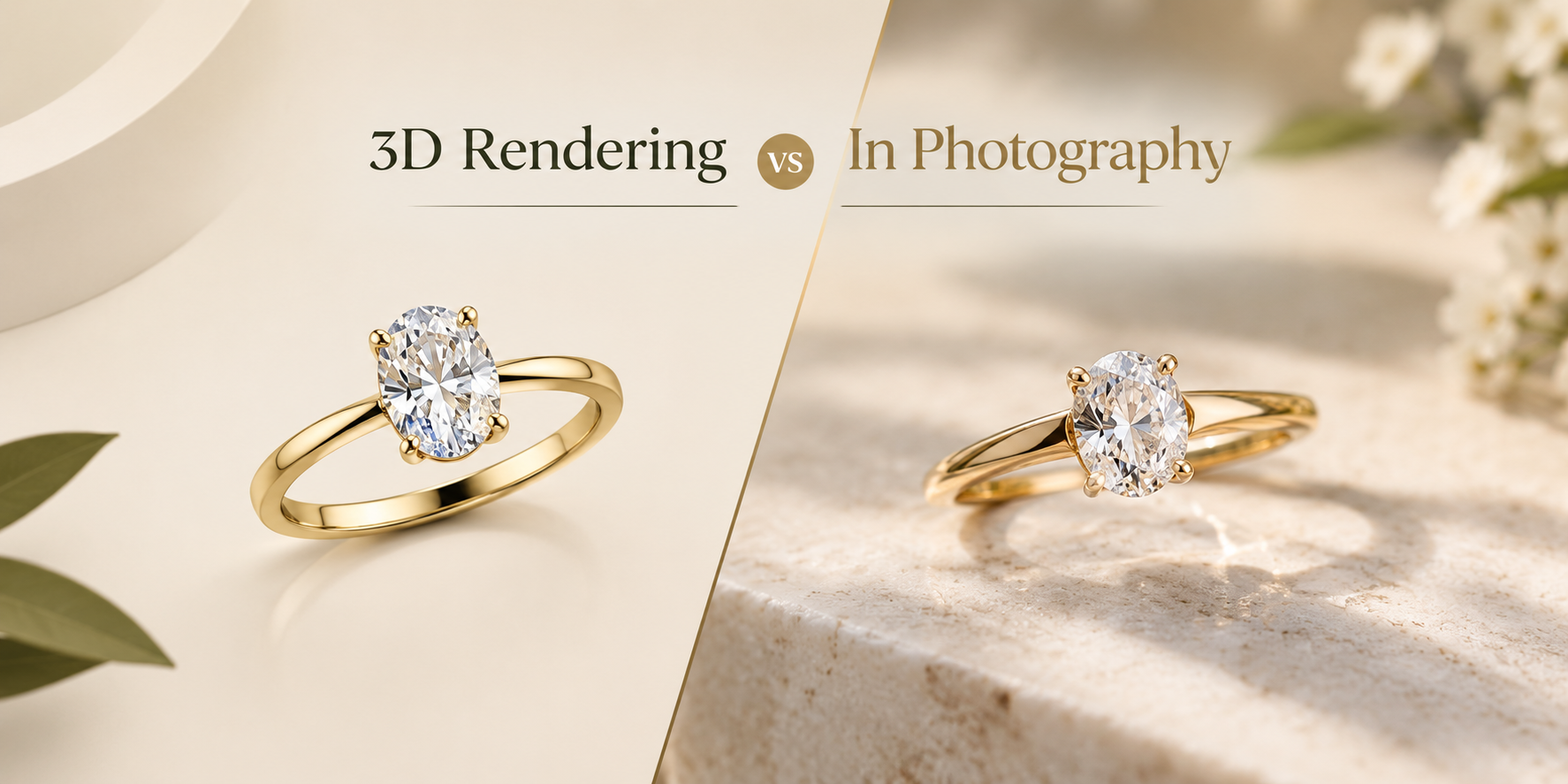
The same trade-offs hold for still images, and how rendering compares with photography covers them in full.

Three Kinds Of Jewelry Animation
Most 3D jewelry animation falls into one of three types. They differ in what moves, how long they run, and how much work goes into each frame.
360 spins. The piece rotates on the spot while the camera and lights stay fixed. This is the workhorse of product pages. It shows the profile, the setting height, and how light moves through the stones, with no editing. It is also the type that scales, because one scene setup renders every piece in a collection the same way.
Cinematic product videos. The camera moves around the piece, often with changing light, a styled background, or a slow reveal. These are built shot by shot like a short film, and they are aimed at launches and ads rather than listings. Every shot is its own scene, so the production time rises with the shot count.
Detail and macro shots. The camera pushes in on one feature: a prong gripping a stone, milgrain along an edge, the fire in a pave band. Macro is where the model gets tested hardest, because a surface that fills the frame shows every flaw in the geometry. A shot at this distance needs a CAD file built with it in mind.
Most brands need the first type for every piece and the other two for a handful of hero pieces. That split is worth keeping in mind before anyone quotes you, because it decides almost all of the cost.
Why Motion Answers What A Still Cannot
A product image answers one question: what the piece looks like from one angle. Jewelry buyers ask more than that. How tall does the setting sit? What does the shank look like from the side? Does the stone actually sparkle, or was that one lucky frame?
A jewelry video answers those questions before the buyer asks them. Fire in a stone is movement by nature: colored flashes appear and vanish as the facets pass the light. A still can capture one flash. Only motion shows that it keeps happening, which is why stone behavior is the part of gemstone rendering that matters most in video.
On social, animated jewelry gives the feed something that moves, which a white-background image cannot. A turning ring reads as a real object with weight and depth, and 3D rendered videos can be cut to any length the placement wants.
We are not going to give you a conversion percentage. Figures circulate, but they come from other stores, other categories, and other price points, and they tell you little about yours. The honest claim is narrower: video answers questions a still leaves open, and an open question is what stalls a jewelry purchase. The way to know what jewelry animations do for your store is to add a spin to a handful of listings and compare them with the rest.
What You Need To Send
A CAD file, ideally. 3DM from Rhino or Matrix, STL, OBJ, or STEP. Every jewelry animation is built on geometry, and a clean export is what keeps the price at base. It is the same file 3D jewelry rendering starts from, so the videos and the stills come out of one scene and match each other.
A sketch or a photo. Workable, but the model gets built first, for an added fee, and is rendered after you approve it. Whether that is worth it depends on the piece, and whether you need CAD modeling or just rendering covers the choice.
A finished physical piece. This is the case brands ask about most, usually hoping to have the piece scanned. A 3D scan is a useful reference, but it is rarely a file you can animate from. Polished metal and faceted stones are exactly the surfaces optical scanners handle worst, because mirror reflections and transparent facets confuse the reading. In practice the stones get replaced with modeled ones, and the metal gets rebuilt to a clean surface. That is modeling work with a scan as the reference, and it is priced like modeling.
Whatever you send, add one line saying where the video will run. A product page, a Reel, and a booth screen want different shapes, and framing the scene once for the right shape is cheaper than cropping afterward.
Where Animation Is The Wrong Tool
Four cases, and in three of them the honest advice is to book a camera.
A one-off piece that already exists. An estate piece or a handmade one-off has no CAD file. Modeling it purely to animate it usually costs more than filming it on a turntable. Film it.
Anything worn on a person. Rendering skin convincingly costs more than filming someone wearing the piece. For on-hand and lifestyle video, book a shoot.
Hand engraving and hammered texture. Both can be rendered. Capturing their exact character takes modeling time that a camera gets for free.
Cheap animation. Budget renders show their tells: plasticky metal and stones that glow instead of sparkle, and video multiplies them. A still is judged once, a 10-second clip 300 times. Render noise that vanishes in one image shimmers across a sequence, and the back of the gallery, which no front view shows, comes around once per rotation. A jewelry animation adds movement to a model. It does not add quality.
One more boundary, about scope rather than technique. The three videos in our standard order are 360 spins. A multi-shot cinematic film is a different production with its own brief and its own quote, and it should never be priced as if it were a turntable.
Timelines And Where Each Video Goes
A 360 spin from a clean CAD file is the shortest jewelry animation to produce. At this studio it ships with the stills: one CAD file comes back as 9 HD images and 3 videos, one per gold, as MP4 and WebM, for $15. Most orders deliver in 24 to 48 hours, and two revision rounds are included. Add time for anything upstream, since a sketch needs a model built and approved first. Cinematic and macro work is scheduled shot by shot, so ask for a timeline against a shot list rather than a single figure.
Where each type earns its place:
- Product pages. A spin sits in the gallery beside the stills. Shopify accepts product video as
.mp4,.mov, or.webm, up to 10 minutes and 1 GB, so MP4 and WebM files upload as they are. - Ads. Short spins for retargeting, cinematic cuts for a launch. The same model supplies both.
- Instagram Reels. Meta's Reels video spec is 9:16 vertical, 1440 x 2560 recommended. A square spin cropped to vertical loses the sides of the frame, so ask for vertical framing before anything renders.
- Trade show loops. A 360 spin loops by design, because the last frame meets the first. On a booth screen, it runs all day, and it can show pieces that have not been cast yet.
If you have CAD files for a collection, start with the spin, because it is the one video every listing can use. Look at a real one before you commission anything longer. We render one CAD file at full quality as a free sample render, and any studio confident in its motion work will render one piece to prove it.
Curious how this works in practice? See the process, browse the portfolio, check pricing, or see every service we run.