The visual content that sells fine jewelry online, with a jeweler's eye for detail.
Send one CAD file. Get nine HD images and three videos in rose, white, and yellow gold, for a flat $15 per CAD file.
- 24 to 48 hour turnaround
- Two revision rounds included
- NDA before we open your file
- 12,000+
- renders delivered
- 340+
- brands and manufacturers served
- 9
- years rendering jewelry
- 48h
- standard turnaround

Still images
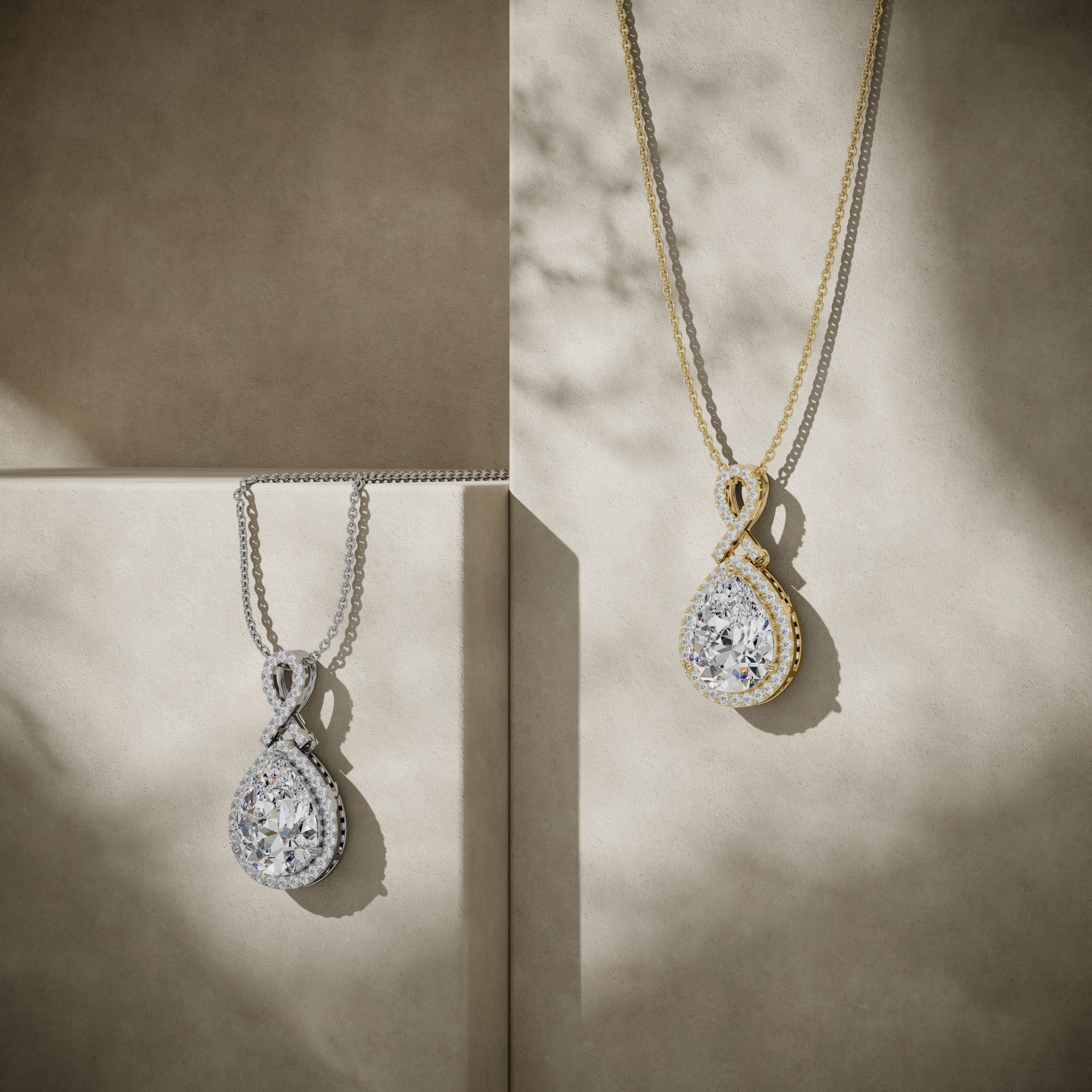
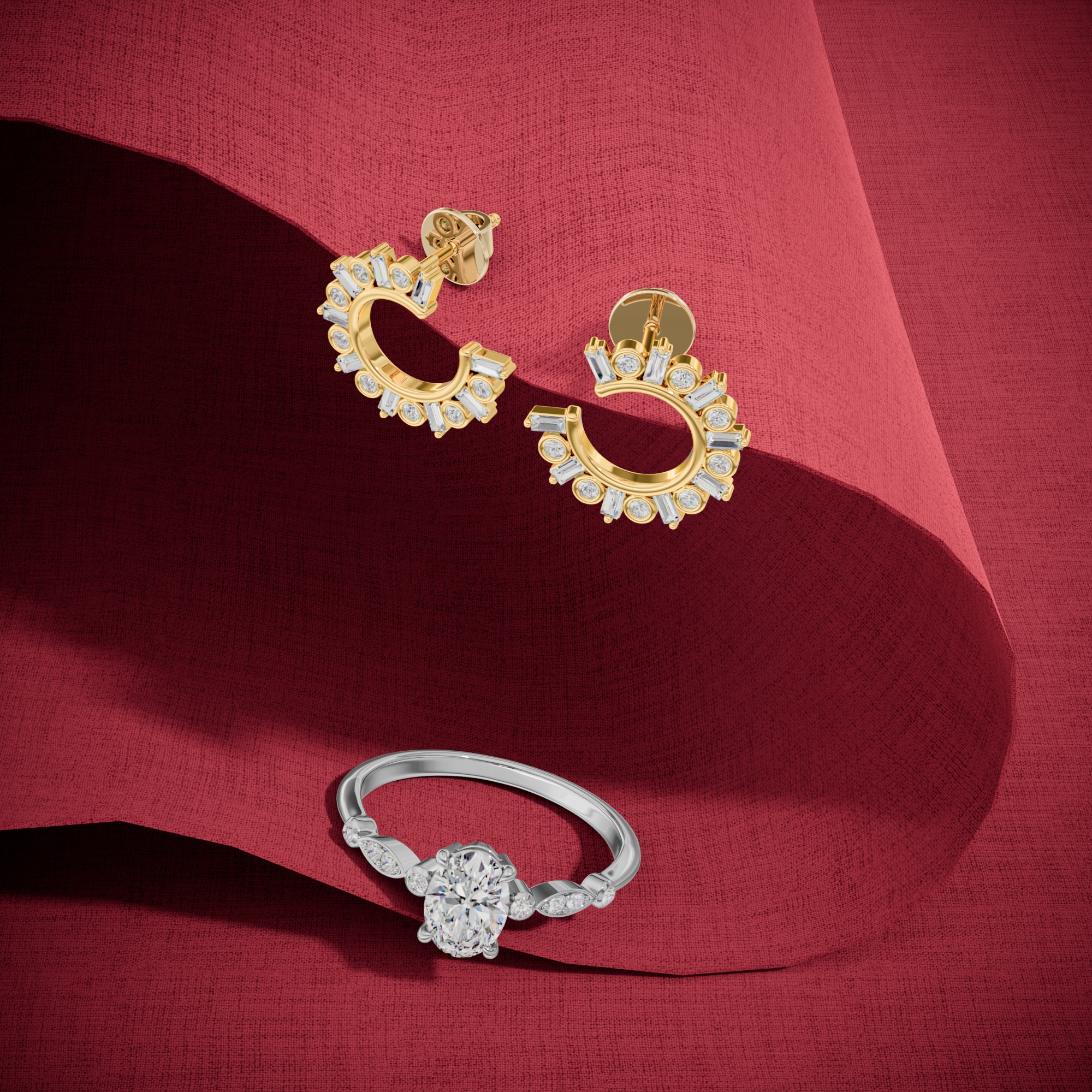
Nine ecommerce-ready images per file. White background, correct stone color, sharp at every zoom level.
ExploreFrom CAD file to catalog
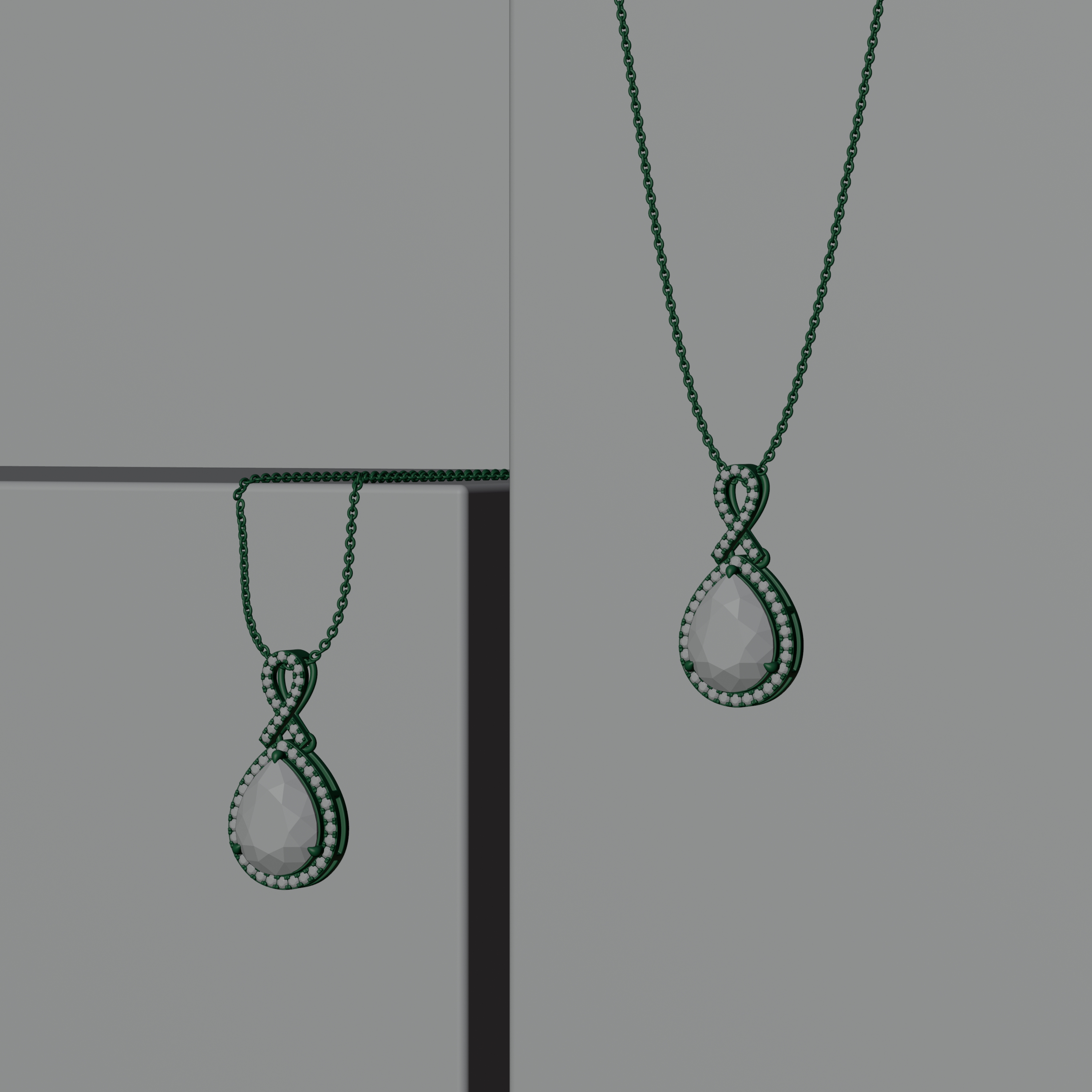
Drag the handle. The left side is the CAD file you send, the right side is what your customers see.

360 videos
Metal and diamonds look better in motion. Every order includes three videos, one per gold color.
ExploreThree golds from one file
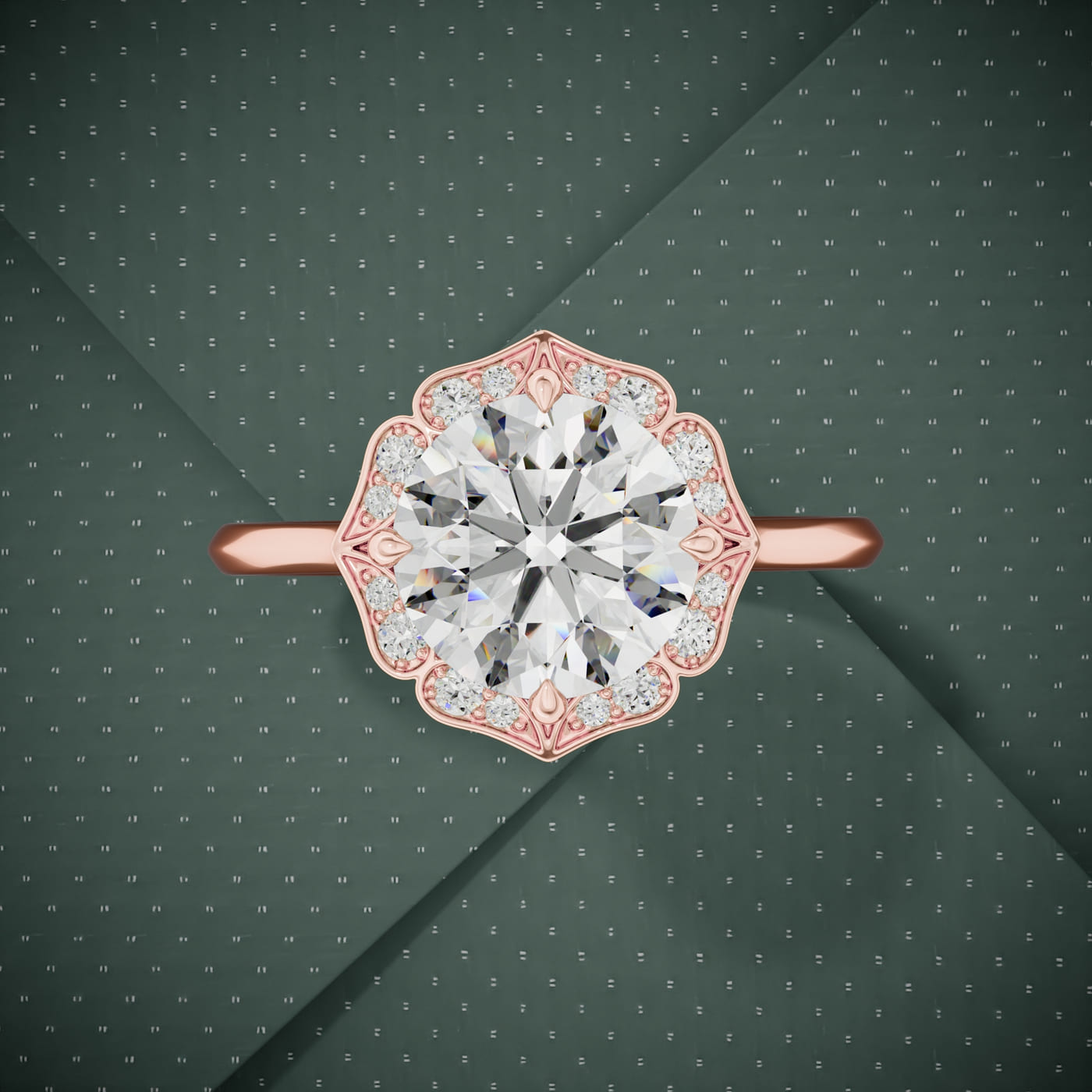
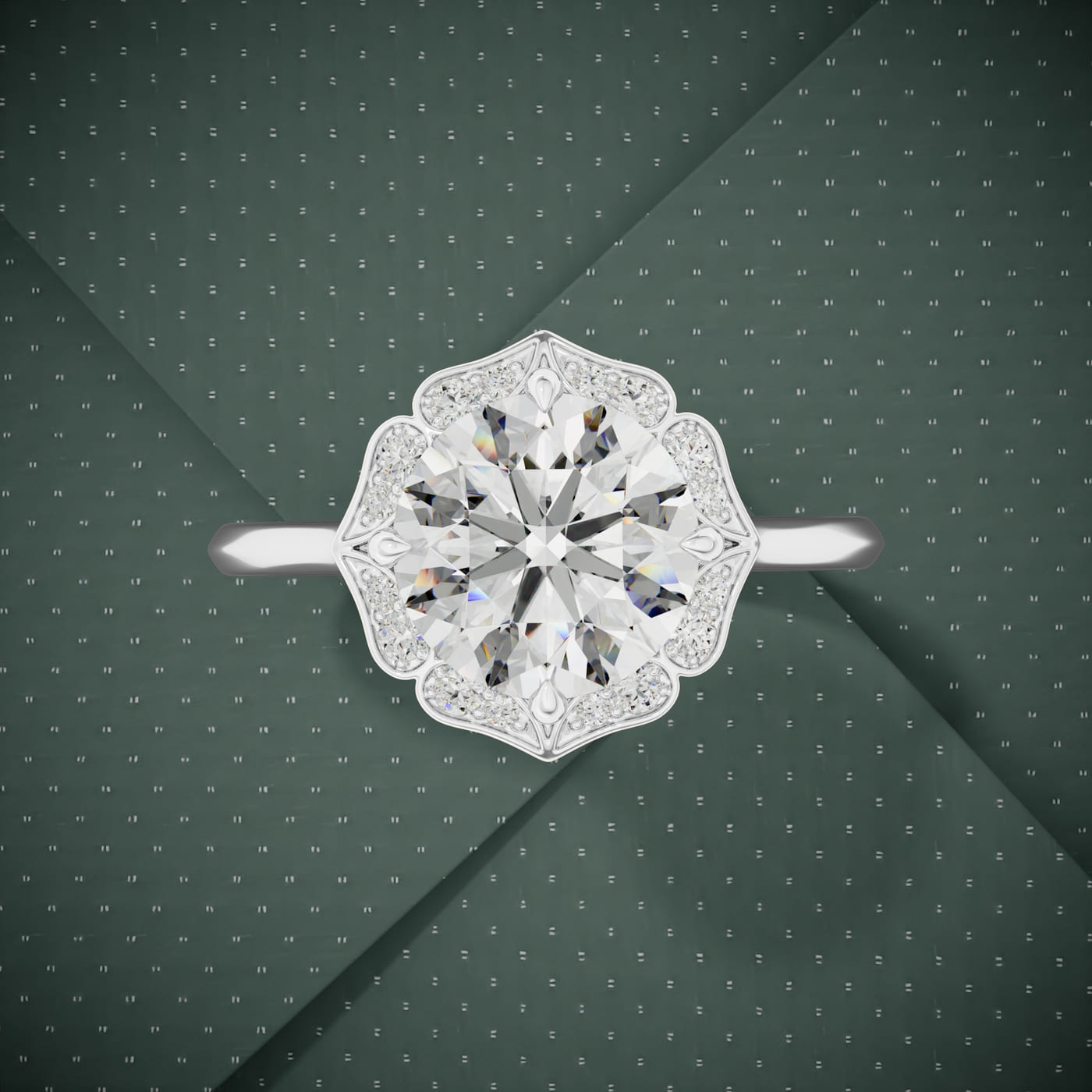
Send one CAD file. We render it in rose, white, and yellow gold, so every customer sees the piece their way. Click a swatch.

What we render
Every jewelry category, rendered to the same standard.
 3D Jewelry RenderingFrom raw CAD to a finished product image your customers can zoom into.$15 per CAD file
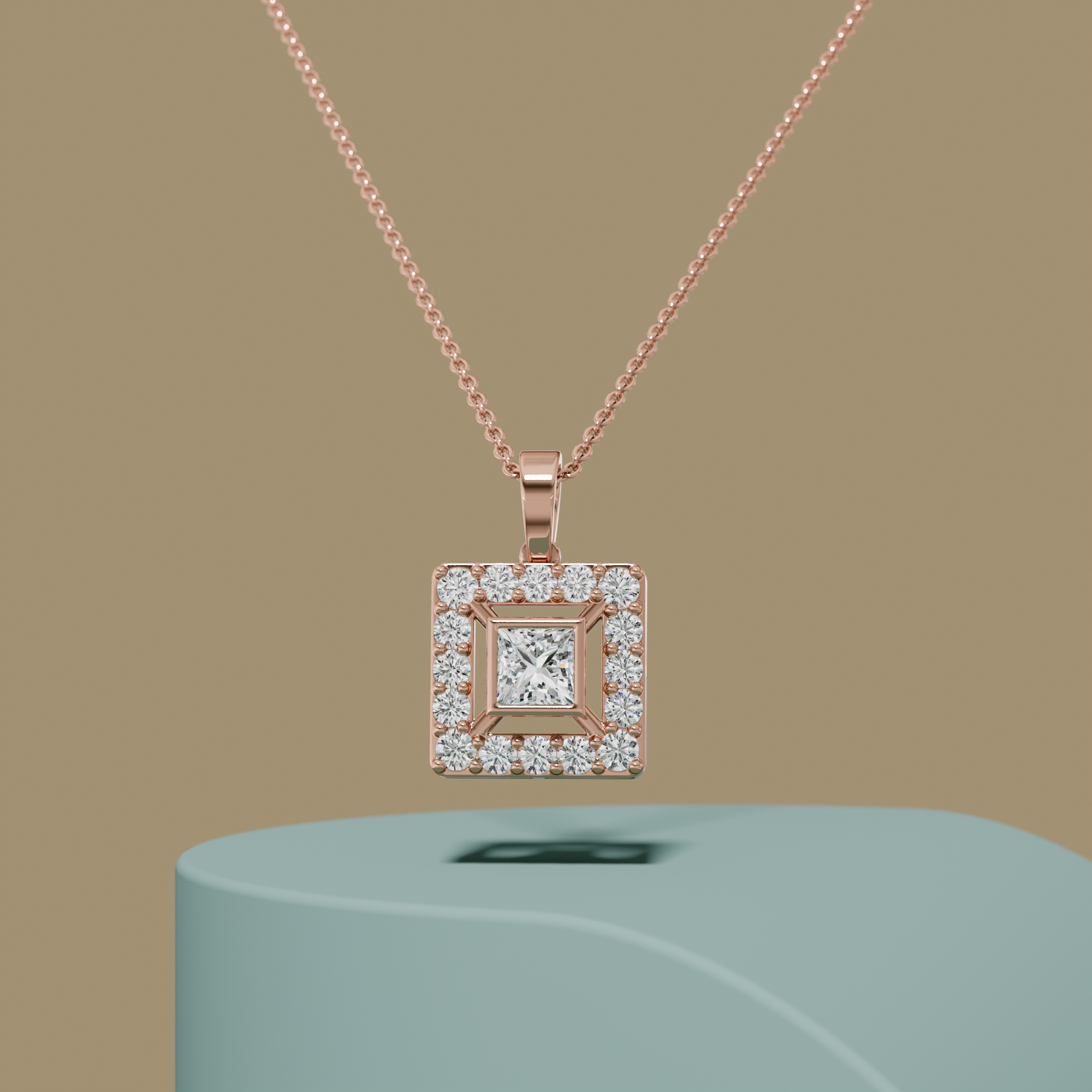
 Photorealistic Jewelry RenderingImages so real your customers will ask which photographer you use.$15 per CAD file
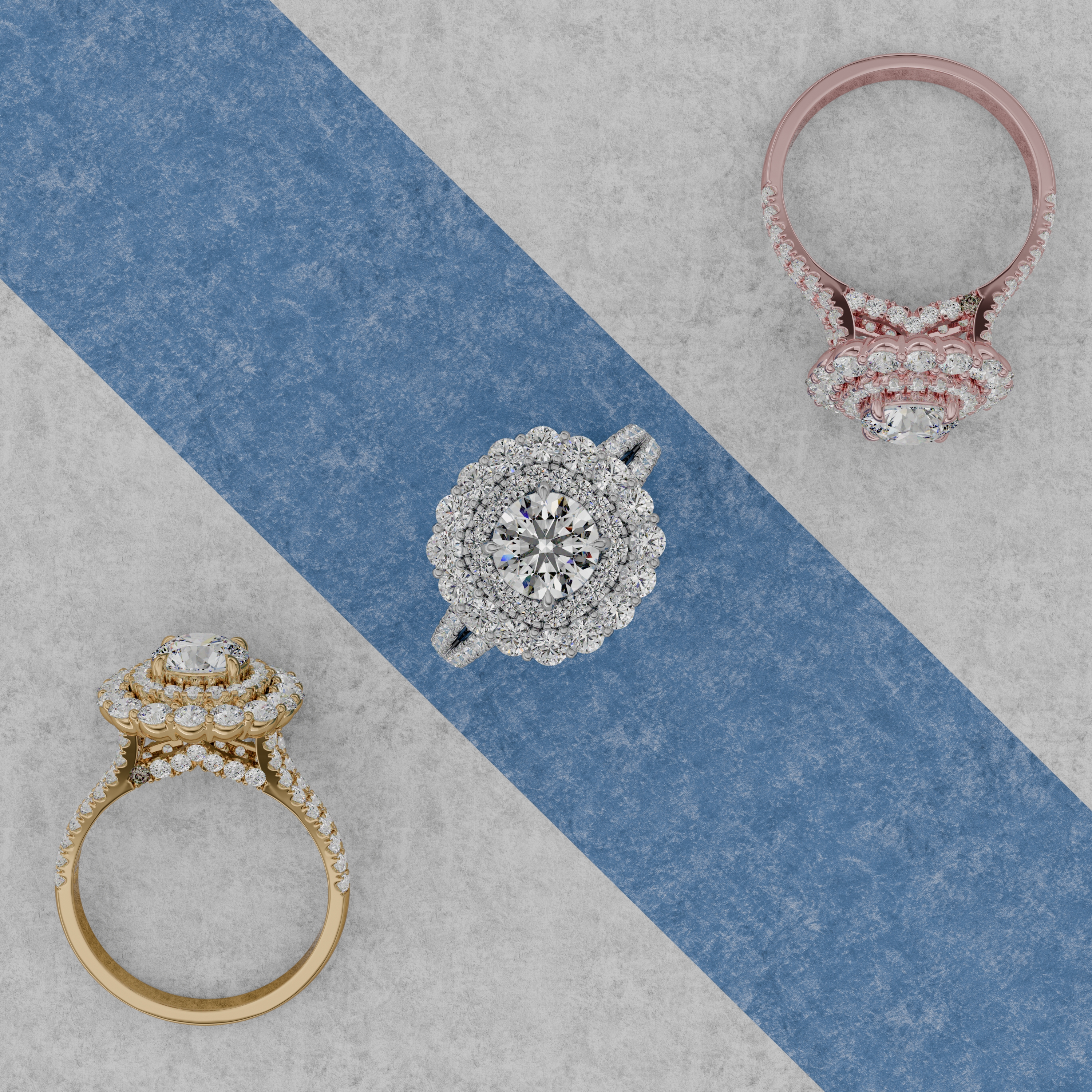
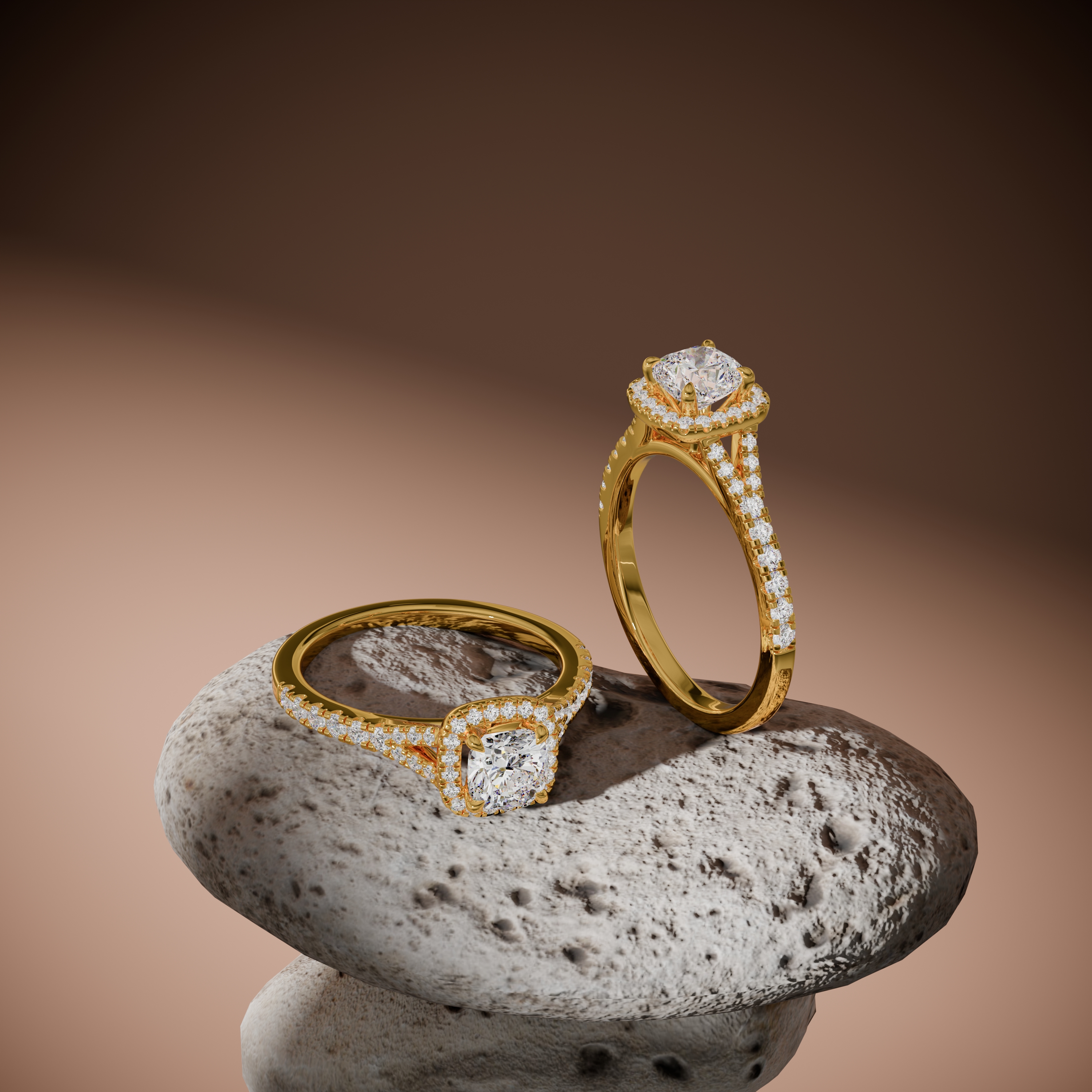
 Ring RenderingEngagement rings and bands rendered down to the last prong.$15 per CAD file
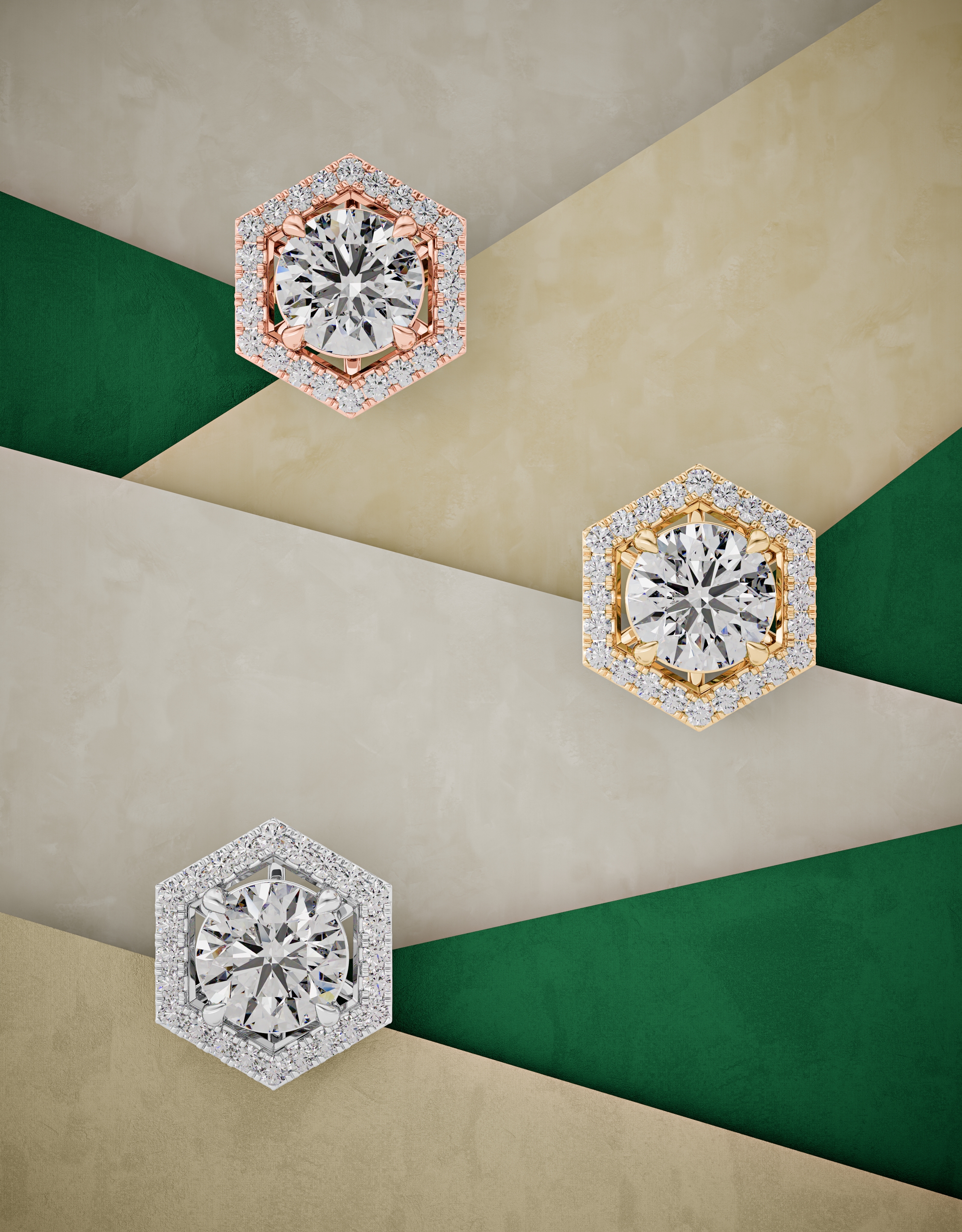
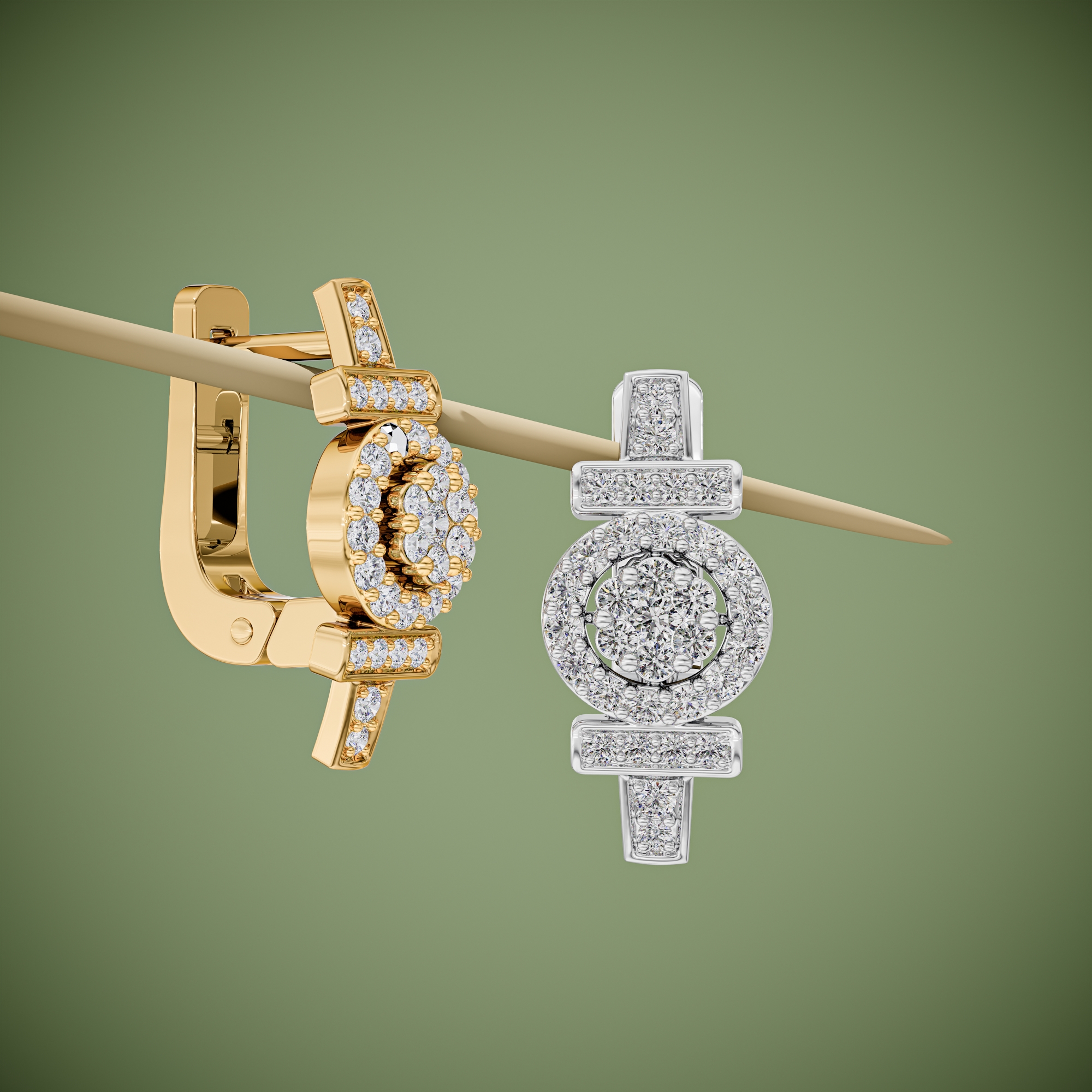
 Earring RenderingStuds, hoops, and drops rendered as perfect matched pairs.$15 per CAD file
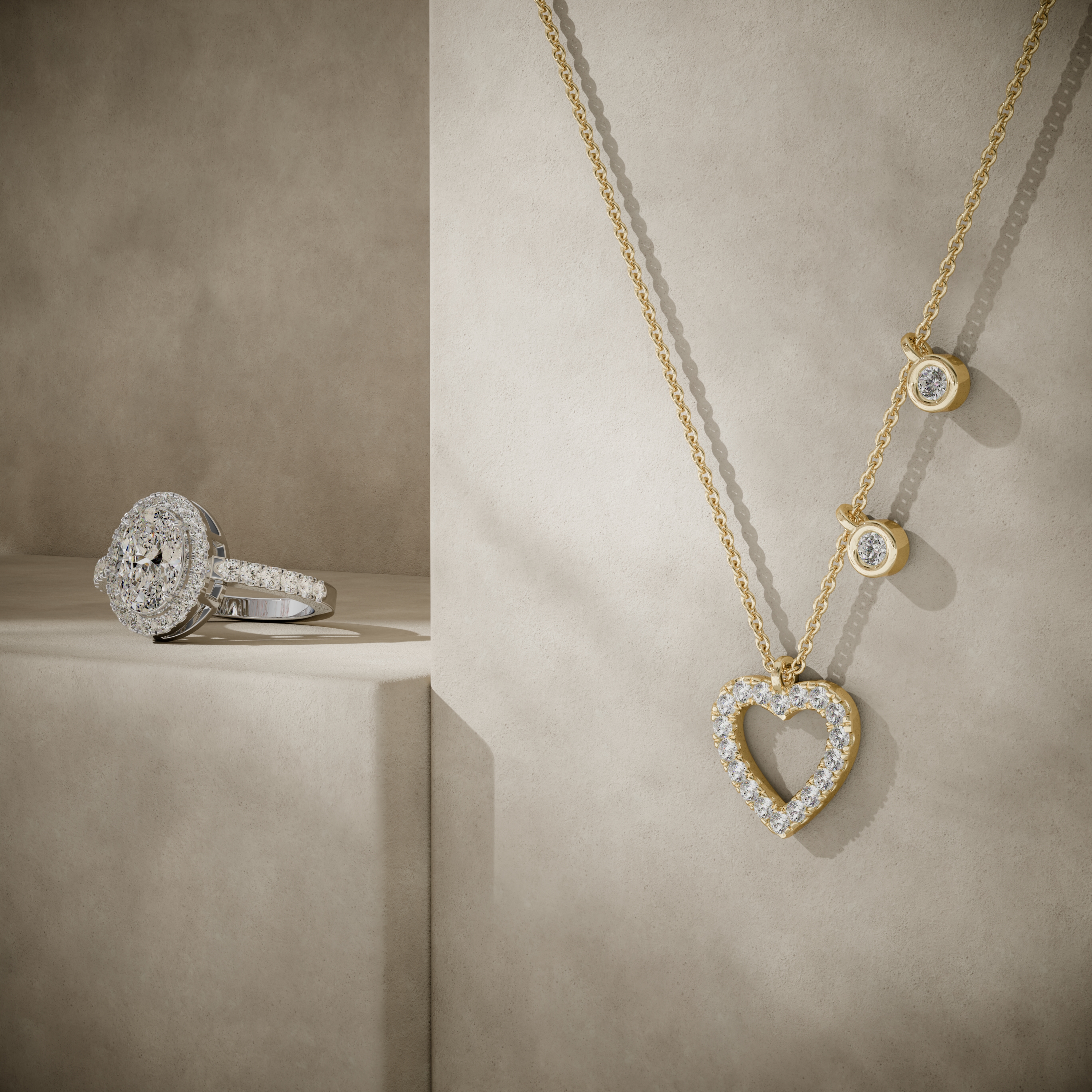
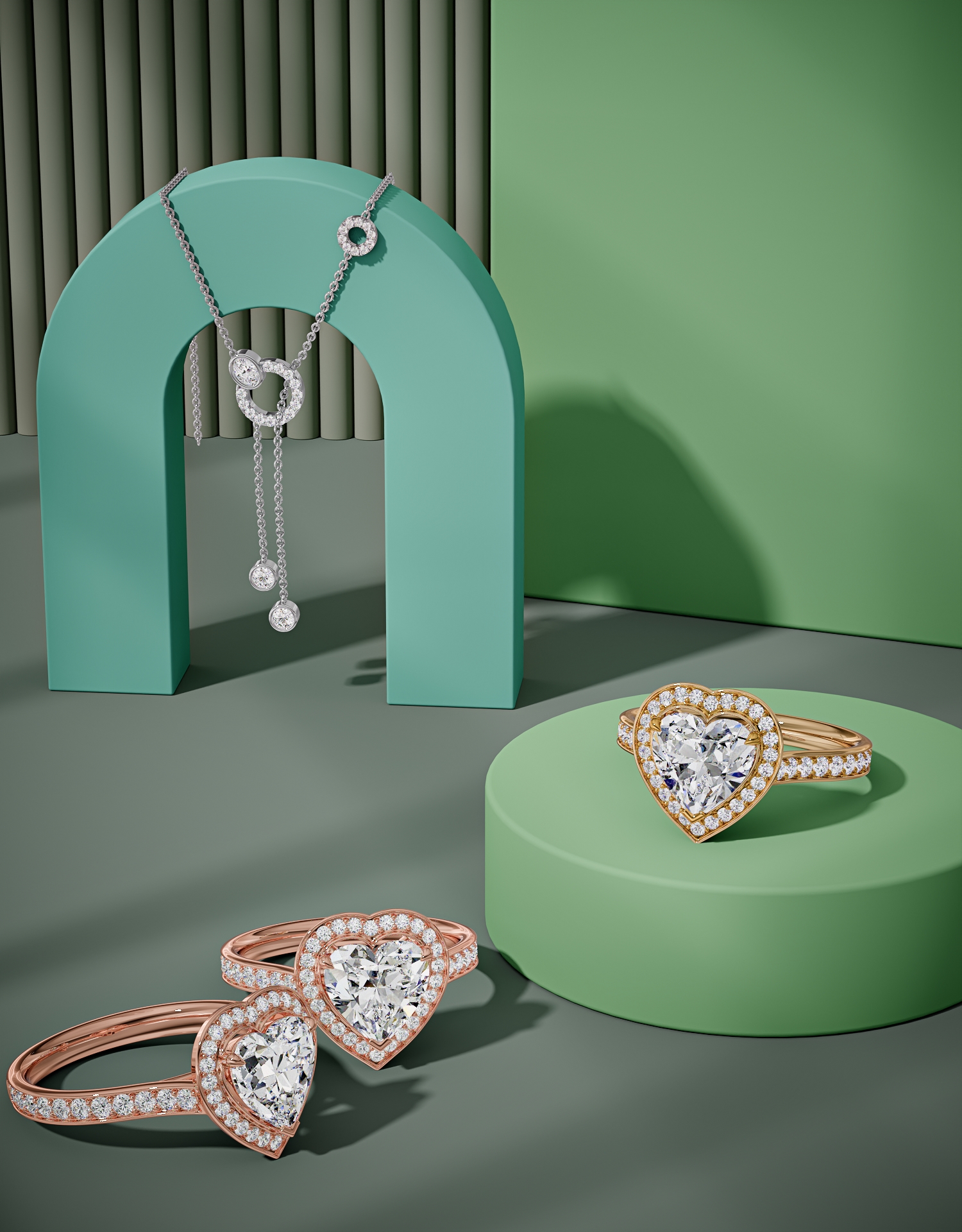
 Necklace & Pendant RenderingChains that drape like real gold, pendants that catch real light.$15 per CAD file
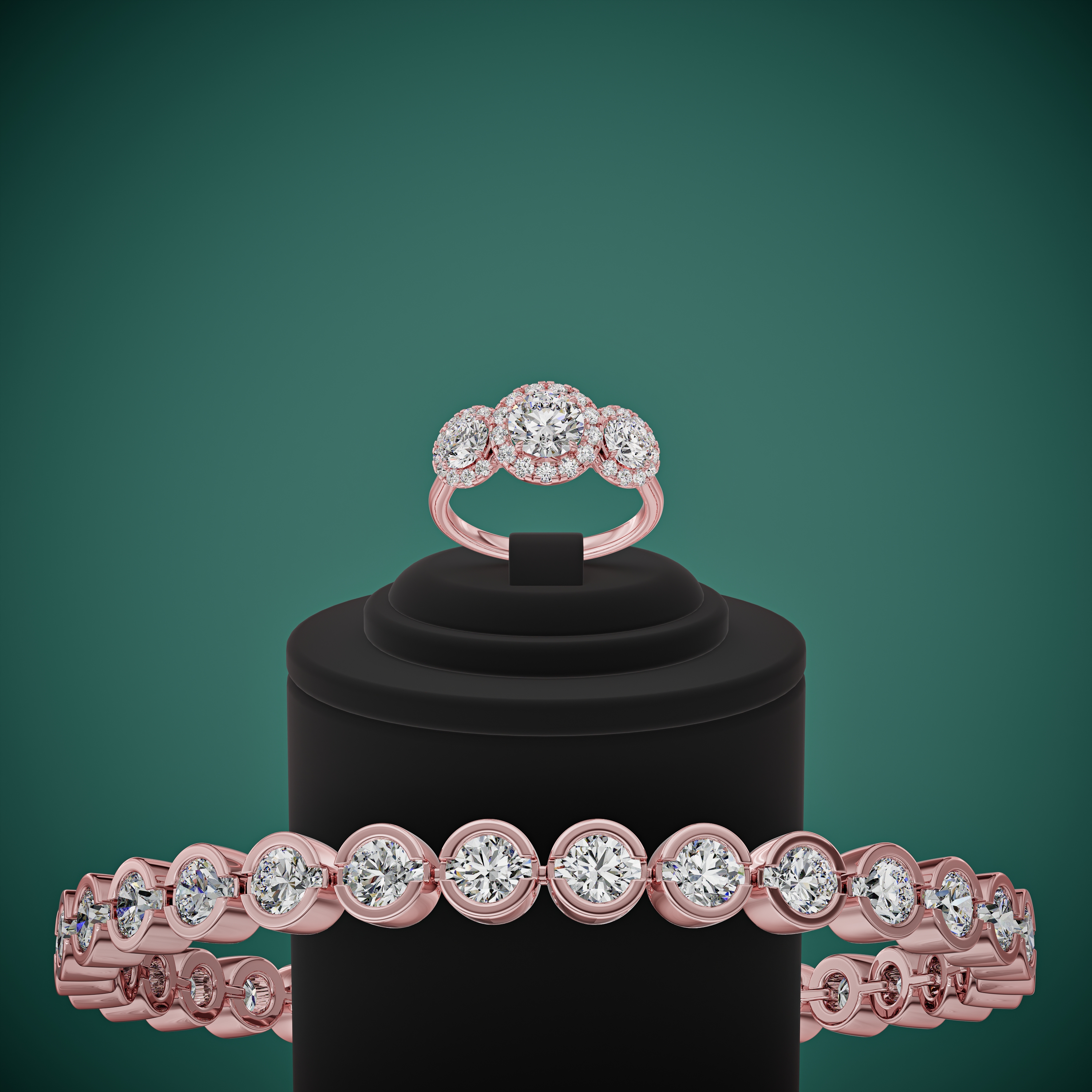
 Bracelet & Bangle RenderingTennis bracelets, cuffs, and bangles with real weight on the wrist.$15 per CAD file
 Gemstone & Diamond RenderingFire, brilliance, and body color, faithful to the cut chart.$15 per CAD file
 Jewelry Catalog RenderingHundreds of SKUs, one consistent look, one predictable invoice.$15 per CAD file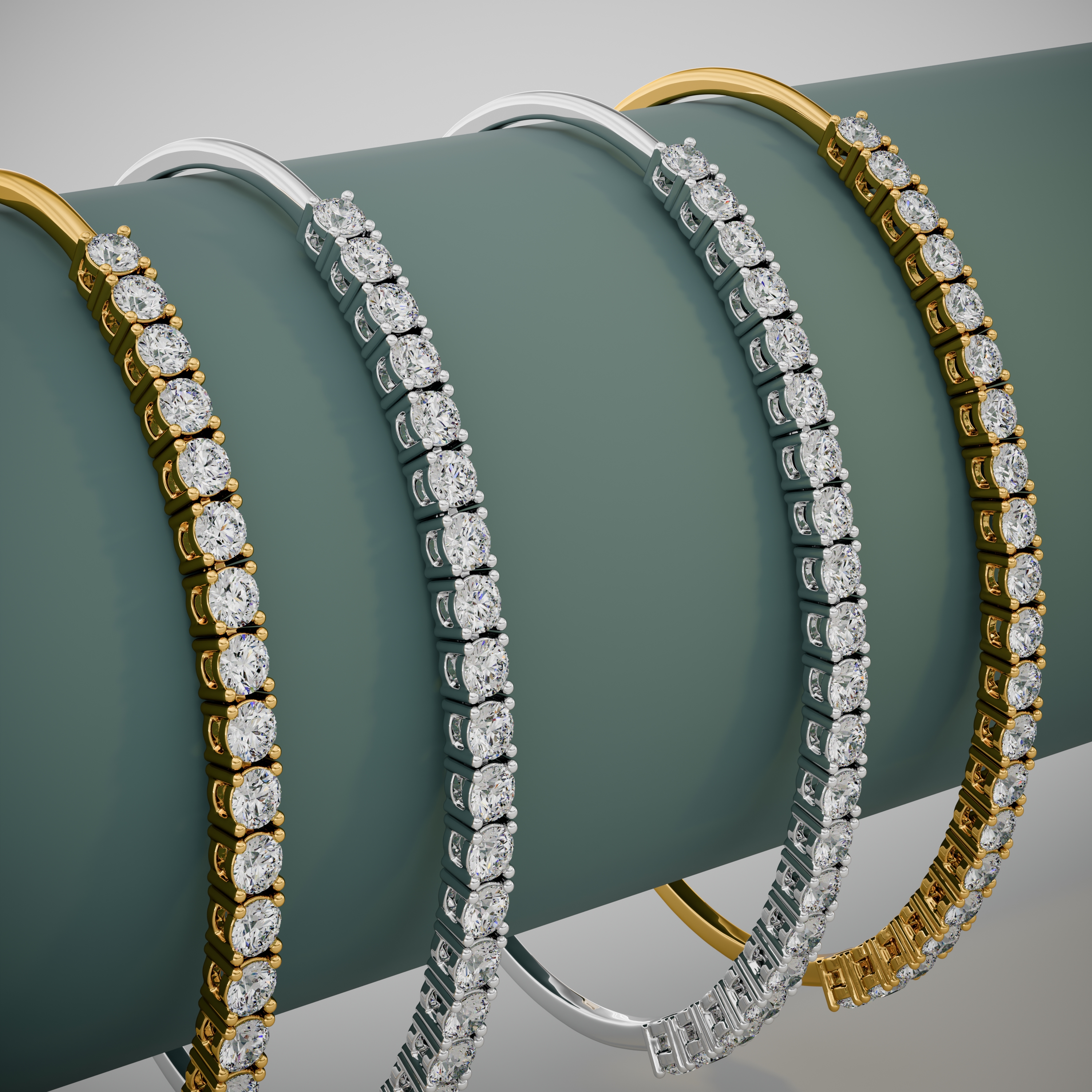
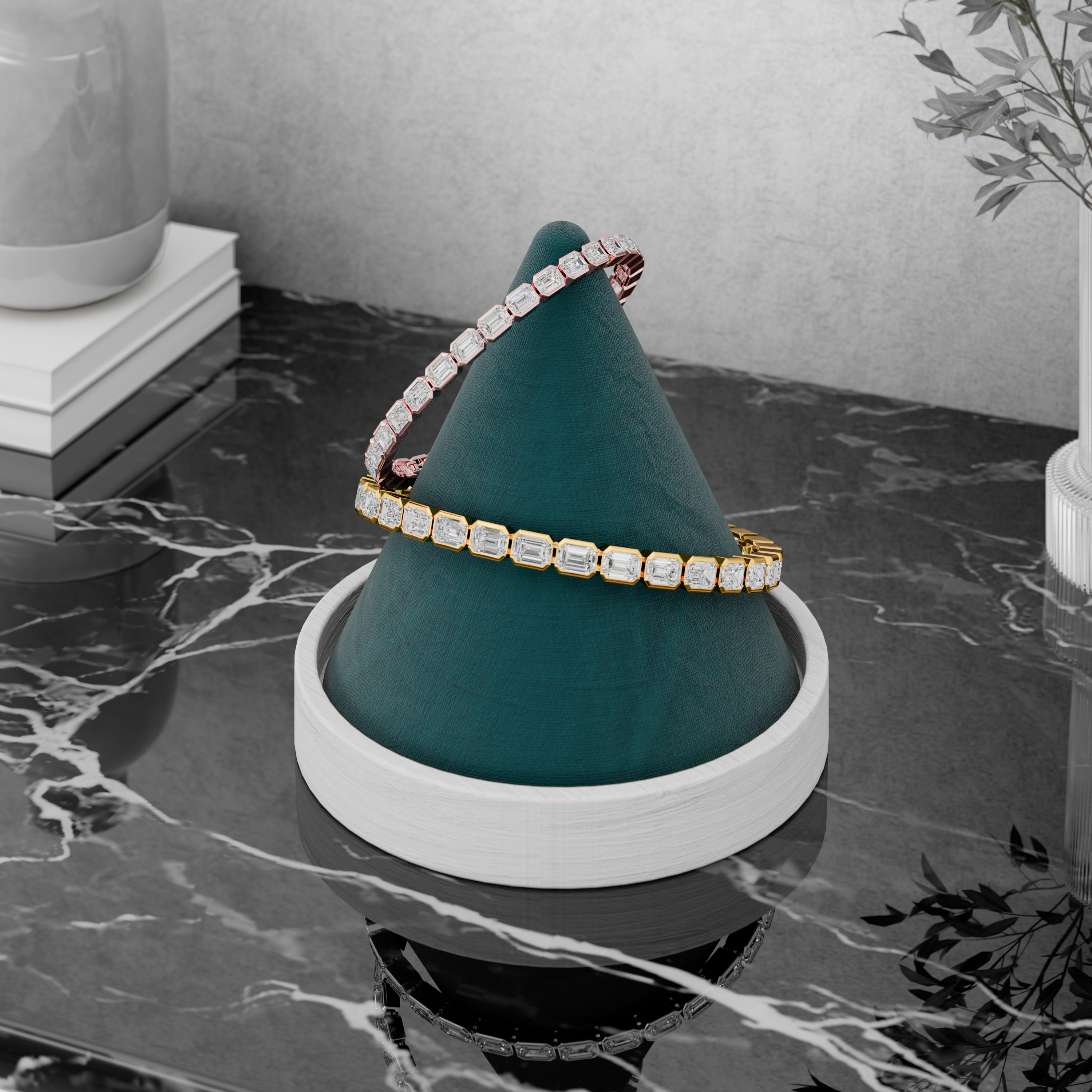
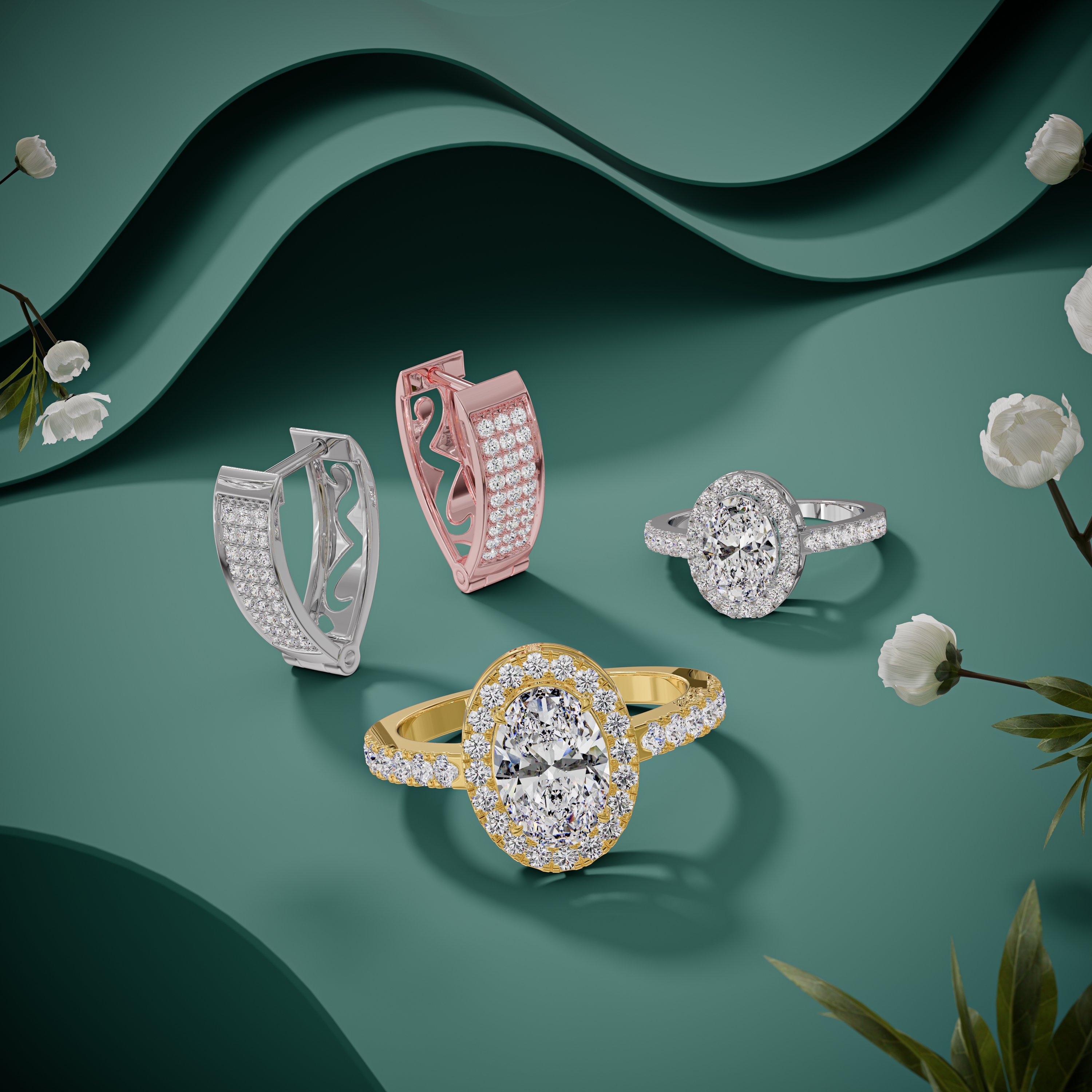
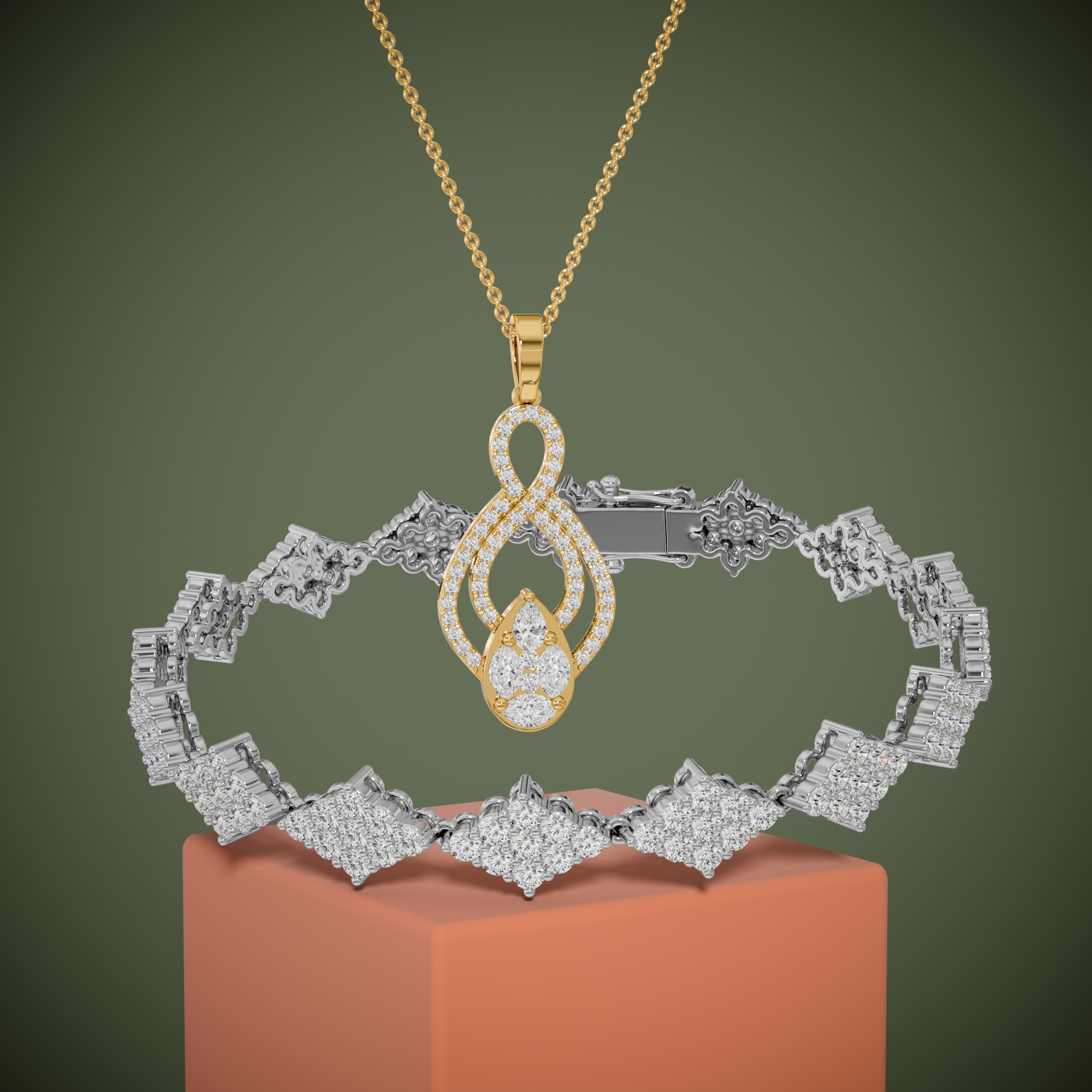
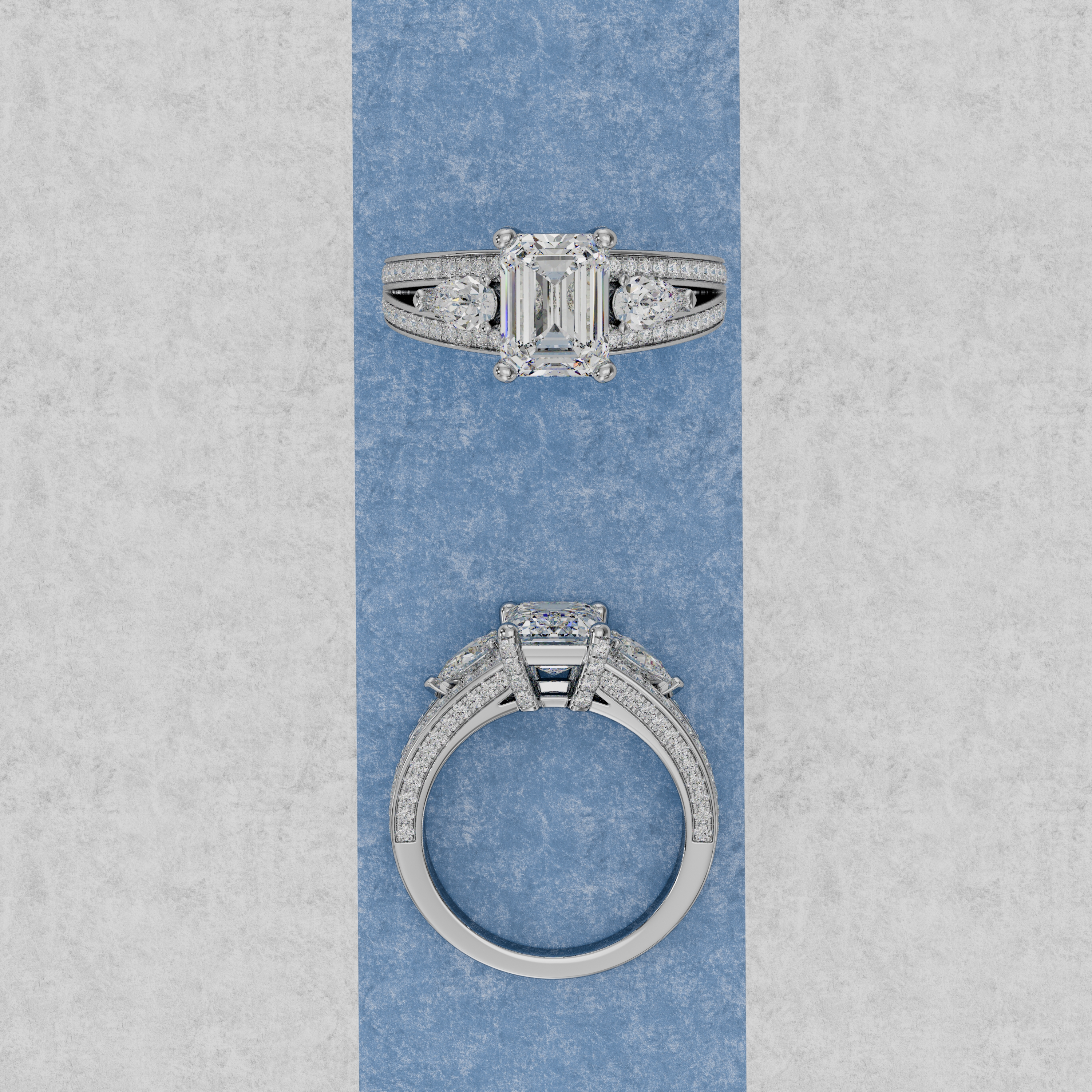
$15USD per CAD file.
Regular $30. No subscriptions, no minimums, no sales call.
See the quality on your own design before you spend a dollar.
- 3 Rose Gold images
- 3 White Gold images
- 3 Yellow Gold images
- 9 HD images in total
- 3 videos (one per metal)
- White background, ecommerce-ready
- Fast delivery
How it works
From your file to your store in four steps.
- 01
Send your CAD file
3DM, STL, OBJ, or STEP. No CAD? Send a sketch or photo and we model it first.
- 02
Approve the preview
You see a proof before we produce finals. Two revision rounds are included.
- 03
We render all nine views
Rose, white, and yellow gold. Stones follow your chart, metal follows your spec.
- 04
Download and sell
9 HD images and 3 videos, named by SKU, sized for Shopify, Amazon, and Etsy.
Built for the trade
Different businesses, the same need: jewelry that sells before it is made.
In their words
"The renders were on our product pages before our old photographer had even confirmed a shoot date. Quality is honestly better than the photos were."
"We sent 212 CAD files from our archive. Every render came back consistent, named by SKU, and on schedule. Our buyers order from the catalog now."
"My clients approve custom pieces from the render alone. I stopped making wax models for approval two years ago and never looked back."
Common questions
What file do I send you?
Send a CAD file in 3DM, STL, OBJ, or STEP format. No CAD? Send a sketch or a photo and our CAD team will model the piece first.
How long does a render take?
Standard turnaround is 24 to 48 hours per file. Bulk catalog orders run on a weekly delivery schedule that we agree on before starting.
What does a render cost?
One flat price: $15 per CAD file (regular $30, launch offer). That covers 9 HD images and 3 videos, with your piece rendered in rose, white, and yellow gold. Full details are on our pricing page.
Do you sign an NDA?
Yes, before we open a single file. We work with unreleased collections every week and confidentiality is standard practice, not an add-on.
What formats do I get?
Final images come as JPG, PNG with transparency, and layered TIFF, at 3000 x 3000 px or larger. The three videos come as MP4 and WebM.
How many revisions are included?
Two rounds are included with every order. You review a preview before final delivery, so most orders are approved on the first pass.
Can you match my existing product photos?
Yes. Send two or three photos from your current catalog and we match the lighting, angle, and background so new renders blend in.
See your piece rendered, before you spend a dollar.
Send one CAD file. We render it in all three golds and send it back free, so you can judge the quality on your own design.
- Free sample render
- NDA before we open your file
- Reply within one business day