AI Jewelry Design: What It Can Do, and Why AI Images Still Need a CAD File
AI jewelry design tools turn ideas into realistic visuals quickly, but images alone aren't ready for manufacturing. Learn why 3D CAD files are essential for accurate dimensions, stone settings, and production-ready jewelry designs.
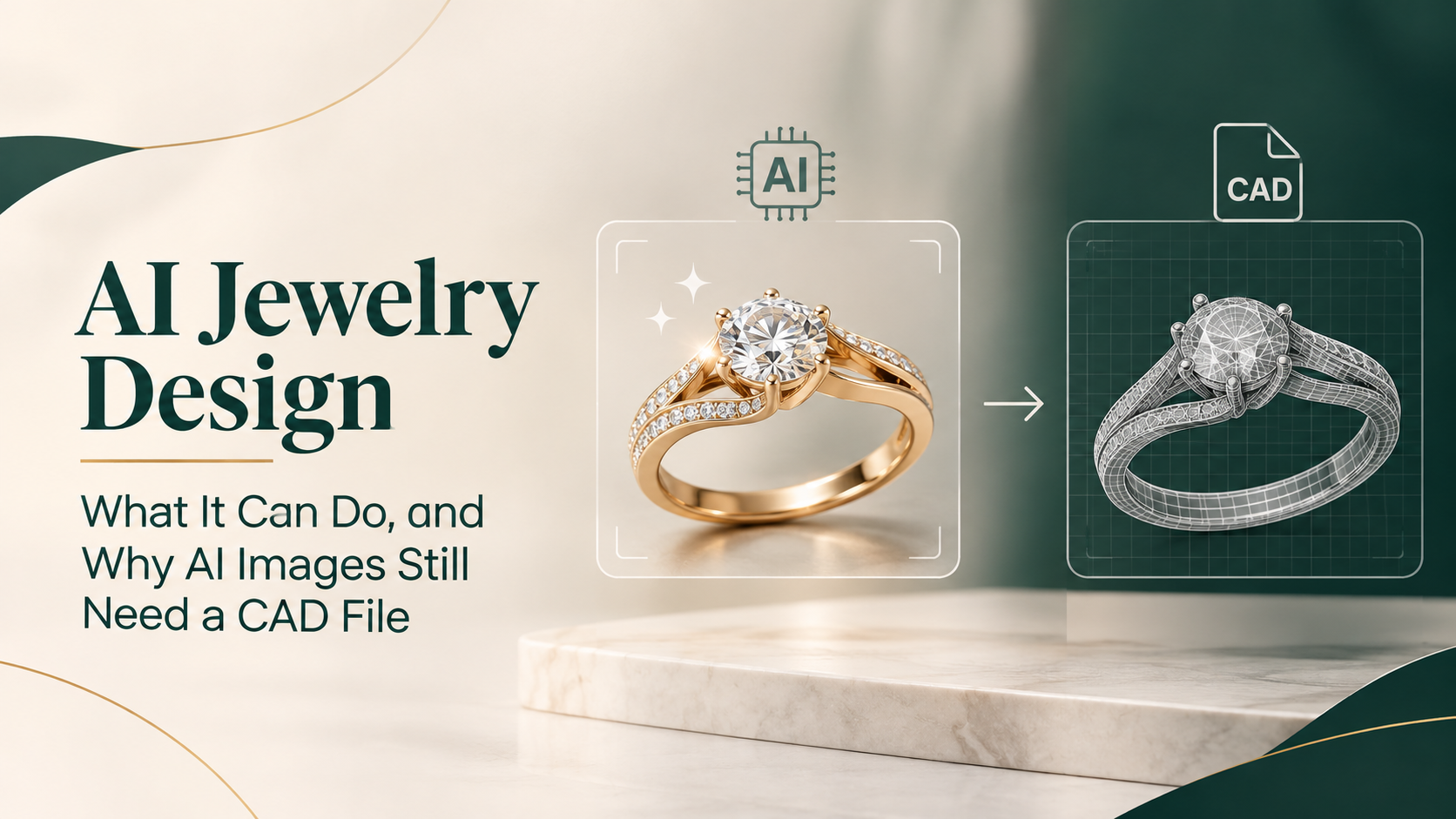
AI jewelry design tools turn a text prompt or a rough sketch into a convincing concept image in seconds. They are good for exploring ideas and for briefing a designer. They do not produce a file anyone can cast. An image has no dimensions, and even the tools that output a 3D model leave prongs, stone seats, and tolerances to someone who knows the bench.
So use AI to choose a direction, then build that design in CAD before you cast, render, or sell it. That is the whole conclusion, and the rest of this post is the reasoning.
What AI Jewelry Design Tools Actually Produce
The tools on the first page of search results in November 2026 fall into two groups, and they produce different things. Neither group produces what a caster or a manufacturer calls a production file.
Image generators. Most AI jewelry generators work this way. You type a prompt ("18k rose gold toi et moi ring, pear and oval, thin pave band") or upload a sketch, and the tool returns pictures that look like product renders. There is no geometry behind them. They are flat images.
Text-to-3D generators. These return a mesh you can spin around and export as an STL file. The shape is real, but the measurements are not. One vendor's own FAQ says its tool generates the form, not parametric measurements, and leaves ring size, wall thickness, and tolerances to you.
In November 2026, at least one jewelry-specific platform advertises a ring builder that checks a model for casting. The one checked for this post was in beta, worked on rings only, and its own documentation says halo and multi-stone rings need closer checking.
Here is how the three kinds of output compare:
|
Question |
AI image |
AI 3D mesh |
Production CAD |
|---|---|---|---|
|
Real dimensions |
No |
Approximate |
Yes |
|
Stones at buyable sizes |
No |
No |
Yes |
|
Castable as delivered |
No |
Simple shapes only |
Yes, after checks |
|
Editable by a manufacturer |
No |
Barely |
Yes |
Where AI Earns Its Place: Ideas And The Brief
The honest case for AI jewelry design is speed at the start. A prompt takes seconds, so you can test a shank profile, a halo shape, and three metal colors in one sitting, then throw away what does not work. Nothing has been modeled, cast, or paid for.
That speed is useful in four places:
- Mood boards and range planning. Show a buyer or a founder the feel of a collection before anyone pays for modeling.
- Variations. See the same ring with a cathedral shank, a split shank, and a plain band side by side.
- Bridal and custom commissions. A client who cannot describe what they want can point at an image.
- The CAD brief. A reference image answers proportion and style questions that a written brief leaves open.
The last use saves the most. A clear reference image shortens the first CAD pass, because the designer is not guessing at the look. It is the one place where AI output goes straight into production work, as a reference rather than a file.
Why An AI Image Is Not A Jewelry CAD File
A CAD file is a manufacturing document. It sets how thick every wall is, where every stone sits, and how deep each seat is cut, which is what a 3D jewelry model actually holds. An AI image shows what a piece might look like from one angle, under one light, and nothing more. Every AI jewelry CAD design workflow has to cross that gap.
AI jewelry design fails in the same places every time:
Prongs. AI draws prongs that read as prongs at thumbnail size. Zoom in, and they stop short of the girdle, melt into the stone, or change count between views. A real prong has to reach over the girdle with enough metal to survive setting, and a picture cannot show either.
Stone seats. Real stones are cut to standard millimeter sizes, and each needs a seat cut to its own girdle and pavilion. AI draws stones at whatever size looks right. The CAD designer has to choose stones that exist and rebuild the layout around them, which changes the spacing and sometimes the outline.
Wall and shank thickness. A band that looks elegant in an image may be too thin to cast, size, or wear. Casters work to minimums, and the tolerances a caster expects are not something an image carries.
The back of the piece. The model drew only what its imaginary camera saw. The gallery, the underside of the bezel, the inside of the shank, and the way a pave band holds its stones from below are invented or missing. That is a large share of the CAD work.
The views disagree. Ask for a side view, and you get a slightly different ring. Stone count, prong positions, and band width drift from image to image, so there is no single design to build until someone decides which one it is.
Text-to-3D meshes fix the last problem and none of the others. Their stones are often fused into the metal as one solid, with no seat and no separate gem. You can print that, but nobody can set a stone in it.
What A Studio Does With An AI Image
When a client sends us an AI image, we treat it as what it is: a reference, the same as a sketch or a photo. The CAD model is built first, for an added fee, and the client approves it before anything is rendered. That is when modeling is a separate job, and an AI image always needs it.
The CAD stage keeps the look and rebuilds the structure: stones at sizes that can be bought, prongs with enough metal to hold, a shank thick enough to cast, and a back that is designed rather than guessed. Expect the approved model to differ from the AI image in exactly those places, and have your caster check it against their own minimums.
That difference is the point. The image showed what you wanted. The CAD file shows what can be made.
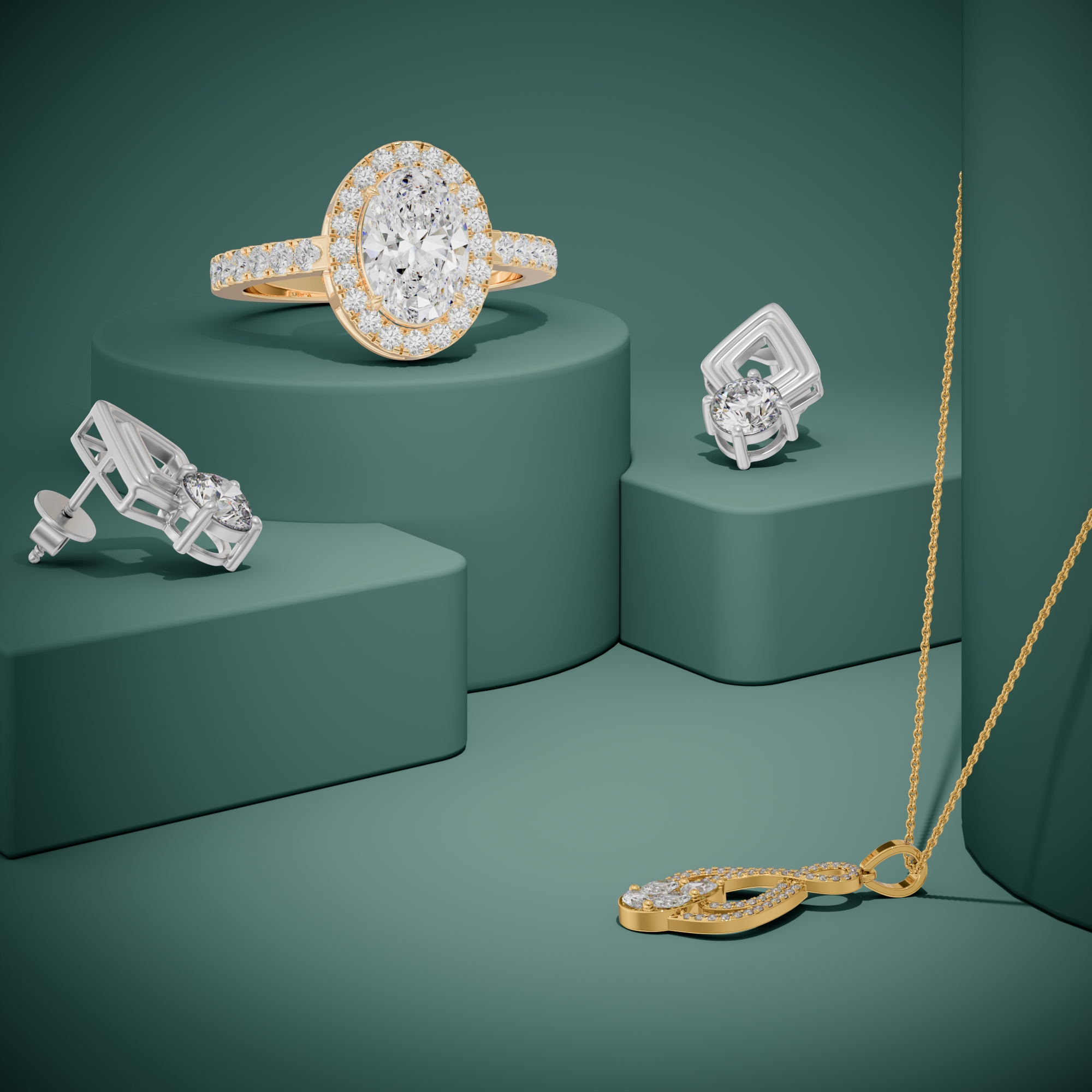
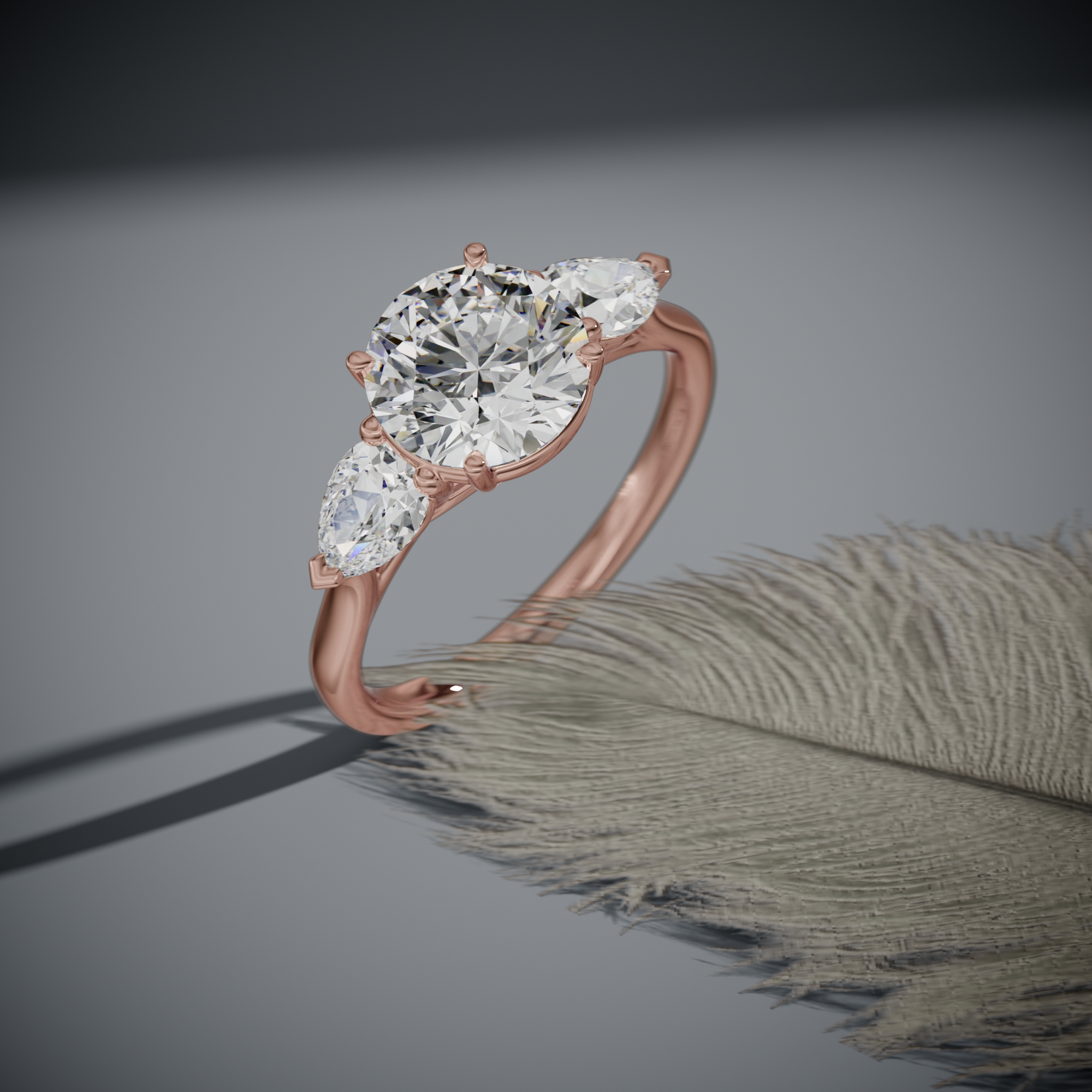
Once the CAD is approved, 3D jewelry rendering is the standard job. One file becomes 9 HD images and 3 videos across rose, white, and yellow gold, for a flat $15 per CAD file on the launch offer. Most orders ship in 24 to 48 hours. Every render is reviewed by someone with jewelry bench experience before delivery. Those images show the piece a customer would actually receive, not the one the AI imagined.
When AI Alone Is Enough, And When It Is A Risk
AI jewelry design on its own is enough more often than a studio would like to admit. If you need a mood board, an internal pitch, or a choice between three directions, an AI image does that job. Paying for CAD or rendering at that stage spends money before you know which design deserves it.
The same goes for some simple pieces. A plain band or a stone-free pendant from a text-to-3D tool may print and cast after a caster checks the wall thickness. No stones means no seats and no prongs, which removes most of what goes wrong.
The risks start when the AI image does a job it cannot do:
- Selling from the AI image. If you list or pre-sell a piece with an AI image, the customer receives the CAD version, which differs in stone size, prong placement, and proportion. Sell from a render of the buildable piece instead.
- Uploading an unreleased design. Read a tool's terms before you upload a sketch you care about. At least one free plan publishes what you make under an open license.
- Assuming you own the result. In the US, the Copyright Office's January 2025 report on AI and copyrightability concluded that protection needs a human author's expressive choices, and that the mere provision of prompts is not enough. Your own sketch and the human design work in a CAD model, stand on firmer ground.
Copyright rules differ by country, so take legal advice before you rely on protecting a design. For our part, an NDA is signed before any file is opened, and the client keeps ownership of the design.
From AI Concept To Castable File In Four Steps
AI jewelry design is a fine place to start a piece and a poor place to finish one. This is the order that keeps the speed and reduces the risk:
- Generate widely, then pick one. Settle on a single image, or a front and a side view you have checked agree with each other.
- Write down what the image cannot carry. Ring size, center stone shape and millimeter size, metal and karat, and any width or height you care about.
- Send the image and the numbers to a CAD designer. Expect the structure to change, and approve the model, not the picture.
- Render the approved CAD before you cast. You see the piece that will actually exist, and you can sell it before any metal is poured.
Once your concept is a CAD file, we render one file free, at full quality, once per prospect and with no payment details asked. Send us the CAD file and compare the render with the AI image you started from. The differences are the parts that had to be engineered.
Questions about AI Jewelry Design: What It Can Do, and Why AI Images Still Need a CAD File
Can you 3D print an AI-generated ring?
Yes, if the tool exports a mesh such as an STL and the mesh is one closed solid. Printing it is the easy part. Whether it casts, wears, and holds a stone is a separate question, and for a stone-set ring the answer is no until the seats and prongs are rebuilt in CAD.
Will AI replace jewelry CAD designers?
Not with the tools available in November 2026. The tools that output 3D still leave measurements, stone seats, and tolerances to a person, and the most advanced ring builder checked for this post was a beta limited to rings. What AI changes is the brief a CAD designer receives, not the work that follows it.
Are AI jewelry images accurate enough to show a customer?
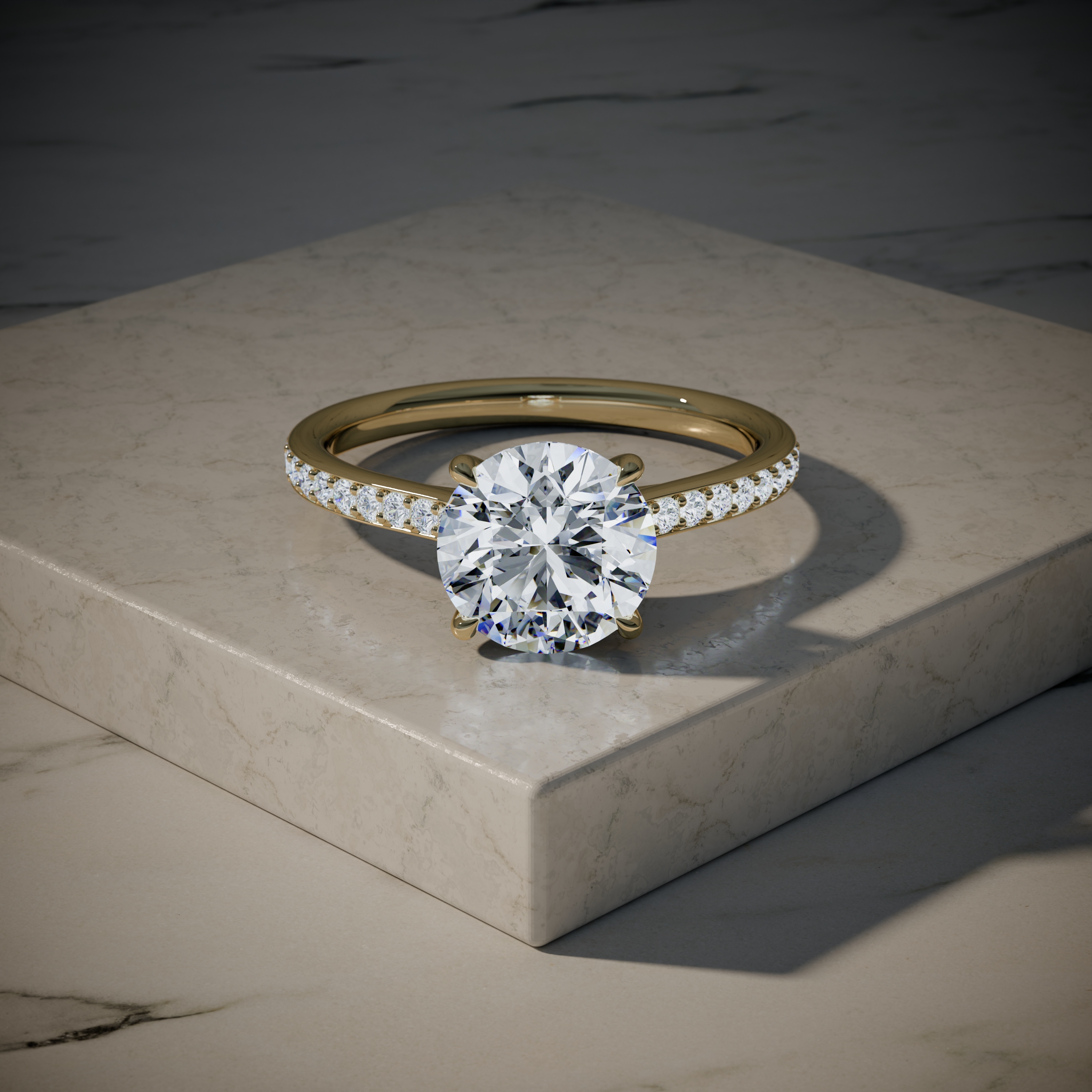
As a mood, yes. As a promise of what they will receive, no. An AI image shows plausible metal and plausible stones, not a specific stone at a specific size in a specific setting. A render made from the approved CAD file shows the exact piece.
Does a rendering studio accept an AI-generated 3D model?
We accept STL and OBJ, the formats text-to-3D tools export, alongside 3DM and STEP. A clean file renders at base price, and a broken export needs repair time first. A mesh with the stones fused into the metal needs the stones and seats rebuilt before a render can show them as real stones.
Can an AI tool turn a hand sketch into a CAD file?
Some tools take a sketch as input, but what comes back is an image or a mesh, not a CAD file with measurements. A sketch with the dimensions written on it is still the most useful thing to hand a CAD designer, with an AI image beside it for the look.
Curious how this works in practice? See the process, browse the portfolio, check pricing, or see all jewelry rendering services.